


- Free 30-day Returns
$99.00
Ships from United States.

Meet Your Seller

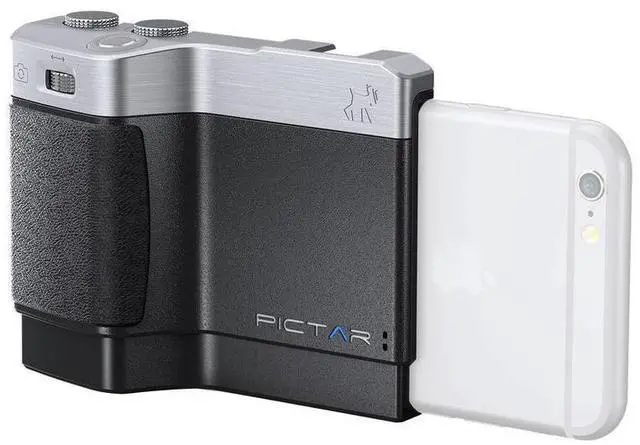
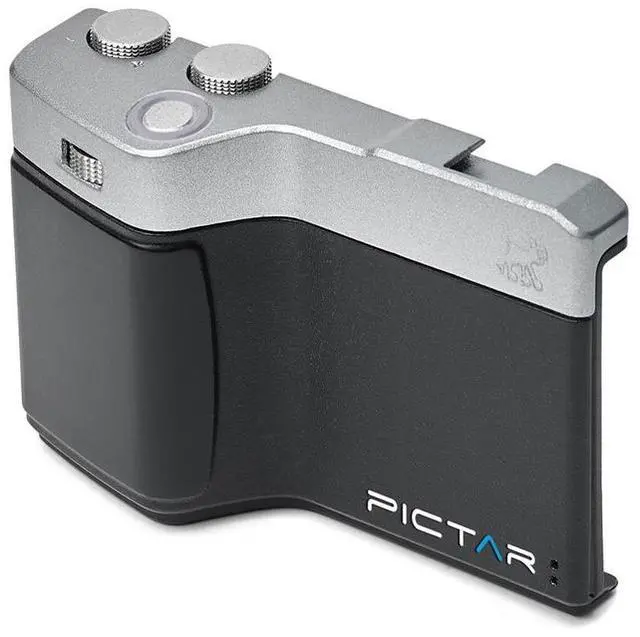
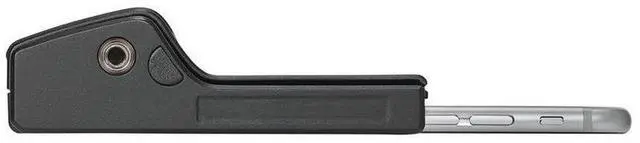
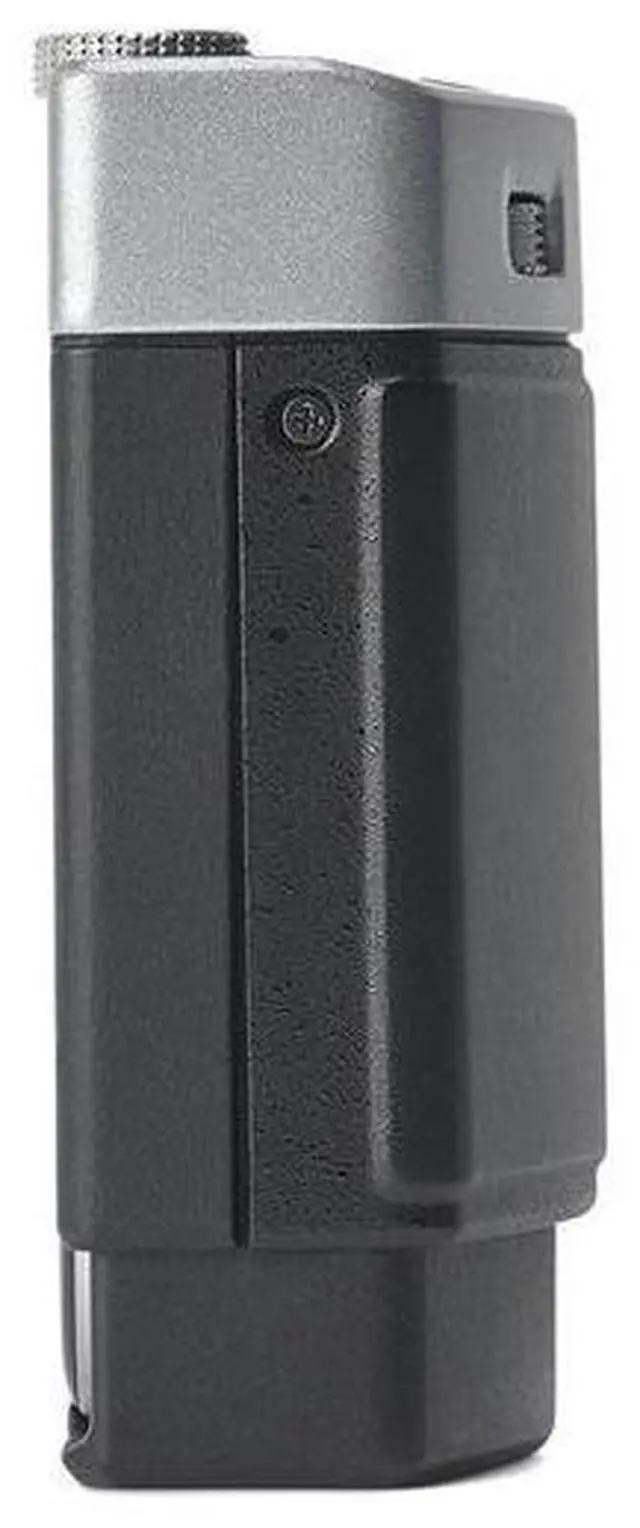
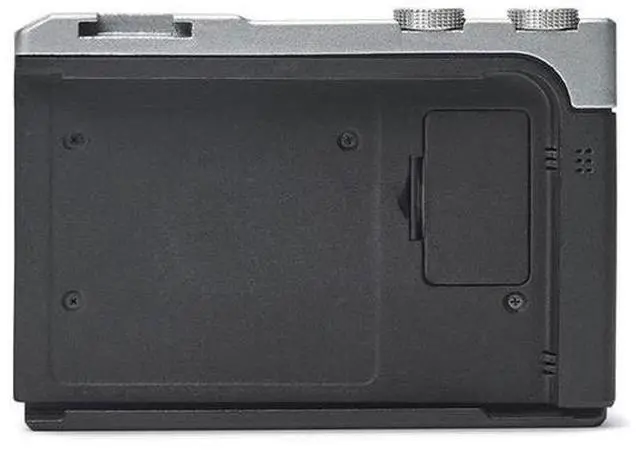


Pictar One Camera Grip for Select Smartphones #PT-ONEBS30
- Item #: 9SIV18MJ302003
- Mfr. Part #: PT-ONEBS30
- UNSPSC: 45121603
- Compatible with Any Device Less Than 2.7" Wide (IOS and Android)
- The best iPhone camera-grip ever built!
- Unleash the power of your iPhone's camera for much better pictures, time after time!
- Multi-State Shutter Release - Just Like a Pro
- The Zoom Ring - Zoom with only one hand
- The Selfie Button - Let the fun begin!
- Exposure Compensation Wheel
- The Smart Wheel
- The Virtual Wheel
- Ergonomic Grip
- Wrist & Neck Straps
- Pictar Padded Case
- Tripod Connection
- "Cold-Shoe" Mount
- Lens Ready
- Pictar App
- Device Compatibility
+
+
Overview
Specs
Reviews
The real thing - just like a pro DSLR!
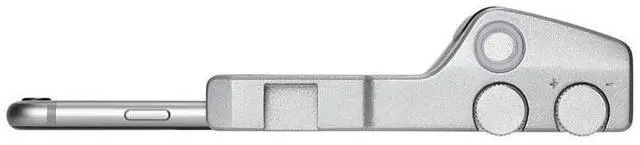
Electronically calibrated to provide maximum sensitivity, just like a traditional DSLR. Pictar's shutter button offers a "half press" mode to lock focus and exposure for easy tracking of a moving object or to create a desired composition, as well as full-press for immediate shutter release. The button is located right under the index finger to enable precise and intuitive shooting, with one hand.
Tip: if you're shooting in a cold environment, or taking pictures of extreme sports, you'll be happy to learn that with Pictar's shutter button you can now take pictures on an iPhone with your gloves!
Zoom with only one hand.
Located right below the shutter release button, the rotating zoom ring does away with the need to touch the screen to pinch-and-zoom, and makes it easy for the user to zoom in and out with just one hand. The zoom ring can also be re-programmed by user to suit specific needs, such as the flash, white-balance, etc. if that's the case, zoom in or out will be done by "pinching" the iPhone's screen, like before.
Let the fun begin!
Clicking the zoom ring will switch between the iPhone's front and back camera for easy "selfie" shots. Like the rotation of the zoom ring, the button can also be re-programmed by user to suit specific needs and control other settings.
Tip: Changed to "selfie" mode? Shooting one-handed? You can use the zoom ring for perfect composition, and shoot pictures you'll love to share.
Control light like never before!
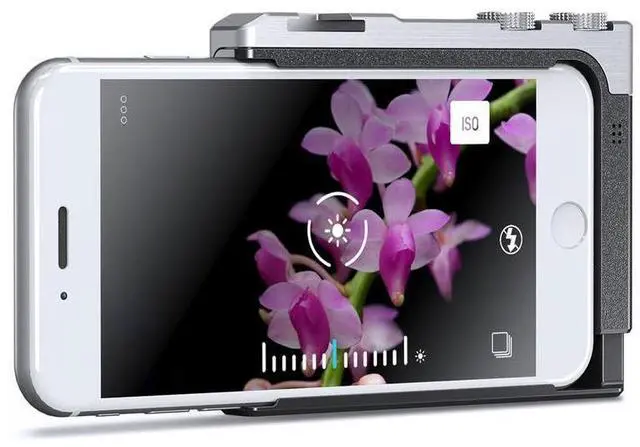
Strategically located in the right corner is the exposure compensation wheel, which lets the user quickly and easily control brightness level even before shooting. And just like with an advanced camera, the exposure compensation wheel changes the exposure in steps of 1/3 aperture, and the clear display appears at the bottom of the iPhone screen.
Tip: In manual mode, the exposure compensation wheel changes its designation and allows control of ISO values.
Fully customizable, the smart wheel allows users to control a variety of functions.
Beginners will love the ease of control - in default mode the smart wheel controls 7 pre-set modes, which enable users to easily adjust the iPhone to any situation while focusing on actually taking the shot. Pre-set modes are:
Auto mode
Landscape mode
Sport mode
Selfie mode
Video mode
Advanced photographers will feel right at home: the smart wheel lets you choose between 3 advanced modes:
Shutter priority
ISO priority
Manual (iPhone manual = Shutter + ISO adjustments).
The Virtual Wheel Another great feature that allows the user to control different modes such as Flash modes, Shutter speed, ISO and more - simply by using their thumb. Switching between modes is done by using the Smart Wheel.
Feel like you're holding a real camera
The iPhone is an amazing design icon, and we as designers are full of admiration for the people who brought it to the world - but let's face it: as a camera, it's nowhere near the comfort, safe feel and familiar grip of a traditional camera. So the second task we undertook - after developing advanced controls - was to design an ergonomic grip that would sit comfortably in one hand and let you take one-handed shots while holding it out the window of a speeding jeep. And we believe we did it!
Warranty & Returns
Warranty, Returns, And Additional Information
Warranty
- Please contact the Seller directly for warranty information. Warranty information may also be found on the Manufacturer's website.
- CONTACT
Return Policies
- Return for refund within: 30 days
- Return for replacement within: 30 days
- This item is covered by Adorama Return Policy
Manufacturer Contact Info
- For a directory of all our manufacturers, please click below.
- Manufacturers Directory
LOADING...