


- Free 30-day Returns
$499.00
Ships from United States.

Meet Your Seller

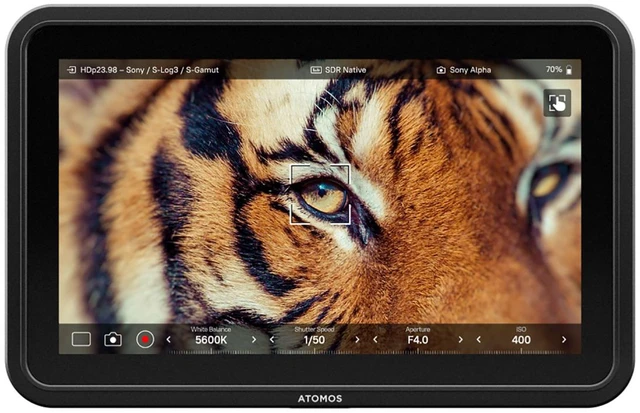
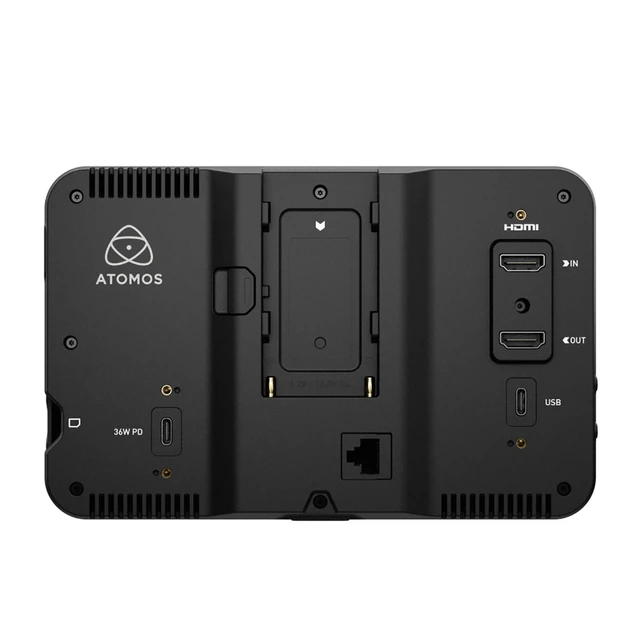
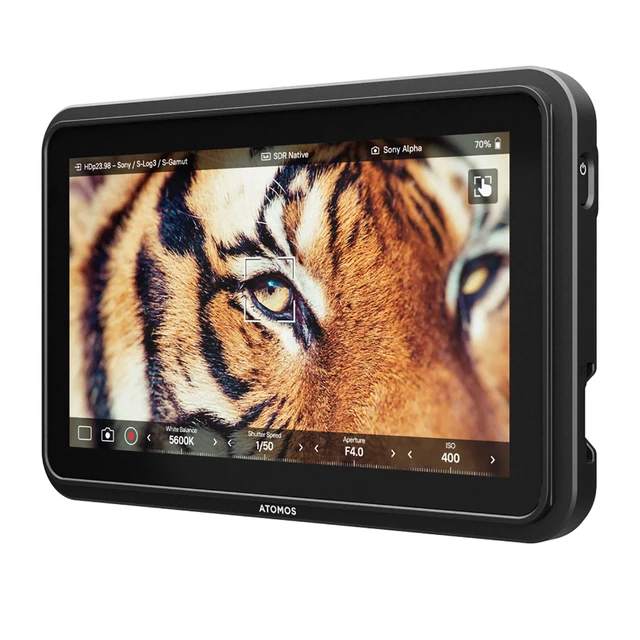
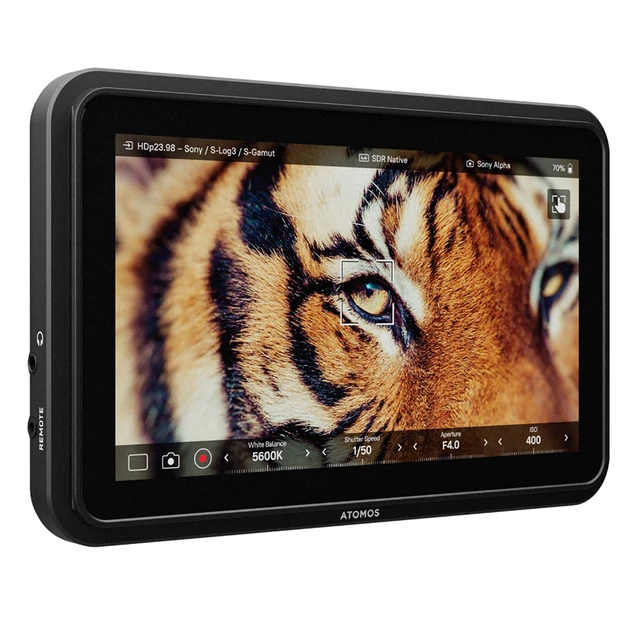
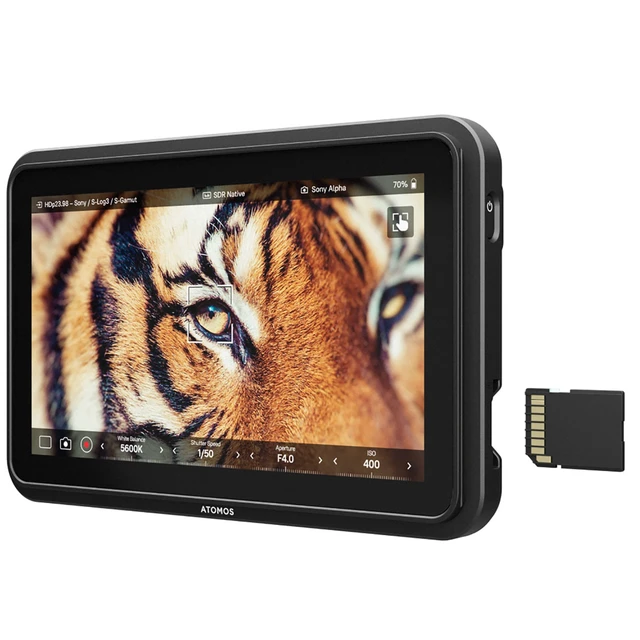
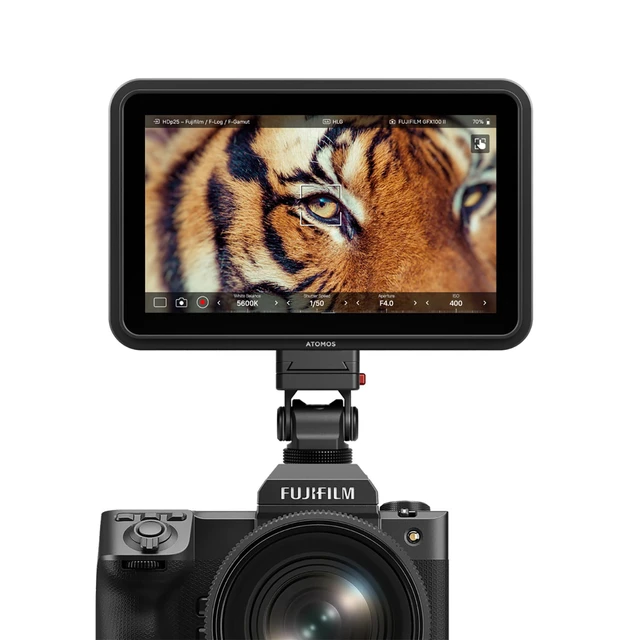
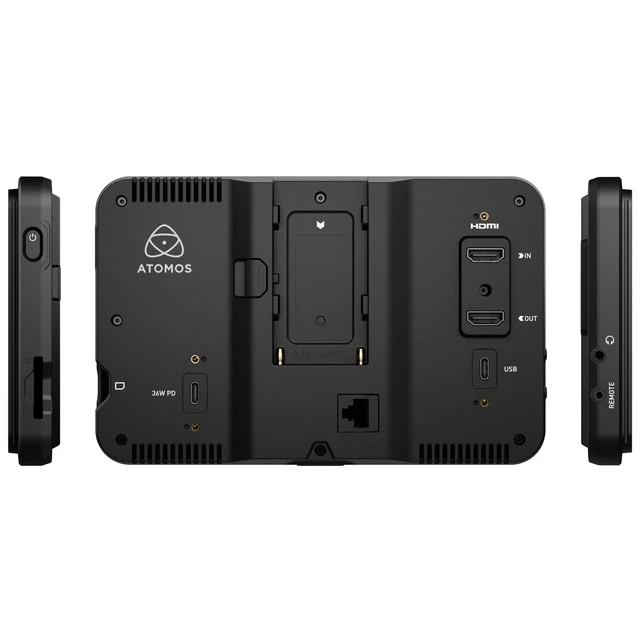


Atomos Shinobi 7 II 7" Full HD HDR On-Camera Monitor #ATOMSHB005
- Item #: 9SIV18MM8W5759
- Mfr. Part #: ATOMSHB005
- 7-inch HDR screen with a calibrated peak brightness of 2800nits
- HDMI input and output
- Camera control over USB-C
- Touch to focus
- Suite of professional monitoring tools, including waveform, histogram, focus peaking, EL Zone, and more
- Unique, multi-scope display enables several monitoring tools to be viewed simultaneously
- Stunning 10+ stops of dynamic range in real-time from Log/PQ/HLG signals
- 3D LUT support
- Integrated Ethernet connector
- Lightweight, but rugged design
+
+
Overview
Specs
Reviews
Shinobi 7 II combines a larger 7-inch HDR screen, with a calibrated peak brightness of 2800nits, and the lightweight monitor-only functions of Shinobi. Can be used in the brightest of environments to monitor signals up to 4Kp30 via HDMI. Take control of Canon, Fujifilm, Nikon, Panasonic, and Sony cameras via USB-C, plus Z CAM cameras via optional USB-C to serial cable. It's an ideal director's monitor, focus puller's monitor, program or preview display for video switchers.
Camera Control
The camera control interface has been designed with a focus on common settings that need to be adjusted on a shot-by-shot basis.
Harnesses the versatility of USB-C to allow for the widest possible compatibility with most modern mirrorless and DSLR cameras. See website for camera compatibility list. Set the camera's focus point from the touchscreen and use on-screen sliders to adjust white balance, lens aperture, shutter speed/angle and ISO with immediate and responsive access to these settings.
Red border indicates when the camera is recording internally, whether triggered by the camera or from Shinobi 7 II. The shutter-release function lets you take photos directly from Shinobi's touchscreen - particularly useful when shooting multiple exposures for HDR bracketing, focus stacking, or similar workflows.
Camera Status Indicator
Overview of the camera's internal record settings, battery charge & remaining record time.
Touchscreen Control
Easy-to-navigate, user-friendly interface; includes touch to focus.
Monitoring Tools
Access familiar tools for focus, exposure & framing to get the perfect shot on set.
2800 NIT HDR Display
Work under any lighting conditions
9 Grid & Frame Guides
Perfect for social media content creators & filmmakers alike.
Camera Control
Intuitive, easy-to-use camera control sliders for precise exposure adjustment.
USB-C Power
Power the monitor through its USB PD input.
SD Cars Slot
Easily install LUTs and firmware updates using an SD card.
Outdoor/daylight shooting
The exceptionally bright 2800-nit display makes it easier to assess contrast, exposure, and focus when shooting outdoors in bright sunlight. HDR monitoring and comprehensive exposure tools also help users identify clipped highlights, crushed blacks, and other image problems when capturing high-dynamic-range scenes.
Director's monitor
The large, bright display gives directors, focus pullers, and script supervisors a clear view of the image on set. Its portable design makes it easy to reposition as camera angles and production requirements change.
Log/HDR workflows
When shooting in Log, Shinobi 7 II can preview how the image may appear after grading. HDR conversion, scopes, and LUT support help users make more informed exposure and composition decisions on set.
Warranty & Returns
Warranty, Returns, And Additional Information
Warranty
- Please contact the Seller directly for warranty information. Warranty information may also be found on the Manufacturer's website.
- CONTACT
Return Policies
- Return for refund within: 30 days
- Return for replacement within: 30 days
- This item is covered by Adorama Return Policy
Manufacturer Contact Info
- For a directory of all our manufacturers, please click below.
- Manufacturers Directory
LOADING...