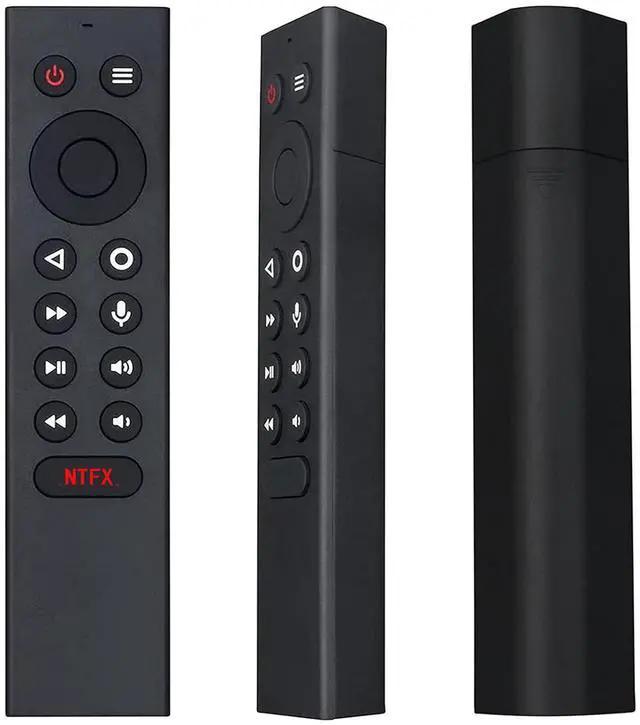
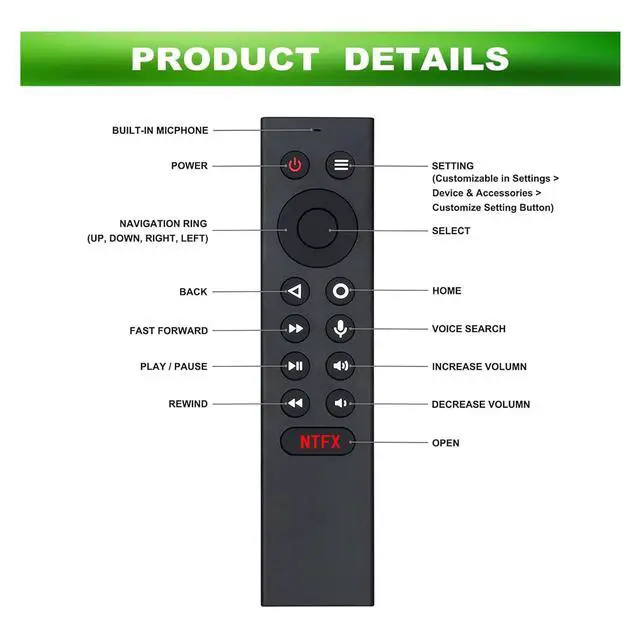
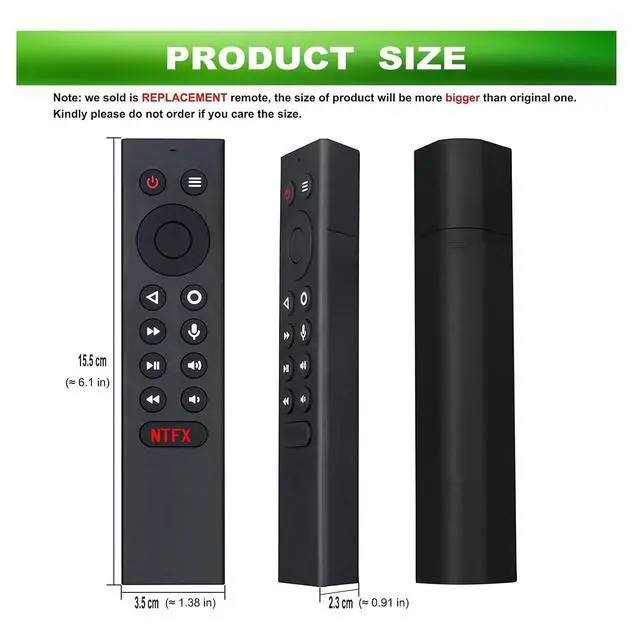
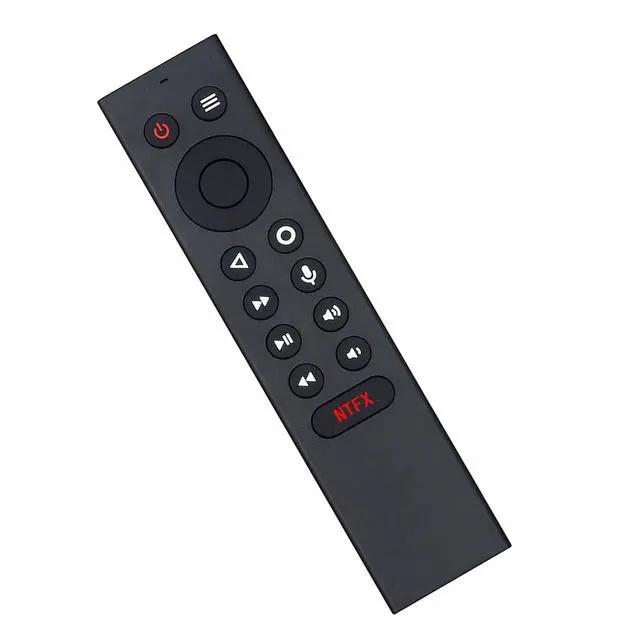
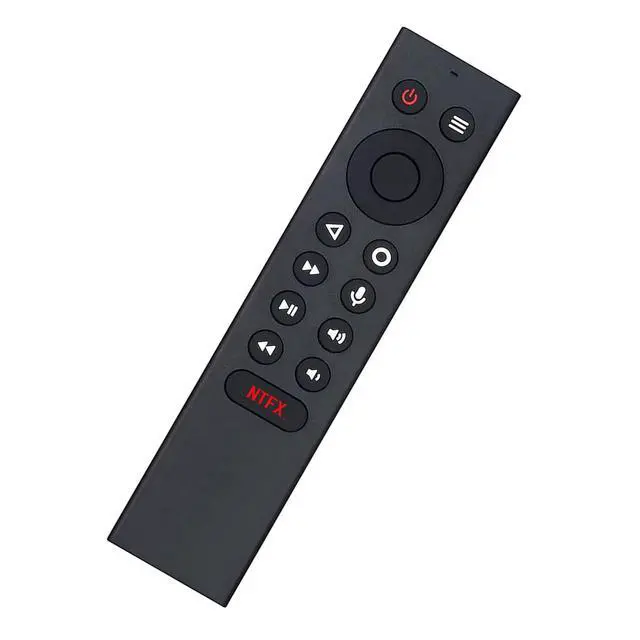
P3700 Replacement Voice Remote Control, designed for NVIDIA SHIELD TV Pro and NVIDIA SHIELD TV 2017/2019 models.
Compatible Models: Nvidia Shield TV 4K HDR Player, Nvidia Shield TV Pro 4K HDR Player, and Shield TV 2017/2019 models.
Notice: NOT a universal remote and without backlight function. This is a replacement remote control. Please unpair your old remote, then pair this new remote with your device before use. With Motion-Activated, you can easily control your TV via Voice Search and Customizable Menu Buttons.
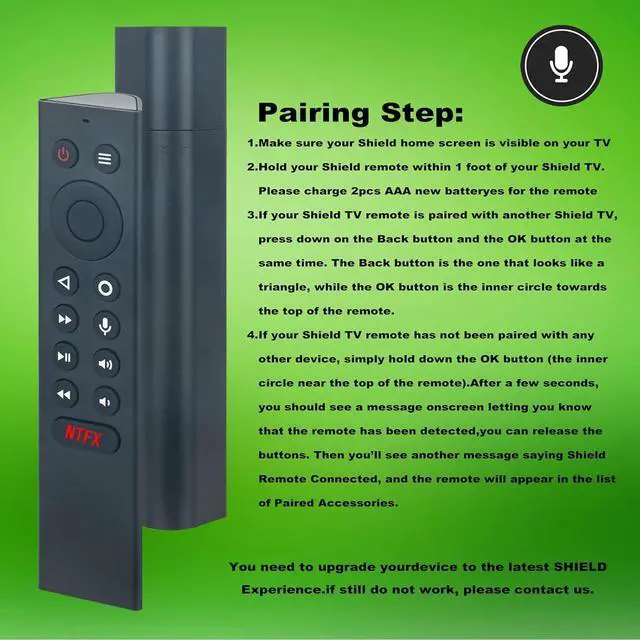
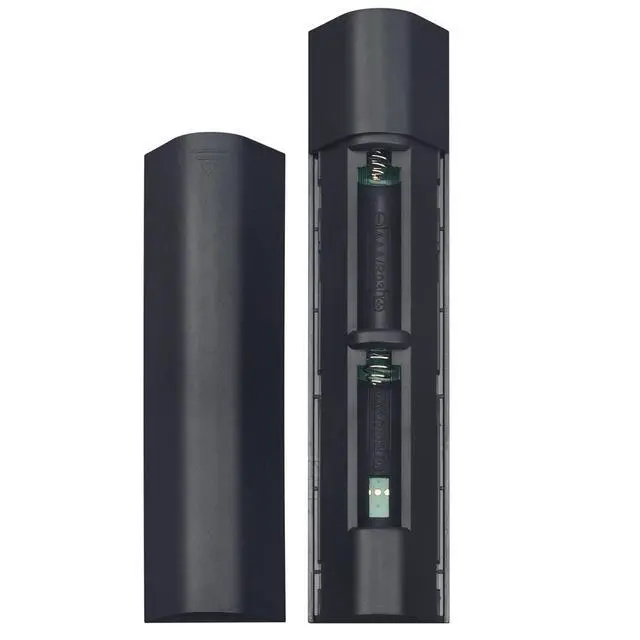
Pairing Steps: 1. Make sure your Shield home screen is visible on your TV. 2. Hold your Shield remote within 1 foot of your Shield TV. Please power it with 2 pcs AAA new batteries. 3. If you are pairing a new remote, press and hold the Select button on your remote until the remote light flashes. If your remote has been paired to a different Shield device, press and hold Home and Back until the remote light flashes. (Please remove the battery from your old remote when you pair a new remote. )
Kindly Reminder: When pairing the remote, you must be close to your TV box within 10-50 centimeters and hold the "OK" key to pair until the TV displays pairing success. 1. Please insert two batteries. 2. Press and hold BACK key and HOME key together for 3-5 seconds. The indicator light flashes and enters pairing status. After pairing is successful, the indicator light will go out