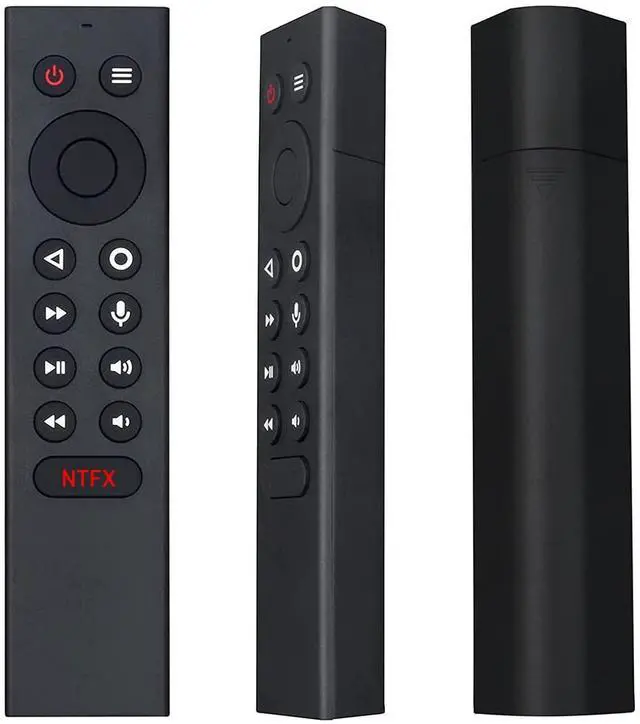
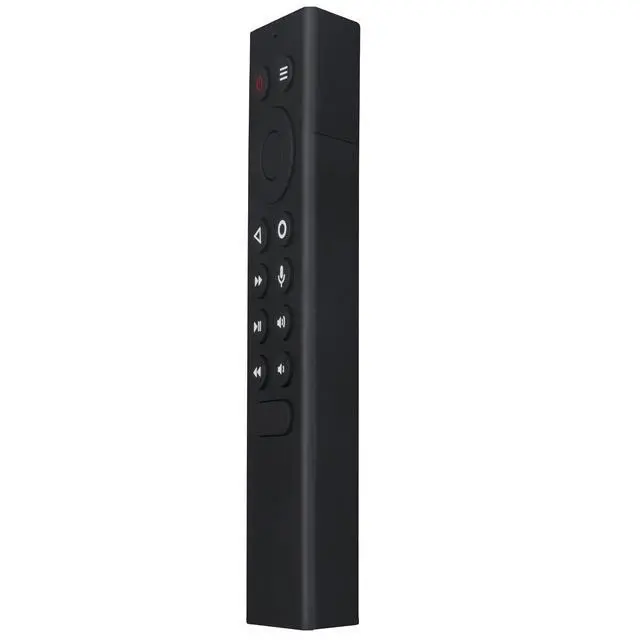
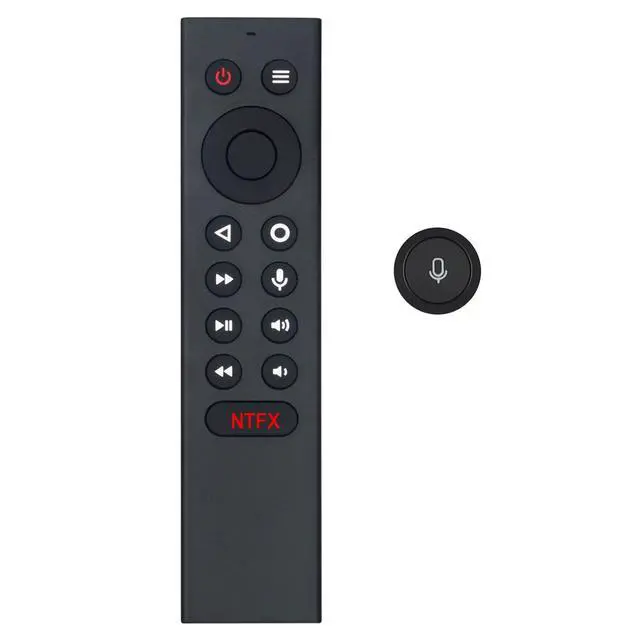
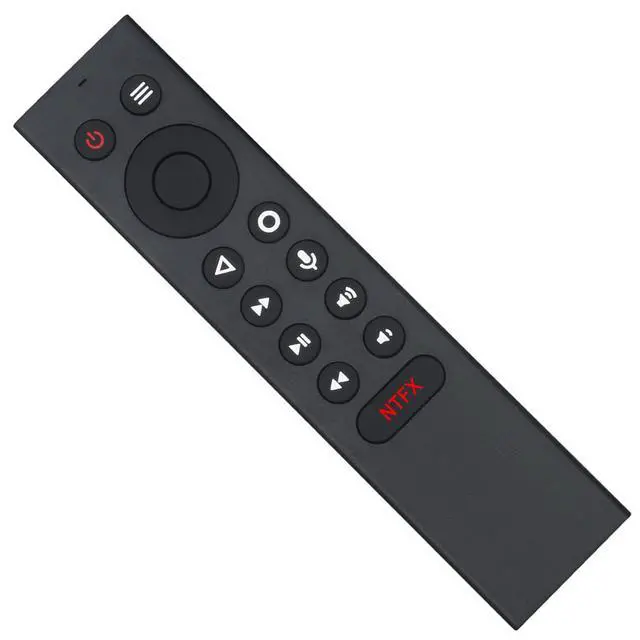
New P3700 Replacement Remote Control Compatible with NVIDIA Shield TV 2015, 2017, 2019 and NVIDIA Shield TV Pro 4K HDR, featuring Motion-Activated, Customizable Menu Buttons and IR Function - No backlight function. Please unpair your old remote, then pair this new remote with your device before use.
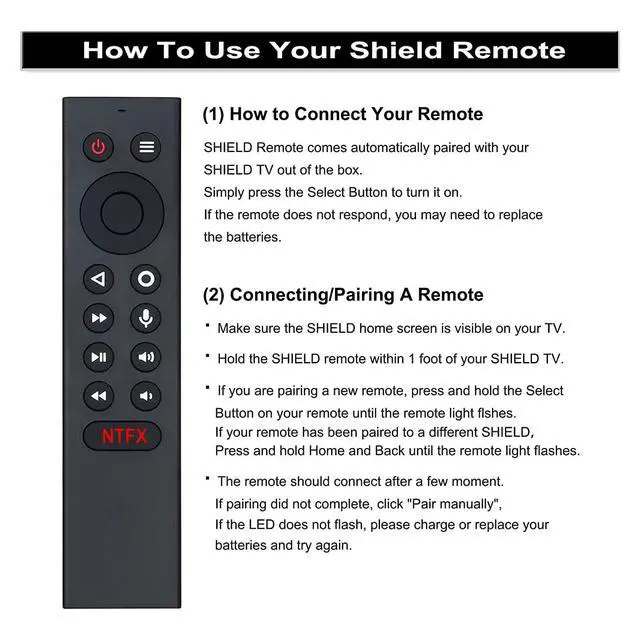
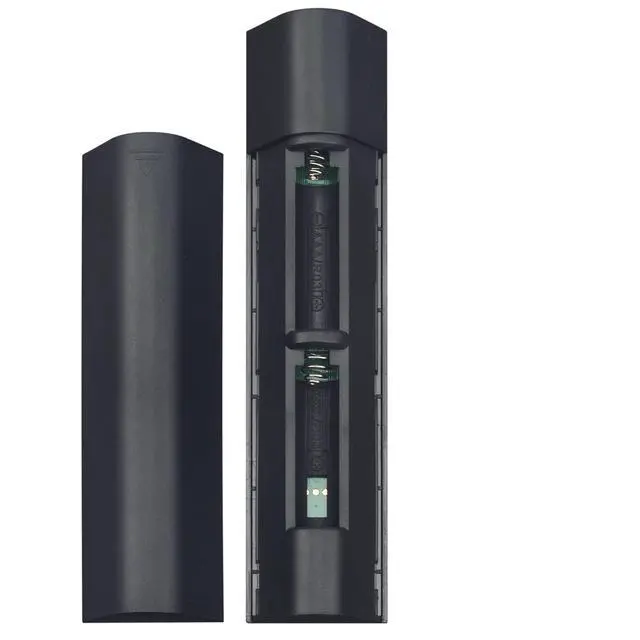
Pairing Steps: 1. Ensure your Shield home screen is visible on your TV. 2. Hold your Shield remote within 1 foot of your Shield TV. Power it with 2 pcs of new AAA batteries. 3. If pairing a new remote, press and hold the Select button until the remote light flashes. If your remote has been paired to a different Shield device, press and hold Home and Back until the remote light flashes.
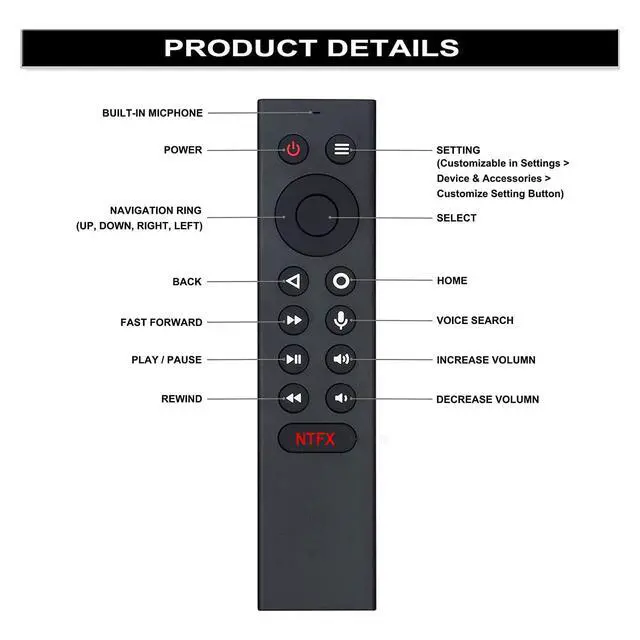
Customize Menu Button: You can customize your menu button with more than 25 choices via the replacement remote. Launch your favorite app, enable AI upscaling, or mute your sound, and more! Different options can be assigned to up to 3 actions: single press, double press, long press.
Easy to grip: The lightweight and ergonomic design ensures a comfortable grip. The buttons have good elasticity; a light press is sufficient for perfect operation



 All Categories