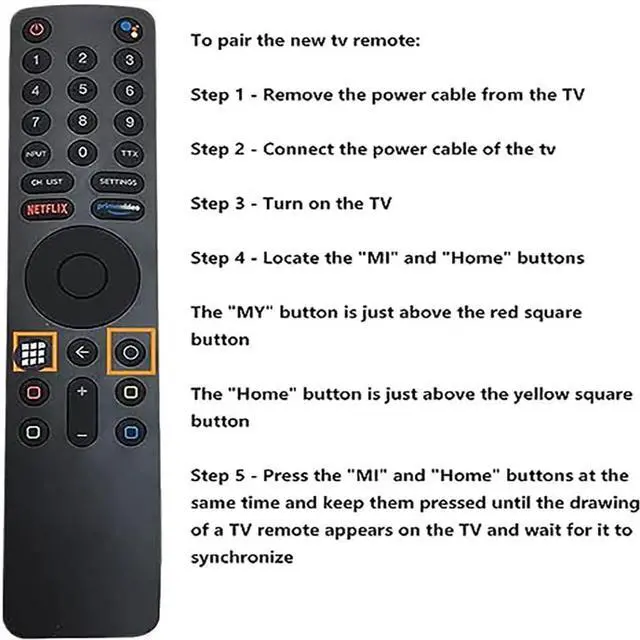
To pair the new
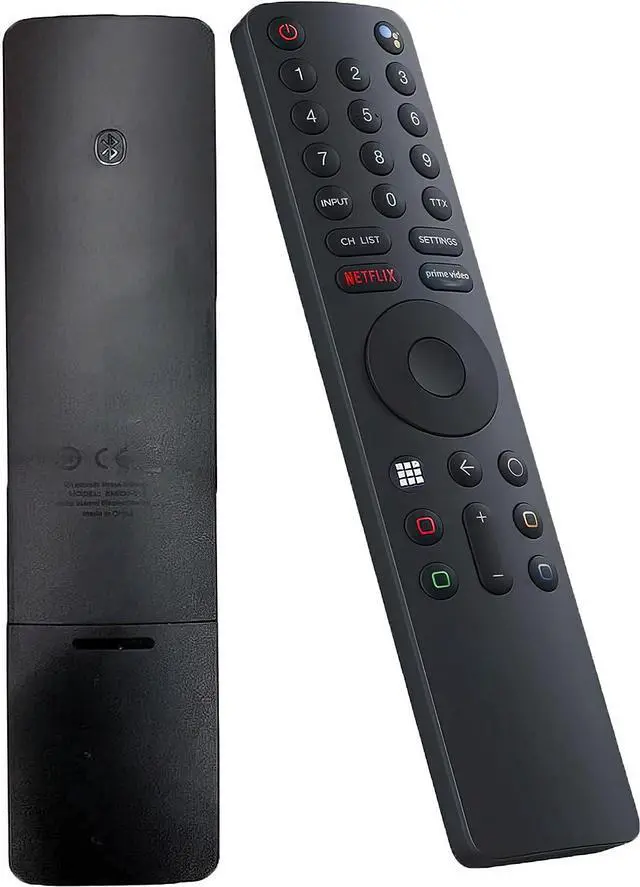
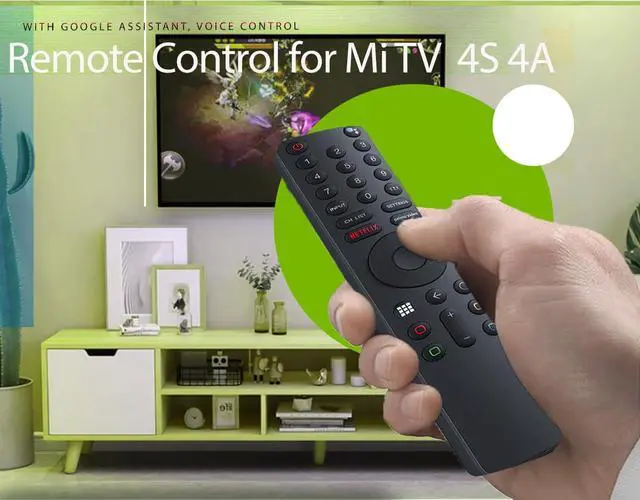
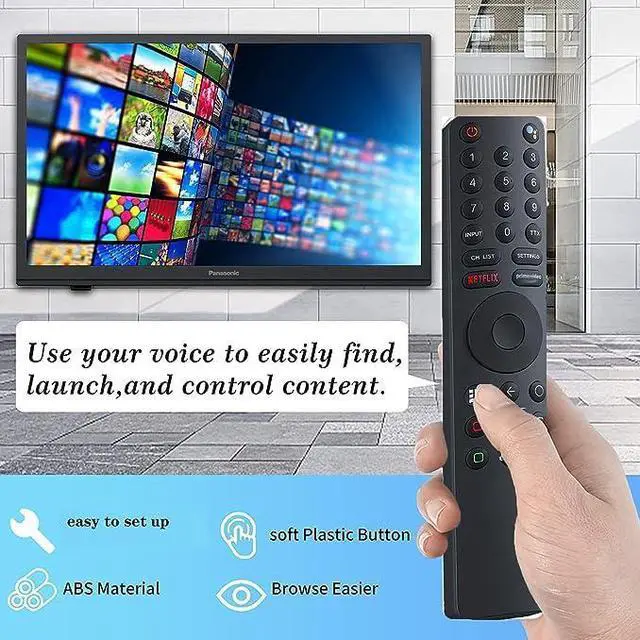
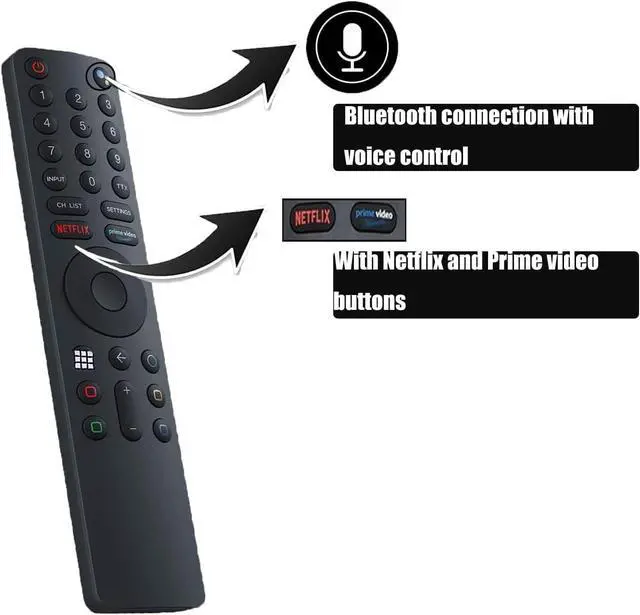
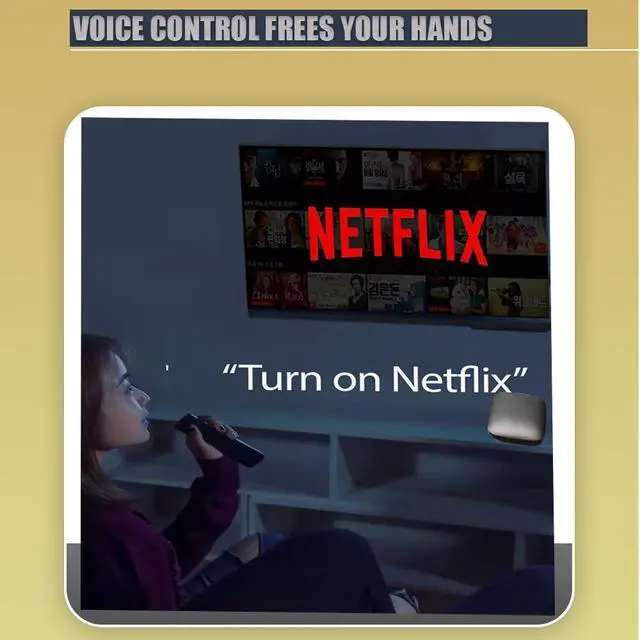
TV remote: Step 1 - Unplug the power cable from the TV. Step 2 - Reconnect the power cable of the TV. Step 3 - Switch on the TV. Step 4 - Find the "MI" and "Home" buttons. The "MI" button is located just above the red square button. The "Home" button is located just above the yellow square button. Step 5 - Press the "MI" and "Home" buttons simultaneously and hold them until the image of a TV remote appears on the screen, then wait for it to sync. This Bluetooth voice remote control replacement works with Google Voice Assistant and is designed for use with MI TV P1, Q1, 4S, 4A, Q1E, Mi Box S / 4X. It serves as a replacement remote for Xiaomi Mi 4S and 4A Smart TVs, featuring Bluetooth and voice control functionality



 All Categories