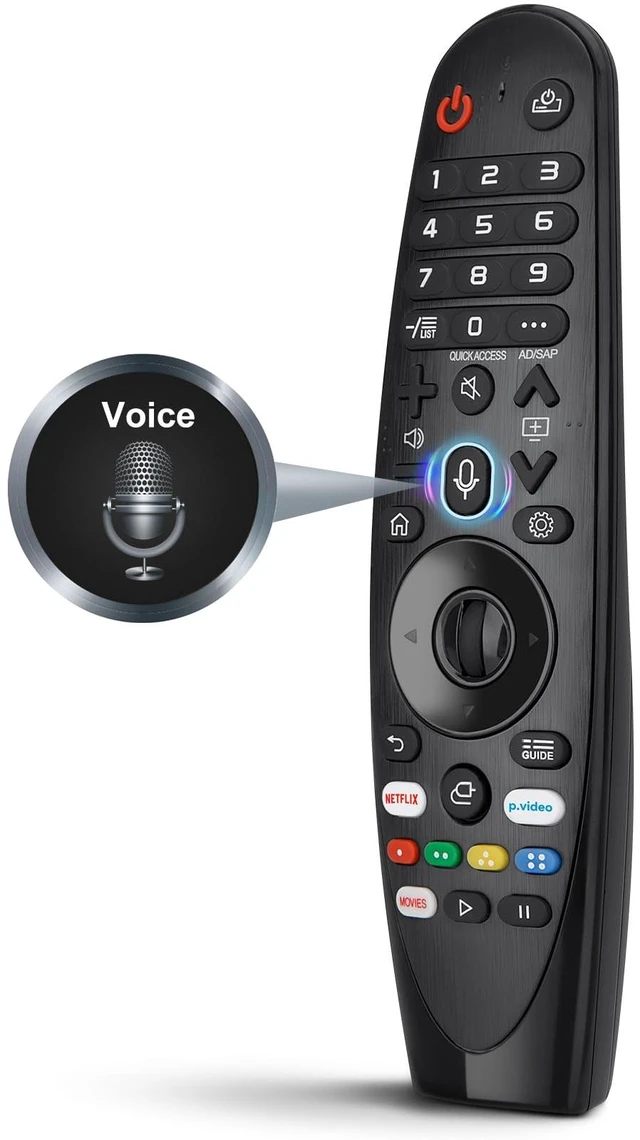
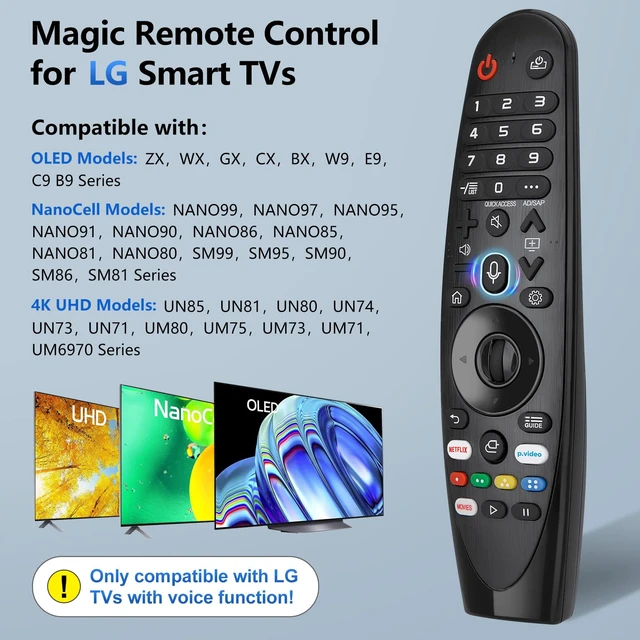
Pre Purchase Instructions Notice: The new upgraded AN-MR20GA magic remote replacement for LG smart TVs only works for LG TVs with voice function. If your LG TV doesn't have voice function, please don't buy it! If your LG TV does not support the voice function, it may cause some of the buttons on this remote not to work. Remote Compatibility Compatible with LG 2020-2023 smart
TVs models: ZX, WX, GX, CX, BX, W9, E9, C9, B9, NANO99, NANO97, NANO95, NANO91, NANO90, NANO86, NANO81, NANO80, SM99, SM95, SM90, SM86, SM81, UN85, UN81, UN80, UN74, UN73, UN71, UM80, UM75, UM73, UM71, UM6970 series. Compatible with
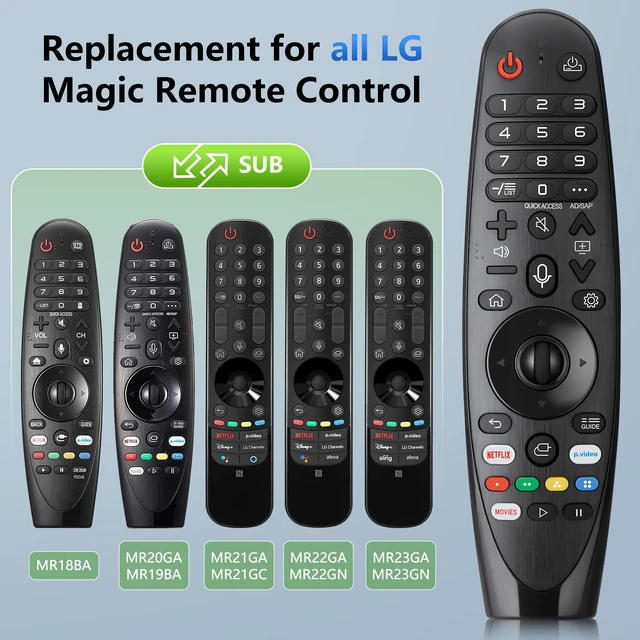
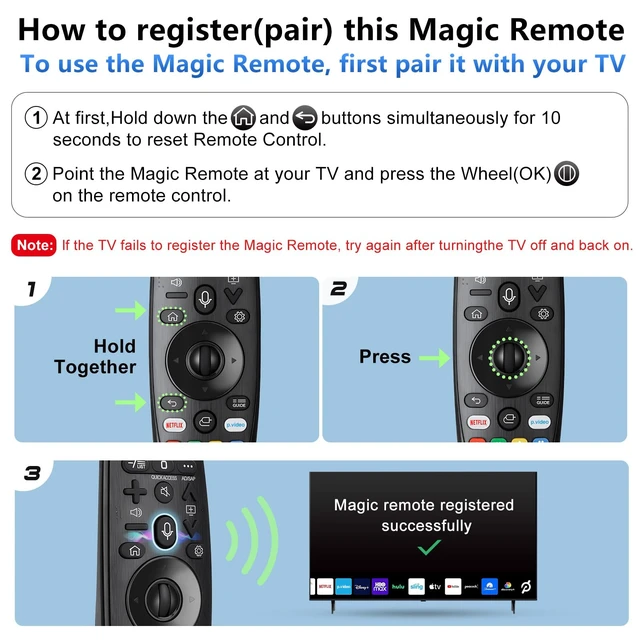
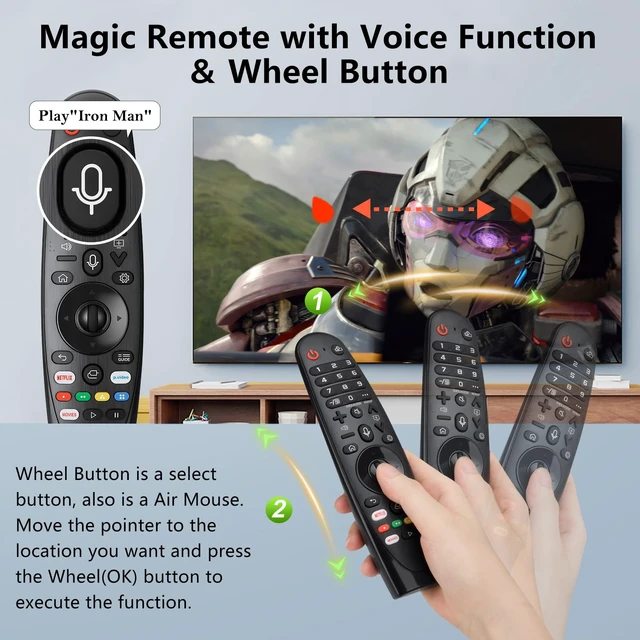
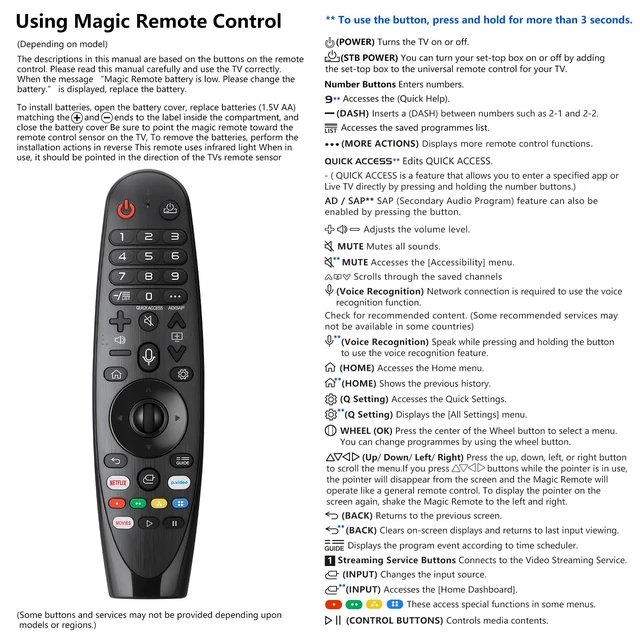
LG TVs remote models: AN-MR23GA, AN-MR22GA, AN-MR21GA, AN-MR20GA, MR19BA, MR18BA. Pair With Your TV 1. Put batteries into the Magic Remote and turn the TV on. 2. Point the Magic Remote at your TV and press the Wheel (OK) on the remote control. When the pointer is not working, press and hold the "GUIDE" button for more than 5 seconds to disconnect and re-register the motion sensor remote control at the same time. (Using a new magic remote control, or a magic remote control for another TV, this pairing process is required before use. ) Features The Magic remote with voice function supports Google Assistant / Alexa. Please make sure your network connection when you use the voice recognition. Voice function covers your needs anywhere and makes interacting with your smart TV easier and more intuitive. The wheel button is also intelligently designed so that you can reach any position on the TV screen as you. The product needs to install new 2pcs AA batteries (batteries are NOT included)



 All Categories