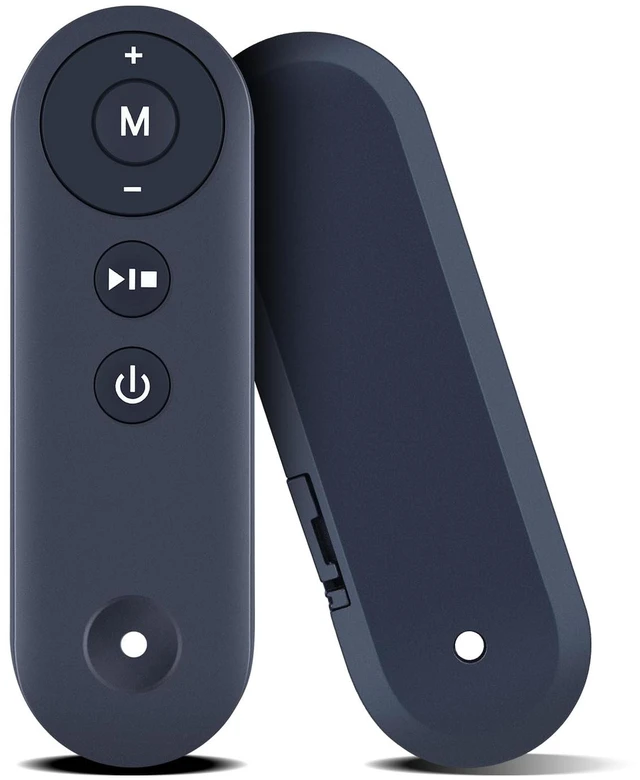
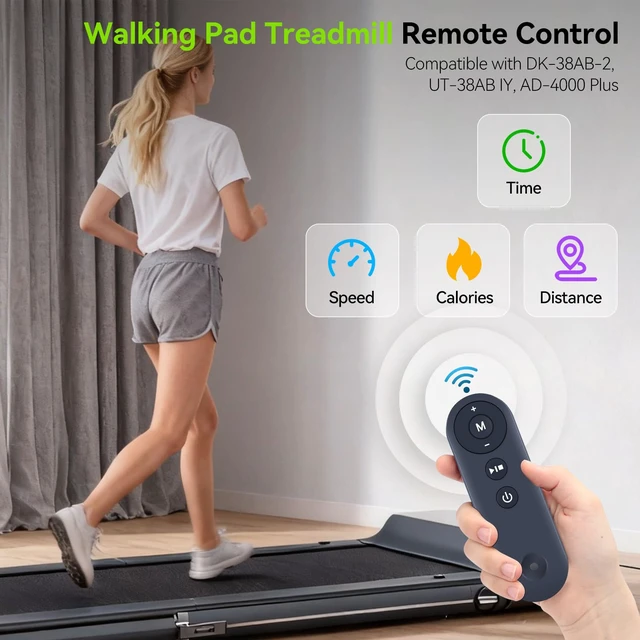
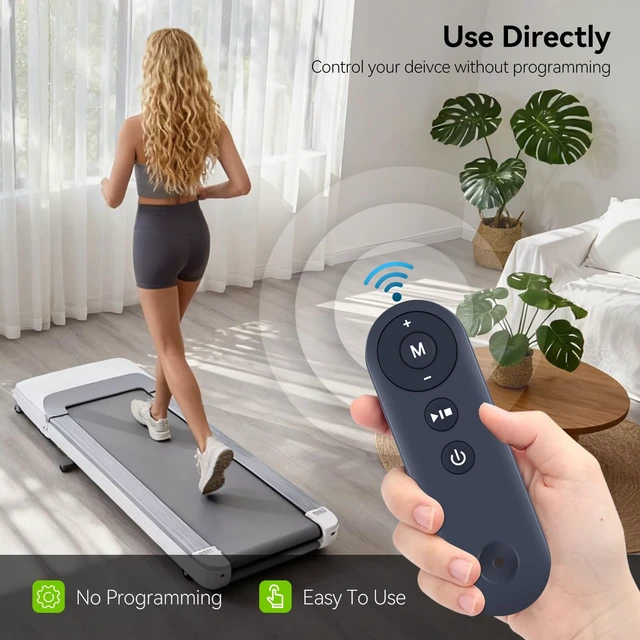
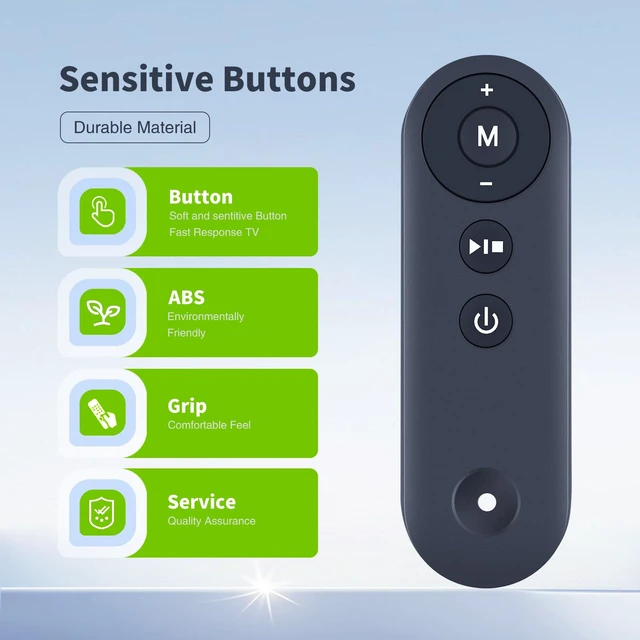
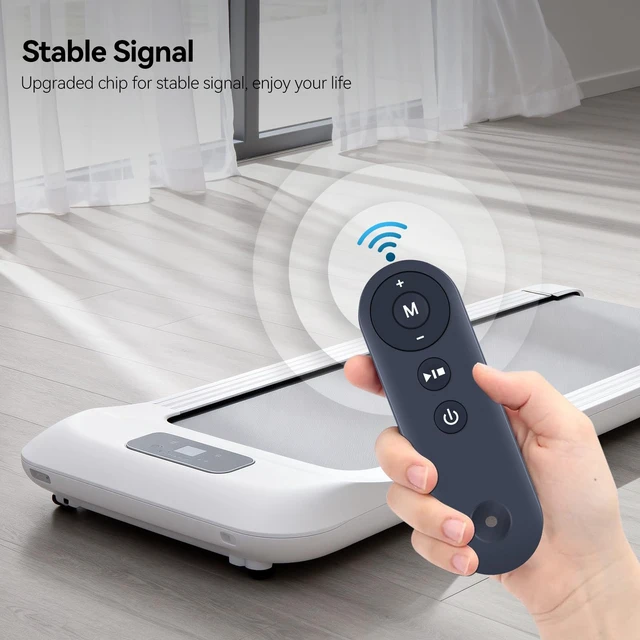
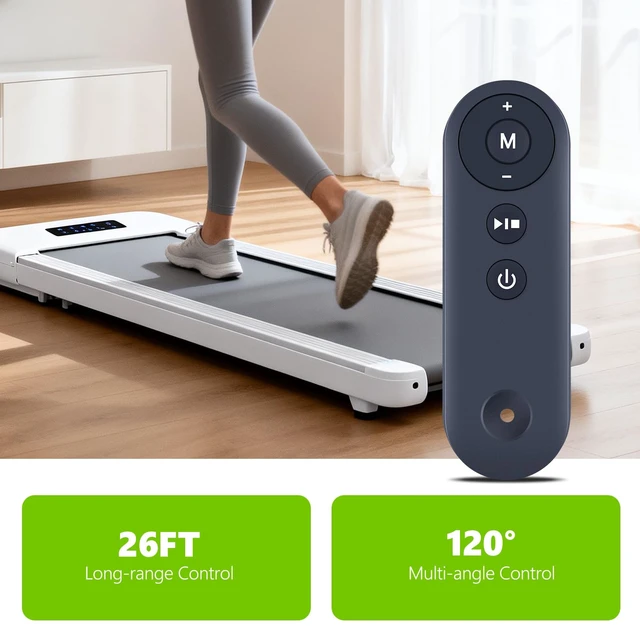
Compatible Models: replacement remote control fit for walking pad DK-38AB-2 treadmill for
Home How To Pair: 1) Press and hold the power button on the new remote. 2) Keep holding the power button while turning on the walking pad or treadmill manually. 3) Wait for the device's screen to show "0000". 4) Release the power button on the remote. 5) Press the pause button on the remote. 6) Manually turn off the treadmill and restart it, and then the connection will be successful.
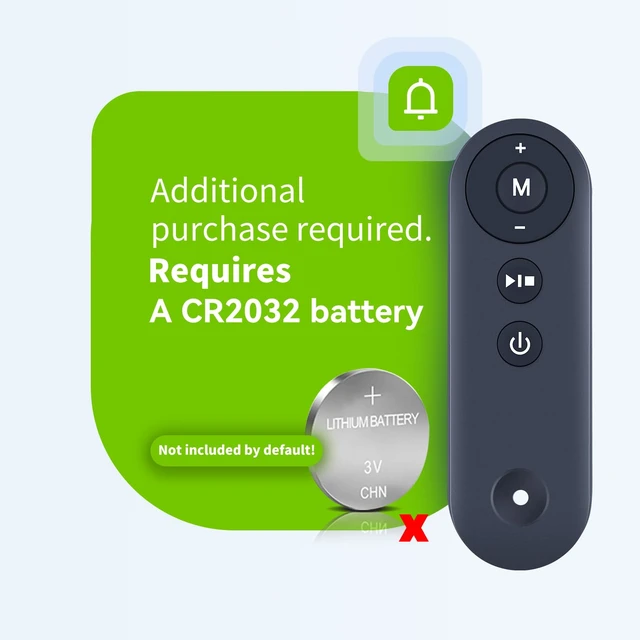
Power Supply: 1 x CR2025 battery (not included)
Package Included: 1 x IR remote control (Batteries and Instructions are Not Included). It can solve the problem when your home remote control doesn't work and becomes your backup remote control



 All Categories