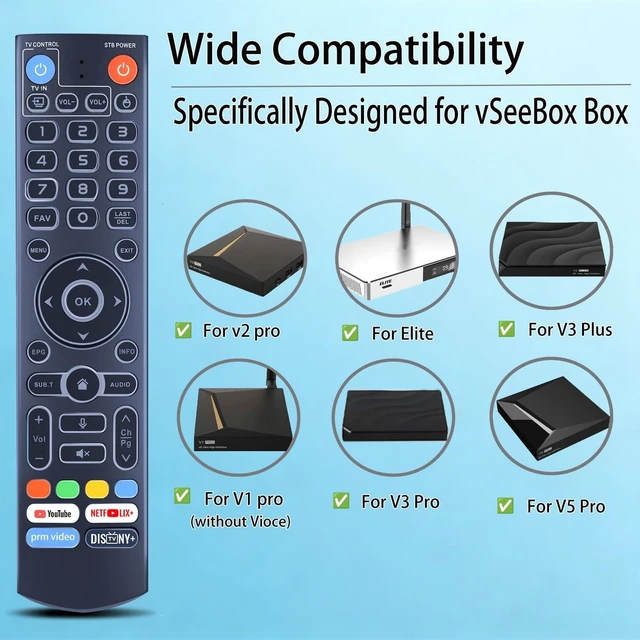
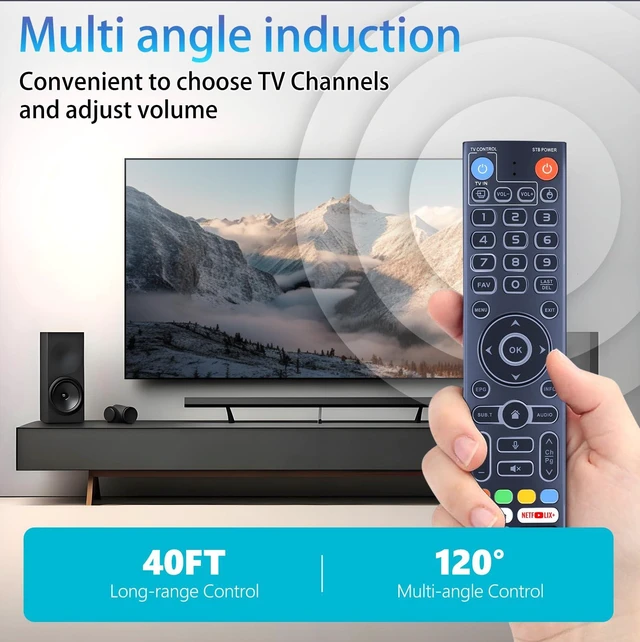
Compatible with vSeeBox V5 Pro, V1, V1 Pro, V2, V2 Pro, V3 Pro, V3 Plus, V1 Max, Elite, and Max (Remote with Backlight).
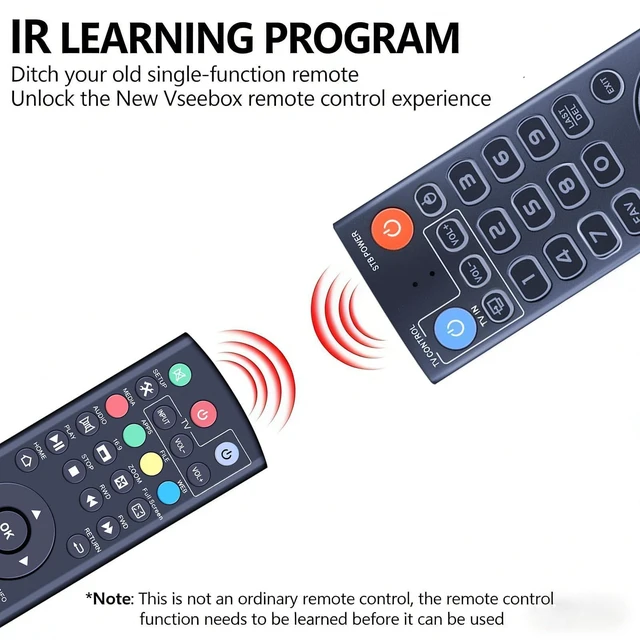
How to program: 1. Press and hold the (power) button for 5 seconds. The LED goes from blinking to solid and the STB RCU enters Learning Mode. 2. Press the key to be programmed on this RCU. The LED begins blinking slowly. The key is ready to accept programming. 3. Aim the TV RCU towards the front of this RCU (distance less than 3 cm). Press the button on the TV RCU. If the STB RCU is programmed correctly, the LED will flash 3 times. 4. Repeat steps 2-3 for other keys. 5. Exit Learning Mode by pressing any other button on this RCU. The LED turns off.
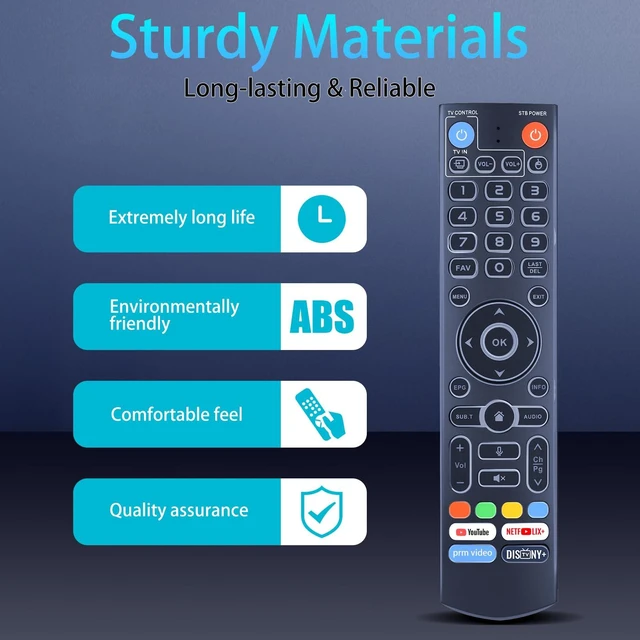
High Quality: Made of high quality ABS material, which is resistant to falling and has no peculiar smell, built to last for long lasting use.
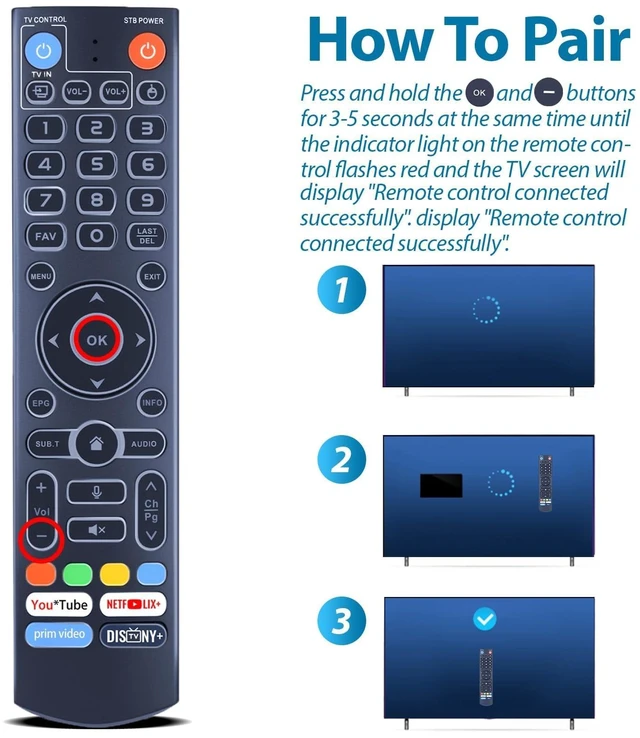
Easy to use: Easy to pair or set up. After inserting the battery (not included), simply follow the pairing steps until successful, and it will perfectly replace your original remote



 All Categories