• $71.99
  • Free 30-day Returns
  • Ships from United States.

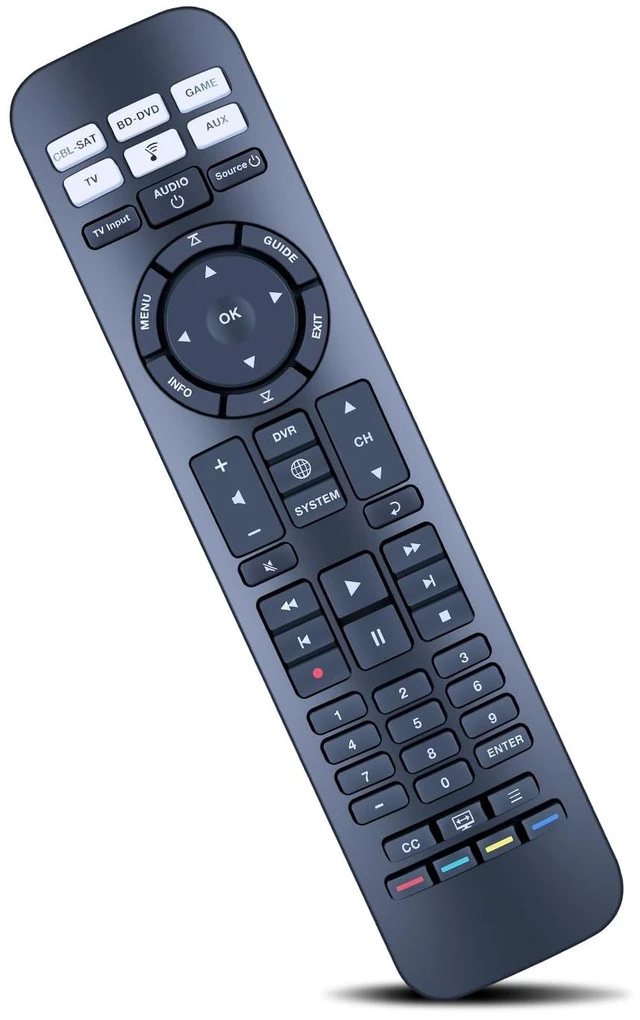
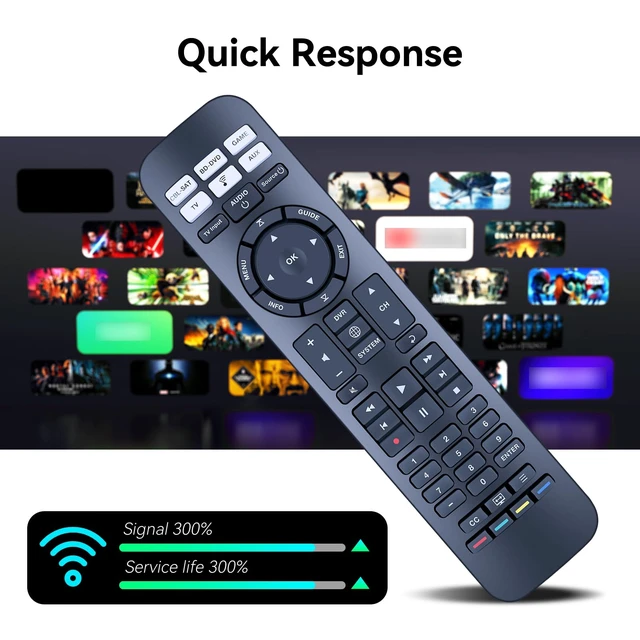
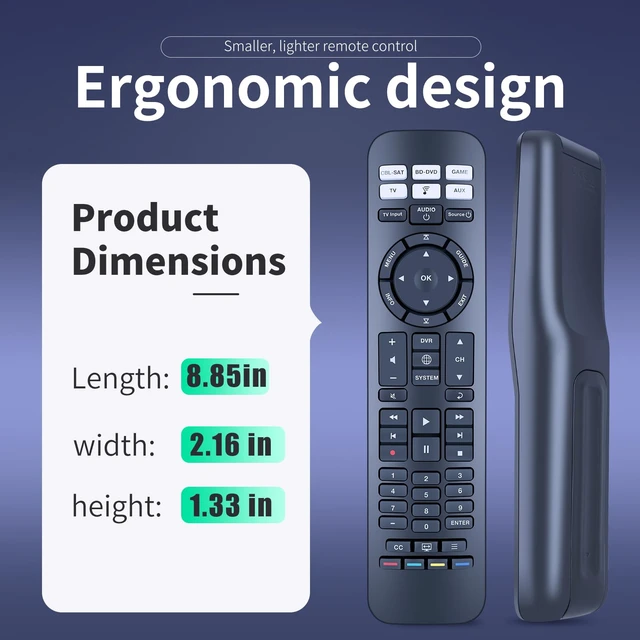
    Replacement Remote Control for Bose CineMate 520, 220, 130, 120 Fit for Bose CineMate SoundTouch Home Theater System

    • Item #: 9SIVUFBM7X2282
    • Mfr. Part #: 513453278228
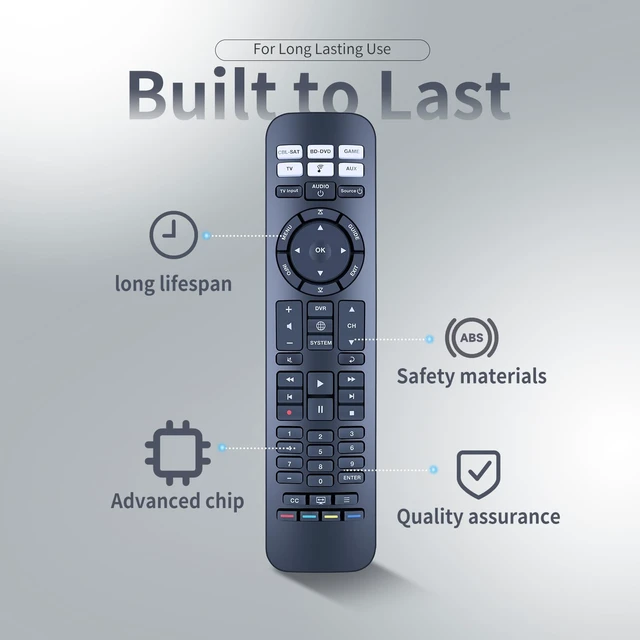
    • Compatible With Bose CineMate 520, 220, 130, 120 SoundTouch Home Theater System. Audio device default keys: POWER, device key (signal input source switch key), VOL+, VOL-, BASS, TALK (dialog key), EXIT. If the current device has a code, send a frame of the current device's code followed by the audio device's code. Brand search mode: 1. Hold down the device key for about 3S and release; the indicator is steady on. 2. Enter the 4-digit brand code and the indicator flashes once. 3. Press VOL+/- to switch to the previous or next group of codes of the current brand; press the EXIT indicator to blink three times for saving; press the non-Bose audio key, and send the current key code of the current code. (Note: If no operation is performed in steps 1 and 2 for 30 seconds, all indicators blink three times to exit the search mode.) Step 3 times out: the current standby indicator blinks three times to save and exit. One-click shutdown: 1. Press the "CPL-SAT" + "TV" button for 10S. 2. The TV/CPL-SAT indicator blinks three times at the same time. After setting 3 frames TV electrical source code, three frames CPL-SAT electrical source code + BOSE audio electrical source code. Brand new remote control made of high-quality ABS, which is wear-resisting and durable, with a comfortable hand feeling

    +
    +
    Overview
    Specs
    Reviews
    Compatible With Bose CineMate 520, 220, 130, 120 SoundTouch Home Theater System.
    Audio device default keys: POWER, device key (signal input source switch key), VOL+, VOL-, BASS, TALK (dialog key), EXIT. If the current device has a code, send a frame of the current device's code followed by the audio device's code.
    Brand search mode: 1. Hold down the device key for about 3S and release; the indicator is steady on. 2. Enter the 4-digit brand code and the indicator flashes once. 3. Press VOL+/- to switch to the previous or next group of codes of the current brand; press the EXIT indicator to blink three times for saving; press the non-Bose audio key, and send the current key code of the current code.
    (Note: If no operation is performed in steps 1 and 2 for 30 seconds, all indicators blink three times to exit the search mode. )
    Step 3 times out: the current standby indicator blinks three times to save and exit.
    One-click shutdown: 1. Press the "CPL-SAT" + "TV" button for 10S. 2. The TV/CPL-SAT indicator blinks three times at the same time. After setting 3 frames TV electrical source code, three frames CPL-SAT electrical source code + BOSE audio electrical source code. Brand new remote control made of high-quality ABS, which is wear-resisting and durable, with a comfortable hand feeling

    Warranty & Returns

    Warranty, Returns, And Additional Information

    Warranty

    • Please contact the Seller directly for warranty information. Warranty information may also be found on the Manufacturer's website.
    • CONTACT

    Return Policies

    Manufacturer Contact Info

    LOADING...