USB 3.0 to SATA, USB 3.0 to SATA Converter Adapter Cable for 2.5/3.5 Inch Hard Drive Disk HDD and SSD, with Power Adapter
USB 3.0 to 2.5'',3.5'' SATA SSD/HDD Adapter
If you’re going to own any computer repair accessory, a USB to SATA adapter should be your first choice.
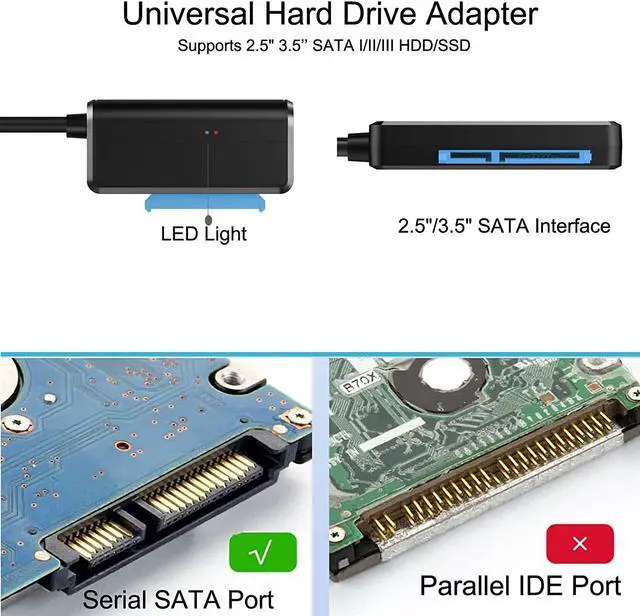
This converter allows communication between the two most common interfaces. SATA is used on virtually every internal drive – both desktop and laptop.
Hardware failure isn’t the only use for a USB to SATA adapter. What if you upgrade to a faster or larger SSD?
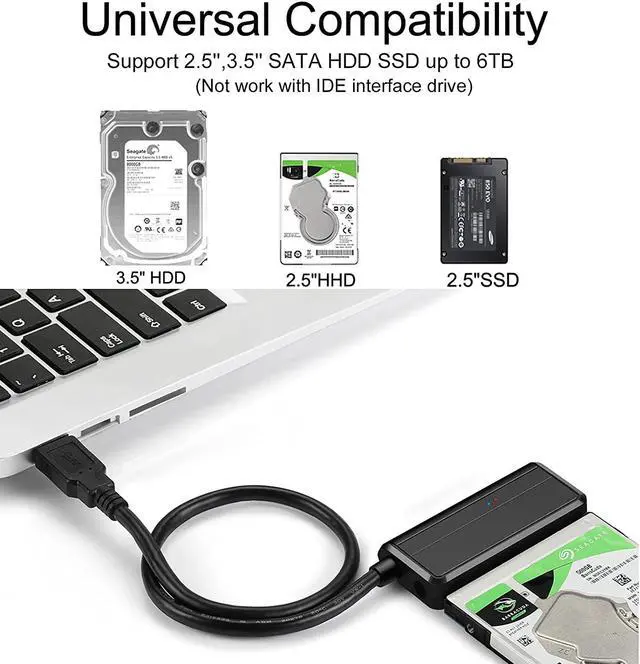
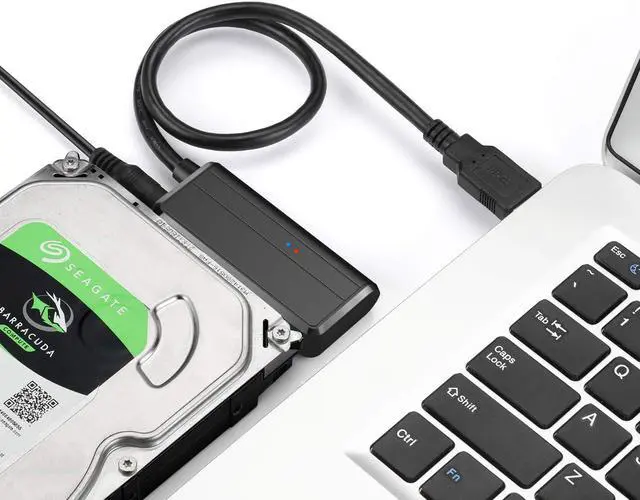
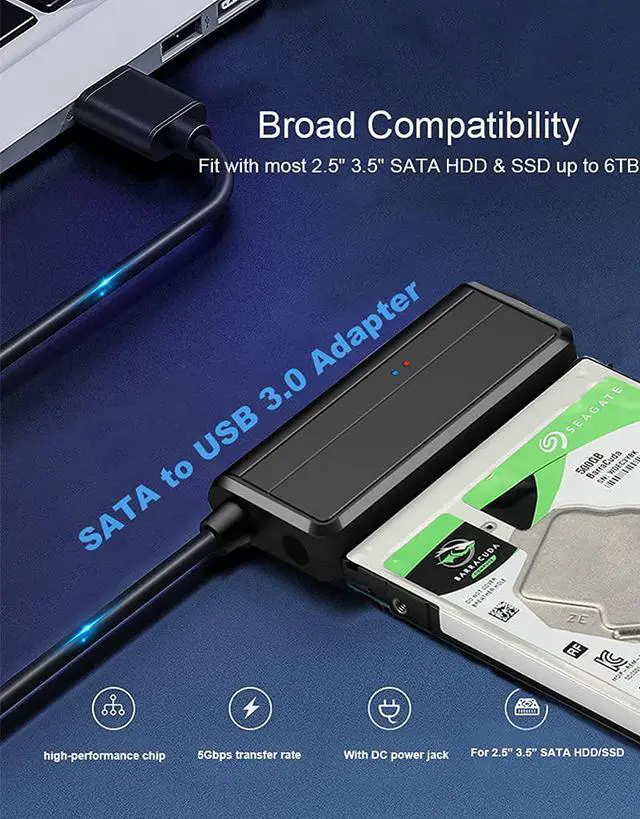
This USB 3.0 to SATA adapter cable lets you connect any 2.5'' or 3.5'' SATA drive and HDD drive to your computer through an available USB port, copy all your old data back with only a little work, they’ll likely cost you significantly less than paying a computer shop to do it. With this simple adapter, You’ll be able to turn it into an external drive or access your old files without having to spend more money on a new external
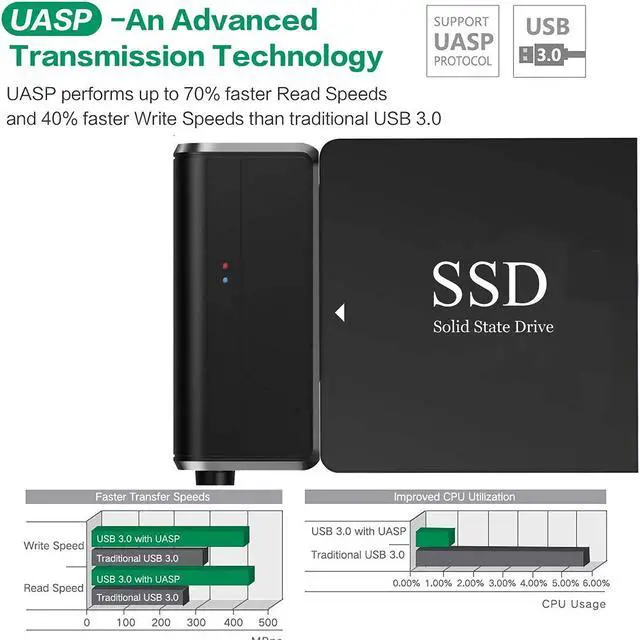
Faster Speed With UASP
Adapter Design
The EYOOLD USB 3.0 to SATA Adapter is no unnecessary components, only the bare essentials required for this adapter to do its job. In spite of that, it was built to do its job well.
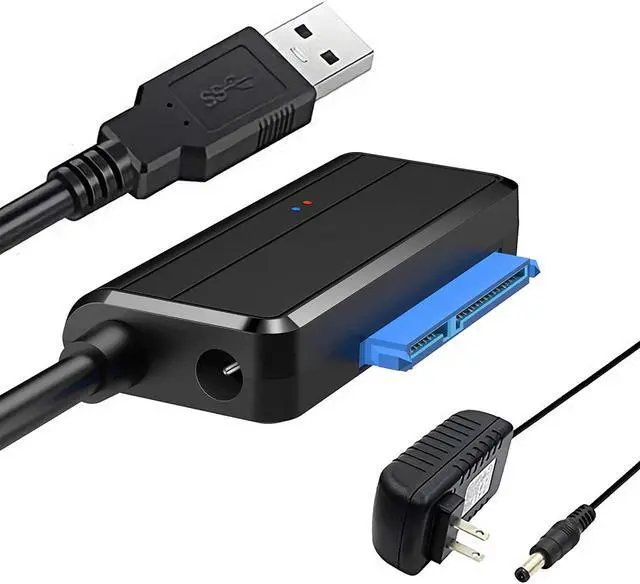
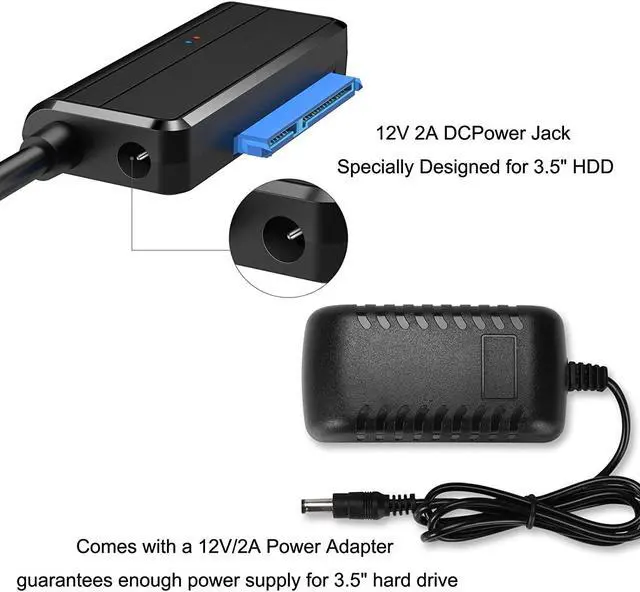
The Adapter itself is a black rectangle with a USB cable. This allows it to stay firmly put on your desk, preventing it from separating from your drive during use. On the side, you have one cable that can be plugged in. It is the optional power cord for use with higher power drives. The cables are nice and long, making this adapter useful even if there is a little distance between your laptop or desktop computer and the SATA device you’d like to use. Its no-nonsense design is perfect to keep your desk looking uncluttered, making it an excellent choice for a professional environment.
Wide Compatibility
The hardware controller used is standard and has been well tested with a variety of devices. This means that pretty much any computer or drive that can physically connect to this adapter will work. It supports both 2.5” and 3.5” drives, thanks to the included power adapter. Your USB port is only capable of putting out a relatively small amount of power. This is enough to power compact 2.5” laptop drives as well as SSDs. But 3.5” drives need a little more power, so you’ll want to use the power adapter in such cases.
In terms of drive compatibility, you can use hard drives, SSDs. It also works on virtually all operating systems, from Windows 98 all the way up to Windows 10. Mac OS, Linux is also supported.
For the 3.5'' hard drive, the external power supply is requried, DC 12V power for 3.5?hard disk to ensure stable operation
NOTE:
With its USB 3.0 interface, very high performance is possible. The theoretical limit of this interface is 5GBPS, which is 70% Faster than traditional USB 3.0 and an 80% reduction in required processor resources, Backward compatible with USB 2.0 / 1.1. (Note: actual rate will depend on the capability of your device.)
There are not a lot of extra features on this adapter. The operating system doesn’t actually see the adapter itself, it simply sees a standard USB external drive. This means that all of the built-in free backup software will work without a hitch. You’ll also be able to use any data recovery program or perform bit bit-by-bit imaging without any special drivers or configuration. Because of its driver driver-free operation, the adapter will work in safe mode, making it perfect for a diagnostic and repair environment.
Why the Cable does not work with my Drives ( The SSD is not recognized with the cable)?
Possible Reasons:
1) If you are using a new SSD drive or an HDD, you need to initialize it first and then format it. You can search for "how to initialize an external tier hard drive" for directions on this. Instructions vary between tween Windows 10, 7, and Vista.