• $83.99
  • Free 30-day Returns
  • Limit 4 per customer.
    Ships from United States.

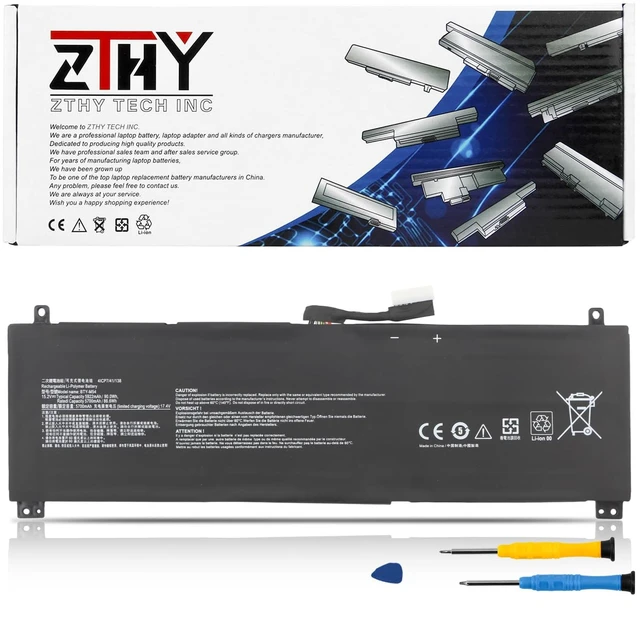
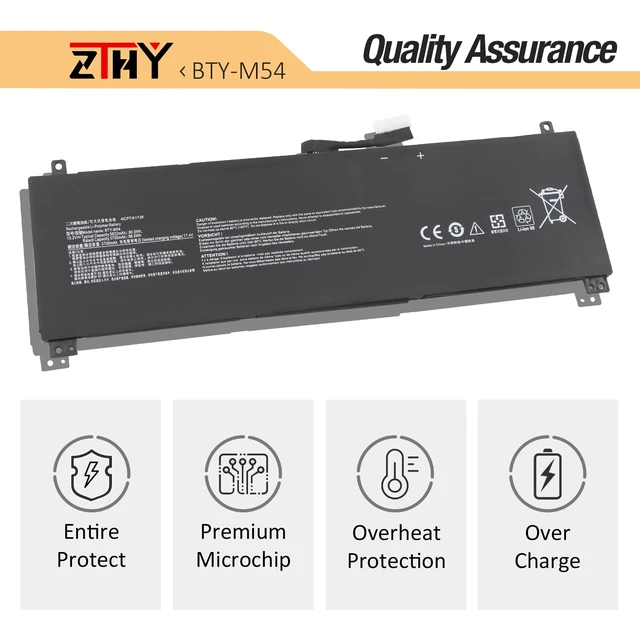
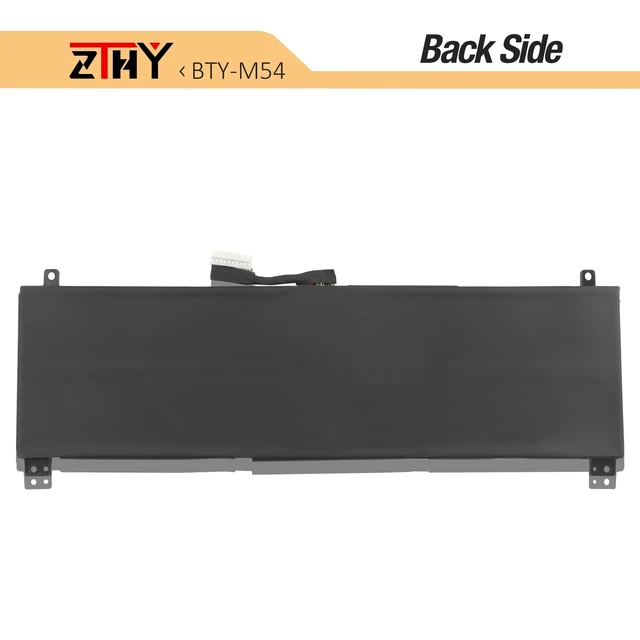
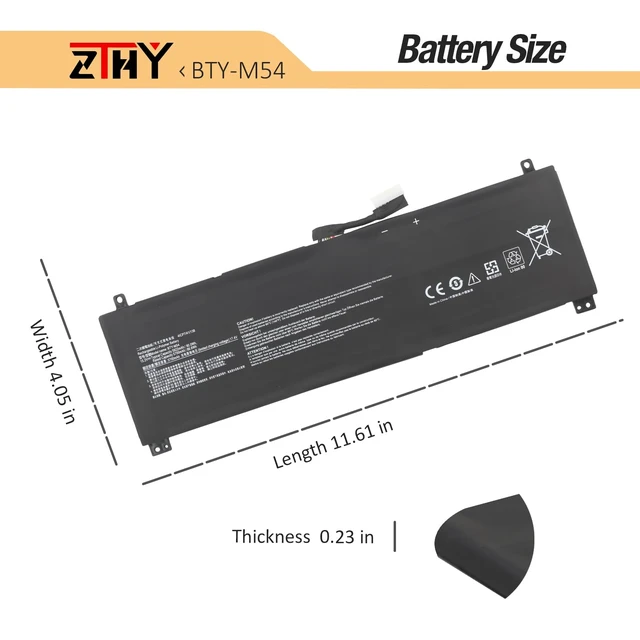
    BTY-M54 Laptop Battery Replacement for MSI Creator Z16 A11U A11UE A11UEK A11UET A12U Z16P B12U Creator Z17 A12U A12UHT A12UGST A12UHST Creator Z16 HX Studio B13VFT B13VETO Z17 HX Studio A13VFT 90Wh

    • Item #: 9SIVUG3M801946
    • Mfr. Part #: 781486780128
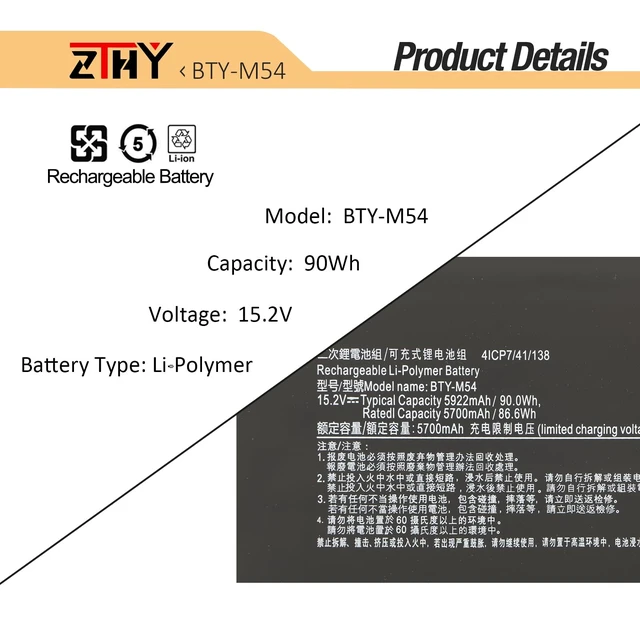
    • Specifications: Battery type: Li-Polymer. Color: Black. Voltage: 15.2V. Capacity: 90Wh/5922mAh/4-Cell. New from Manufacturer Compatible Part Number: BTY-M54 MS-17N1 MS-17N2 925QA054H 41CP7/41/138 Compatible with Laptop Models: Replacement for MSI Creator Z16 A11U A11Ux A11UE A11UET A12U A12Ux A12UE A12UET, Z16 HX Studio B13VFT B13VFTA B13VFTO B13VETO B13VGTO B13VJTO B13VKTO, Z16P B12U B12UHT B12UGST B12UMST B12UKST, Z17 A12U A12UHT A12UGST A12UHST, CreatorPro Z17 A12U A12UMST A12UGST, Z17 HX Studio A13V A13VFT A13VGT A13VKT Series Security: Certified by CE, FCC for safety. Strict guidelines for compatibility, and standards compliance for environment safety. Note: If the new battery is not recognized during the initial installation, please reinstall and check if the interface is fully connected. Discharge the new battery to 10-20% (not 0%), then charge and cycle 3-4 times to wake up the new battery

    +
    +
    Overview
    Specs
    Reviews

    Specifications

    : Battery
    type: Li-Polymer.
    Color: Black.
    Voltage: 15.2V.
    Capacity: 90Wh/5922mAh/4-Cell. New from Manufacturer
    Compatible Part Number: BTY-M54 MS-17N1 MS-17N2 925QA054H 41CP7/41/138 Compatible with
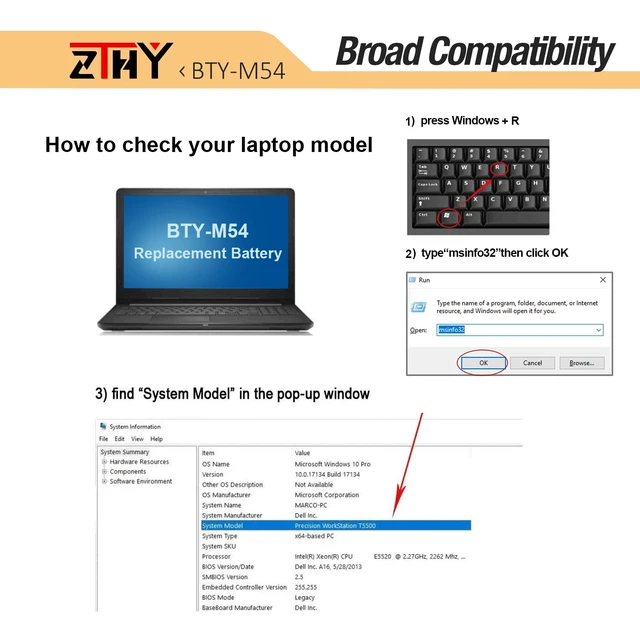
    Laptop Models: Replacement for MSI Creator Z16 A11U A11Ux A11UE A11UET A12U A12Ux A12UE A12UET, Z16 HX Studio B13VFT B13VFTA B13VFTO B13VETO B13VGTO B13VJTO B13VKTO, Z16P B12U B12UHT B12UGST B12UMST B12UKST, Z17 A12U A12UHT A12UGST A12UHST, CreatorPro Z17 A12U A12UMST A12UGST, Z17 HX Studio A13V A13VFT A13VGT A13VKT
    Series Security: Certified by CE, FCC for safety. Strict guidelines for compatibility, and standards compliance for environment safety.
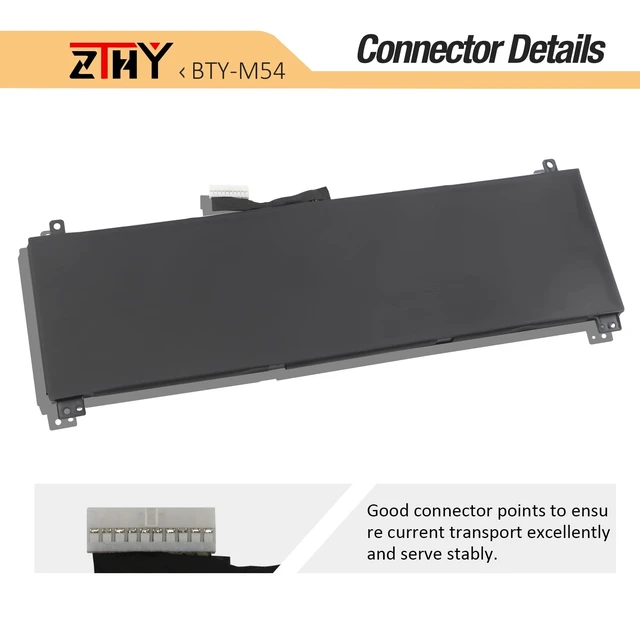
    Note: If the new battery is not recognized during the initial installation, please reinstall and check if the interface is fully connected. Discharge the new battery to 10-20% (not 0%), then charge and cycle 3-4 times to wake up the new battery

    Warranty & Returns

    Warranty, Returns, And Additional Information

    Warranty

    • Please contact the Seller directly for warranty information. Warranty information may also be found on the Manufacturer's website.
    • CONTACT

    Return Policies

    Manufacturer Contact Info

    LOADING...