• $165.99
  • Free 30-day Returns
  • Limit 4 per customer.
    Ships from United States.
    Sold by Vast Sun Tech

    Shipped by Vast Sun Tech

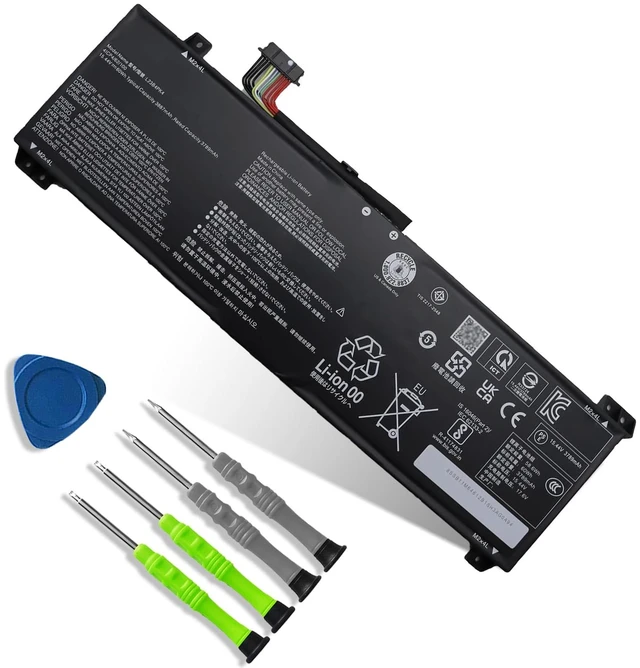
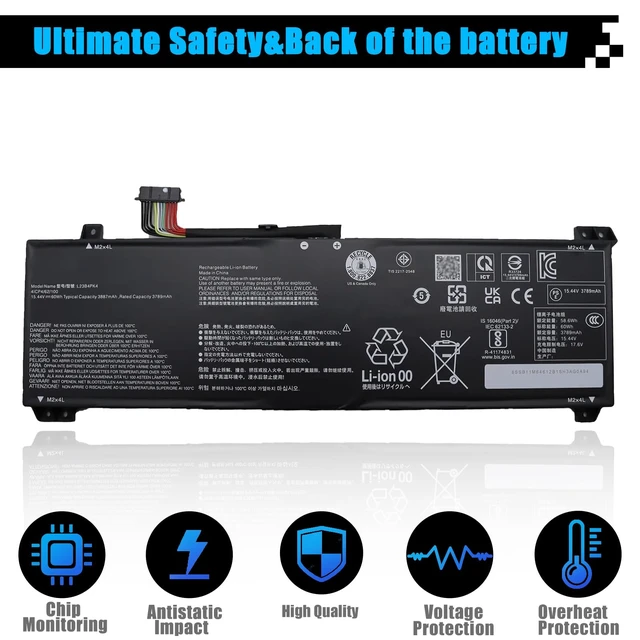
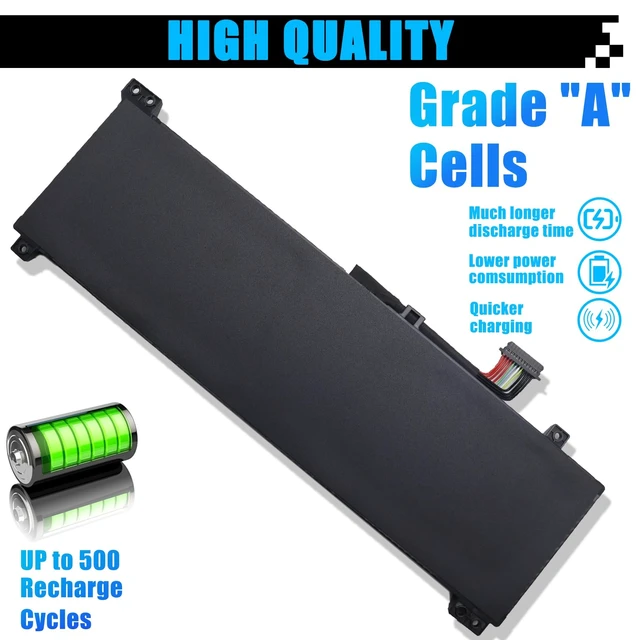
    L23B4PK4 SB11M64612 5B11M64614 Laptop Battery Replacement for Lenovo LOQ 15IRX9 15AHP9 15IAX9I 15IAX9 15ARP9 Series L23C4PK4 L23D4PK4 SB11M64616 5B11M64610 L23M4PK4 5B11M64608 60Wh 3887mAh 15.44V

    • Item #: 9SIVUYZM809093
    • Mfr. Part #: 559969841648
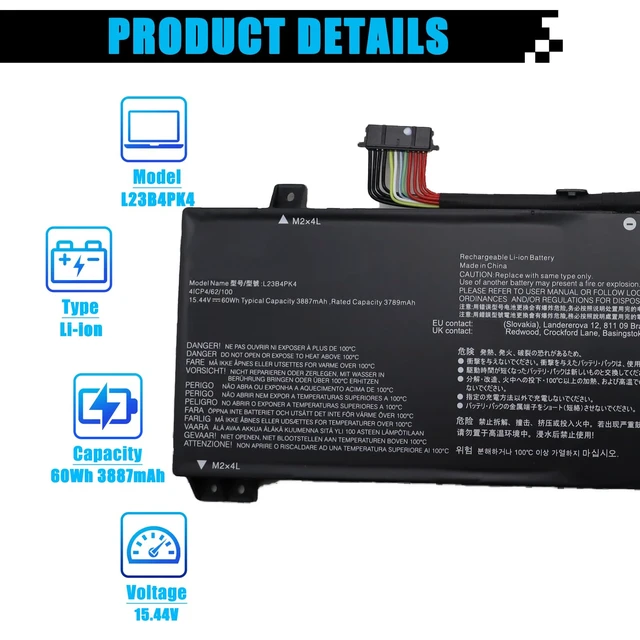
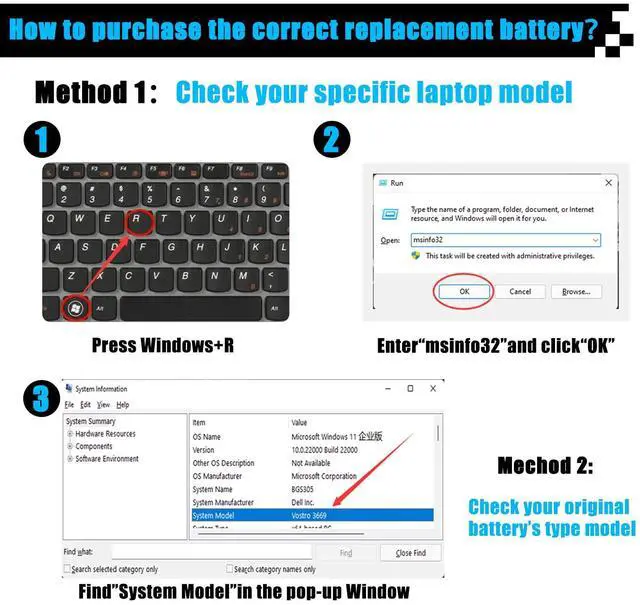
    • Specifications: Item Model: L23B4PK4; Battery Type: Li-ion; Voltage: 15.44V; Capacity: 60Wh 3887mAh; Battery Condition: Brand New. Replacement for P/N: L23B4PK4 SB11M64612 5B11M64614 L23C4PK4 L23D4PK4 SB11M64616 5B11M64610 L23M4PK4 5B11M64608. Compatible Laptop Models: for Lenovo LOQ 15IRX9 83DV Series; for Lenovo LOQ 15AHP9 83DX Series; for Lenovo LOQ 15IAX9I 83FQ Series; for Lenovo LOQ 15IAX9 83GS Series; for Lenovo LOQ 15ARP9 83JC Series. Note: Please open the back cover of the laptop before ordering and make sure that the original battery model is consistent with the listing. After getting the battery, please install the battery correctly, make sure that the battery connector is firmly connected to the laptop motherboard, and use the original charger to charge the laptop. Discharge the new battery to 5% (not 0%), then charge and cycle 3-4 times to wake up the new battery

    +
    +
    Overview
    Specs
    Reviews

    Specifications

    : Item
    Model: L23B4PK4;
    Battery Type: Li-ion;
    Voltage: 15.44V;
    Capacity: 60Wh 3887mAh;
    Battery Condition: Brand New.
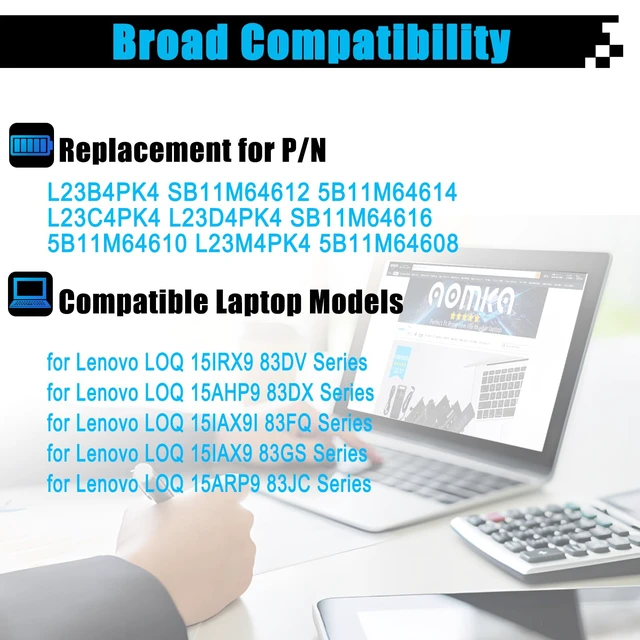
    Replacement for P/N: L23B4PK4 SB11M64612 5B11M64614 L23C4PK4 L23D4PK4 SB11M64616 5B11M64610 L23M4PK4 5B11M64608.
    Compatible Laptop Models: for Lenovo LOQ 15IRX9 83DV Series; for Lenovo LOQ 15AHP9 83DX Series; for Lenovo LOQ 15IAX9I 83FQ Series; for Lenovo LOQ 15IAX9 83GS Series; for Lenovo LOQ 15ARP9 83JC Series.
    Note: Please open the back cover of the laptop before ordering and make sure that the original battery model is consistent with the listing. After getting the battery, please install the battery correctly, make sure that the battery connector is firmly connected to the laptop motherboard, and use the original charger to charge the laptop. Discharge the new battery to 5% (not 0%), then charge and cycle 3-4 times to wake up the new battery

    Warranty & Returns

    Warranty, Returns, And Additional Information

    Warranty

    • Please contact the Seller directly for warranty information. Warranty information may also be found on the Manufacturer's website.
    • CONTACT

    Return Policies

    Manufacturer Contact Info

    LOADING...