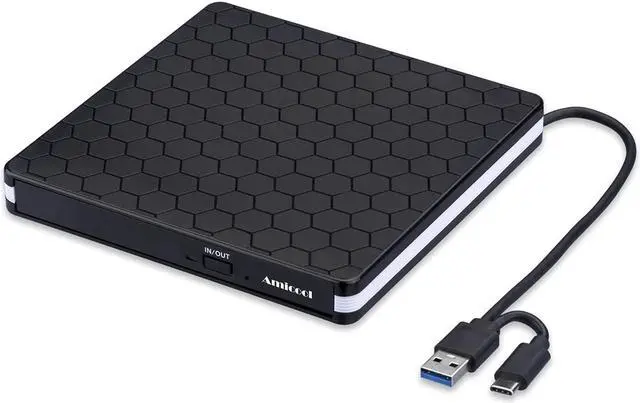
EXTERNAL CD/DVD DRIVE BURNER SUPERIOR FEATURES
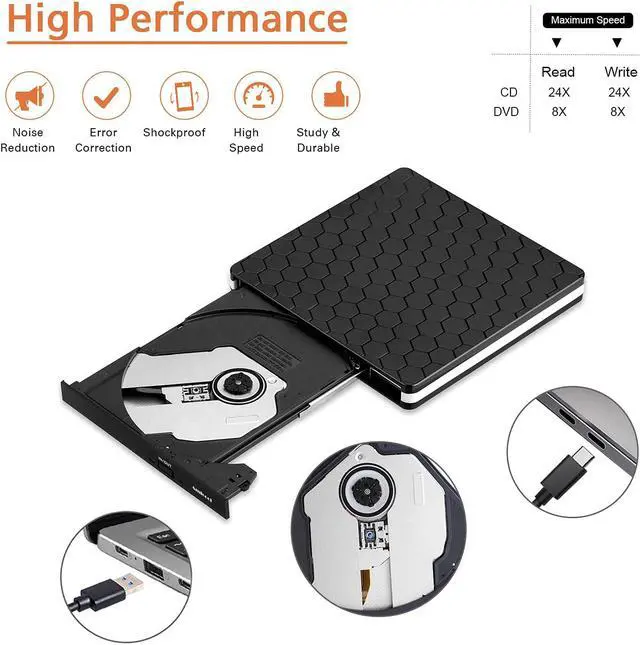
Excellent Performance
With This external CD DVD drive for laptop, Amicool USB3.0/TYPE-C external CD DVD drive provides you fast data transfer speed and stable performance.
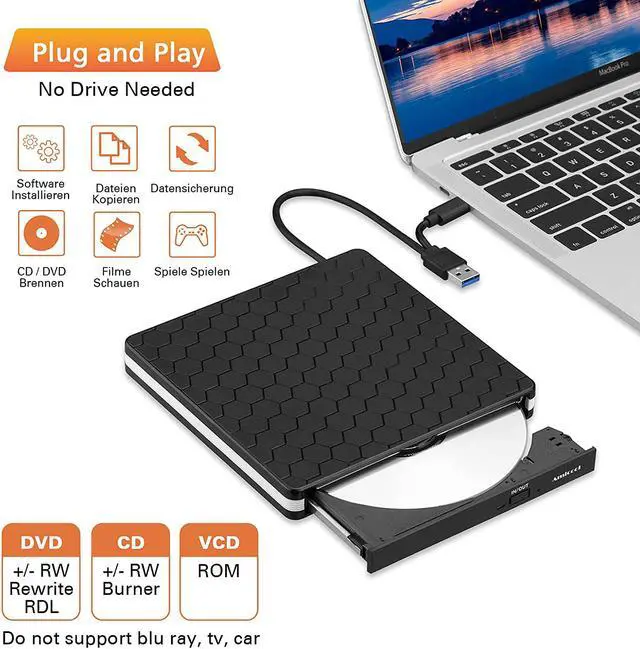
Plug & Play
True mobility, dvd burner which no external power is needed,fully powered by USB 3.0 ports or USB-C port.
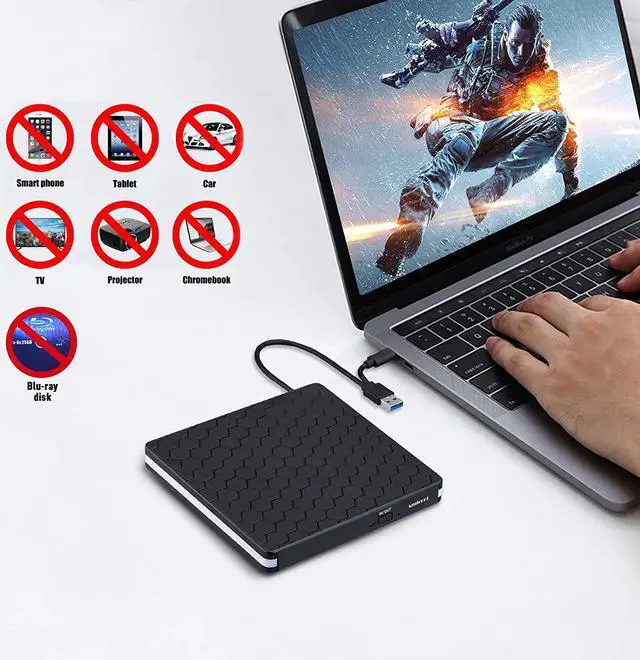
Do not support tv / car / blu ray / projector / tablet / smartphone / Chrome
Portable Compact Design
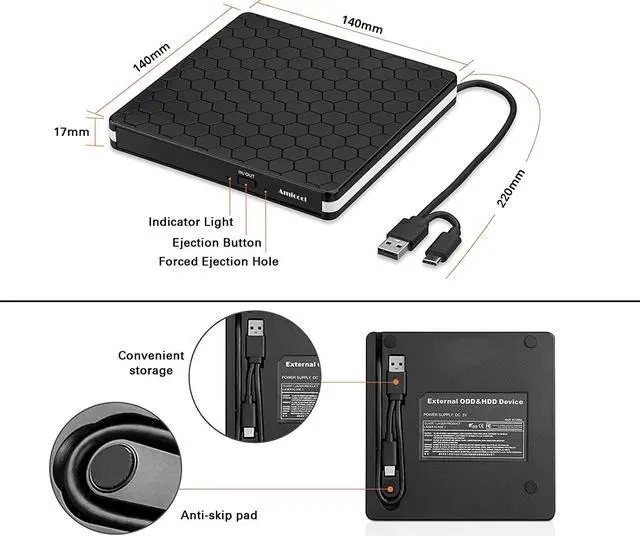
Slim, lightweight, fault tolerance,shock-resistant, usb cable embedded design, and just slips easily into your travel bag, perfect companion for DVD lovers, using everywhere.
Tipes for USB-C CD Drive External
If your computer could not recognize the external device, please first check the power supply, the drive will need a 3-5V(1.3-2A) output from your computer's usb port.
The new released Windows system have discontinued the internal DVD media player software, customer using Windows 10 and above are advised to Install a Media Player to Play DVD and CD.
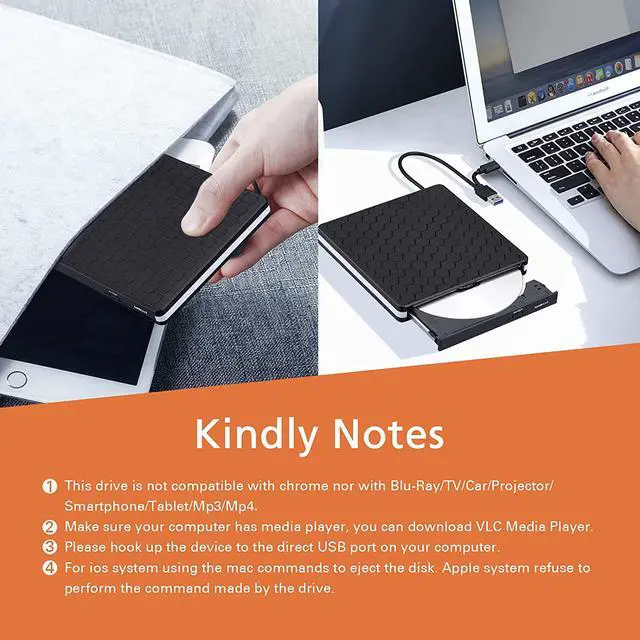
For ios system using the mac commands to eject the disk. Ios system refuse to perform the command made by the drive ( press ejection button can not eject disc).
Tipes for USB DVD Drive External
Desktop PC needs to be connected to the back end USB interface for use, because the front USB port of PC is extended out and the power supply is insufficient
This cd burner is a normal USB DVD drive, not a blu ray DVD drive, so it can’t play blu ray disc
Tipes for External DVD Drive
Please hook up the device to the direct USB port on your computer. If you connect it to a USB hub or extension cords, it maybe cannot recognize the Driver or not read the CD/DVD due to the power failure caused by a unqualified cable.
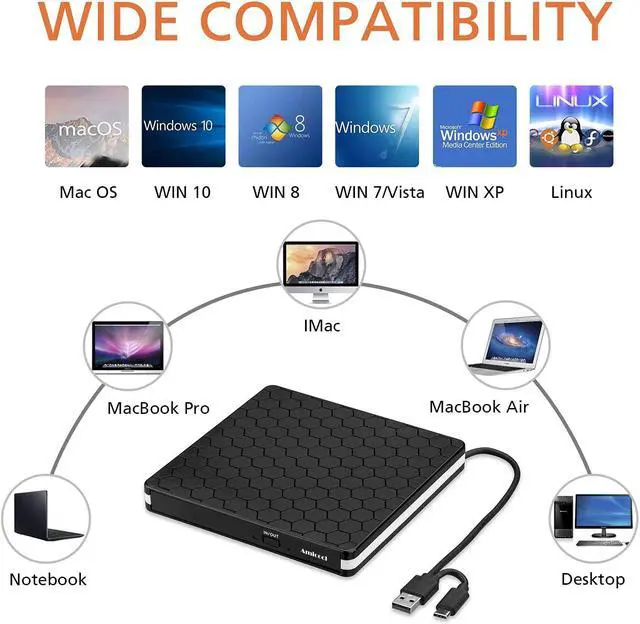
USB 3.0 DVD driver is a perfect companion for computers without the internal drive.
Tips for USB DVD CD Drive
Embedded cable design, made with premium wire drawing material of shockproof, low noise, anti-interference and high durability.
Non-Slip Rubber Pad. No Slipping and Dropping, Run more stable and Quiet.
Amicool External DVD Drive Burner Writer USC 3.0 & USB C
Specifications:
Supported formats: DVD-ROM, DVD-video, CD-R/RW, CD-ROM/XA, CD-ROM, CD-EXTRA, CD-TEXT
Supported media types: CD-ROM, CD-R, CD-RW, DVD-ROM, DVD-R, DVD-RW, DVD+RW, DVD+R, DVD+R DL, DVD-R DL, DVD RAM
Read Speed: CD-ROM: 24x Max; DVD-ROM: 8x Max; DVD-ROM(DL): 6x Max
Write speed: 24x CD-R, 8x CD-RW, DVD±R: 8X Max; DVD±R DL: 4X Max; DVD-R±9: 2.4x Max
Rewrite Speed: DVD+RW: 4X Max; DVD-RW: 4x Max; CD-RW: 10X Max; DVD-RAM: 3x Max
Memory Cache: 2M
Computer Output for drive : 3V-5V (1.3A-2A) -- Lower to this may cause a recognizing failure or reading failure.
Do not support tv / car / blu ray / projector / tablet / smartphone / Chrome
For Mac OS, use the mac command to eject disc.
For Mac OS, the dvd drive icon shows after drive reads successfully the disc. So after you placed a disc into the drive, the dvd icon will not show up immediately.



 All Categories