• $42.99
  • Free 30-day Returns
  • Ships from China.

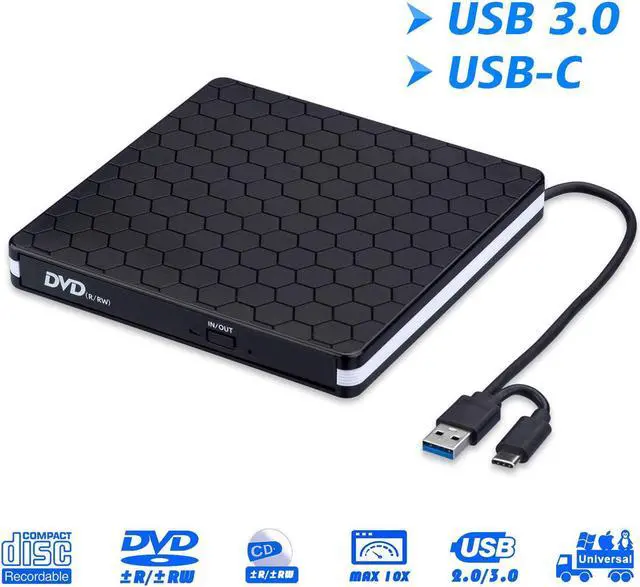
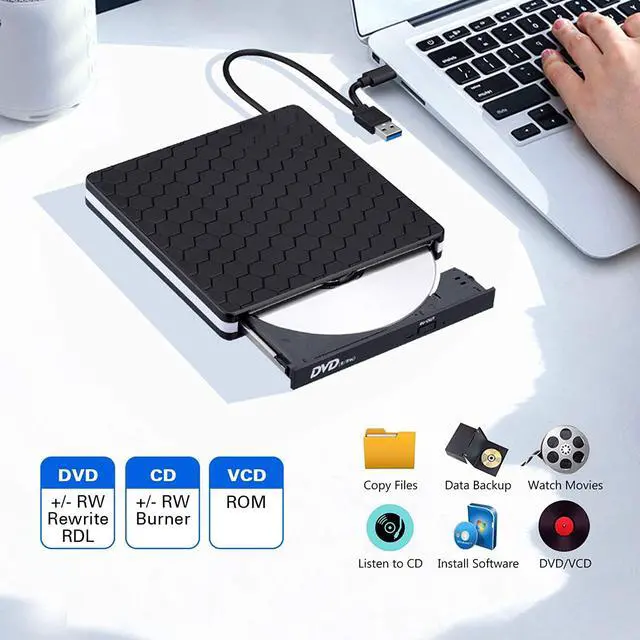
    External DVD Drive for Laptop, Portable High-Speed USB-C&USB 3.0 CD Burner/DVD Reader Writer for PC Desktops, Compatible with Windows/Mac OSX/Linux (USB C&3.0)

    • Item #: 9SIV36AKE32147
    • Mfr. Part #: ID-JHFD80-1
    • UNSPSC: 43201811
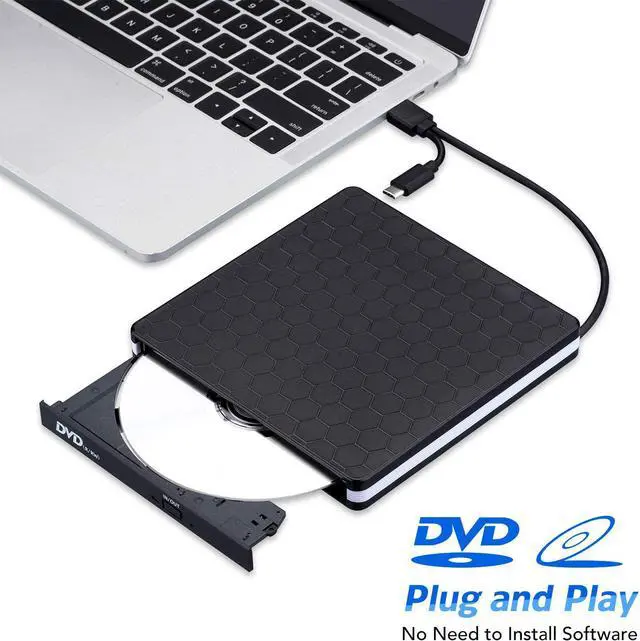
    • Plug and Play: Our CD Drive needs No more software installment or extra power supply, just plug and play that it’s being charged meanwhile.
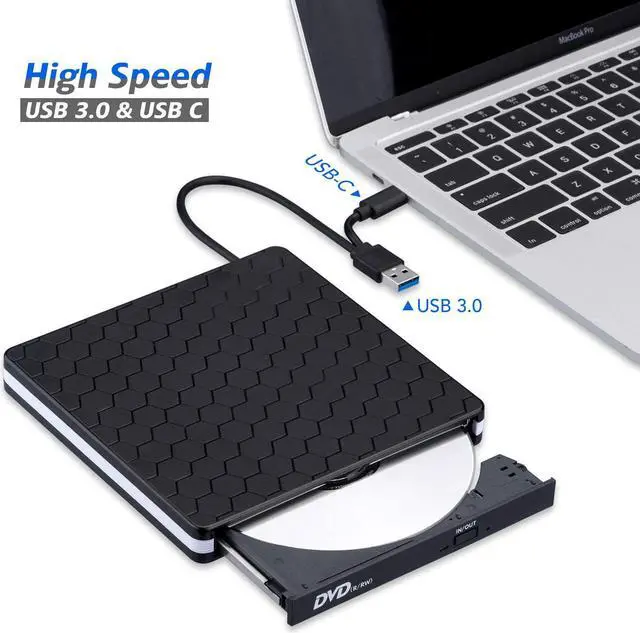
    • USB 3.0 & Type-C: Your Data-transferring of CD-burning and DVD Reading &Writing will be way faster and steadier on the basis of compatible with USB 2.0&1.0.
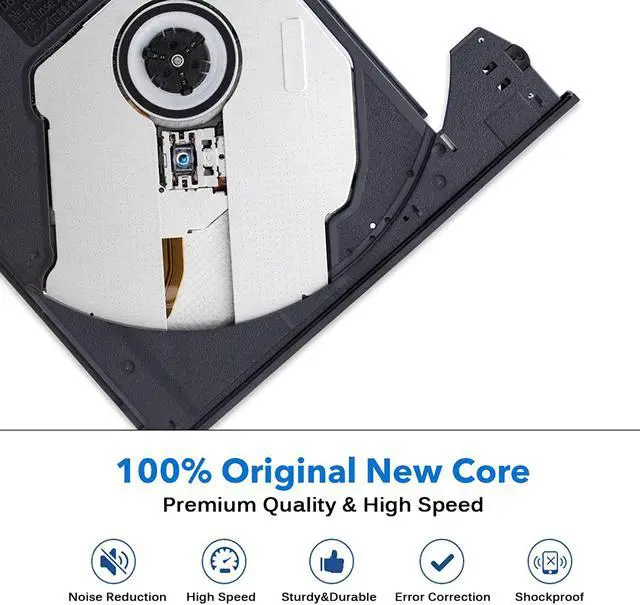
    • Far Better Performance: Built-in cable design, made of premium material of shockproof, lower noise, anti-interference and high durability.
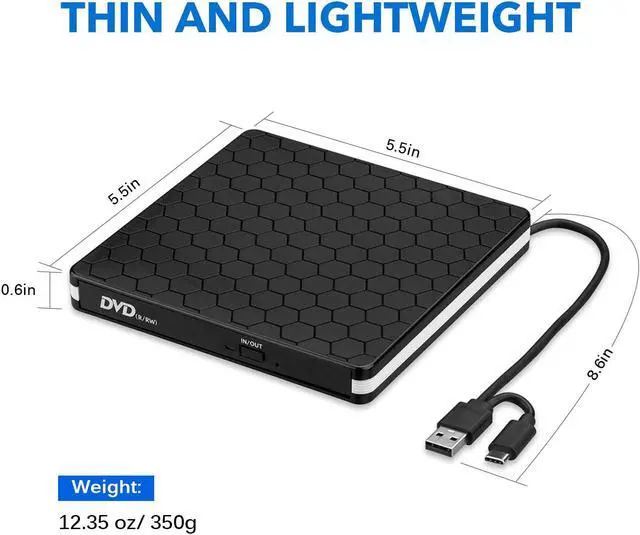
    • Portable and Thin: Our external USB drive are super thin and lightweight, extremely easy to use, carry and store.
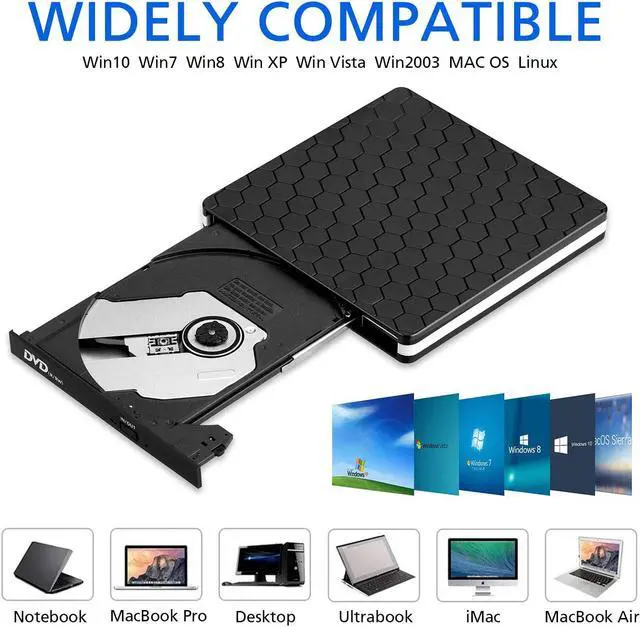
    • Widely compatible: it works well for all the laptops and desktops(EXCLUDE PHONES, IPADS, Chrome and SURFACE), compatible with Windows 10/7/8/XP/Vista/2003, all versions of Mac OS and Linux system. For the desktop users, Please connect it to the USB Ports on the motherboard for normal use.

    +
    +
    Overview
    Specs
    Reviews
    MiluoTech External DVD/CD Drive

    Plug and Play: Our CD Drive needs No more software installment or extra power supply, just plug and play that it’s being charged meanwhile.

    USB 3.0 & Type-C: Your Data-transferring of CD-burning and DVD Reading &Writing will be way faster and steadier on the basis of compatible with USB 2.0&1.0.

    Far Better Performance: Built-in cable design, made of premium material of shockproof, lower noise, anti-interference and high durability.

    Portable and Thin: Our external USB drive are super thin and lightweight, extremely easy to use, carry and store.

    Widely compatible: it works well for all the laptops and desktops(EXCLUDE PHONES, IPADS, Chrome and SURFACE), compatible with Windows 10/7/8/XP/Vista/2003, all versions of Mac OS and Linux system. For the desktop users, Please connect it to the USB Ports on the motherboard for normal use.

    Warranty & Returns

    Warranty, Returns, And Additional Information

    Warranty

    • Please contact the Seller directly for warranty information. Warranty information may also be found on the Manufacturer's website.
    • CONTACT

    Return Policies

    Manufacturer Contact Info

    LOADING...