• $18.99
  • Free 30-day Returns
  • Ships from China.

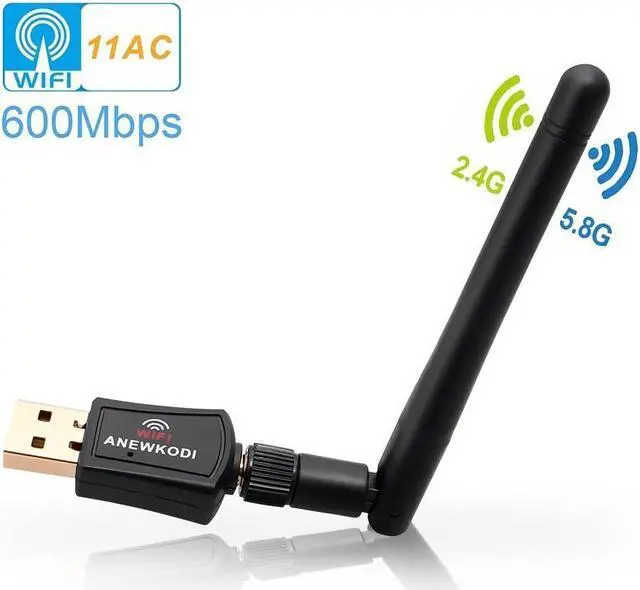
    WiFi Adapter, 600Mbps Wireless USB Adapter 5.8GHz/2.4GHz Dual Band 600Mbps USB Adapter 2dBi External Antennas Supports Windows XP,Win Vista,Win 7,Win 8.1, Win 10,Mac OS X 10.7-10.14

    • Item #: 9SIV36AKE30470
    • Mfr. Part #: BL-WN6001A-DE2
    • UNSPSC: 43201409
    • 600Mbps 802.11AC Dual Band 2.4G/5G Wireless Network Adapter USB Wi-Fi Dongle
    • Innovative dual band Wireless adapter, The newest and most powerful Wi-Fi technology - 3 times faster than wireless N speeds. Dual band reduces interference for better connections to more wireless networking.
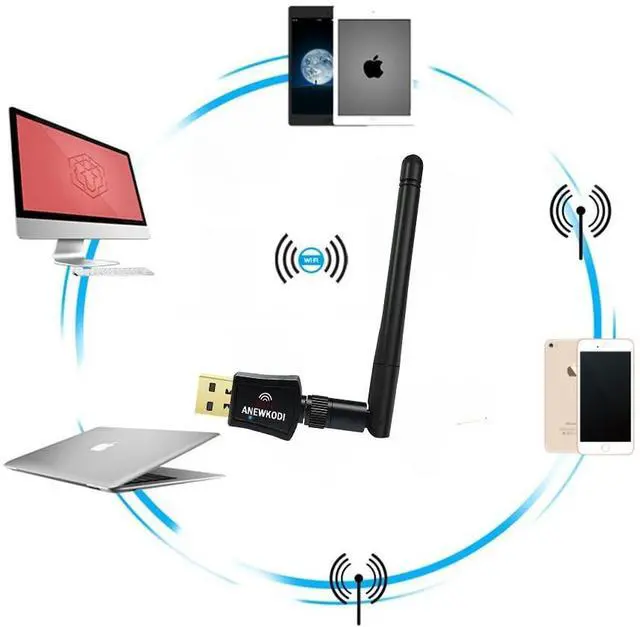
    • Works with any Wi-Fi routers, by using AC600 wireless adapter, you can upgrade your PC, laptop or Mac to work with the latest AC Wi-Fi router for faster speed and extended range
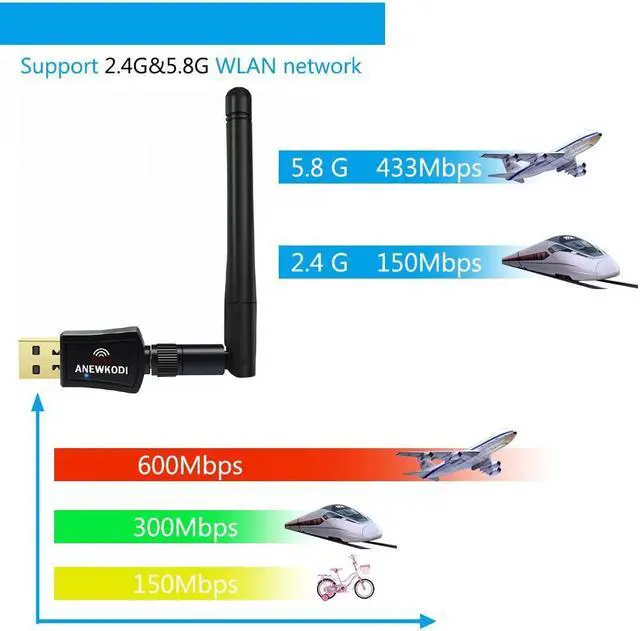
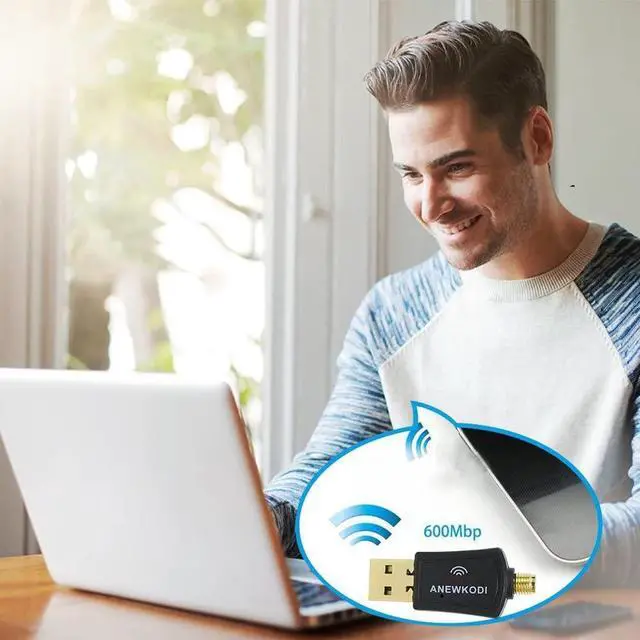
    • High speed 802.11AC Wireless Adapter, Up to 600Mbps Wi-Fi speeds on 5GHz (433Mbps) or 2.4GHz (150Mbps) bands. 5G Wi-Fi is ideal for online gaming and seamless HD video streaming.
    • Wi-fi USB wireless for PC compatibility: Win10, 8.1, 7, XP, 10, Mac OS X 10.7-10.14 Sierra
    +
    +
    Overview
    Specs
    Reviews
    802.11AC Dual Band AC600 Wireless USB Adapter
    EDUP dual band wireless network adapter with high gain long-range 2dBi antenna brings you a tiny way to get speedy next generation Wi-Fi connections-the latest 802.11ac wifi technology, by connecting it to the USB 2.0 interface of your PC, laptop or Mac, you can establish 433Mbps connection at 5GHz radio or 150Mbps connection at 2.4GHz radio with your WiFi router.

    ?With its portable-sized design, easy to carry for home using or when in travel.

    Insert it to any 2.0 usb port and leave it there, no need to worry about blocking adjacent usb devices.

    Specification:
    Support System: Windows 10/8.1/7/XP/Vista, Mac OS X 10.7-10.14
    Standards: 802.11ac(backward compatible with 802.11a/b/g/n)
    Dual Band: 5.8GHz(433Mbps) / 2.4GHz(150Mbps)
    Interface Type: USB 2.0
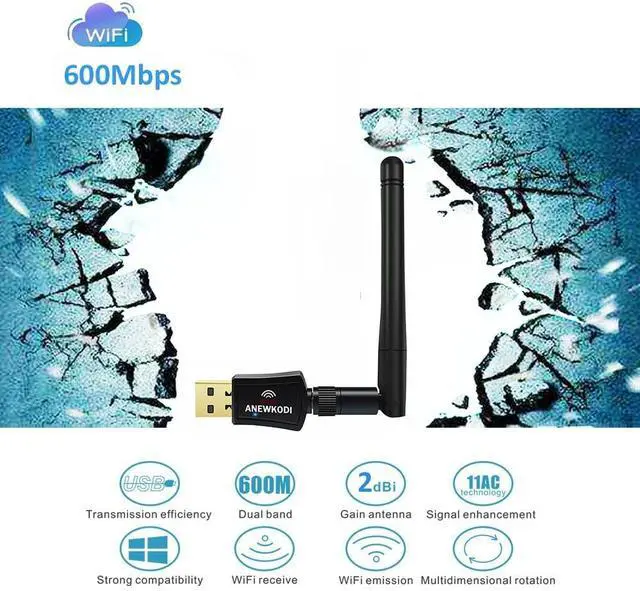
    Antenna Gain: 2dBi

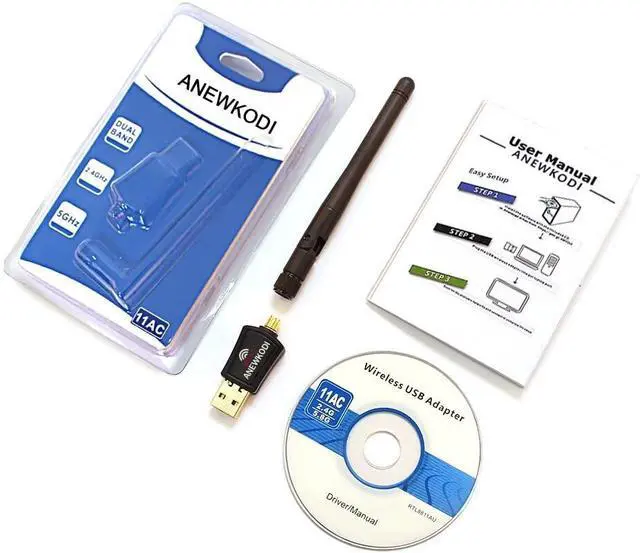
    Package included:
    1 X USB wifi adapter

    How to install the wifi adapter
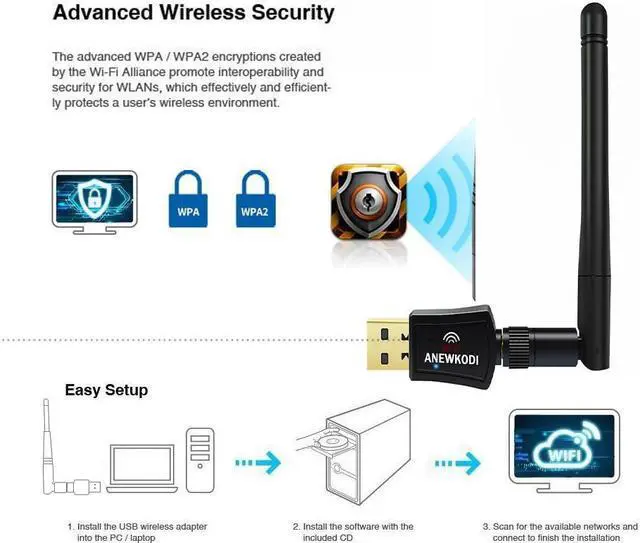
    1. Insert CD into PC (don't plug the WiFi Card first)
    If your computer can not use the CD, please download the driver from EDUP website.
    2. Open the "setup.exe" in CD, and install the driver.
    3. Insert the wifi adapter

    Note:
    If you meet a problem about the driver can not be installed on Mac 10.13 or Mac 10.14 system, please follw the suggestion steps to resolve the problem.

    1.Find out"system preferences"
    2.Click: Security and privacy
    3.Then click"allow"
    That is all.

    Warranty & Returns

    Warranty, Returns, And Additional Information

    Warranty

    • Please contact the Seller directly for warranty information. Warranty information may also be found on the Manufacturer's website.
    • CONTACT

    Return Policies

    Manufacturer Contact Info

    LOADING...