The warm tips special for you: 1.
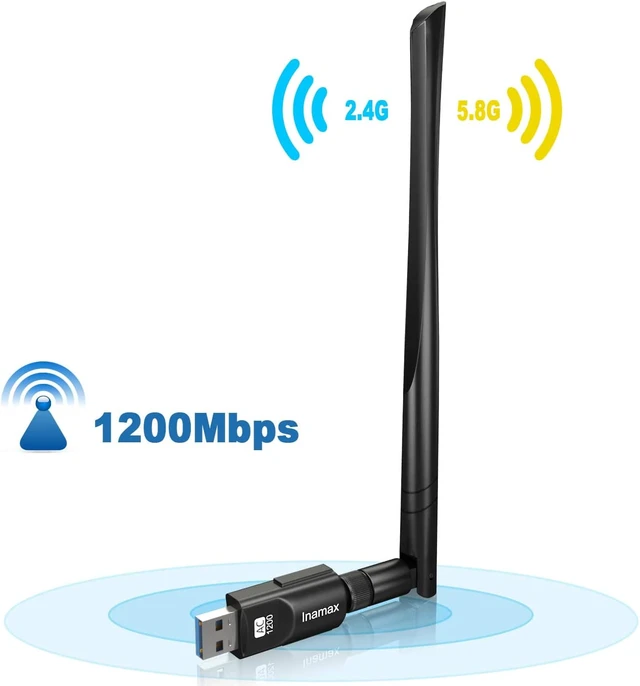
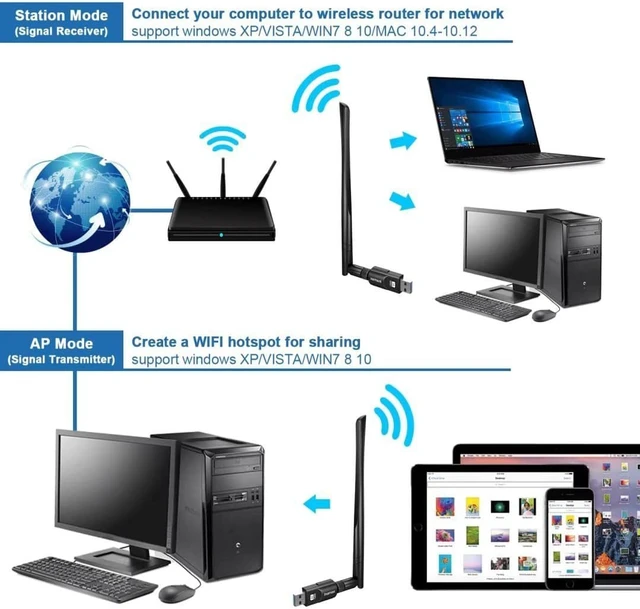
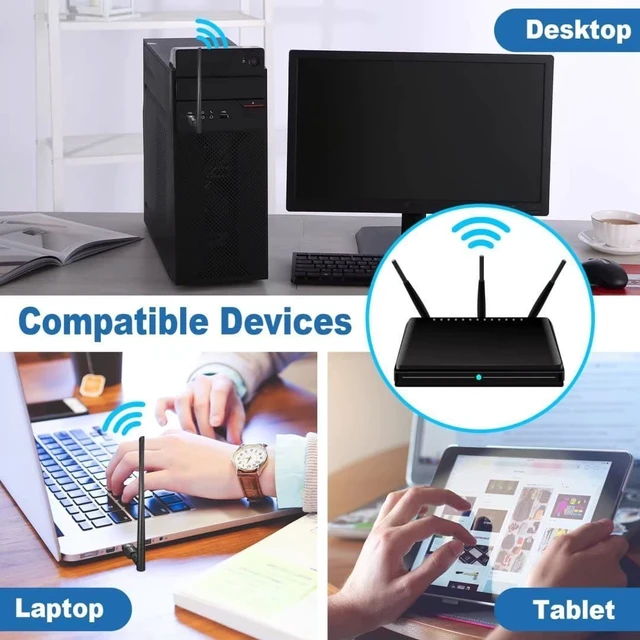
Support Systems: Windows 10/8/ 8.1 /7/Vista/XP, Mac OS X 10.5 - 10.15, Not support Linux, TV, Projector, Printer. 2. The adapter's max. speed up to 867Mbps just works when you connect to 5G band, otherwise, it will just run at the max. speed of 300Mbps with 2.4G. Normally, your PC's network speed can't up to the wifi adapter's speed as it depends on many factors, Such as the network size, router, barriers, laptop or PC 's internal memory... 3. 5 Ghz mode stands out within short range. If your WiFi adapter is closed to the router, then wifi signal will be stronger under 5 GHz than 2.4 GHz. Now You want to have fast speed in watching video and playing online games, We suggest that you should connect to the 5G band. If your WiFi adapter is far away from the router, and you just want to surf the website, you’d better connect to 2.4G band for better and stable signal. 4. This usb wifi adapter only can receive network signals, but can not strengthen it, If you want to get booster function, then you choose a wifi extender.
5. It is different for the program between our usb wifi adapter with notebook's built-in network card, The ability to receive wifi for notebook with built-in network card is weaker than mobile phone, While external network card is not better than notebook. The same router, From the ablity to receive wifi, the speed of the phone will be faster than computer. 6. Don't shaking and frequently plugging and unplugging, which may be cause looseness. When you go for a travel, please plug it out and put it into your bag. 7. If the wifi adapter stop working suddenly, Please unplug and plug it in the USB port, reinstall the driver or update the driver manually. 8. If the connection is unstable, please check your signal strength and signal channel. 9. If you meet a problem about the driver can not be installed on Mac OS system, please try the following steps to solve the problem: 1)Find
out"system preferences 2)Click: Security and privacy 3)Then click"allow"
How to install the driver: Please install the driver first, then insert the wifi adapter. Driver needed for Windows8/ 8.1 /7/Vista/XP, Mac OS X 10.5 - 10.15 (Typically Plug and Play only for Windows 10) 1. By Mini CD or download driver on line. 2. Once you download the driver. Please do Right-click the driver ZIP file, select the "Extract All.. " firstly. Then double-click "setup" to install the driver. If you go to double-click the Zip file and then double-click the "setup" to install the driver directly, it will comes up with an error message saying"Sorry! We do not support this operation system!! " Actually. It does support your system. 3. If you install the driver successfully, plug in the wireless wifi adapter into your computer Laptop desktop. We suggest you insert the WiFi adapter into the back USB port of your desktop, that may keep the power supply. 4. Double-click the icon named “REALTEK USB Wireless LAN Utility” on your desktop. (1). Click the " available network" bar, click your wireless network, then click "Add to Profile". Enter your wifi password.
(2). In the "Profile" bar, click your wireless network, then click "set as default".



 All Categories