


Meet Your Seller

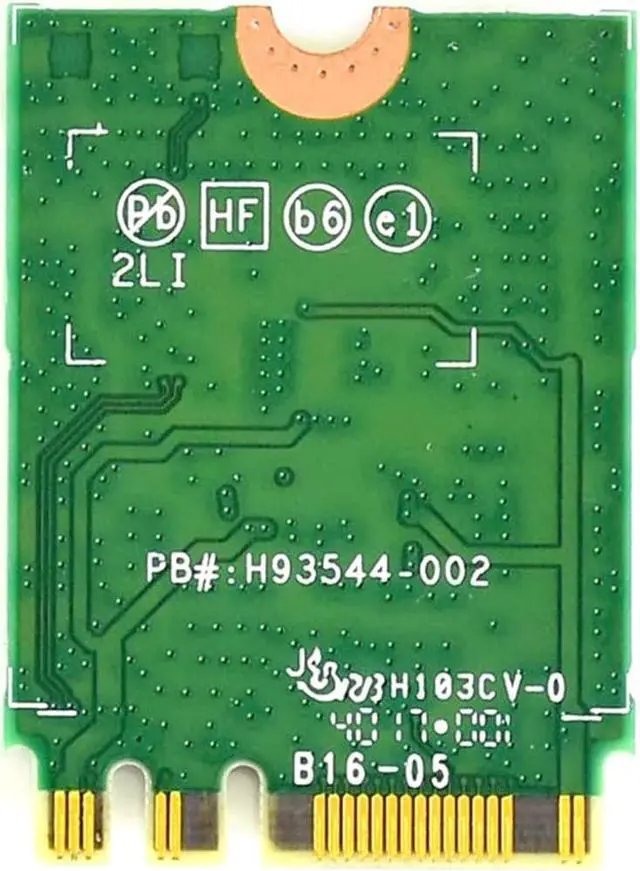


Wireless-AC8265 Dual Mode Intel AC8265 Wireless NIC Module for Jetson Nano Developer Kit B01/A02, Support 2.4GHz/5GHz 300Mbps/867Mbps Dual Band WiFi and Bluetooth 4.2
- Item #: 9SIV36AKE35104
- Mfr. Part #: MH-FDFI94
- UNSPSC: 43201409
- Wireless-AC8265 is a dual mode wireless NIC module applicable for NVIDIA Jetson Nano Developer Kit.
- Supports 2.4GHz / 5GHz dual band WiFi and Bluetooth 4.2.
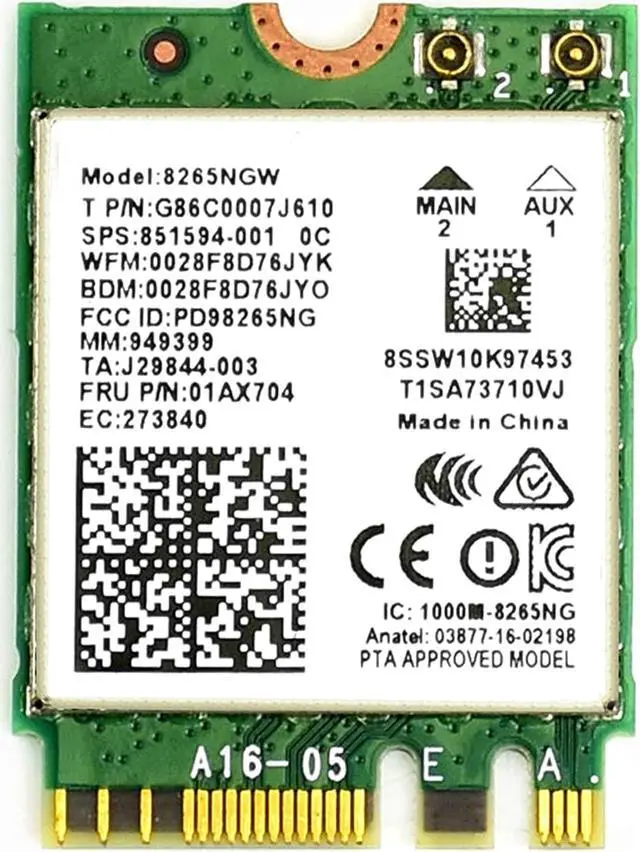
- Chip: Intel 8265AC ; Bands: 2.4GHz / 5GHz;Speed: 300Mbps / 867Mbps
- WiFi protocol: 802.11ac ;Bluetooth version: 4.2; NIC interface: NGFF (M.2);Antenna interface: IPEX connector
- Supported OS: Linux, Windows 10/8.1/8/7 ;Dimensions: 22mm × 30mm × 2.4mm
+
+
Overview
Specs
Reviews
AC8265 Wireless NIC, 2.4G / 5G WiFi, Bluetooth 4.2, Applicable for Jetson Nano
Overview
This is a dual mode wireless NIC module applicable for Jetson Nano, supports 2.4GHz / 5GHz dual band WiFi and Bluetooth 4.2.
Features
Chip: Intel 8265AC
Bands: 2.4GHz / 5GHz
Speed: 300Mbps / 867Mbps
WiFi protocol: 802.11ac
Bluetooth version: 4.2
NIC interface: NGFF (M.2)
Antenna interface: IPEX connector
Supported OS: Linux, Windows 10/8.1/8/7
Dimensions: 22mm × 30mm × 2.4mm
How to Use:
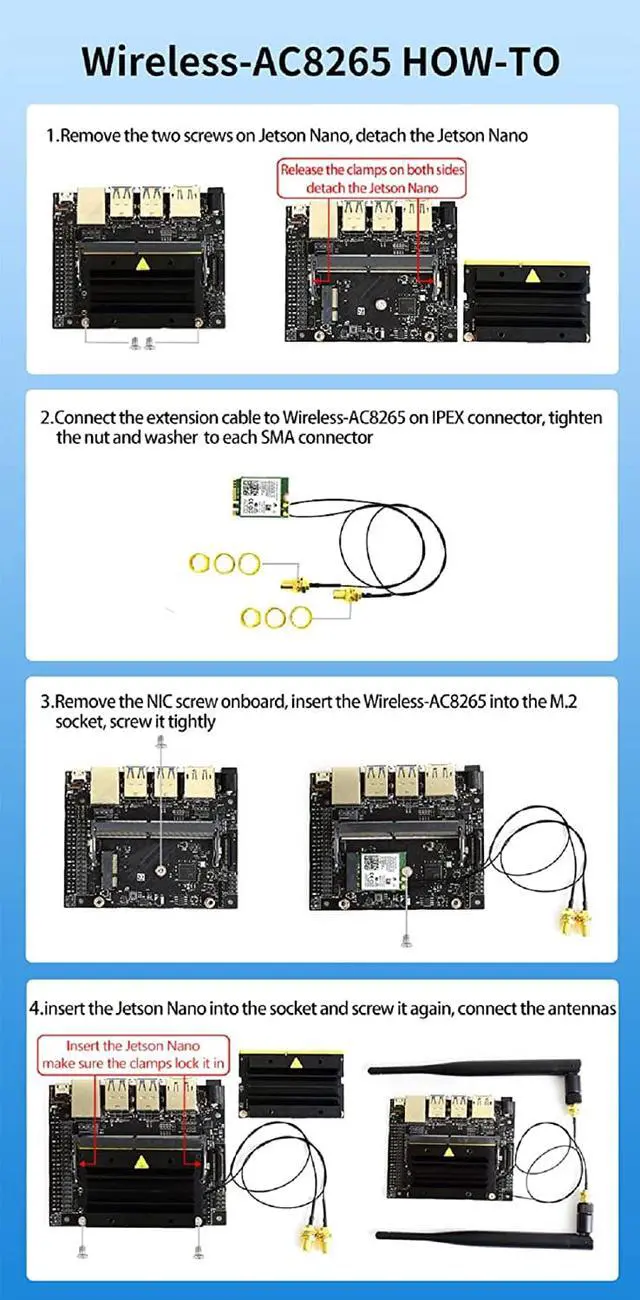
1.Remove the two screws on Jetson Nano,detach the Jetson Nano
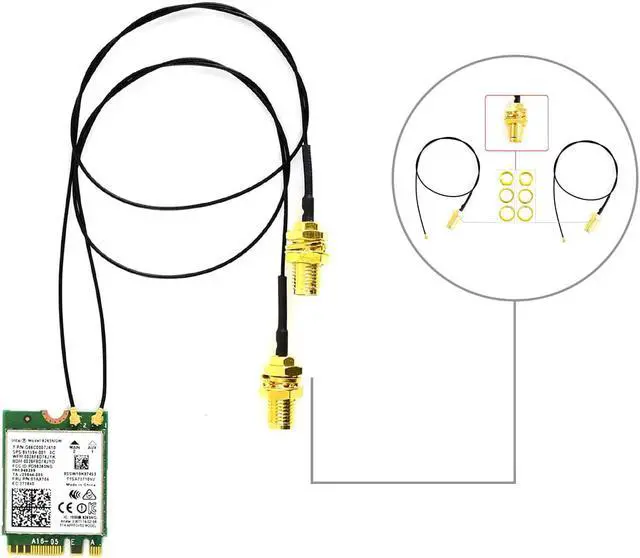
2.Connect the extension cable to Wireless-AC8265 on IPEX connector , tighten the nut and washer to each SMA connector
3.Remove the NIC screw onboard, insert the Wireless-AC8265 into the M.2 socket , screw it tightly
4. Insert the Jetson Nano into the socket and screw it again , connect the antennas
Please check detailed Graphic and Textual instruction from the picture above
Note:This item does not support Jetson Nano 2GB Developer Kit
PACKAGE CONTENT
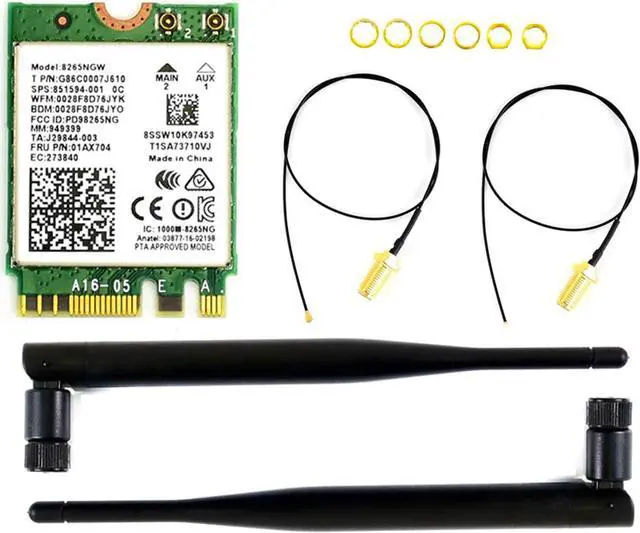
1.Wireless-AC8265 x1
2.Antenna x2
3.IPEX to SMA cable x2
Warranty & Returns
Warranty, Returns, And Additional Information
Warranty
- Please contact the Seller directly for warranty information. Warranty information may also be found on the Manufacturer's website.
- CONTACT
Return Policies
- Return for refund within: 30 days
- Return for replacement within: 30 days
- This item is covered by Electronics World Return Policy
Manufacturer Contact Info
- For a directory of all our manufacturers, please click below.
- Manufacturers Directory
LOADING...