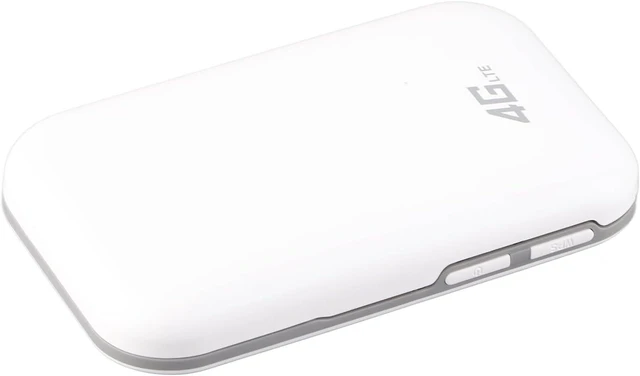
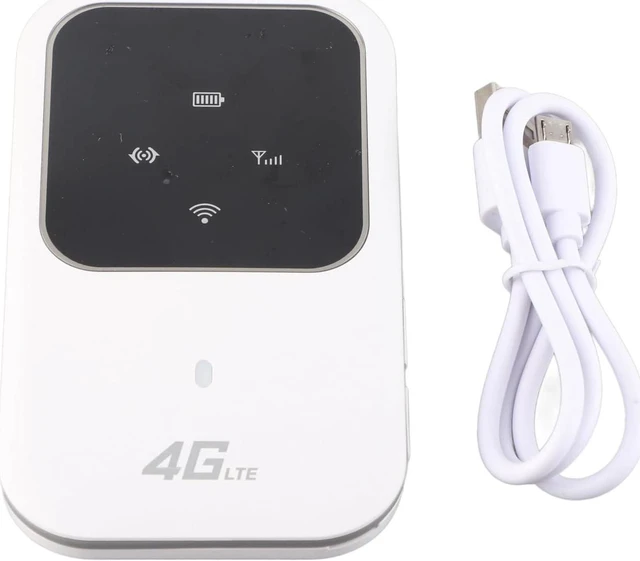
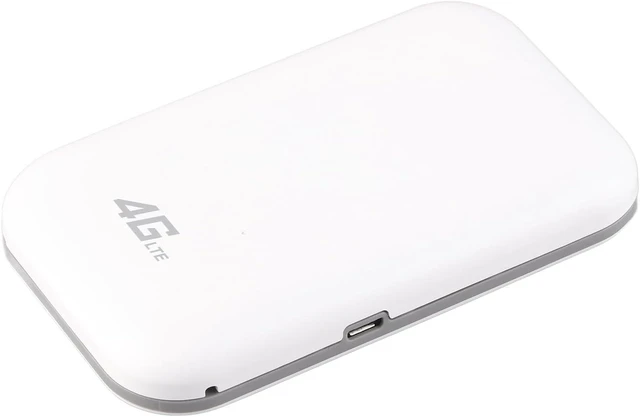
Specification:
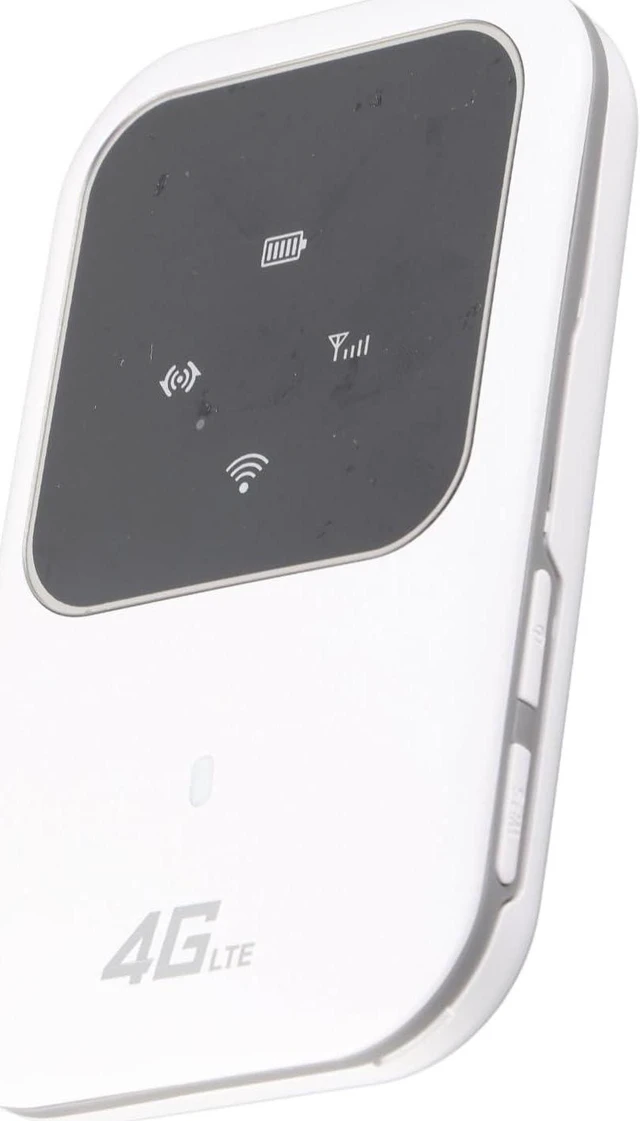
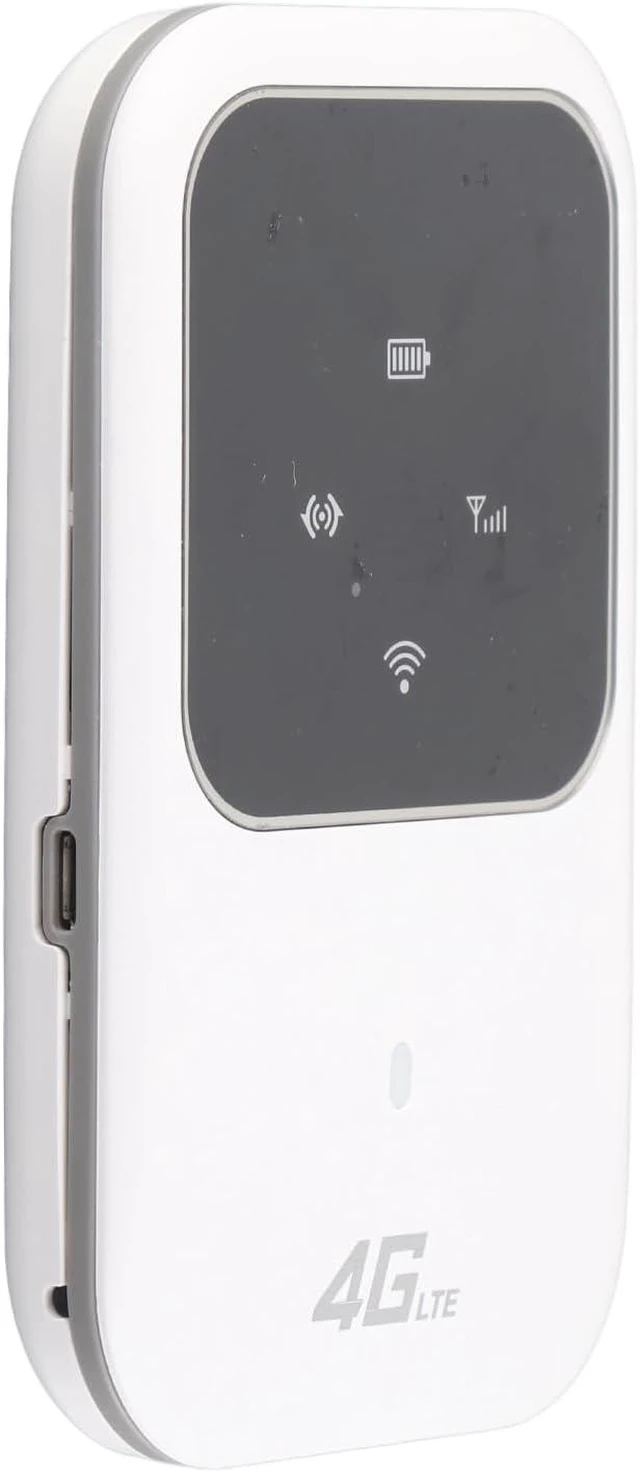
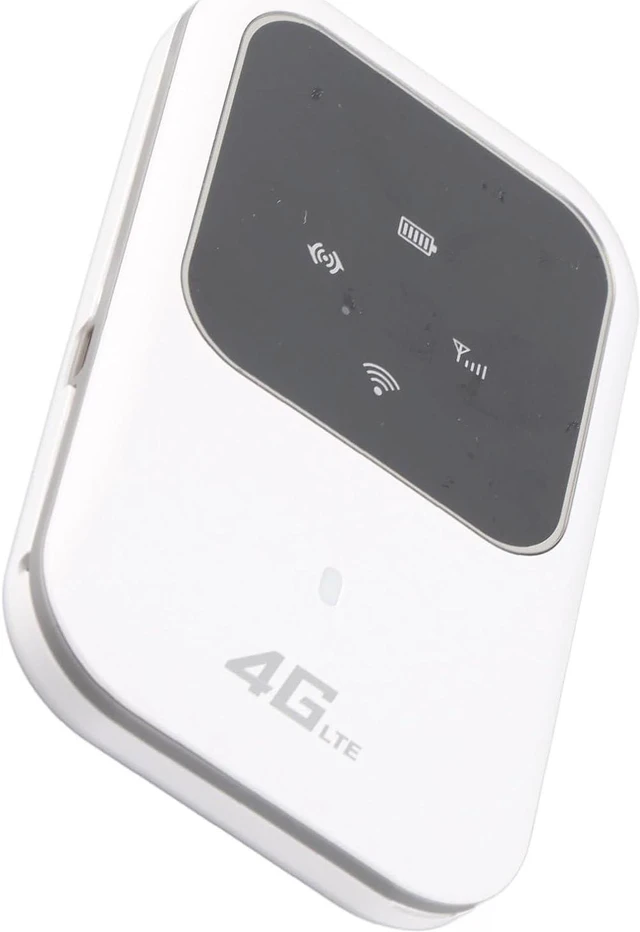
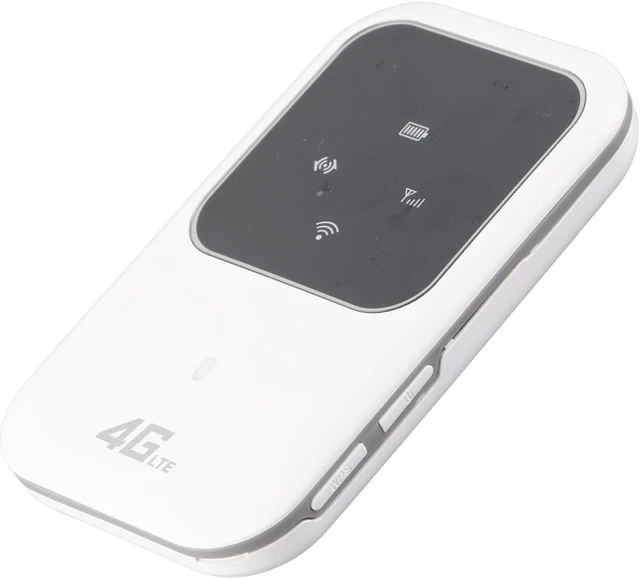
Item Type: Mobile Hotspot
Material: Plastic Shell
Transmission Speed: UL/DL: 50Mbps/150Mbps
Interface: Micro-USB 2.0
Support 4G: FDD-LTE/TDD-LTEF
Input Voltage/Current: 5V/1A
Memory Expansion: Support TF Card Up to 32GB (TF Card Not Included)
Frequency Band: FDD B1 B3, 3G B1
Built-in Lithium Battery: 2400mAh
Charging Time: About 50 Hours
Working Time: About 10 Hours
Standby Time: About 3 Hours
Support System: For 8/7/Vista/ (SP2 and Above)
Applicable Country:
B1/3/5/8/38/39/40/41
Hongkong, China, , Thailand, South Korea, Italy, Britain, France, Spain, Other Parts of Europe, South Africa, Australia, New Zealand, Japan, India, Other Parts of South America
How to Use:
1. Insert the card
2. Open
3. Enter WiFi key
4. Connect to the Internet
(Refer to the manual for detailed steps)
PackageList:
1 x Router
1 x USB Data Cable
1 x User Manual
Notice:
For those who cannot connect to wifi, the summary is as follows: 1. The customer's card is not activated/inactivated, and there is no traffic, so the card cannot be transmitted. 2. The customer inserts the card in the wrong position and inserts it into the memory card (the place where the SIM card should be inserted). 3. The frequency band of the Sim card does not match the frequency band of the machine, and the customer needs to replace the sim card with the frequency band that matches the machine to use (for example, the customer's sim card is B2, B4, B7, B20) but the machine is (B1/B3) Yes, at this time, it cannot be used without a matching frequency band, and it cannot be connected to wifi. 4. The frequency band of the machine matches the frequency band of the sim card, but the wifi is still not connected. At this time, let the customer connect to the computer, and the software will be installed automatically (or use the computer to connect to wifi, enter the IP address and account password in the browser) to open the software Check the APN of the machine, and call the operator to ask for the detailed data of the APN. If it does not match, you can change it in the software, and you can basically connect.



 All Categories