Laptop Network Adapters
Special features:
System Requirements: Windows 11/10/8/7(32/64bit)/Linux
Interface: SATA3.0 interface. SATA2.0
Installation instructions
1: Plug all mSATA SSD into the adapter card.
PS: ALL SSD must be inserted in the Adapter card at the same time.
2: Turn off the power of the computer, Plug in the cable and power cable.
3: Secure the iron strip of the Adapter card to the chassis with a screwdriver.
4: Close the chassis and plug in the power cord to boot. After entering the system
5: Open "Disk management",Initialize and format thedisk.Successful installation.
You'll receive:
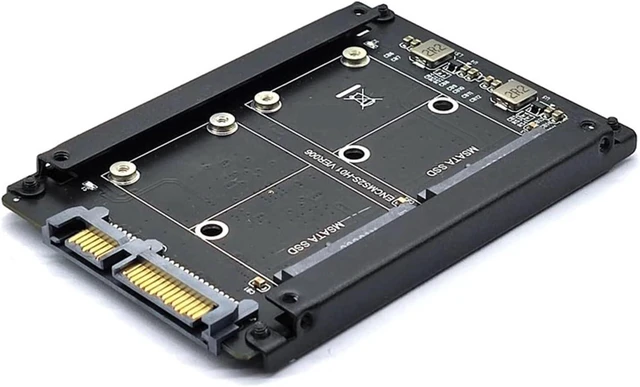
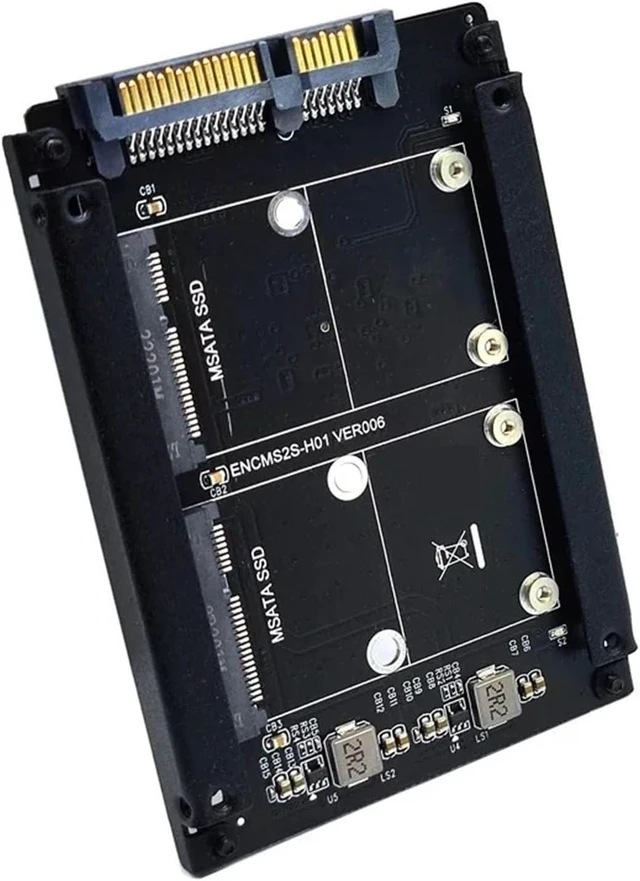
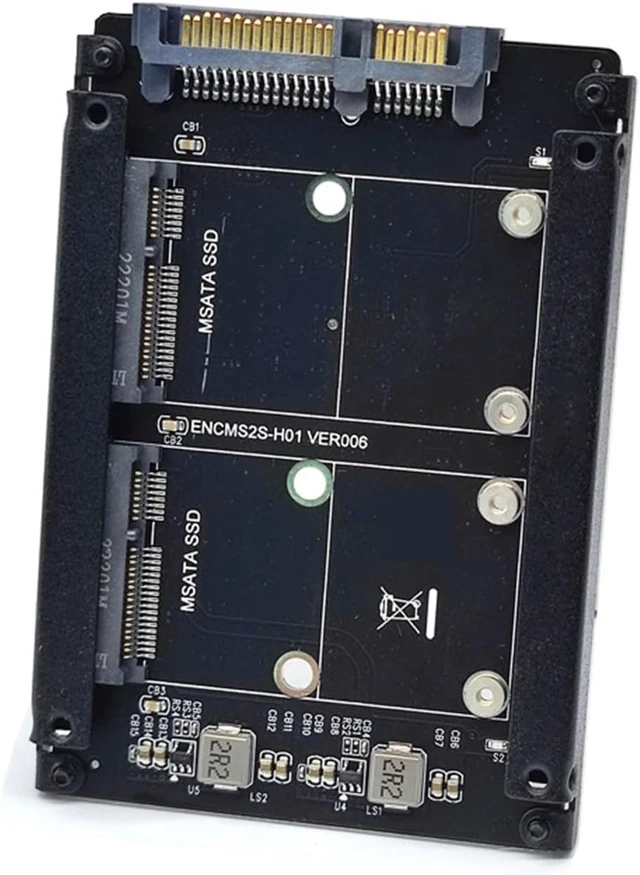
1 x Dual MSATA to SATA3.0 Adapter Converter (NOT Included the MSATA SSD)
Please check pictures for more details.
Model Number : AC7038
Type : Cable Adapter
Feature1 : msata adapter
Feature2 : msata to 2.5
Feature3 : msata
Feature4 : dual msata
Feature5 : msata to sata3.0 adapter
Feature6 : riser



 All Categories