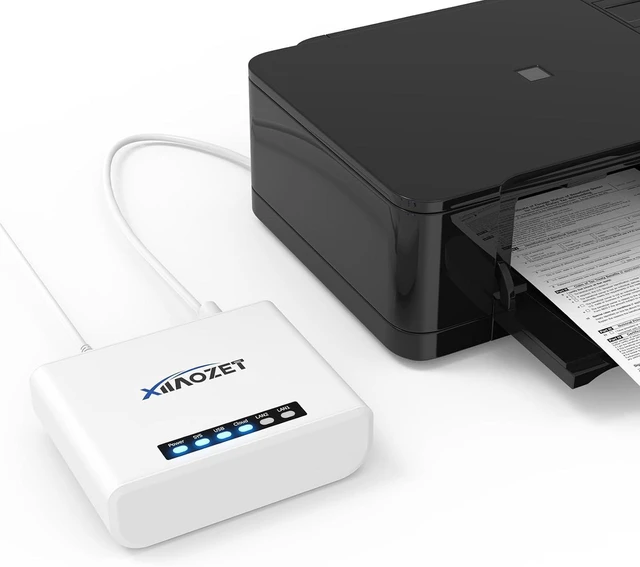
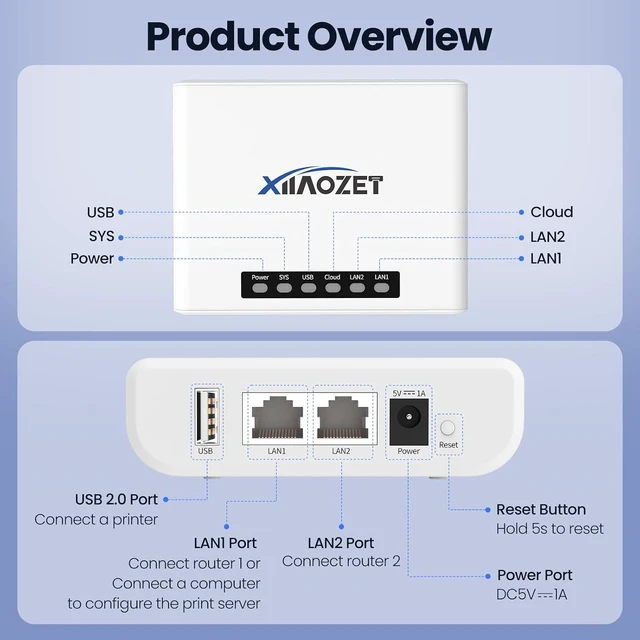
Instantly check your print server status for quick troubleshooting and smooth operation.
Built-in encryption technology and security protocols, ensuring that your information is protected for wireless transmissions.
Enjoy fast processing speeds that enhance all your printing tasks, ensuring efficient performance.
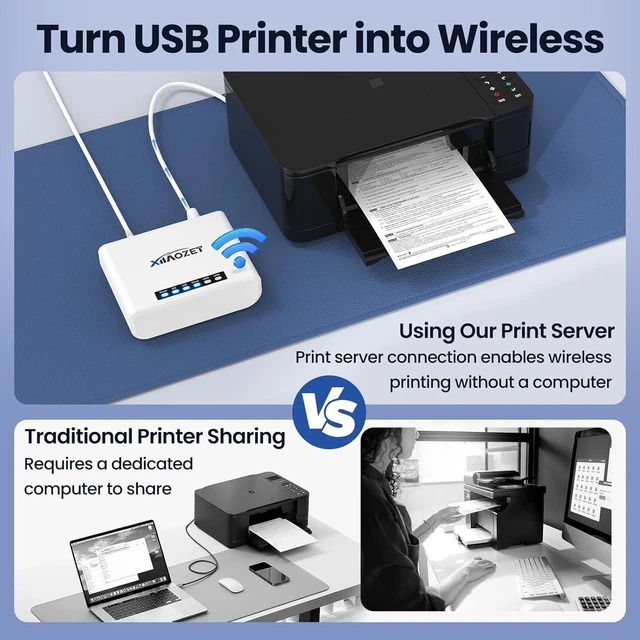
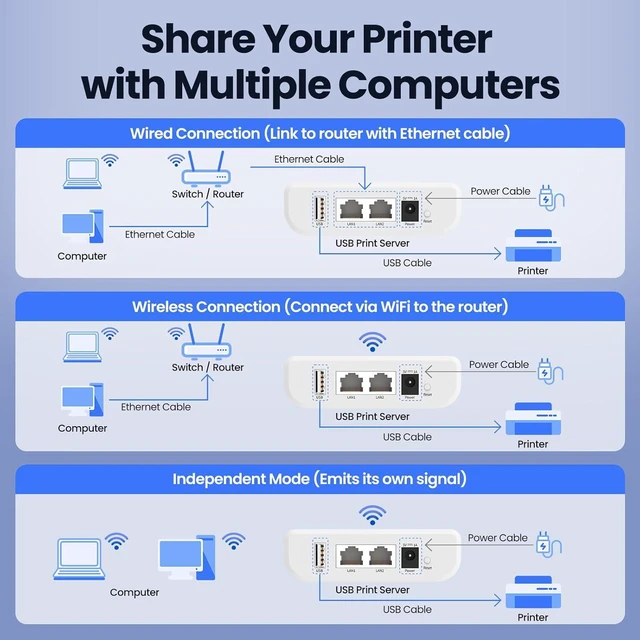
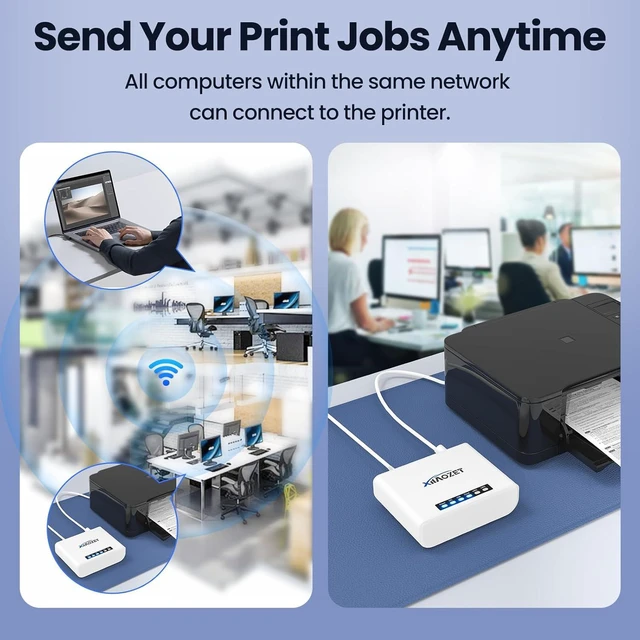
Connect non-network printer to a network, enabling shared printing across computer-User can access the printer efficiently via its assigned IP address
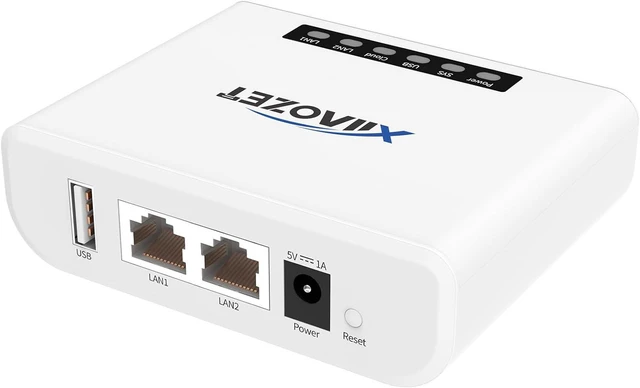
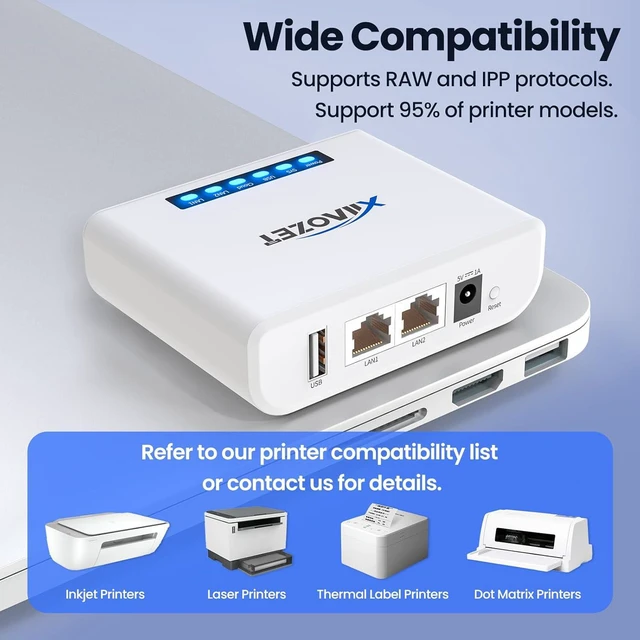
Network Connection Supports wired or 2.4GHz WiFi connection, default IP address DHCP or static IP Wi-Fi Standard EEE802.11b/g/n, Max up to 150Mbps LAN Ethernet interface (RJ45, 10/100Mbps) Supported Systems Windows 7 and above(Non-ARM chips), Mac OS Installation Using Printer Quick Installation Tool or IP address to add the printer on Windows, Using IP address to add the printer on Mac or linux OS USB Interface USB 2.0 (Full-speed/High-speed) Wireless Security Protocols WPA/WPA2, WEP Print Protocol RAW Network Protocol TCP/IP LK100W /LK300W Wireless Print Server is designed for sharing PRINTERS only, for USB printers supporting RAW protocols installed in Windows/Mac/Linux Computer environment.
Not compatible with:
Dye-sublimation printers (e.g. DNP RX1)
Non-RAW protocol printers such as Canon LBP (CAPT) series (e.g. LBP2900 / LBP3000 / LBP3300 ...)
Print-and-cut machines (e.g. Roland BN series)
CASIO's NAME LAND series
BJC-1000SP, HP 7200 HP Business Inkjet 1000 series ---These devices require more advanced models such as LK100EW / LK300EW
Not supported:
Chromebook
Scanning / Faxing / other USB devices
Mac Setup Notice:
Installation is done via the IP address or hostname assigned by the print server
AirPrint is not supported
Important Notes:
This product is not plug-and-play. Please follow the video guide and user manual for setup. product support is available if needed (via xiiaozet dot net). The quick installation tool is optional it helps automatically add printers, but users can also manually add printers via IP address or hostname without downloading tool.
Some printers may require: Disabling sleep mode. Turning off bidirectional communication for proper operation
Multiple Computers in the LAN Share a USB Printer Turn USB Printer into Wireless Installation Video for Windows Installation for Windows Installation Video for Mac OS installation for Mac Smart Indicator Lights Data Security High-Performance Processor Empowering Your Printer Important Parameter Information Compatibility Notice Setup Notice



 All Categories