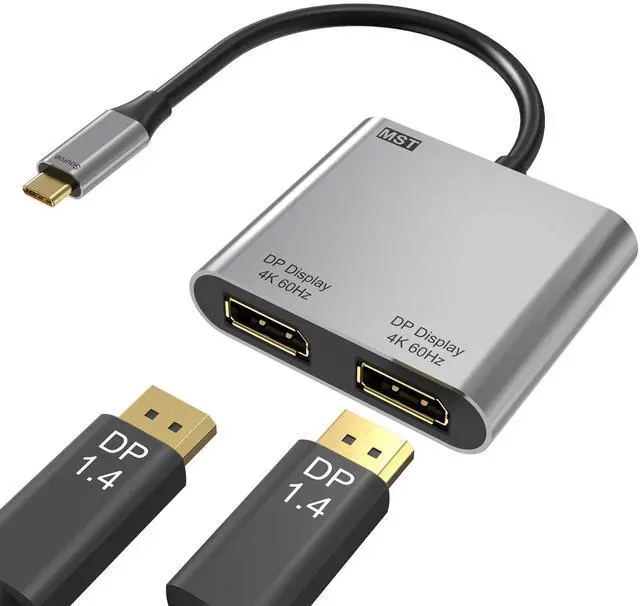
USB C to Dual DisplayPort Adapter, 4K@60Hz Display Port Splitter for Dual Monitors, Type C to DP Dual Monitor Converter Compatible for Dell XPS 13 15,Lenovo Yoga,Sumsung Chromebook,HP etc
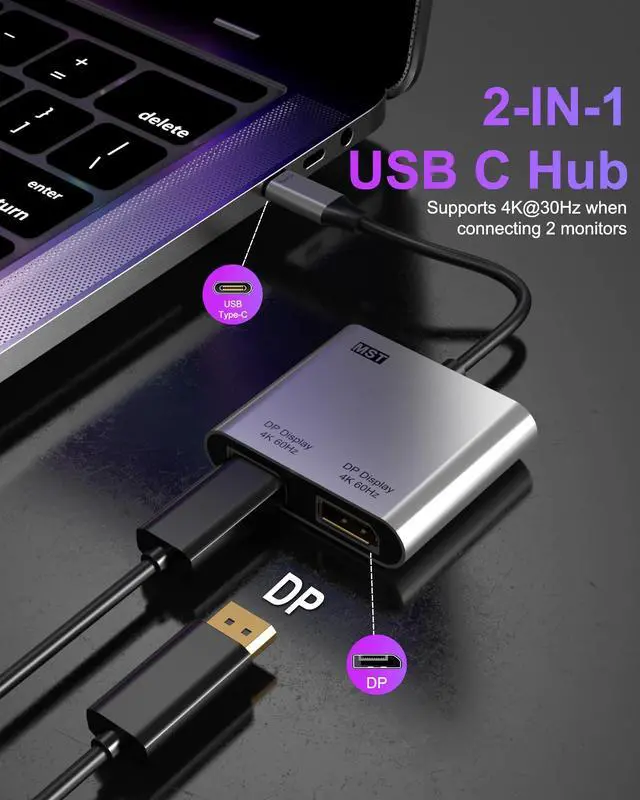
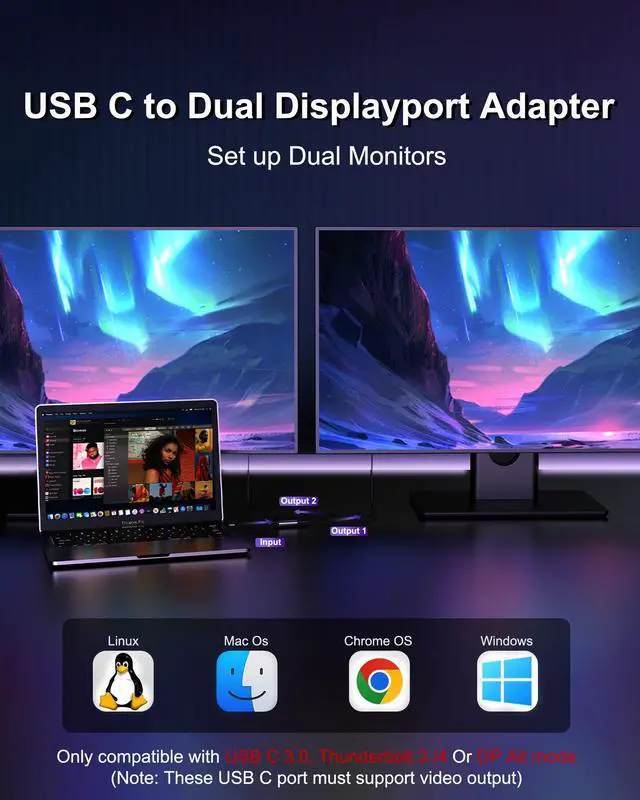
2-IN-1 USB C to Dual DisplayPort AdapterThis display port splitter for dual monitors can expands your laptops USB-C port into 2 display ports, and this USB-C to Dual DP Ports Adapter allows you to do different project on different monitors. Boost your work productivity and efficiency (Note: This usb c to dual displayport adapter is not compatible with docking stations, USB hubs, or KVM switches)
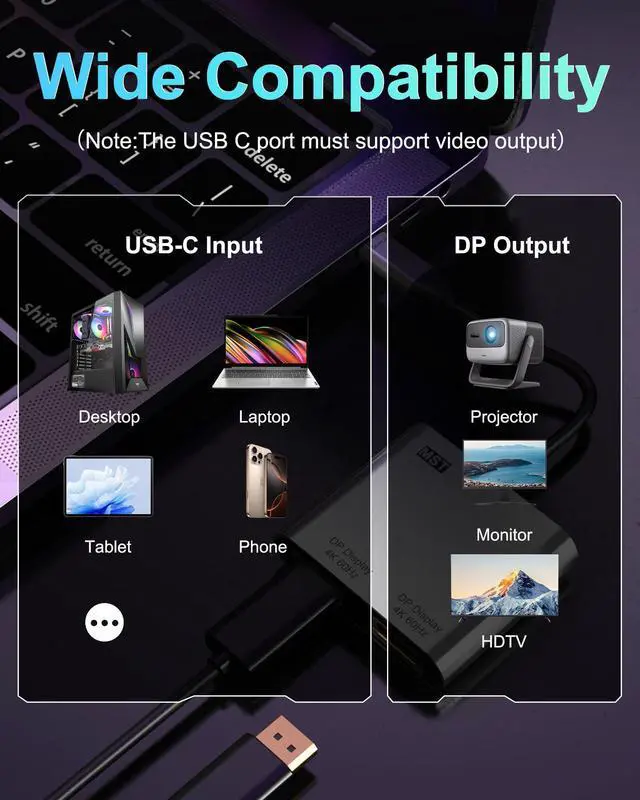
Dual 4K@60Hz UHD DisplayThis USB C to DisplayPort adapter supports resolutions up to 4K@60Hz for a single monitor, or dual monitors via DisplayPort MST technology (3840x2160@60Hz each). Also supports 1440p and 1080p @60Hz. (Note: ONLY when your devices support 4K resolution, the video output will be 4K,please make sure to use a DP 2.0 cable or better.)
Plug & PlayNo adapter or driver/software required. this usb c to dual displayport adapter is unidirectional and only works from a USB-C port with DisplayPort Alt Mode to a DisplayPort monitor.(NOTED:FIRST connect monitors to DP ports,THEN connect adapter to laptop,Set adapter as default audio output in system settings;This USB C to DP adapter doesn't have power supply function)
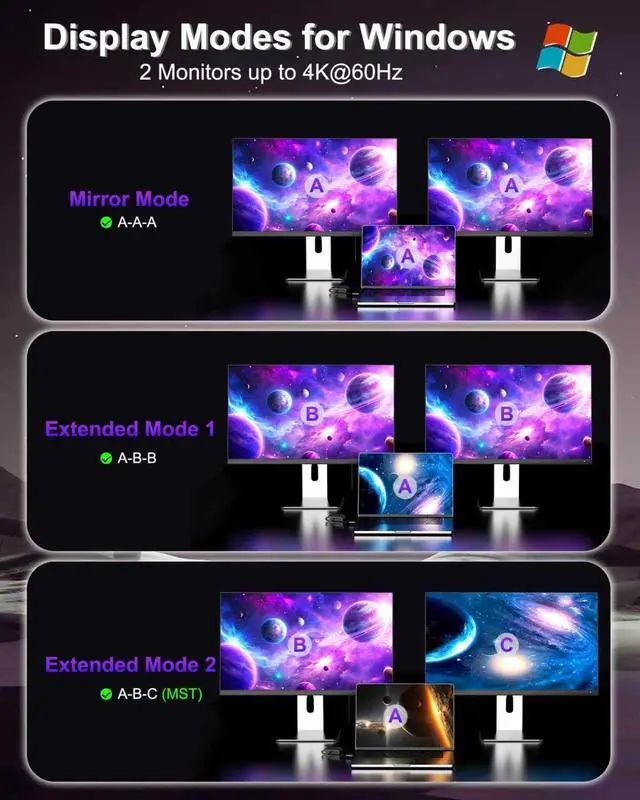
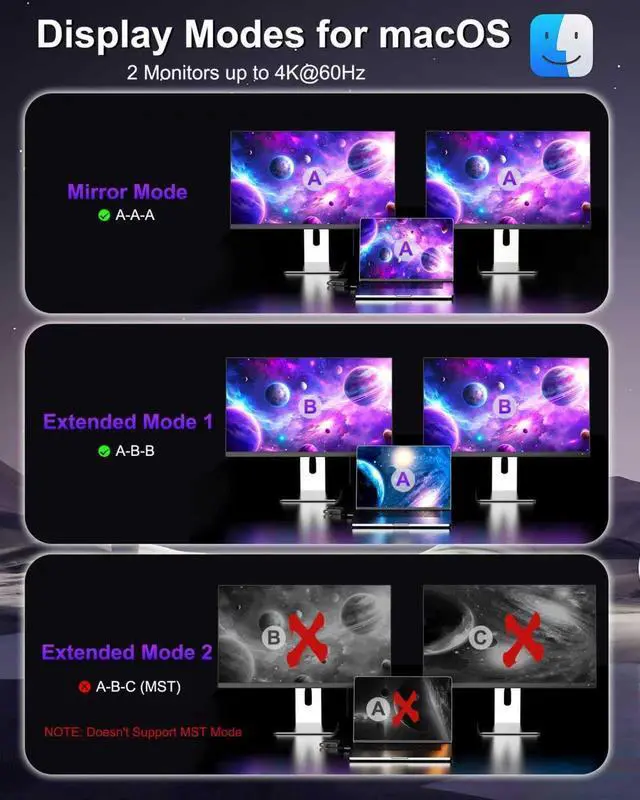
Multiple Display ModesFor Windows OS, this USB-C to Dual DP Ports adapter can supports two monitor to display different screensA-AAA-BBA-BC). For Mac OS, it only support mirror modeA-AAA-BB, and cannot extend two different screens due to Mac OS limitation
+
+
Overview
Specs
Reviews
USB C to Dual DisplayPort Adapter, 4K@60Hz Display Port Splitter for Dual Monitors, Type C to DP Dual Monitor Converter Compatible for Dell XPS 13 15, Lenovo Yoga, Sumsung Chromebook, HP etc
Learn more about the Detailed Specifications
Additional Information
First Listed on Newegg
May 22, 2026
There are no reviews yet.
Do you own this product?
Warranty & Returns
Warranty, Returns, And Additional Information
Warranty
Please contact the Seller directly for warranty information. Warranty information may also be found on the Manufacturer's website.