


Meet Your Seller

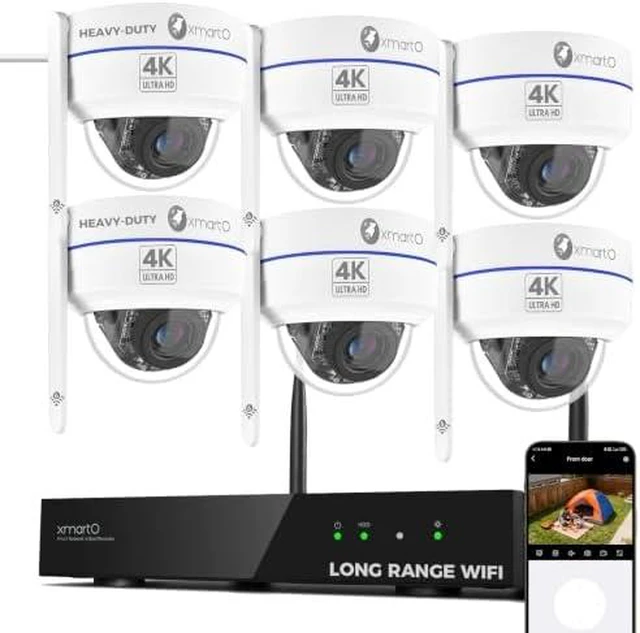



XMARTO 6-Cam 4K 8MP Wireless Security Camera System Outdoor, 10CH 4K NVR
- Item #: 9SIVW6YMB78382
- Mfr. Part #: TIOLB0G8JJ6TV3
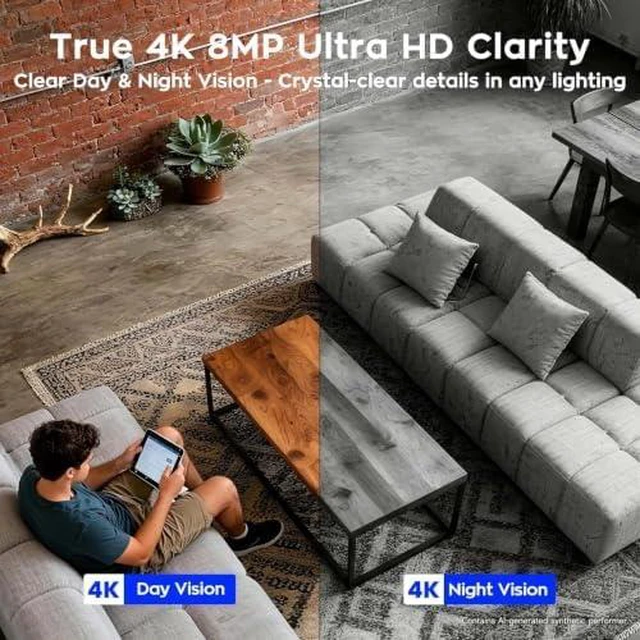
- PTZ AI Tracking, Heavy-Duty Metal Vandal-Proof, IR Night Vision, IP66, 24/7 Record, Long Range WiFi6, No HDD, No Monthly Fees
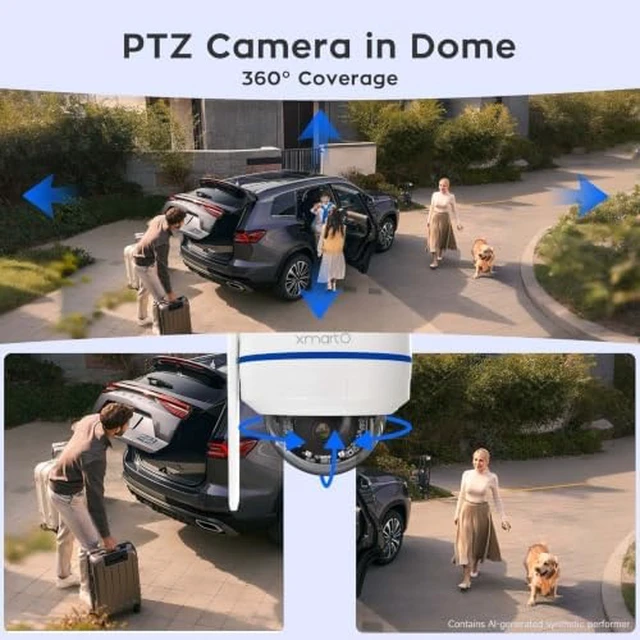
- & - - This bundle includes 1pcs 10-Channel 4K UHD WiFi6 NVR and 6pcs 4K 8MP UHD plug-in PTZ security cameras, delivering ultra-sharp high-detail video footage for home and business monitoring. The NVR supports stable connection, recording and management for up to 10 XMARTO WiFi6 cameras, with long-range WiFi6 signal for stable real-time transmission.
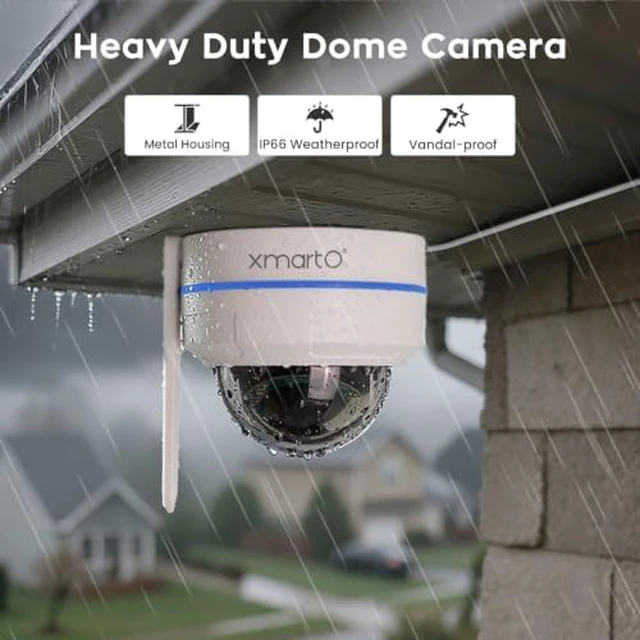
- - & - The 6 cameras are built with HEAVY-DUTY durable aluminum metal housing and IP66 weatherproof rating, ideal for both indoor and outdoor installation. Plug-in power design supports 24/7 non-stop monitoring, with low-profile ceiling mount and hidden cables for a clean, discreet look that blends into any environment.
- & - - Cameras feature smart AI auto-tracking to intelligently follow moving
+
+
Overview
Specs
Reviews
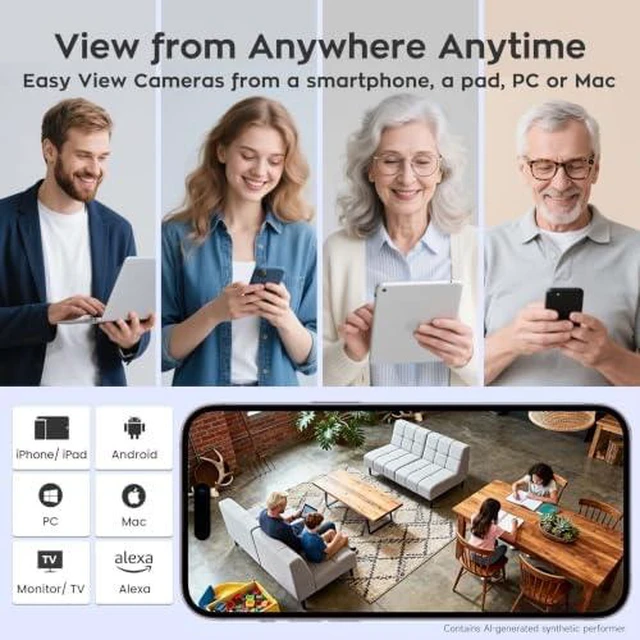
14K HD2OUTDOOR/ INDOOR3IR NIGHT VISION4MULTIPLE-CAM VIEW1AI TRACKING2PTZ CAM IN DOME3AI MOTION DETECTION1NO MONTHLY FEE2EASY SAVE VIDEOS3ADD-ON or STANDALONE CAM4CAMERA5What's in Box Why these wireless cameras need to be plugged to power?
These plug-in WiFi cameras work 24 hours a day, 365 days a year. The 24/7 continuous working requires continuous power. Only power is required from nearby, no video cable needs to be run.
I don't see the cameras tracking anything!
Please go to the camera's settings to turn on 'Motion Tracking'. On NVR you can do it in the PTZ menu, in App you can turn on the motion tracking in camera's motion settings. With the dome cover on, it's not noticeable.
Do I have to drill a hole on the ceiling to mount this camera?
You can drill a hole on the ceiling and run its power cable inside the ceiling, or cable out from aside. You may get a 3rd party dome camera bracket to do wall mounting. The installation is flexible, the camera just needs power from a nearby outlet.
Where do you insert a SD card?
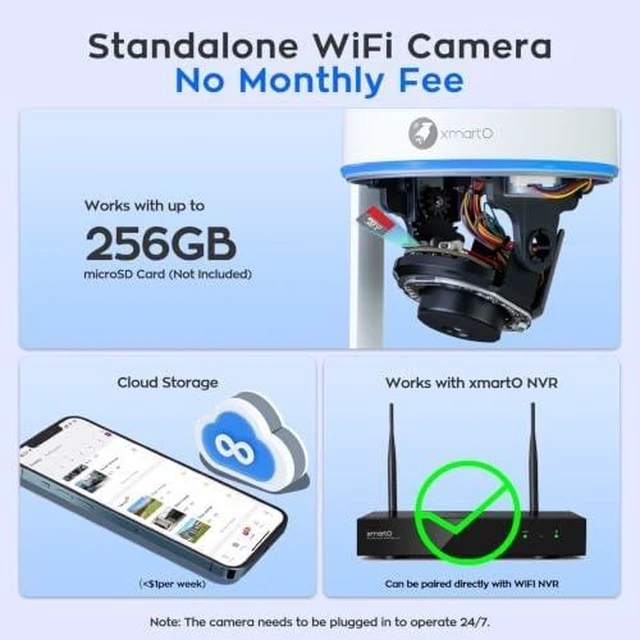
Unscrew and remove the dome cover you will see the the SD card slot on mainboard. Insert a SD card slowly and assemble the dome cover back. Make sure to tighten the dome cover so the camera remains weatherproof.
The WiFi distance is not as good as advertised.
The furthest working distance is obtained on open ground so it's for reference only. Walls & WiFi interference will cut the distance. Go to NVR's Network setting and click 'Adaptive channel' so the NVR auto-select a best WiFi CH & performs its best.
4-4K 8MP Camera Kit
Warranty & Returns
Warranty, Returns, And Additional Information
Warranty
- Please contact the Seller directly for warranty information. Warranty information may also be found on the Manufacturer's website.
- CONTACT
Return Policies
- Return for refund within: 30 days
- Return for replacement within: 60 days
- This item is covered by Cloudless Clear Return Policy
Manufacturer Contact Info
- For a directory of all our manufacturers, please click below.
- Manufacturers Directory
LOADING...