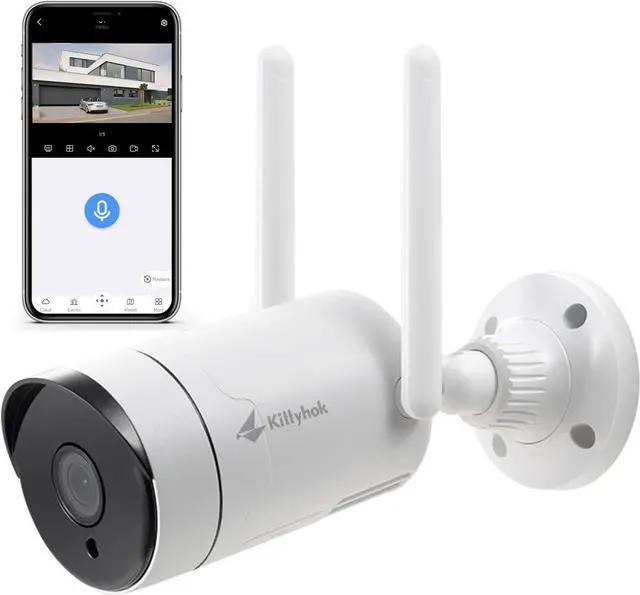
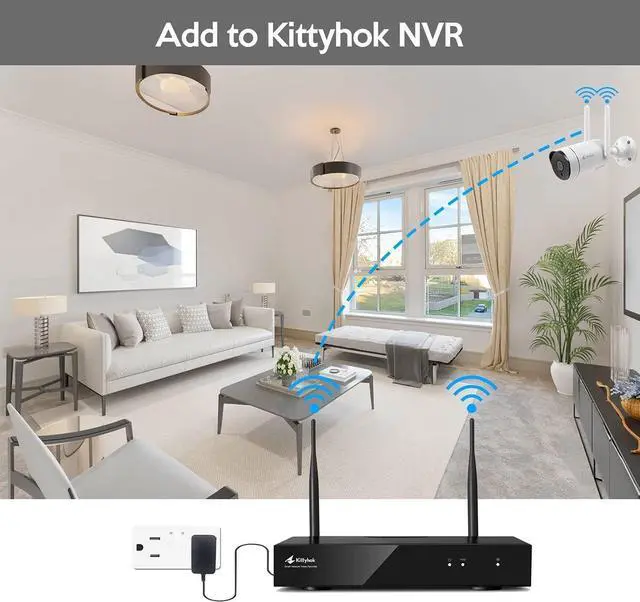
Kittyhok 3MP wireless security camera is an add-on camera for Kittyhok wireless security camera systems.
Since all our Kittyhok wireless systems are expandable, you can purchase add-on cameras and add them to your existing system if needed.
Please note that the add-on camera does not work individually. It requires NVR to work with.
Kittyhok system works Plug & Play, cameras are paired to NVR before shipping. But if you want to add more cameras to your system, you need to pair the add-on cameras to your existing system manually.
Plug the camera into power and connect the camera to your NVR Ethernet port with a network cable.
Go to your system, right-click your NVR mouse to pop out the NVR main menu, then click Device Manage. Click the 'Refresh' button beside the upper table.
Click an available channel (No video source) in the lower table, then click the 'Match Code' button beside the upper table. The NVR will start the process of configuring the camera to work wirelessly.
When you see the update message 'IPC is already in the channel', the camera has been added to the channel successfully and you can now disconnect the camera from NVR and mount it anywhere you want, within NVR's Wi-Fi range.
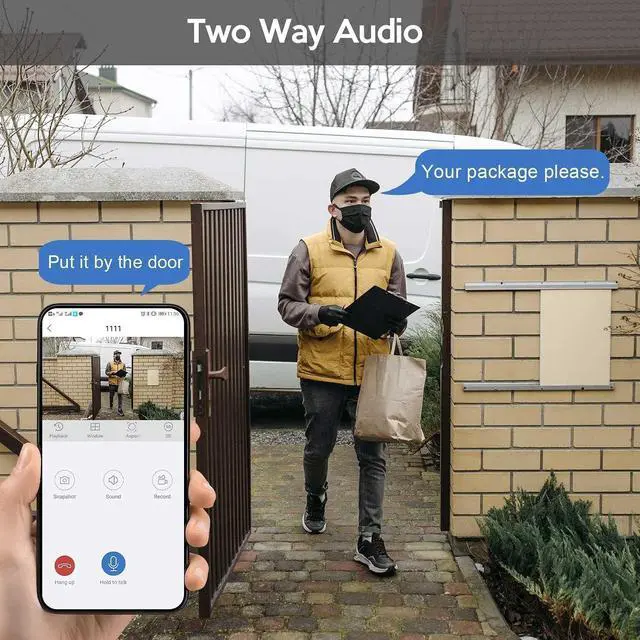
With built-in microphone and audio. you are able to see, hear, and speak with people beside the camera.
How to get audio work?
To get audio work, you need to enable audio in your NVR, here is how: Right-click your NVR mouse to pop out the NVR main menu, choose System setting - CH setting- Encode Mode, and change Encode mode to 'AV stream'.
You can select the motion-detected area and record time in NVR, then enable the Email alert.
When motion is detected, you can get notifications/emails with pictures and videos.
The 2K wifi security camera provides super clear images and videos for you to check details easily.
The 2K security camera is much clearer than 720p, 1080p.
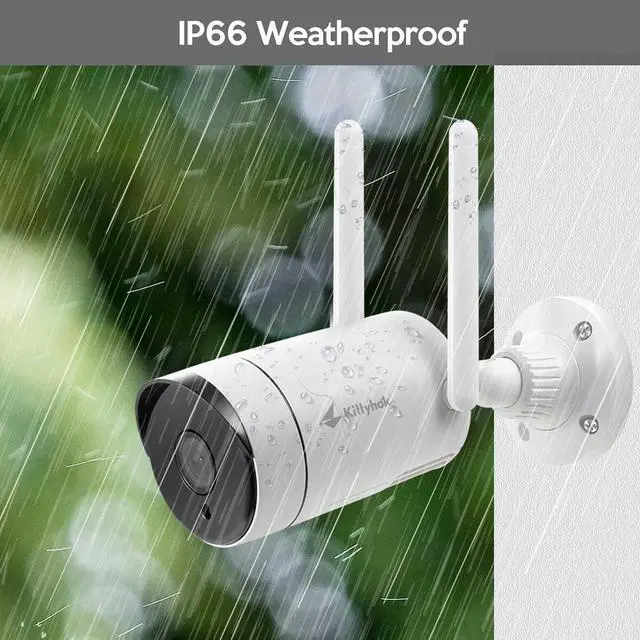
The weatherproof camera provides complete protection from dust and powerful water jets and stands the heavy rain, wind, and snow outside.
You can put it indoor or outdoors even in bad weather condition.
Kittyhok Add-on Outdoor WiFi Security Camera for Kittyhok Wireless Security System Cameras with 2-way Audio Motion Detection 2K Clear Video IP66 Weatherproof



 All Categories