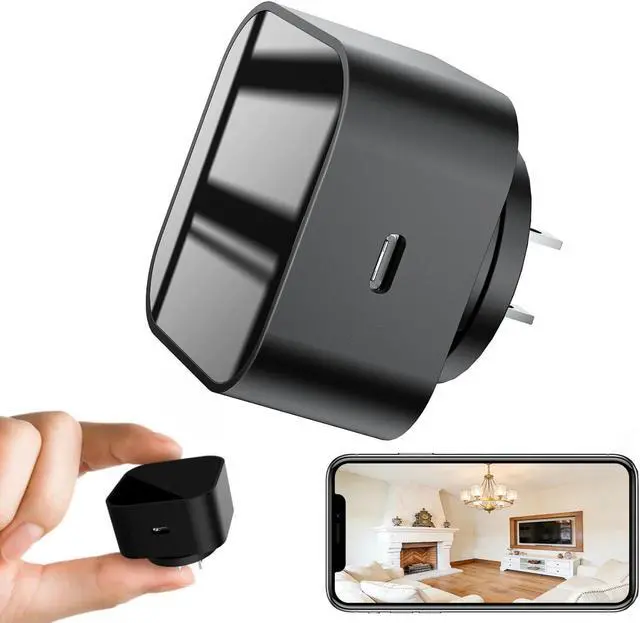
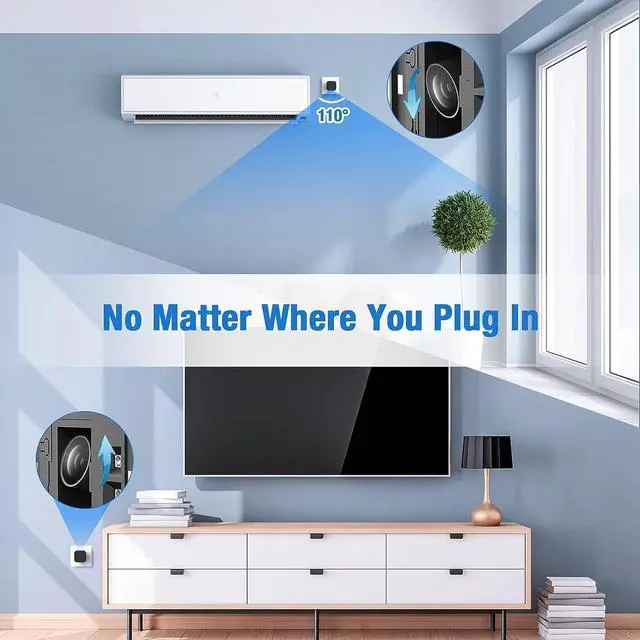
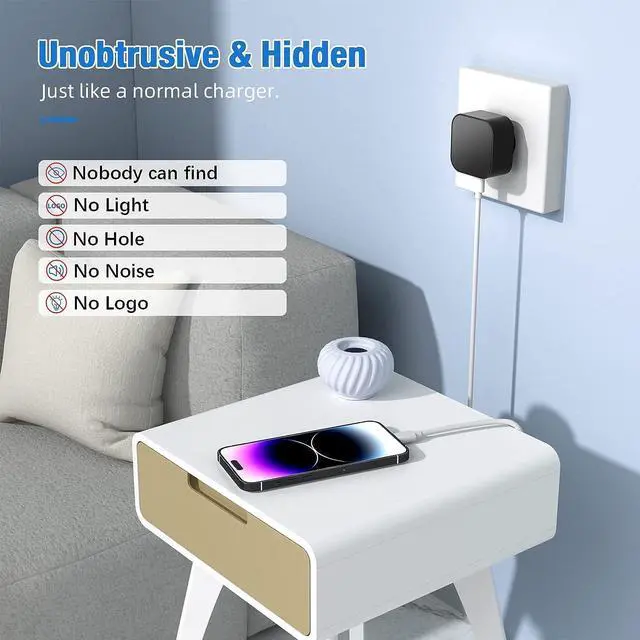
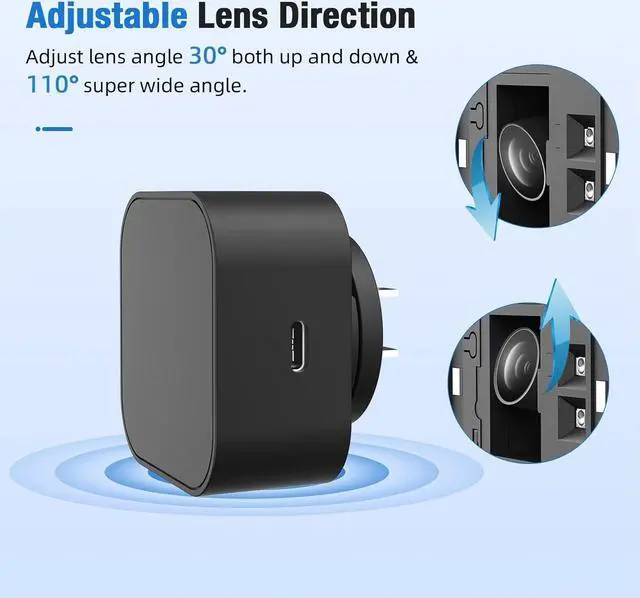
Step 1: Remove the Protective Film
Before use, gently peel off the protective film covering the lens to ensure a clear image.
Step 2: Power On the Device
Plug the device into a 110V outlet and wait 3060 seconds for it to boot up. The device will broadcast a WiFi signal named BLink-XXXX.
Step 3: Connect via Phones WiFi Settings
On your phone, open WiFi settings, find and connect to BLink-XXXX.
Default password: 0123456789
No Internet message is normal just ensure the connection is successful.
Step 4: Open the App
Launch the Lizvie Pro app. The device will appear automatically and take you to the viewing screen.
Step 5: Connect to Home WiFi
After about 10 seconds, a prompt will appear. Select your 2.4GHz home WiFi, enter the password, and complete the setup.
Important: Pairing with your home router is required for remote viewing functionality.(If no prompt appears, go to Settings > Network Information in the app.)
Step 6: Ready to Use
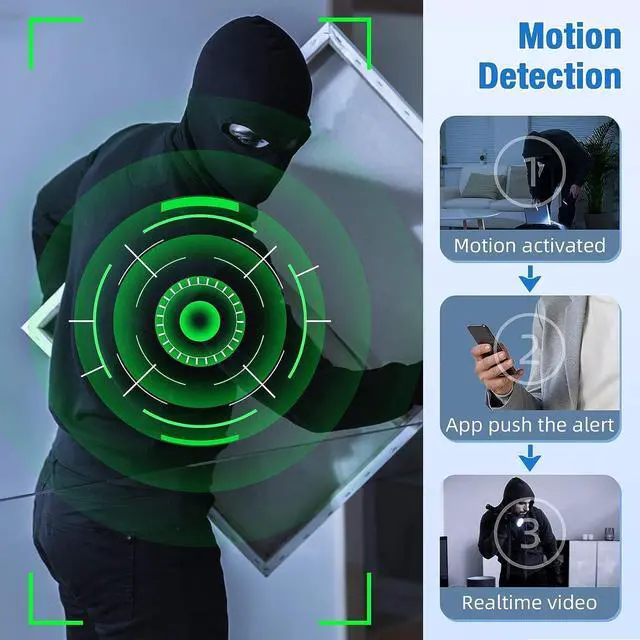
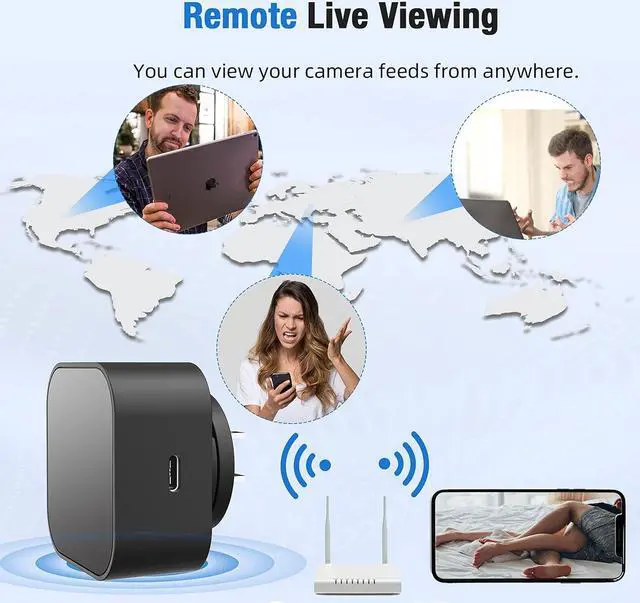
You can now access the device remotely, receive motion alerts, and manage settings via your phone.
How to Use (Quick Setup Guide)