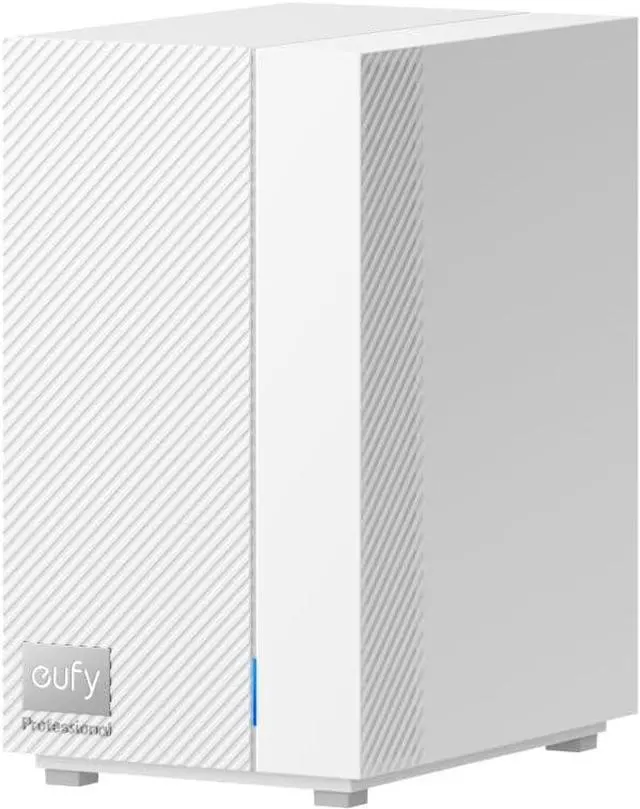
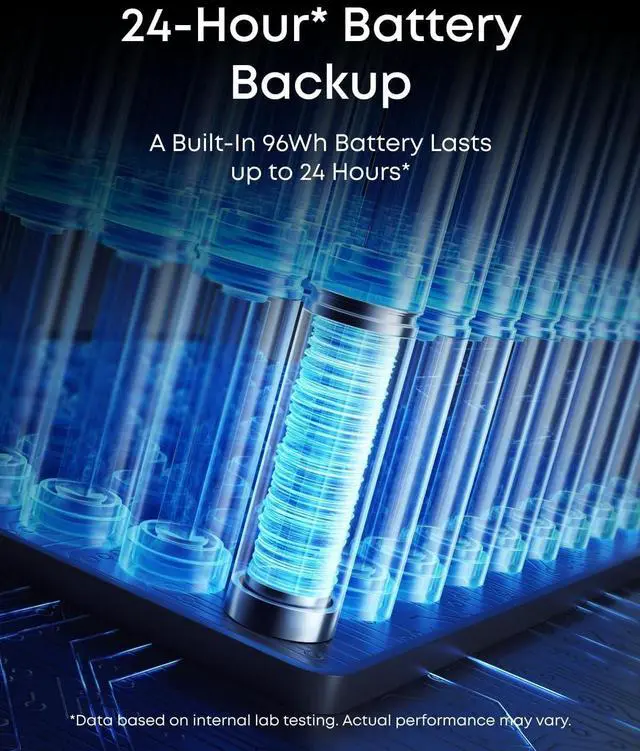
14G LTE and Battery Backup2Local Storage3Wi-Fi and POE, All-in-One4Local AI Agent5Easy Installation1Local Security2eufyExpert GPT3Seamless Compatibility4Compatible Devices5One-Click Migration 1 2 3 4 5 6 Q1: How many devices can be paired to eufy HomeBase Pro? Can I reconnect the camera to my home Wi-Fi if the signal is weak or the live stream lags?
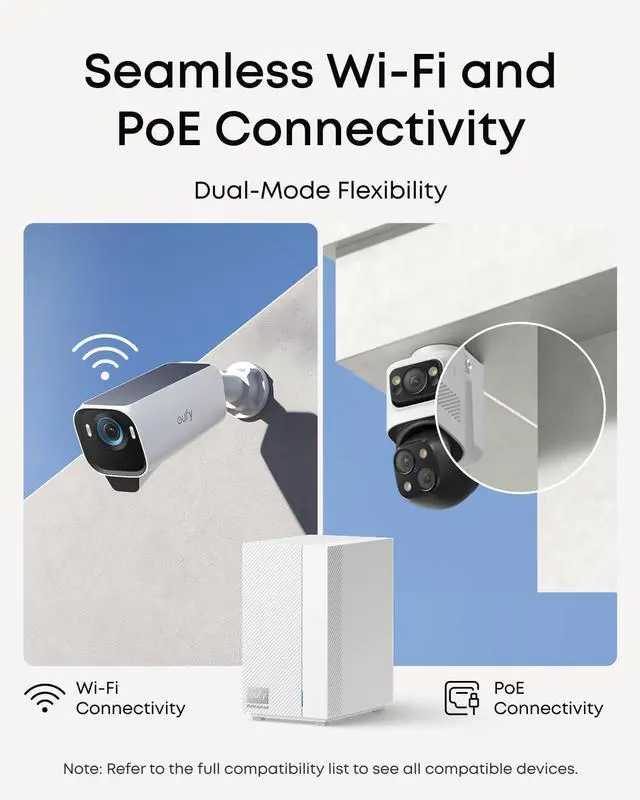
A: HomeBase Pro supports up to 34 sensors and 16 channels (PoE + wireless), with 4 PoE ports expandable to 8 via an external PoE switch. Up to 4 full-resolution streams (24/7 recording, live view, events, AC cameras); beyond 4, resolution auto-drops. For weak signal or lag, compatible cameras can bypass HomeBase Pro and connect directly to home Wi-Fi via Multi-Bridge (latest firmware required). Supported Devices: Indoor Cam S350 / E30 / E220/ C120, eufyCam S3 Pro / E330, Floodlight Cam E30 / E340, SoloCam S220, Video Doorbell C31.
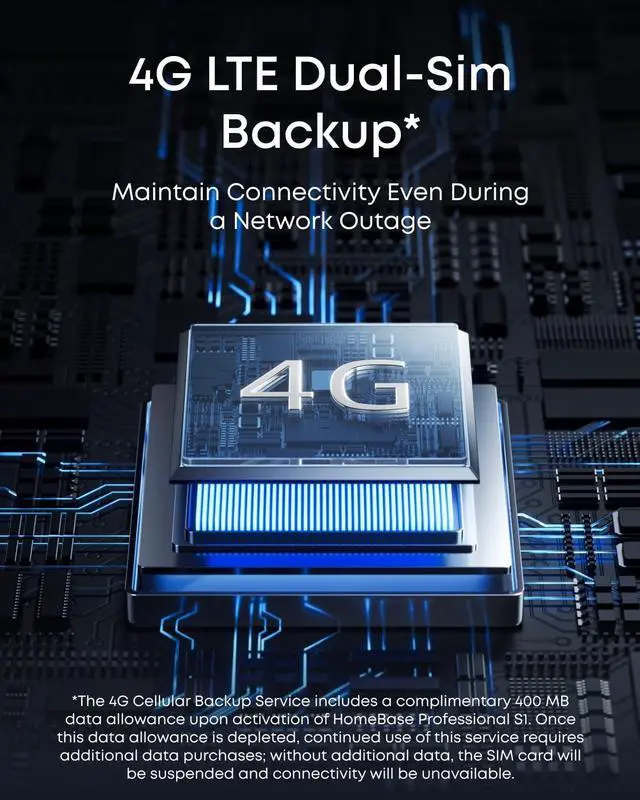
Q2: How does 4G work on my HomeBase Pro?
A: The 4G cellular backup service includes 400 MB of free data upon activation. Once the free data is used up, continued use requires additional data purchases; otherwise, the SIM card will be suspended, disabling Internet access.
Q3: Why does HomeBase Pro require an Ethernet connection?
A: For initial setup, connect HomeBase Pro to your router using the included Ethernet cable. A wired connection ensures stable, reliable network performancecritical for uninterrupted protection and alarm dependability.
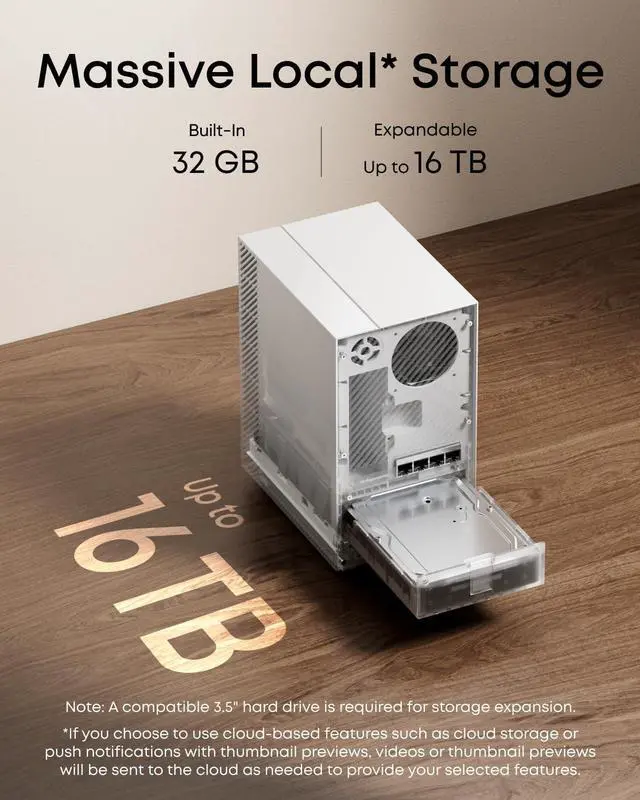
Q4: What storage capacity does HomeBase Pro have, and what kind of hard drive can I install?
A: 32 GB built-in eMMC (26 GB usable), expandable up to 16 TB via SATA HDD / SSD. WD or Seagate surveillance drives recommended. 2.5" SSDs require a 2.5" to 3.5" adapter (search B0D1TRQDZF on Amazon to buy).
Q5: Does HomeBase Pro support HomeKit?
A: HomeKit is not supported. Matter support is planned, which will enable cross-platform compatibility with major smart home ecosystems.
HomeBase Pro Is the Cornerstone of Your Security Q&A