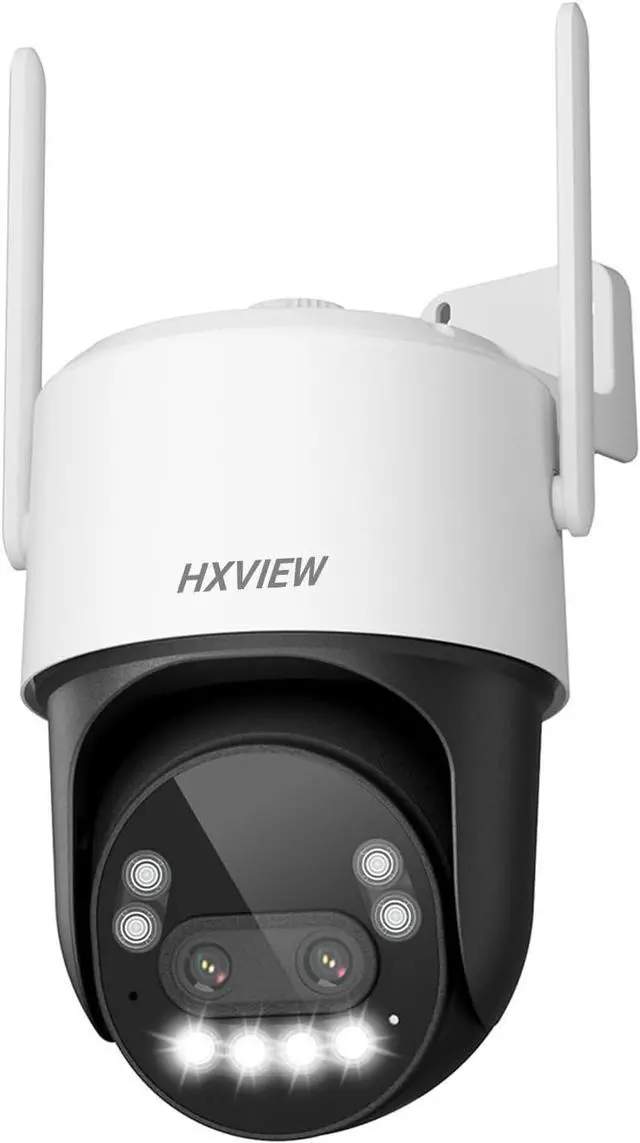
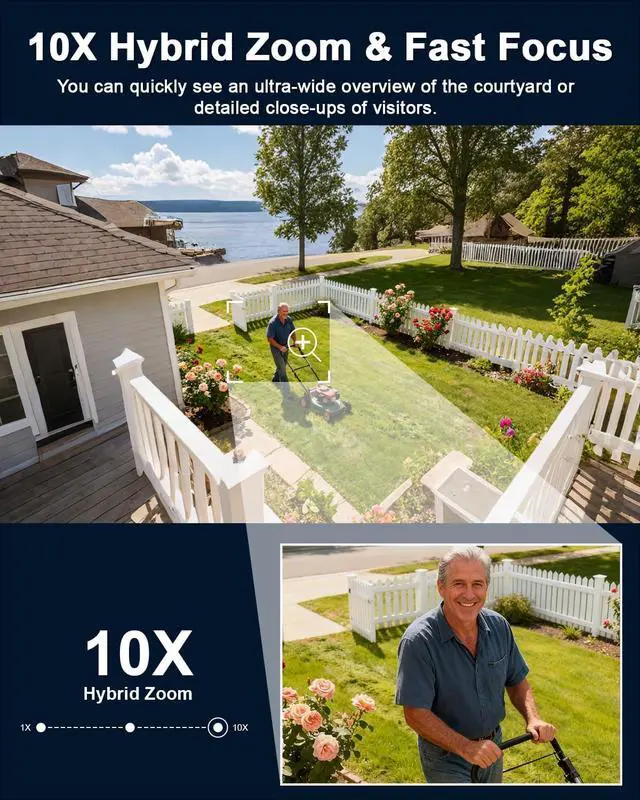
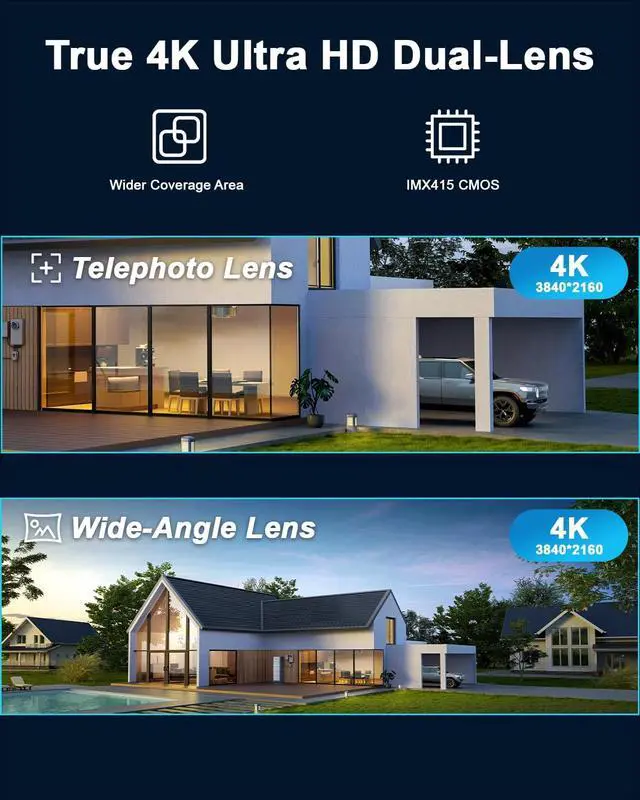
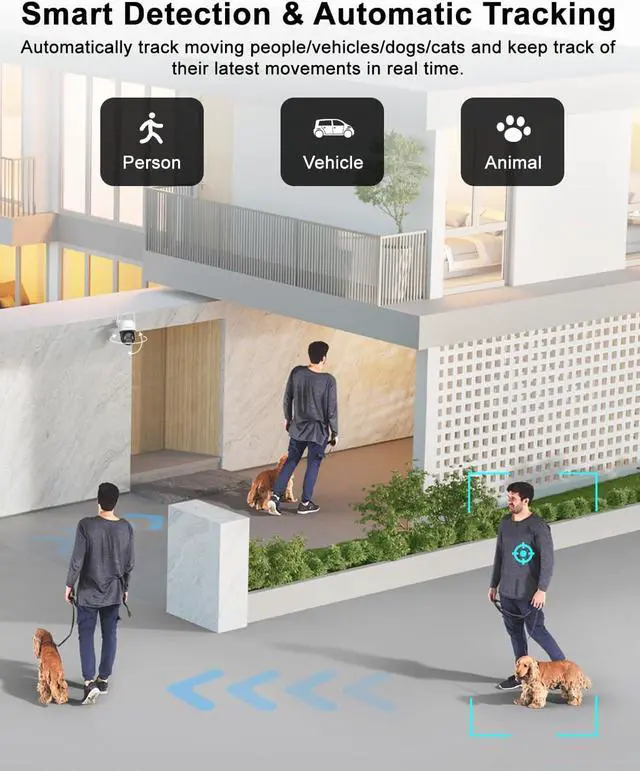
1Flexible Storage Options2Metal Housing3RTSP Live Streaming4Well Compatible1Smart Tracking2Almost 360°Coverage4Smart Al Detection5Real-Time Siren
How to set the position where the camera automatically returns after tracking ends?
When you turn on the "Intelligent tracking" button, the APP will set the camera's current position as the automatic return position after tracking ends.
How do I turn on the automatic tracking feature?
Open the CamHipro APP, click on the camera to enter the control interface, slide the interface to page 3, and turn on the "Intelligent tracking" button.
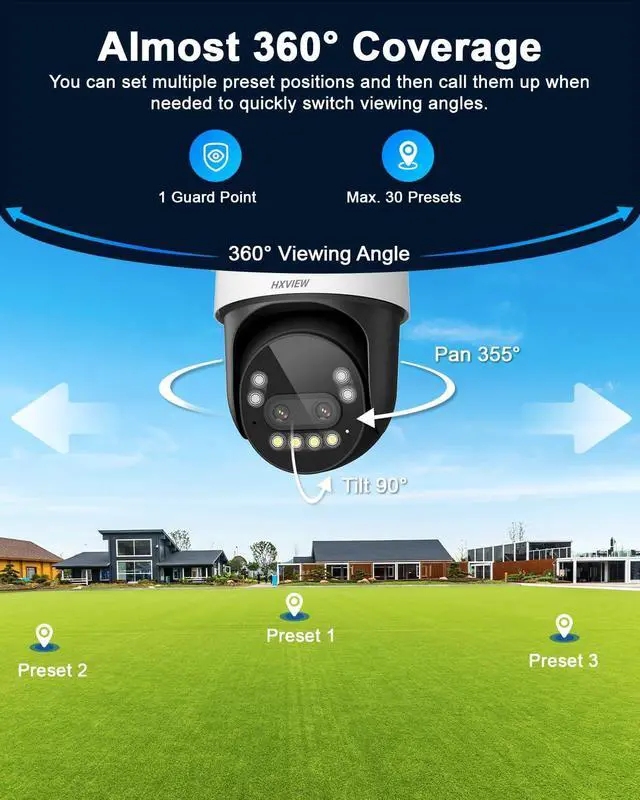
How can I set up multiple preset positions so I can quickly switch perspectives?
Commands 1 to 30 are preset positions. You can control the camera to rotate to the desired position, then open the "Preset Position" interface, enter "1", click "Set", and so on. Up to 30 preset positions can be set.
How do I turn off the floodlight?
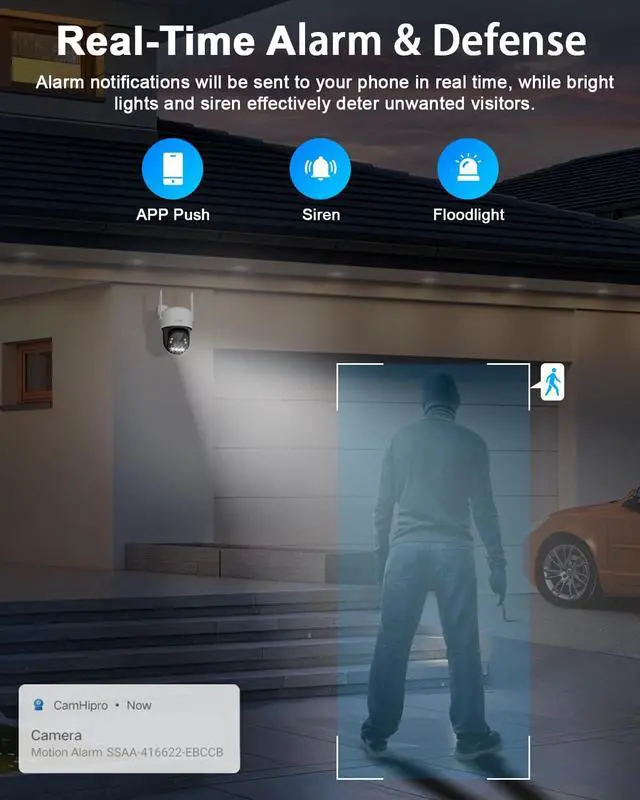
The enabling/disabling of the camera floodlight is related to the night vision mode you set. You can open the "CamHipro APP" find the "Night Vision Mode" button and set it to "Infrared mode" to disable the floodlight.
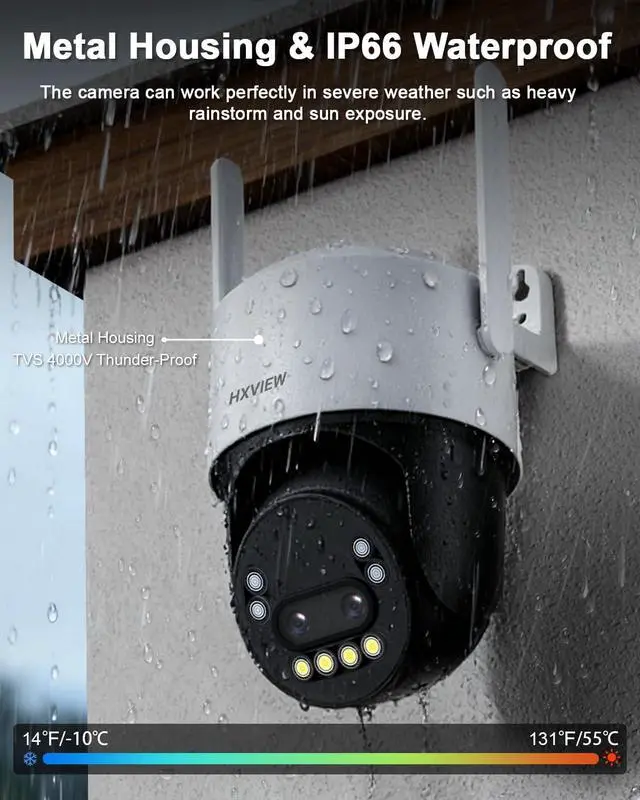
Color Night Vision Metal Housing & IP66 Waterproof Auto Zoom while Auto Track Identify Real Threats Warn off the Intruder Professional Security Surveillance Focus on What Really Matters Quick View of Important Moments Multi-Users Viewing Real-Time Conversation How to set the position where the camera automatically returns after tracking ends?
How do I turn on the automatic tracking feature?
How can I set up multiple preset positions so I can quickly switch perspectives?
How do I turn off the floodlight?
PTZ Cams Comparison 4K Resolution 4K 10X Hybrid Zoom Zoom 50X Optical Zoom 355° Pan & 90° Tilt Pan & Tilt 360° Pan & 90° Tilt 15°/s PTZ Rotation Speed 200°/s IR Infrared light Super IR Ultra Humanoid/Vehicle/Pet AI Detection Humanoid/Vehicle/Pet WiFi/Ethernet Network Connection WiFi/Ethernet 4K Resolution 4K 10X Hybrid Zoom Zoom 30X Optical Zoom 355° Pan & 90° Tilt Pan & Tilt 355° Pan & 90° Tilt 15°/s PTZ Rotation Speed 30°/s IR Infrared light Super IR Humanoid/Vehicle/Pet AI Detection Humanoid/Vehicle WiFi/Ethernet Network Connection WiFi/Ethernet 4K Resolution 2K 10X Hybrid Zoom Zoom 4X Digital Zoom 355° Pan & 90° Tilt Pan & Tilt 355° Pan & 90° Tilt 15°/s PTZ Rotation Speed 15°/s IR Infrared light IR Humanoid/Vehicle/Pet AI Detection Humanoid WiFi/Ethernet Network Connection 3G/4G LTE(Non-WiFi)