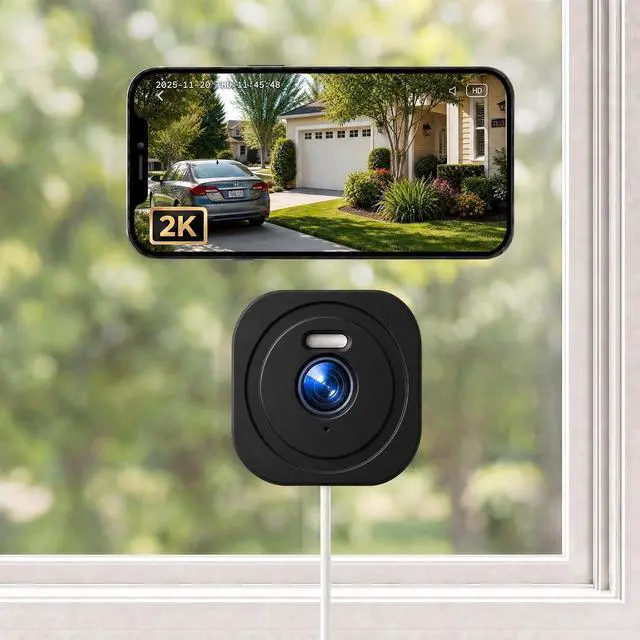
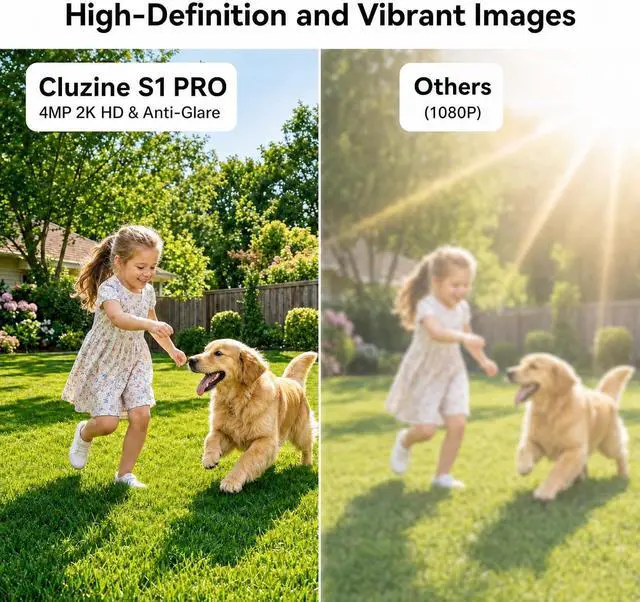
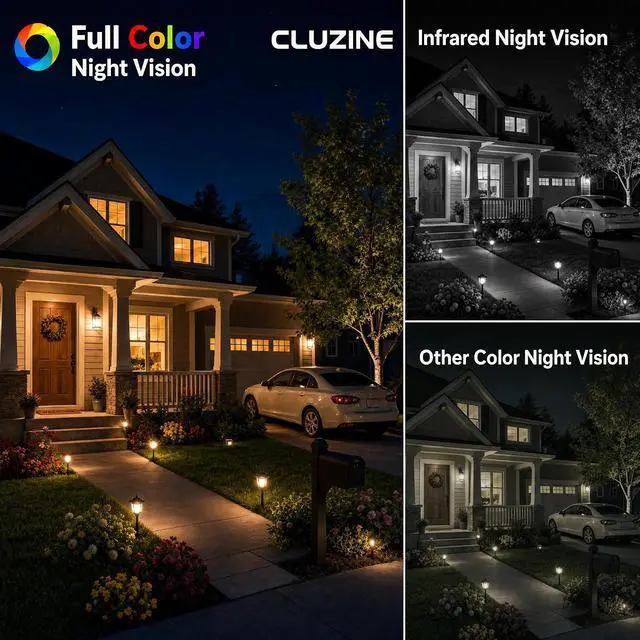
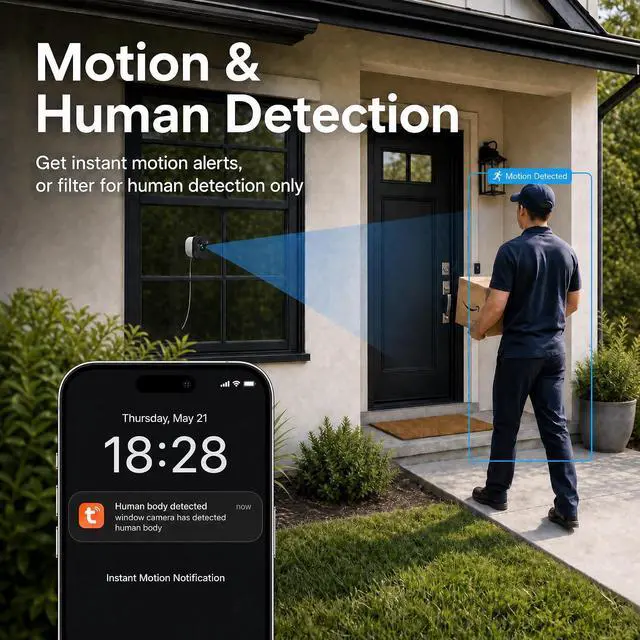
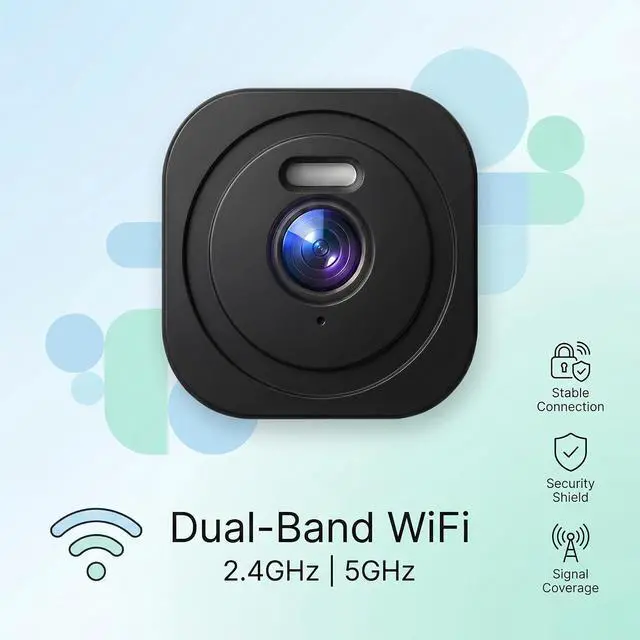
1Motion Detection2Intelligent Analysis3Custom Detection Area1Device Sharing2Two-Way Audio1No Monthly Fee2Dual-Band WIFI 3Multiple Use Cases4Easy Installation Q: The camera fails to connect to my WiFi.
A: Verify your password and ensure the camera is within range of your router. This camera supports both 2.4GHz and 5G networks.
Q: The night vision shows reflections.
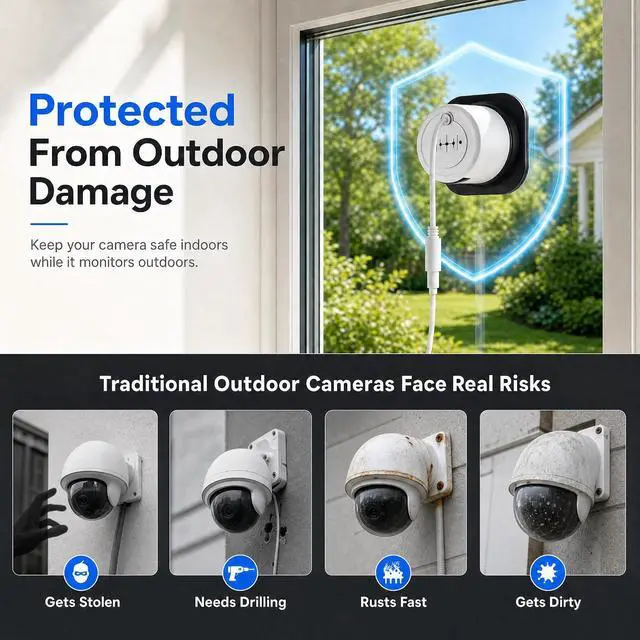
A: Ensure the camera is installed completely flat against the window. Turn off Night Mode in the app, any gap between the lens and glass may cause glare.
Q: Do I have to subscribe to cloud storage?
A: Cloud storage is optional. To enjoy extended recording features without a subscription, you can use a local memory card (not included). Lift the cover and insert the card into the slot at the bottom.
Q: How to View Local and Cloud Recordings?
A: Once you have installed a MicroSD card or activated a Cloud subscription, make sure the corresponding storage option is enabled in your device settings. View the recording on the Messages page in the app
2K HD Resolution Color Night Vision Motion Detection Intelligent Analysis Custom Detection Area Device Sharing Two-Way Audio Q: The camera fails to connect to my WiFi.
Q: The night vision shows reflections.
Q: Do I have to subscribe to cloud storage?
Q: How to View Local and Cloud Recordings?