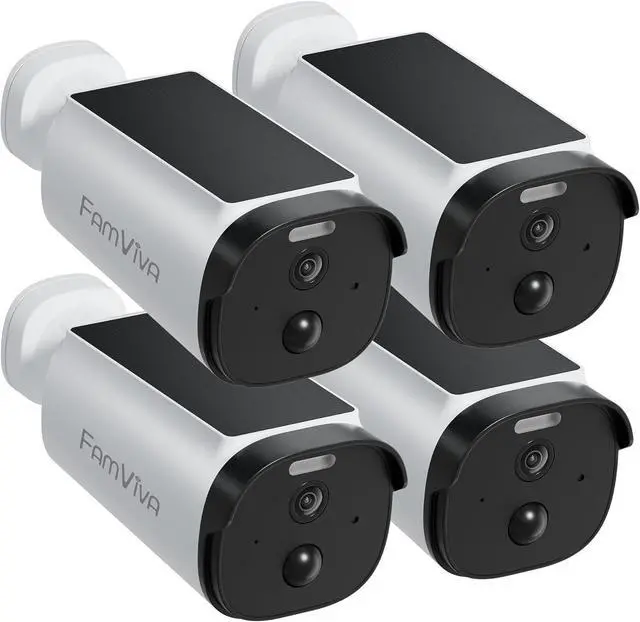
Note: our camera is only connect to 2.4Ghz wifi. Not support 5Ghz wifi.
Reliable outdoor security tailored for your peace of mind. Easy to install, easier to manage.
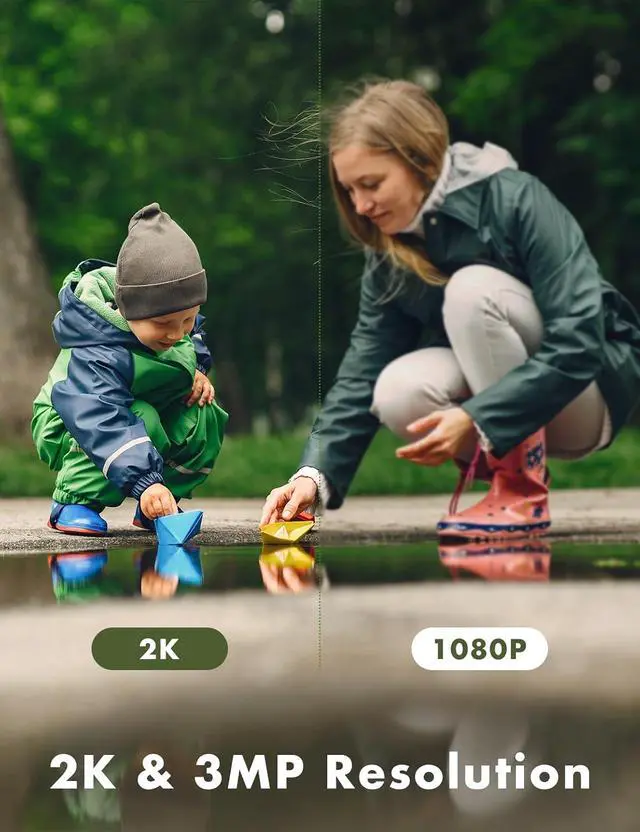
1 2 3 1Smart Human Detection22k HD3Privacy Protection4Work with Alexa Do I still have to take it down to charge it?
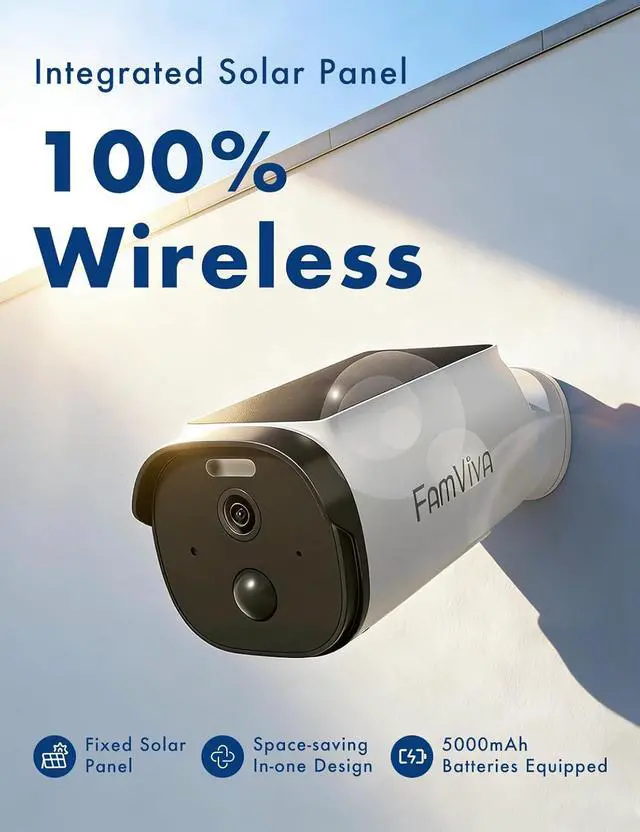
It depends on how much sun it gets and how often its triggered, but the solar panel does most of the heavy lifting. Youll find yourself charging it way less often than a regular camera, giving you much better peace of mind and longer battery life.
Does the security camera connect to 5GHz WIFI?
No. This camera supports 2.4GHz WiFi only.
Most home routers broadcast both 2.4GHz and 5GHz networksplease confirm your router settings before setup.
Is there a monthly cloud fee?
Cloud service is optional.
If you choose to use cloud storage, a subscription is required.
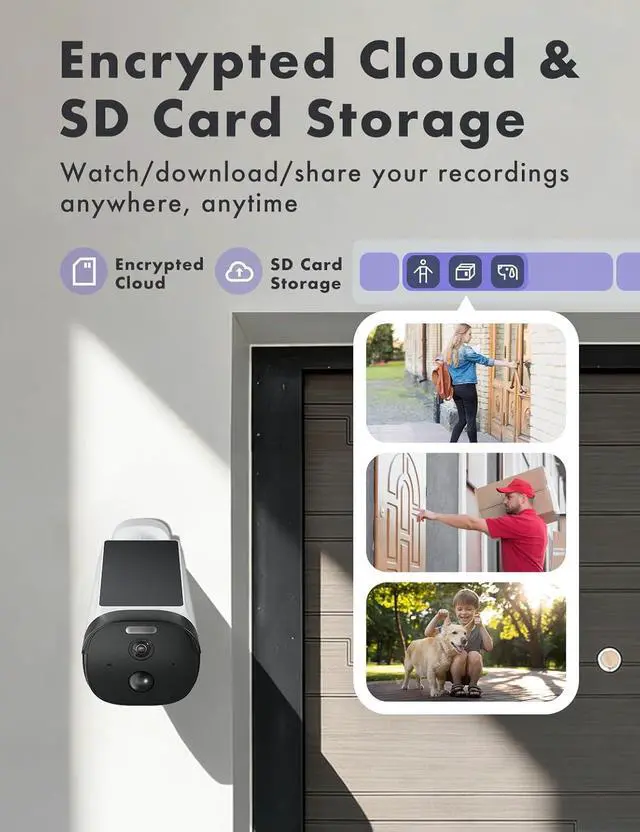
If not, you can still use the camera normally through your home WiFi and/or a microSD card (sold separately).
What should I do if the camera wont connect to the network?
1. Confirm your phone is connected to a 2.4GHz WiFi network.
2. Check that the cameras blue light flashes twice with two beeps; if not, press and hold the RST button for 5 seconds to reset.
3. Verify the WiFi password is correct.
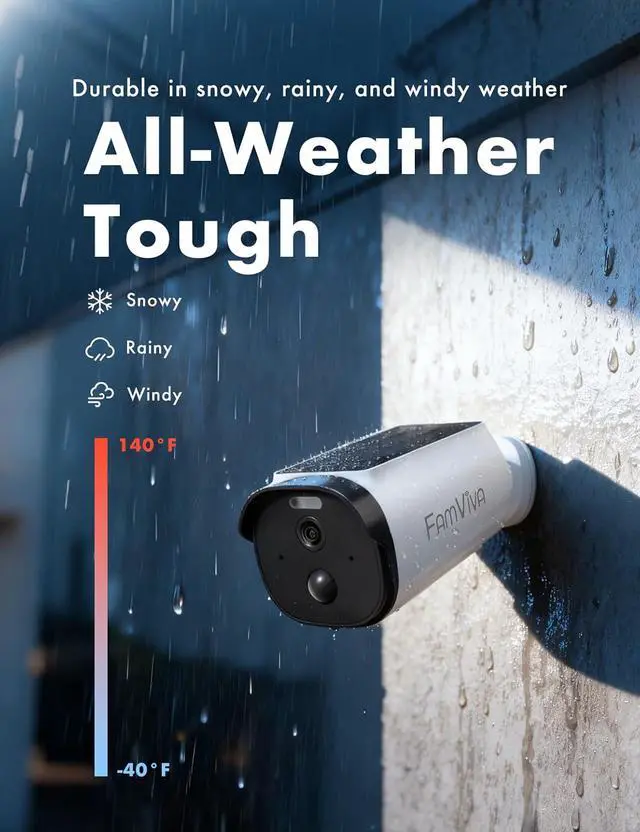
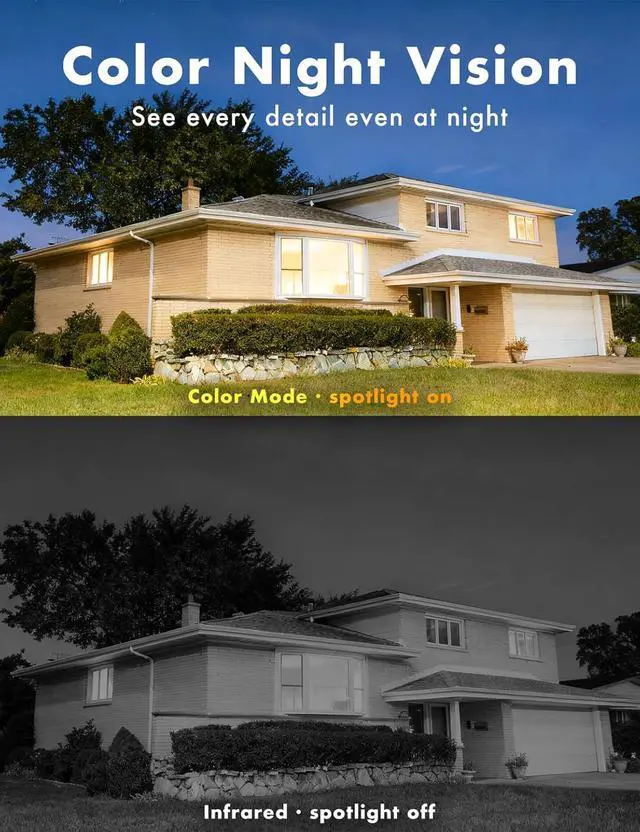
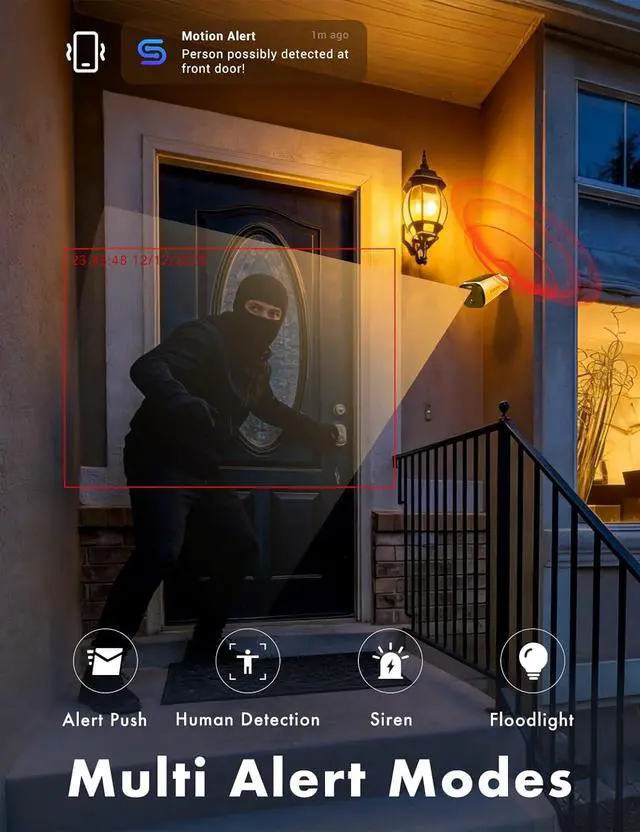
1Solar & Battery Efficency2Color Night Vision3IP65 Waterproof4Two-way Audio Multiple Alarm: Comprehensive home security to deter intruders. Do I still have to take it down to charge it?
Does the security camera connect to 5GHz WIFI?
Is there a monthly cloud fee?
What should I do if the camera wont connect to the network?