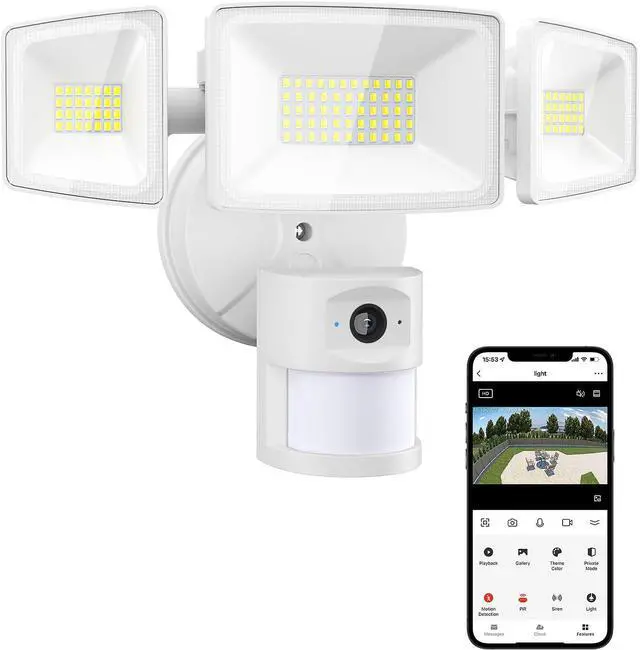
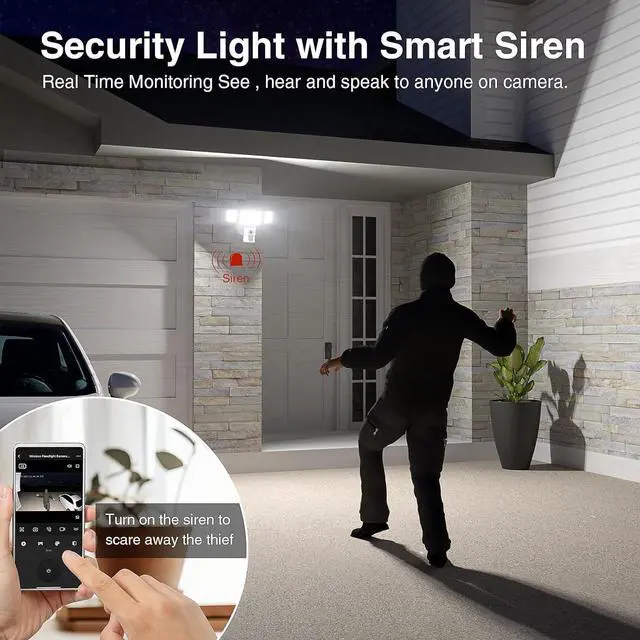
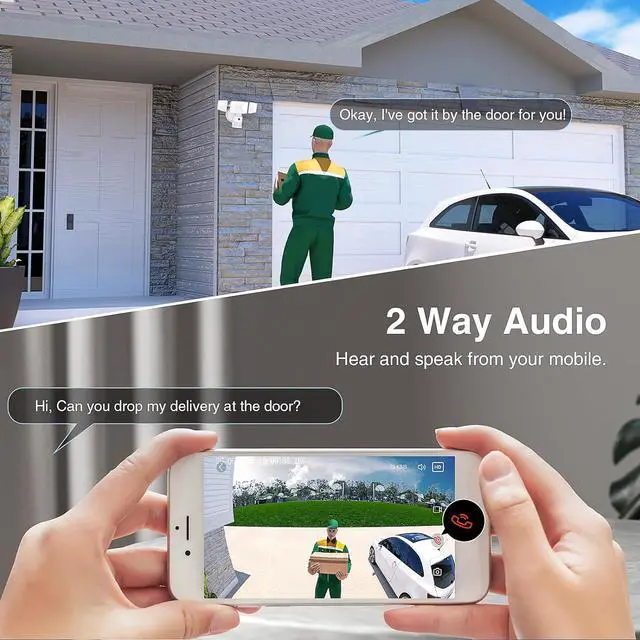
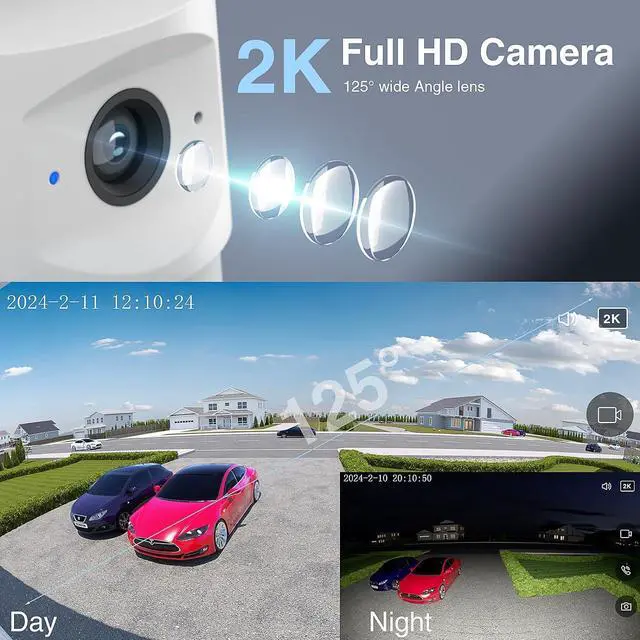
How can I use my phone connect to the floodlight camera?
Turn on the camera and wait for 35s until the red indicator light flashes. Then let the camera scan the QR code of APP, hear a sound of "deng deng...", and press "I heard prompt" on APP to pair. Wait for the pairing to succeed.
What should I do if my phone is not connected to the floodlight camera?
If the pairing is failed, please long press the Reset Button for 3s until red indicator flashing and hear "deng deng ..." sound, it means resetting succeed. Then wait for 45s until the red indicator light flashes again, now you can start to pairing.
How to adjust the motion detection sensor if it is not sensitive?
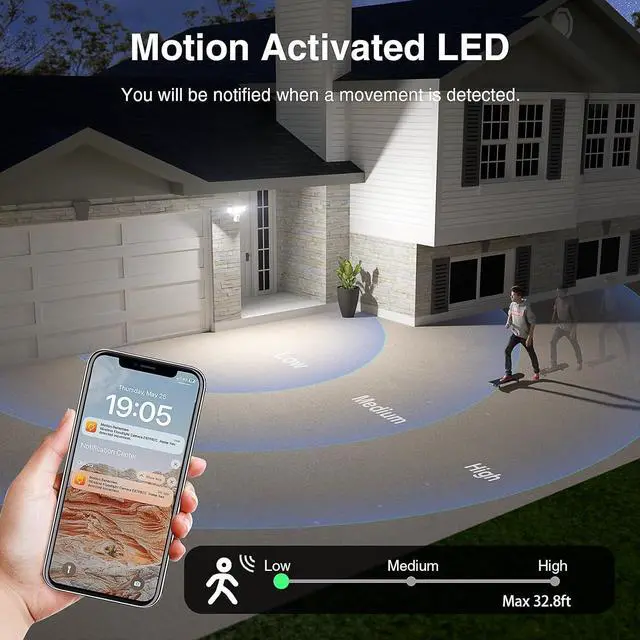
Please press both the buttons Motion detectionand "Pir" on APP to enter detection sensor mode, and then choose the class "High Sensitivity" on "PIR" button.
Must I wait until the red indicator light flashes before the camera scan the QR code to connect?
Yes, please note that you need to wait until the red indicator light flashes before the camera start adding devices, otherwise the camera could not be able to add.
The Innovative Floodlight Camera for Complete Surveillance Real Time Notification and Monitoring 2 Way Talk and Smart Control Multifunctional and Easy Installation Instruction about connect the flood light camera to the APP aplus content video Technical Details of Onforu Floodlight Camera When I first turn on the flood light camera, it will flash once and then automatically turn off. Is this normal?
How can I use my phone connect to the floodlight camera?
What should I do if my phone is not connected to the floodlight camera?
How to adjust the motion detection sensor if it is not sensitive?
Must I wait until the red indicator light flashes before the camera scan the QR code to connect?



 All Categories