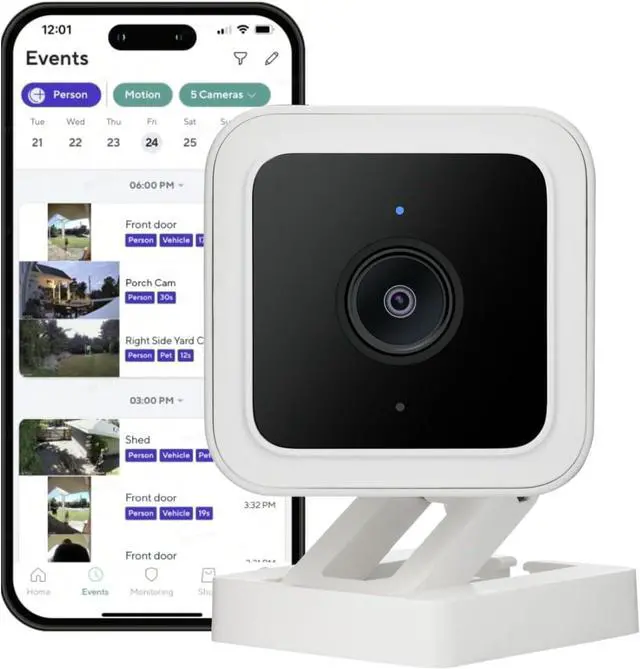
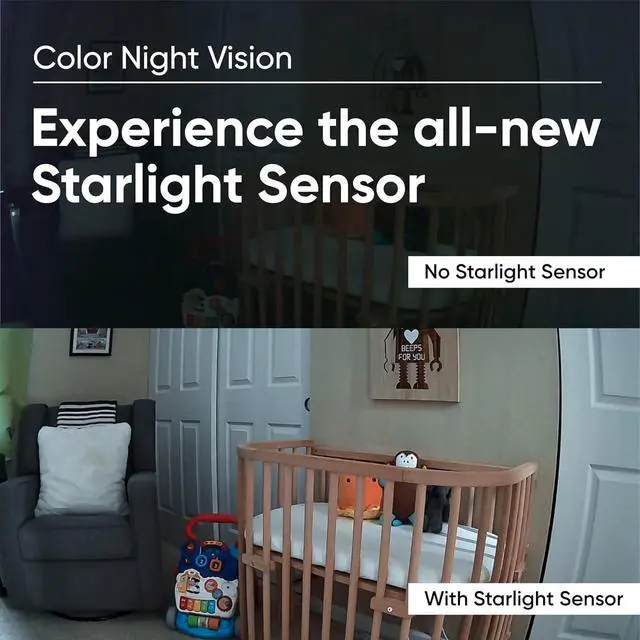
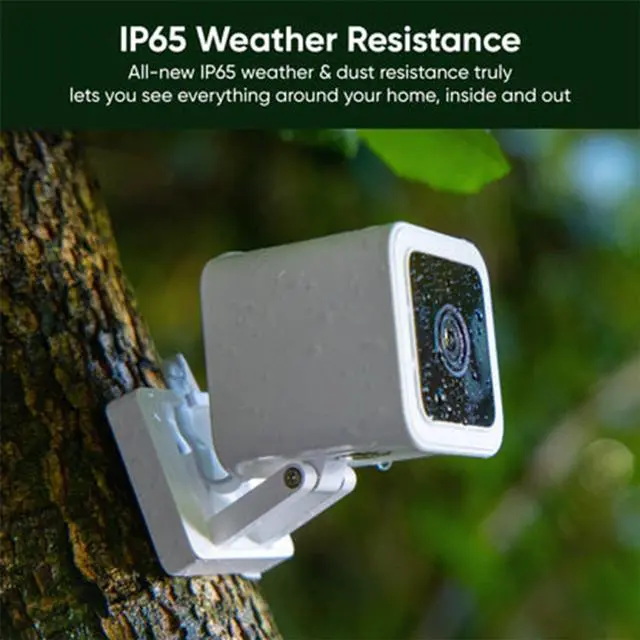
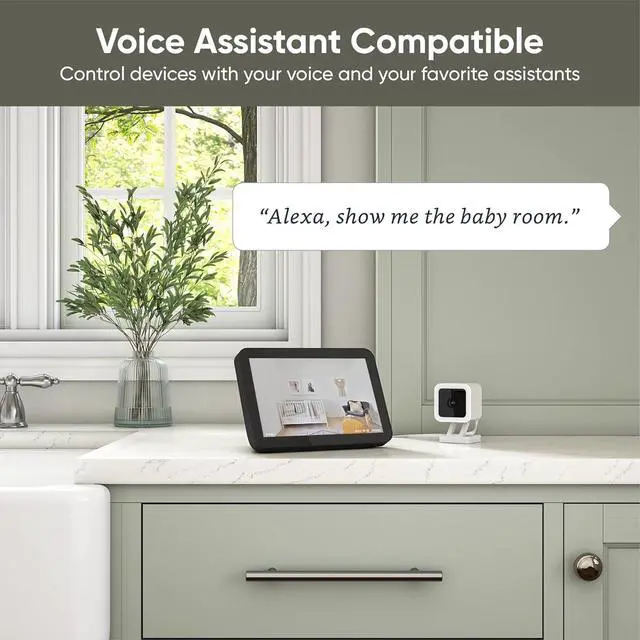
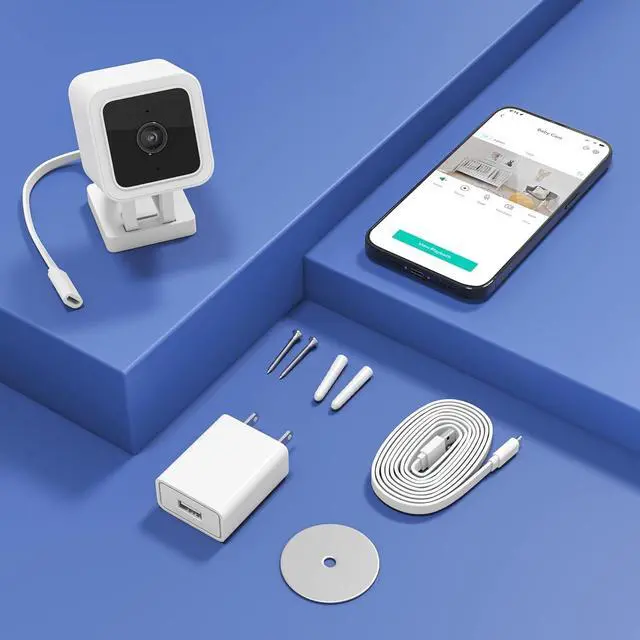
Our award-winning wired smart camera is back with illuminating Color Night Vision and new outdoor-friendly IP65 weatherproofing. Keep an eye on what matters most - indoor or out, rain or shine, light or dark, as a pet camera, baby monitor, or security camera.
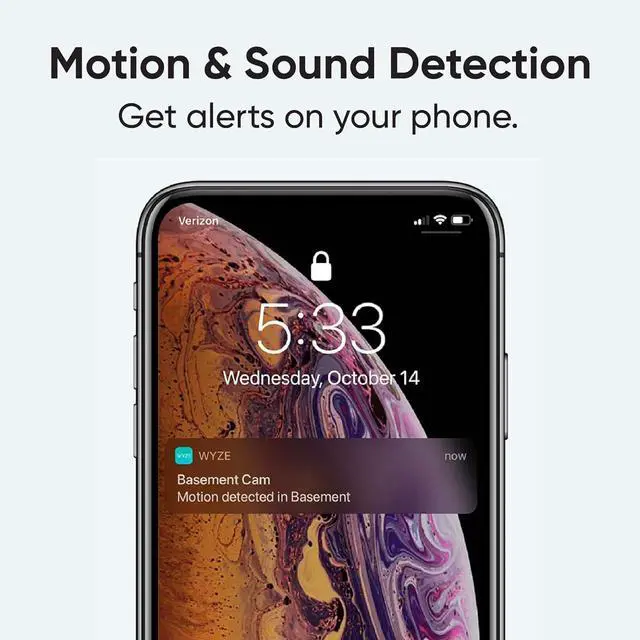
Note: Wyze Cam Plus is an optional subscription plan with extra features to care for your home. *Every camera comes with a 14-day trial that you can cancel anytime. Without the plan, you can still see, talk and receive Motion Alerts on your phone.
Unlock continuous recording and time lapses for Wyze Cams with MicroSD card. (MicroSD card sold separately).
Plug in the camera.
Download the WYZE app and add the camera.
*The Wyze app is compatible with Android (7.0+) and iOS (14.0+) devices, 2.4GHz WiFi network only.
Place anywhere you need it and enjoy.
Have a family member who wants to see baby? Share it with them right from the Wyze app.
How to set up Wyze Cam v3?
1. Download the Wyze app and sign in or create an account.
2. Connect the camera to a power outlet and wait for 20 seconds or until the status light flashes red.
3. Press the SETUP button for 3 seconds or until there is a voice prompt.
4. Follow the instructions in the Wyze app to finish setup.
Q: My camera is not connecting to the network?
1. Check that your phone or tablet is connected to a 2.4 GHz network. Does not support 5GHz WiFi and Wi-Fi 6 routers.
2. Forget all WiFi networks, restart your phone/tablet, then reconnect to your 2.4 GHz network.
3. Power off and then restart your Wyze Cam. Force close the Wyze app, then open it again.
4. Check that your password is correct. Your password is case sensitive.
Secure Local Storage Simple to set up and use Step 1 Step 2 Step 3 Share with the loved ones FAQs



 All Categories