How do I install the Nuki Keypad?
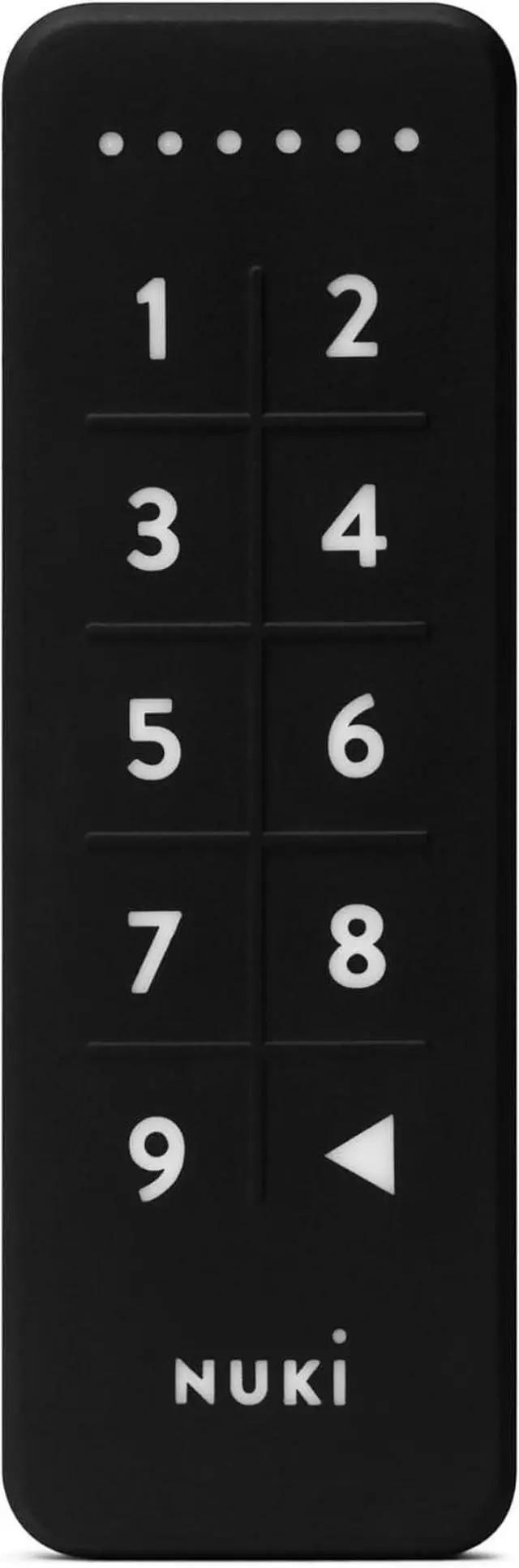
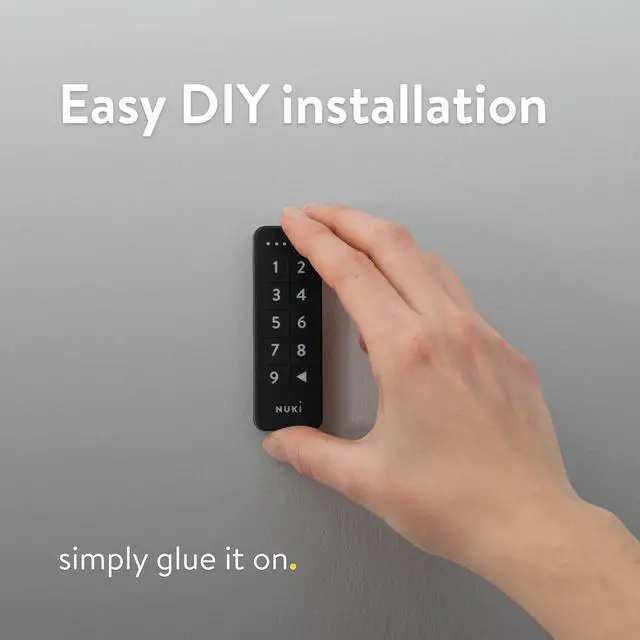
The Nuki Keypad is mounted to the outside of your front door by sticking it to the door frame or screwing it on the wall. The required mounting accessories (adhesive strips, screws and dowels) are included in the scope of delivery.
How is the Nuki Keypad powered?
The Keypad is powered by two button cells (CR2032), which are included in delivery, leading to an average battery life of 12-18 months. Change them by detaching the lower part of the Keypad from the upper one and inserting two new CR2032 batteries.
How can I create and share access codes?
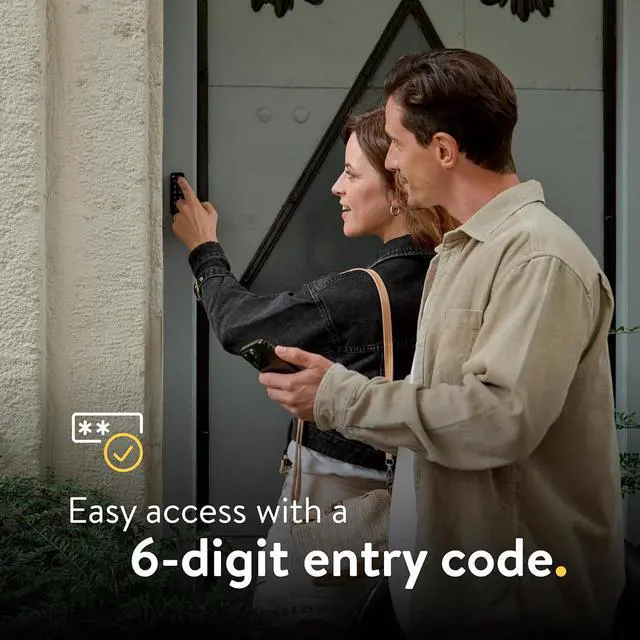
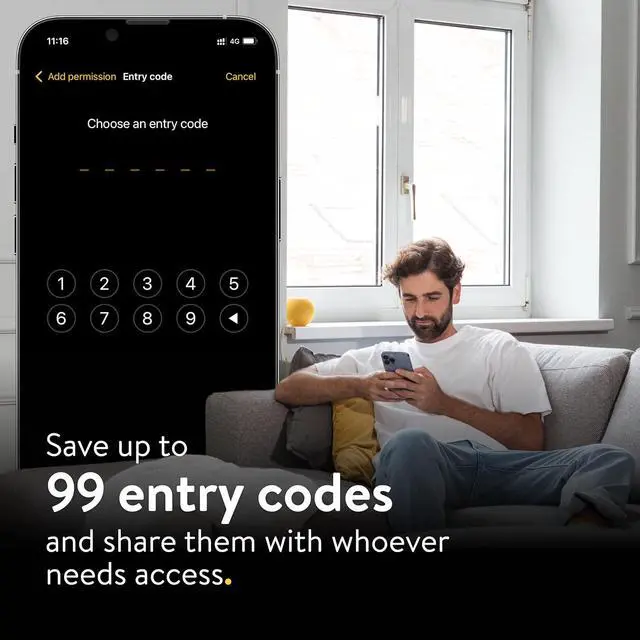
You can save up to 99 entry codes on your keypad. Open the Nuki app, select "Settings" and "Keypad". Tap on "Add permission" and follow the instructions. After creating the code, you can send it directly to whoever needs access.
Is the Nuki Keypad compatible with every Smart Lock?
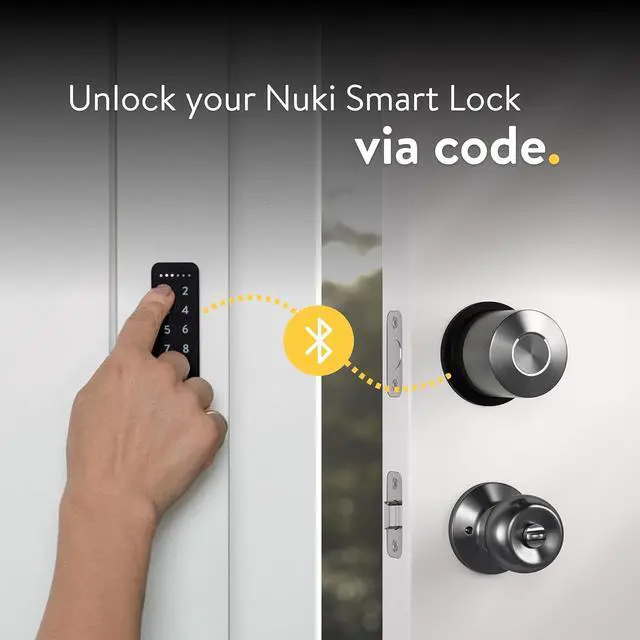
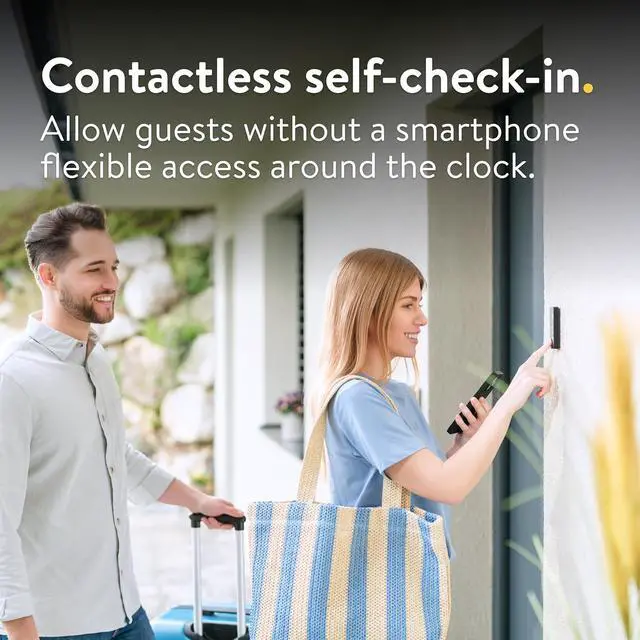
The Nuki Keypad is only compatible with the Nuki Smart Lock. It is part of the Nuki ecosystem & designed to enhance the keyless entry experience. It allows secure access for family and guests via unique codes, eliminating the need for physical keys.
Is the Nuki Keypad protected against theft?
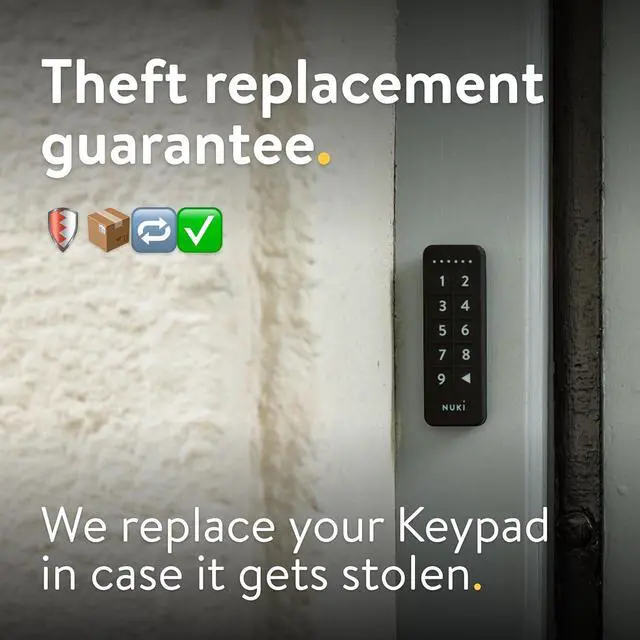
If your Keypad is stolen, we offer you a theft replacement. Please send us a copy of your loss report (issued by the police) and proof of ownership (original invoice) of your Keypad and well send you a free replacement.
How do I install the Nuki Keypad?
How is the Nuki Keypad powered?
How can I create and share access codes?
Is the Nuki Keypad compatible with every Smart Lock?
Is the Nuki Keypad protected against theft?



 All Categories