


 All Categories
Built for How Business Buys.
All Categories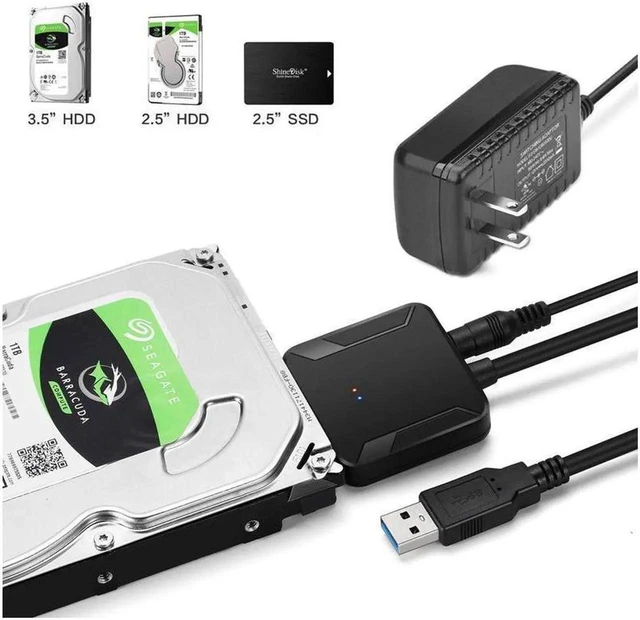
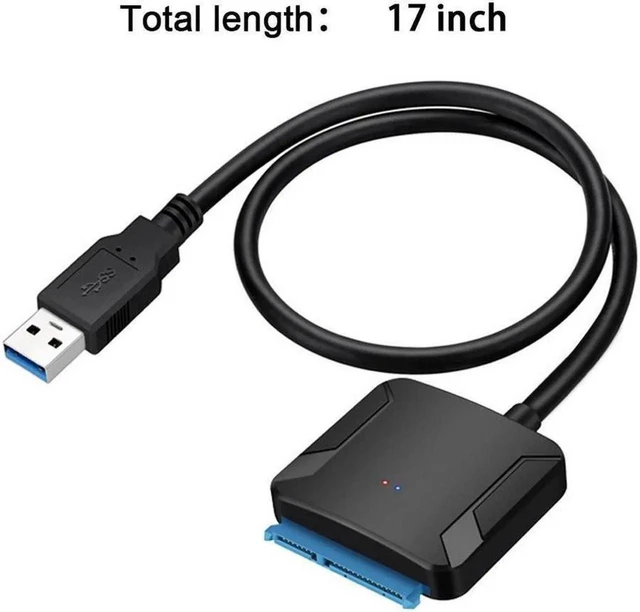
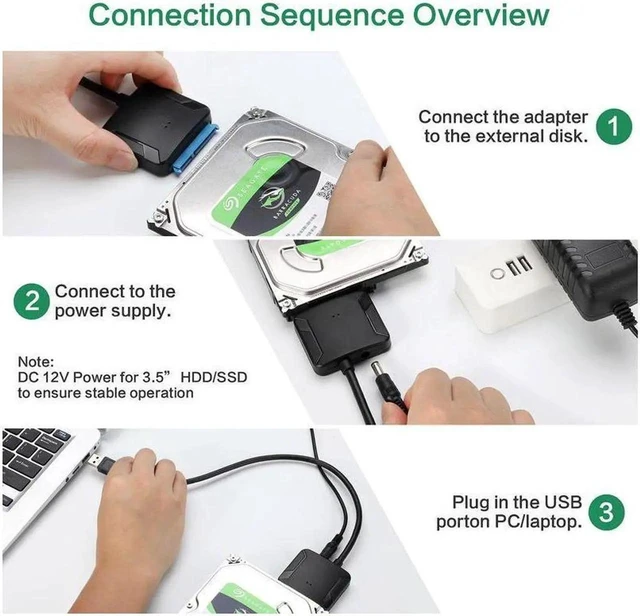
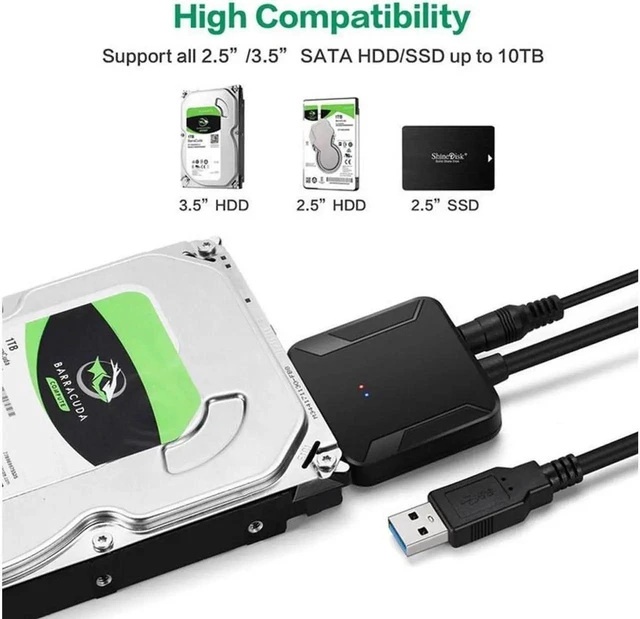


Connect a compatible 2.5-inch or 3.5-inch SATA HDD or SSD directly to a USB-equipped computer. This 22-pin SATA-to-USB converter provides a practical way to access bare drives without installing them in an enclosure or desktop computer.
The adapter supports USB 3.0 data transfer rates up to 5Gbps. Actual performance depends on the connected drive, computer, USB port, operating system, and workload. Backward compatibility with earlier USB standards is not specified.
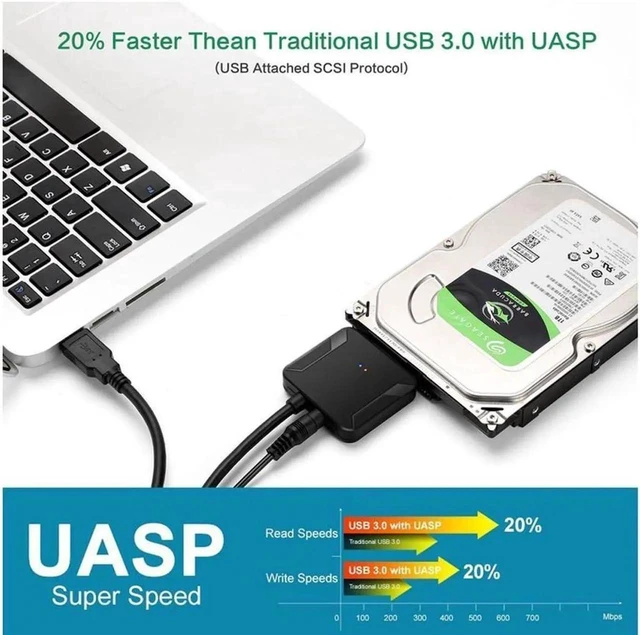
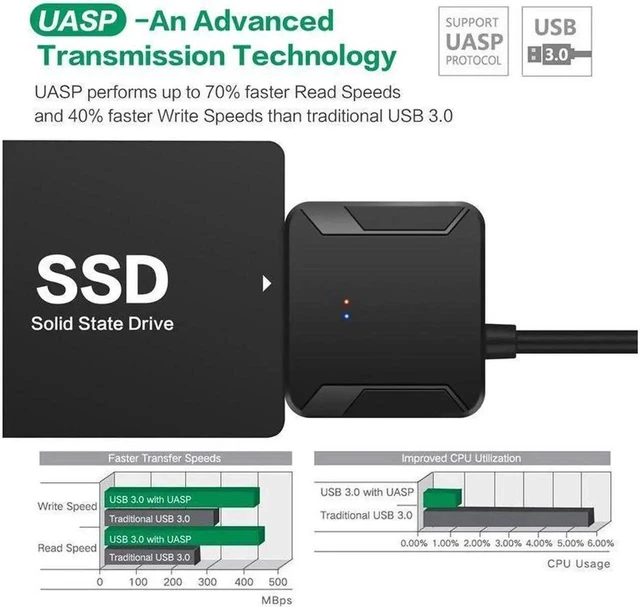
When paired with UASP-compatible hardware and software, the adapter can make more efficient use of compatible SATA III drives. UASP support includes Windows 8 or later, macOS 10.8 or later, and Linux, subject to host-system support.
The 22-pin SATA connector supports compatible 2.5-inch and 3.5-inch SATA HDDs and SSDs. Use it to expand storage, transfer files, perform backups, create disk images, clone or upgrade a drive, test disks, or access data during recovery work.
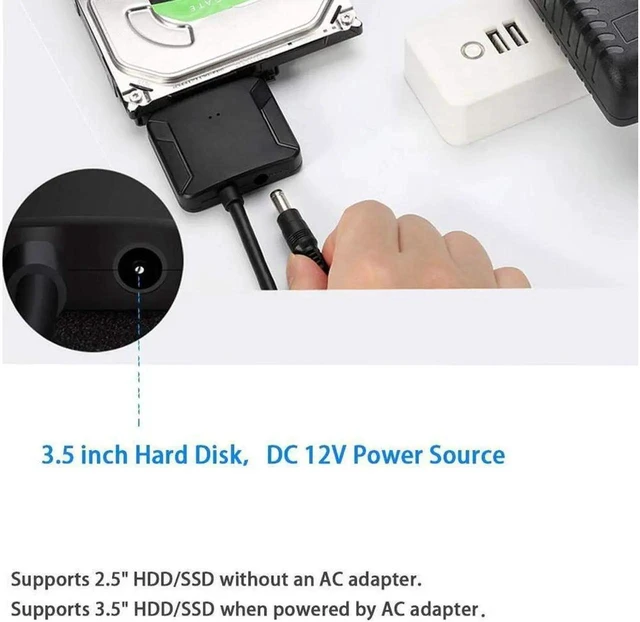
An included 12V/2A power supply delivers external power for compatible 3.5-inch SATA drives. The adapter can also connect compatible 2.5-inch SATA HDDs and SSDs.
Does this USB-to-SATA adapter work with both 2.5-inch and 3.5-inch drives?
Yes. Its 22-pin SATA connector supports compatible 2.5-inch and 3.5-inch SATA HDDs and SSDs.
Can I connect a 3.5-inch SATA hard drive to a laptop?
Yes. Connect the SATA drive through the adapter, attach the included 12V/2A power supply, and connect the USB 3.0 cable to the laptop.
What is the maximum transfer rate?
The USB 3.0 interface supports data rates up to 5Gbps. Actual speed varies with the drive, host computer, USB port, operating system, and workload.
Does the adapter support UASP?
Yes. UASP is supported when the connected computer, operating system, USB controller, and drive are compatible.
Can I use this adapter for backups or drive upgrades?
Yes. It can provide external access to a compatible SATA drive for file transfers, backups, disk imaging, cloning, upgrades, testing, and data-recovery workflows.
