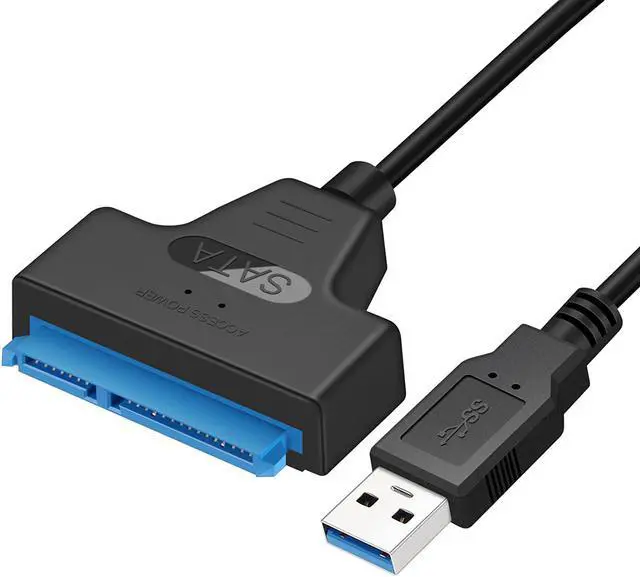
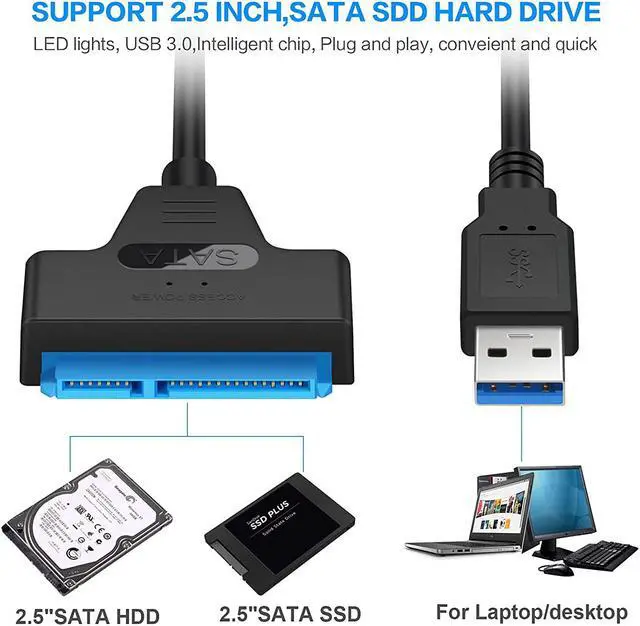
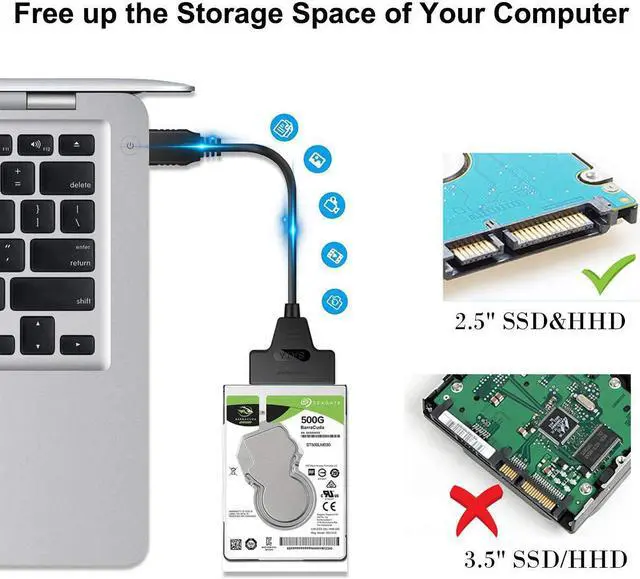
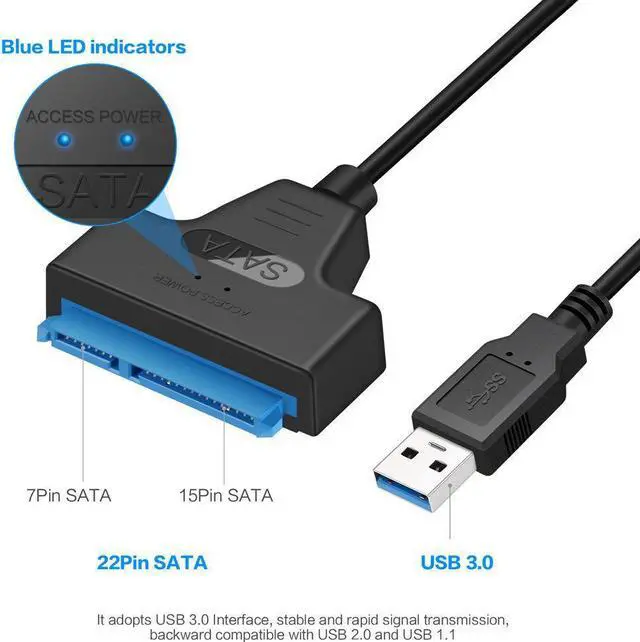
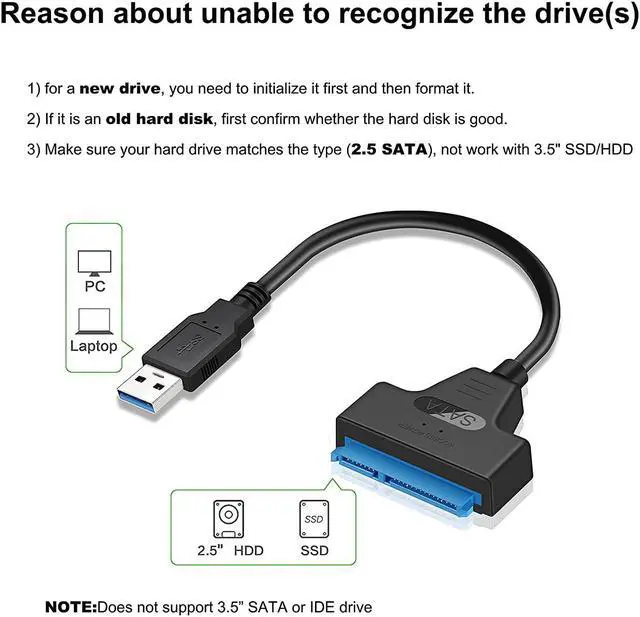
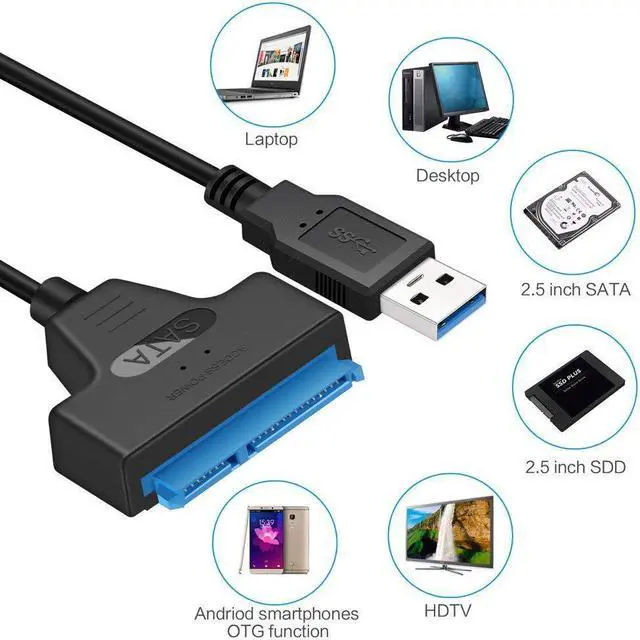
Quickly Access 2.5" SATA SSD OR HDD: Connect a 2.5-inch SATA hard drive to your computer for cloning transferring files on HDD/SSD via SATA to USB cable, Add drive space to upgrade your laptop, and have a chance to keep old HDD as an external memory. (Not support 3.5'' SSD & HDD,)
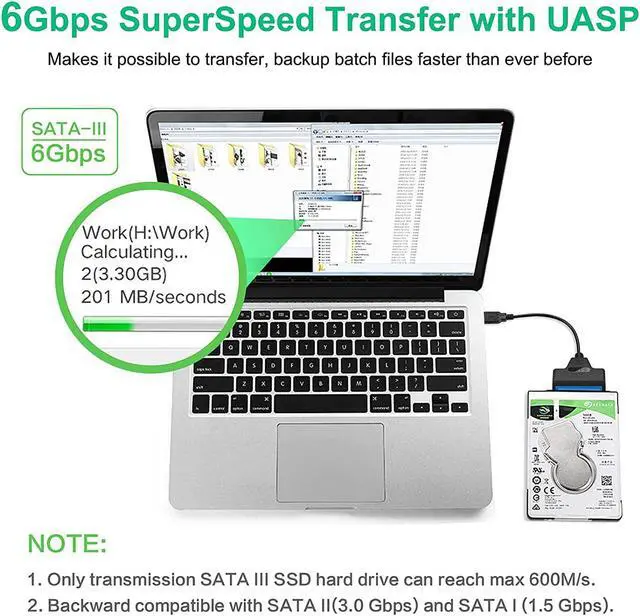
Fast Transfer Speeds with UASP: The USB to SATA adapter supports USB 3.0 data transfer speeds of 6Gbps, 70% faster than conventional USB 3.0 when connected to a computer that also supports UASP, Reverse compatible with USB 2.0 & USB 1.1
Easy to Use: SATA to USB 3.0 adapter Hot-swappable, plug and play, no drivers needed. for a 2.5" drive no need for an additional power supply, An LED light indicates Power and Activity status. Red Light: Power status. Blue Light: Activity status
Compatible with USB 3.0 computer systems such as Dell Optiplex & Apple Mac & MacBook and 2.5in SATA hard drives & solid-state drives such as Samsung 840 EVO series & Crucial MX 100 series. System requirements:Windows: XP/Vista/7/8/8.1/10, MAC: OS X, Linux
Important Note: The laptop hard drive adapter does not support 3.5\u201d hard drive, Not compatible with ATA(IDE), MSATA, and M.2 interfaces. Please confirm your hard drive type before purchase, it only works well with 2.5-inch SSD&HDD
Question 1: Don't recognize the drive: Answer: 1)Insufficient power supply, connect a 12V/2A power supply; 2)Drive problem, update the USB driver; 3)Partition problem, partition the hard disk first before reading
Question 1: Don't recognize the drive: Answer: 1)the hard drive adapter cable only for 2.5" drive, no power supply need; 2)Drive problem, update the USB driver; 3)Partition problem, partition the hard disk first before reading
Question 2: Recognizes drive but will not do anything with it: Answer: SATA hard disk needs chip support, because the main control chip of the computer and the main control chip of the Drive are inconsistent, resulting in different ways of partitioning the hard disk, just need to re-partition the hard disk