Product description Configure the Camera Add the following line under [all] in the
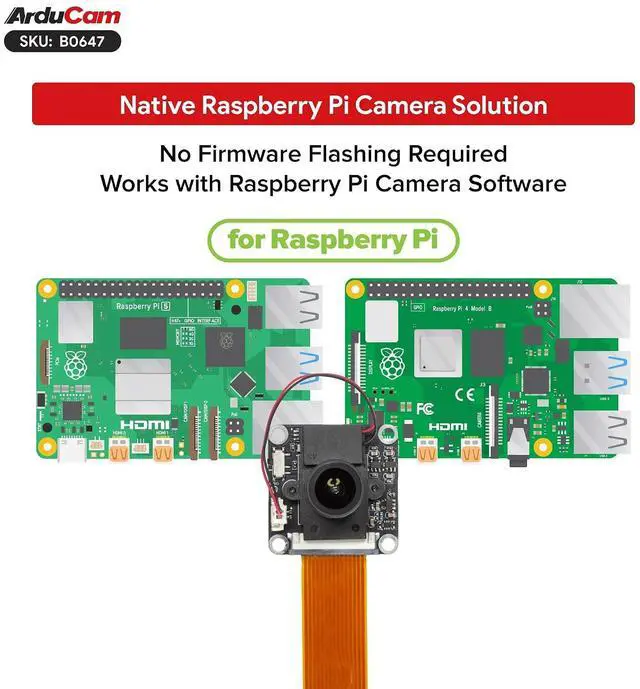
Raspberry Pi configuration file: dtoverlay=imx290, clock-frequency=37125000 Config file location
Bookworm: /boot/firmware/config.
txt Bullseye: /boot/config. txt Save and reboot the Raspberry Pi. For Pi 5
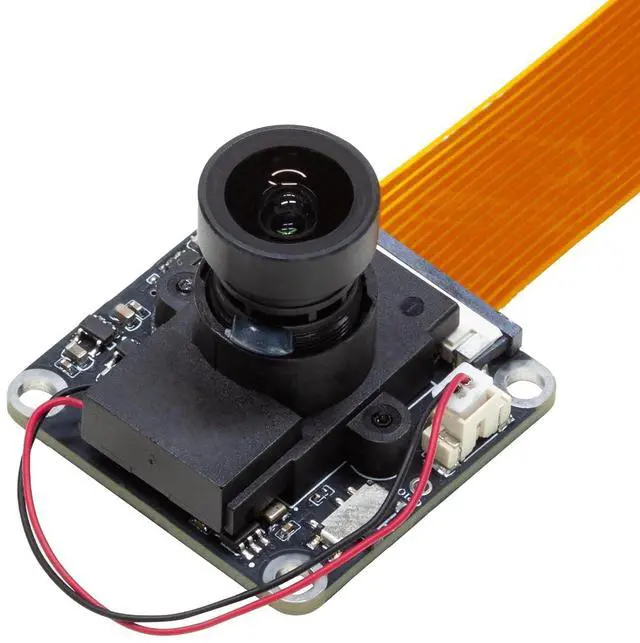
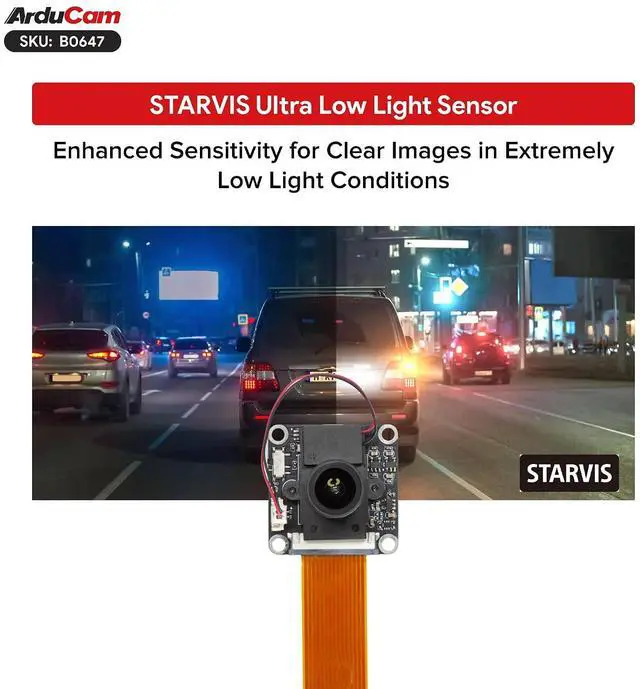
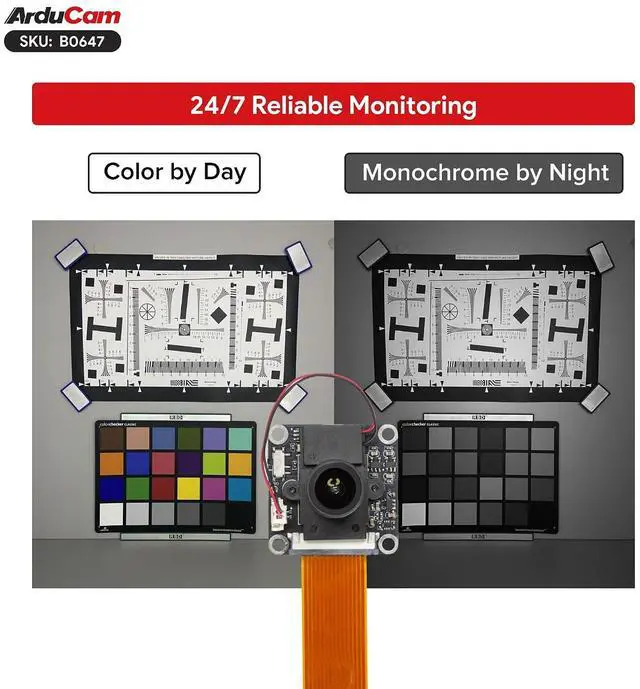
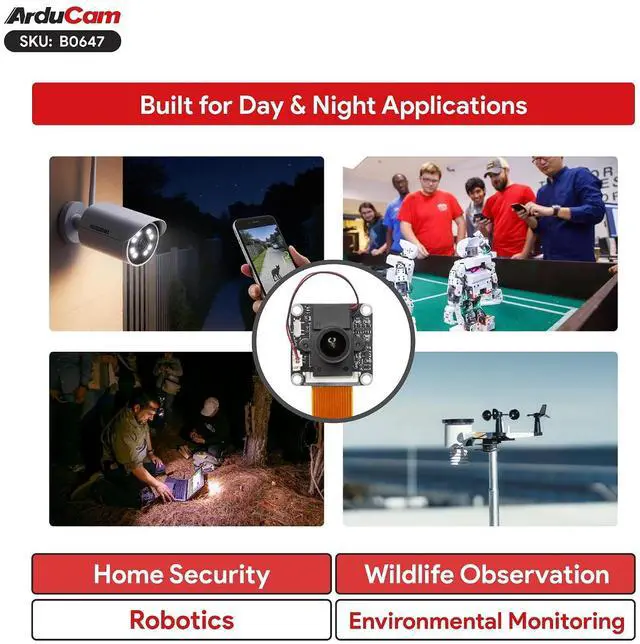
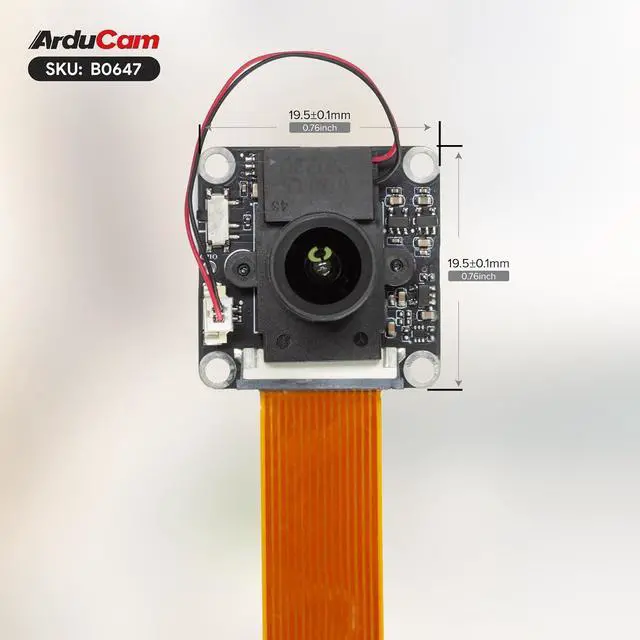
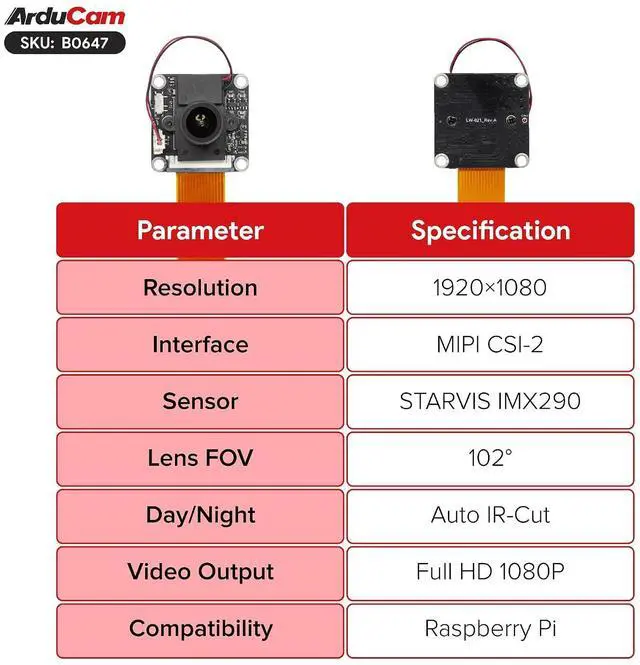
CAM0 port: dtoverlay=imx290, clock-frequency=37125000, cam0 True Day & Night Adaptation Effortlessly switches from vivid daytime color view to sharp high-contrast night monochrome, ideal for round-the-clock monitoring. STARVIS IMX290 Sensor Adopting top starlight back-illuminated sensor tech, this camera boosts light sensitivity for clear detailed footage in dim environments. Native Support Raspberry Pi Fully supports official Raspberry Pi camera drivers and software, enabling direct command-line use without custom firmware. Expansive 102° Field of View Built-in 102° wide-angle lens for wider view and fewer monitoring blind spots. The built-in IR-Cut filter works in daytime mode to restore true-to-life colors. It auto switches to night mode for sensitive infrared imaging after dark. Smart Home Security Wildlife Research & Tracking IoT Environmental Monitoring Robotics and Drones



 All Categories