


- Free 30-day Returns
$125.98
Ships from United States.
Sold by Halo Electronics
Shipped by Halo Electronics
Meet Your Seller

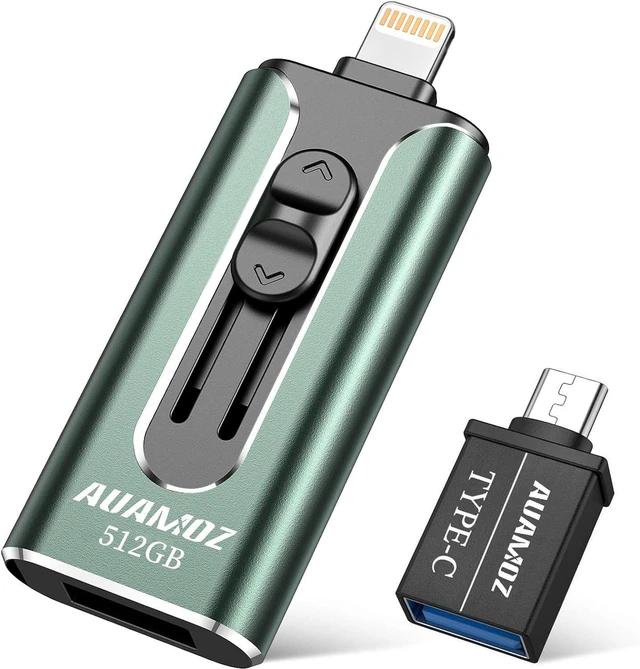



512GB Photo Stick USB Memory Phone Flash Drive, AUAMOZ External Memory Thumb Storage for Photo and Video Backup, Compatible with iPhone iPad Android PC (Dark Green)
- Item #: 9SIVFTRKAA1339
- Mfr. Part #: HEPLD409CV1011
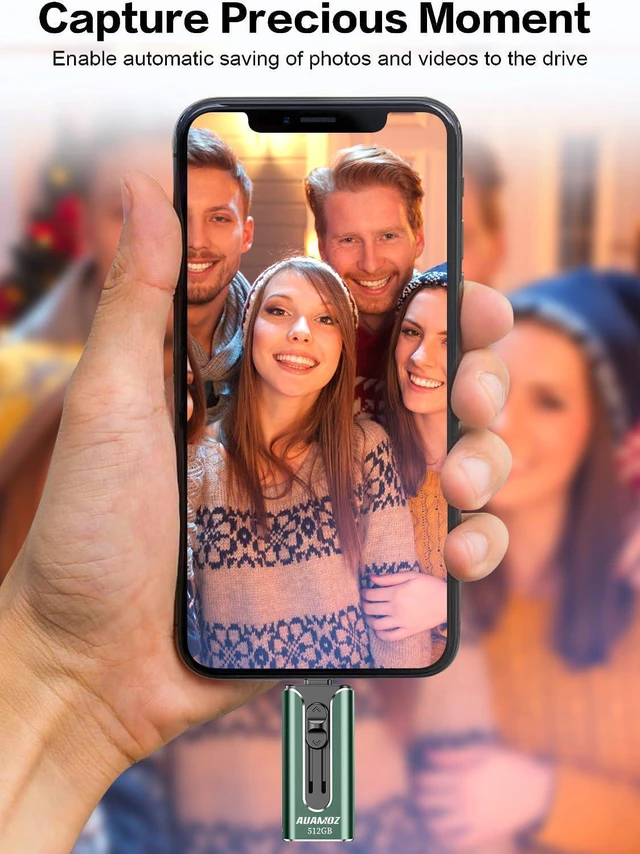
- Free up iPhone and iPad Memory Space Immediately: If your iPhone or iPad has almost used up all the memory space, this iphone usb storage flash drive can help alleviate 512GB of storage space. Whether you like to shoot short videos or take selfies, our iphone memory stick are perfect for you. You don't have to pay extra for additional storage space, just plug in the external storage space of your iphone. Enjoy the extra space 512GB of the iphone flash drive.
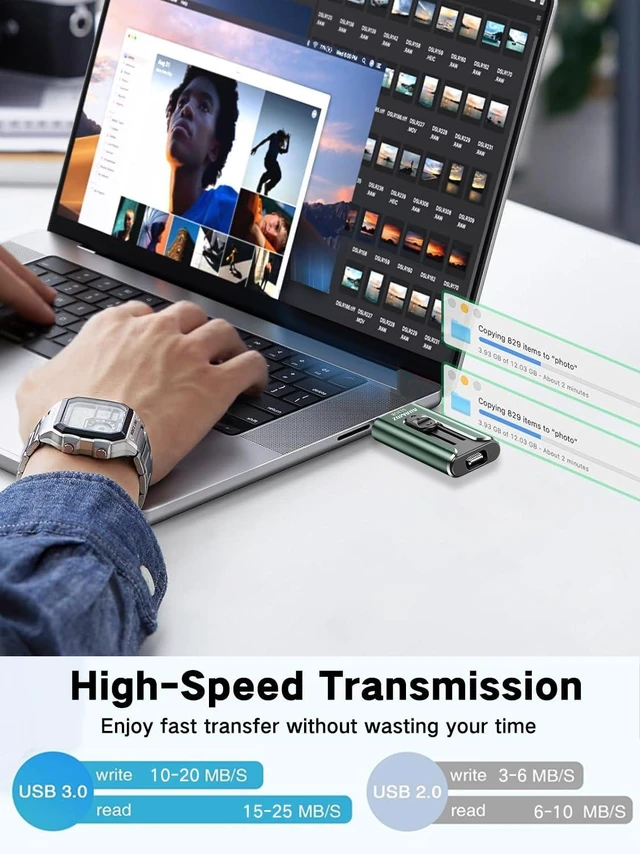
- High Transfer Speed: Transfer photos, videos, and files in seconds with our USB stick. With a write speed of up to 30 MB/s and a read speed of up to 80 MB/s, our flash drive for iphone have higher performance than conventional usb storage flash drive. Save time and get more done with iphone photo storage stick. (Tip: iPhone/iPad needs to download "Y-DISK" APP from APP Store when using memory stick; Android phone/PC no need to download APP)
+
+
Overview
Specs
Reviews
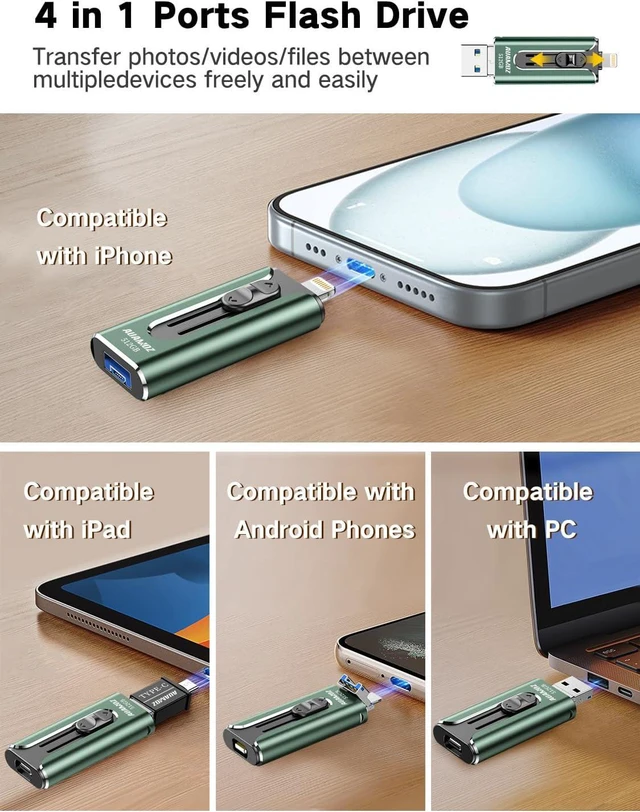
High Compatibility: The Phone thumb drive is designed for use with a wide range of devices, including iPhone 15, 15 Plus, 15 Pro, 15 Pro Max, iPhone 14, 14 Pro, 14 Pro Max, 14 Plus, iPhone 13, 13 Pro max, 13 Pro, 13 mini, 12 Pro max, 12 Pro, 12, 12 mini, 11 Pro max, 11 Pro, 11, XS MAX, XS, XR, X, 8, 7, 6, 6s, 5s (System Version 8.2 Or higher). The photo stick supports Android smartphones (Need to open OTG function). Our USB storage drives also support computers and other devices with USB-C ports.
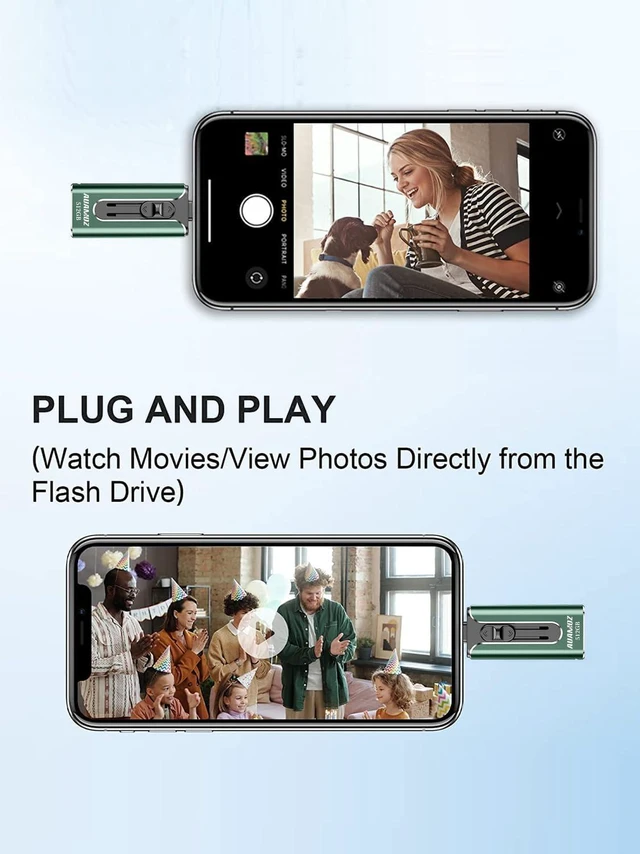
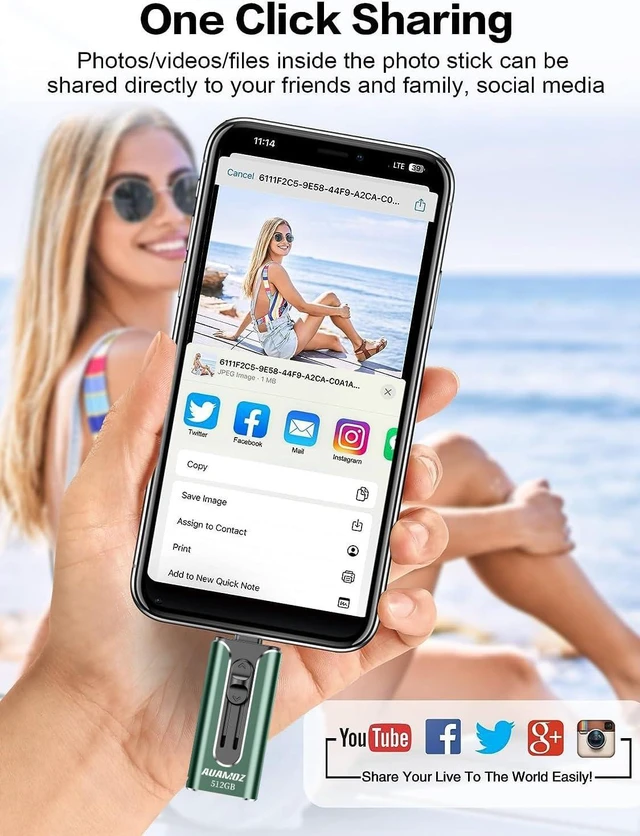
One-Click Backup: Back up your files, photos, videos and Phone book with just one click. Our iphone photo stick is easy to use and comes with an APP that allows you to back up your data quickly and easily. Our iphone usb flash drive supports sharing photos to social media such as: Facebook, Twitter, etc., and you can even take photos or videos on our jump drive and save them directly to the drive. With 512GB of storage space, you'll have more space and time to do what you love.
Securing Personal Files: The phone photo transfer stick provides a separate password function to encrypt the file information in the app. You can set a password to effectively protect your private files and protect the whole storage or selected parts. In this way, you can use the iphone thumb drive with confidence and enjoy a more comfortable and secure file storage experience.
Widely Compatible
1) iPhone Model
Compatibility with iPhone 15/ iPhone 15 Plus/ iPhone 15 Pro/ iPhone 15 Pro Max/ iPhone 14/ iPhone 14 Plus/ iPhone 14 Pro/ iPhone 14 Pro Max/ iPhone 13/ iPhone 13 Pro/ iPhone 13 Pro Max/ iPhone 13 mini/ iPhone SE (3rd generation) / iPhone 12/ iPhone 12 Pro/ iPhone 12 Pro Max/ iPhone 12 mini/ iPhone 11/ iPhone 11 Pro/ iPhone 11 Pro Max/ iPhone SE (2nd generation) / iPhone X/ iPhone XR/iPhone XS/ iPhone XS Max/ iPhone 8/ iPhone 8 Plus/ iPhone 7/ iPhone 7 Plus/ iPhone 6/ iPhone 6s/ iPhone 6 Plus/ iPhone 6s Plus/ iPhone 5s/ iPhone SE (1st generation)
2) iPad Model
Compatibility with iPad Pro 12.9 -in. (6/5/4/3/2/1st generation)/ iPad Pro 11-in. (3/2/1st generation)/ iPad Pro 10.5 in. / iPad Pro 9.7 in
Compatibility with iPad Air (5/4/3/2/1st generation)/ iPad (10/9/8/7/6/5th generation)/ iPad mini (6/5/4/3/2nd generation)/
3) Mac & PC Model
Compatibility with MacBook Air Series/ MacBook Pro Series/ iMac Series/ Mac mini/ Mac Pro/ HD/ / Lenovo/ / Acer/ Toshiba/ Samsung/ LG/ Microsoft, ect
4) Computer & USB-C Android Phone & Micro usb Android Phone
Compatibility with Samsung Galaxy/ Google Pixel/ Xiaomi/ Huawei with OTG function, ect
About USB Flash Drive
1. For iPhone 15 Series & iPad Pro (USB-C Port)
1) No need to download APP "Y-DISK"
2) Open 'Files' app on iOS.
3) Find 'NoName' or 'Untitled' folder.
4) Choose files to transfer.
5) Move files to iOS device.
Warranty & Returns
Warranty, Returns, And Additional Information
Warranty
- Please contact the Seller directly for warranty information. Warranty information may also be found on the Manufacturer's website.
- CONTACT
Return Policies
- Return for refund within: 30 days
- Return for replacement within: 30 days
- This item is covered by Halo Electronics Return Policy
Manufacturer Contact Info
- For a directory of all our manufacturers, please click below.
- Manufacturers Directory
LOADING...