Faster delivery: It will takes about 3-7 days to deliver from United States/Canada warehouse usually.
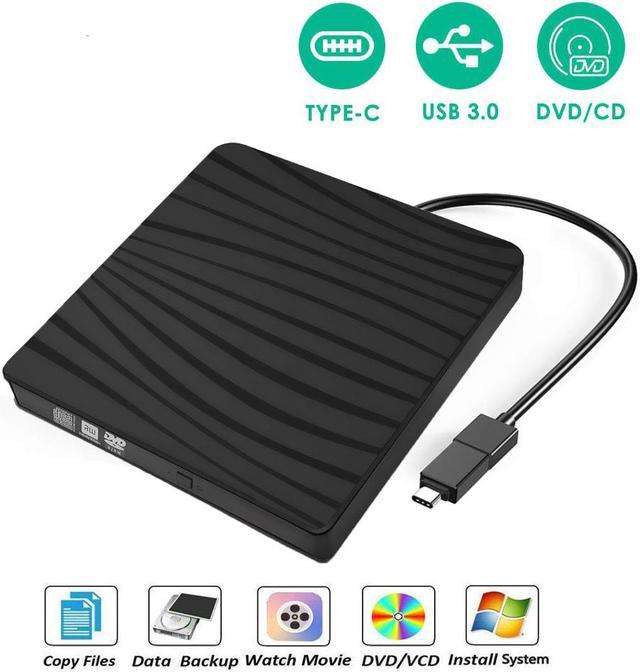
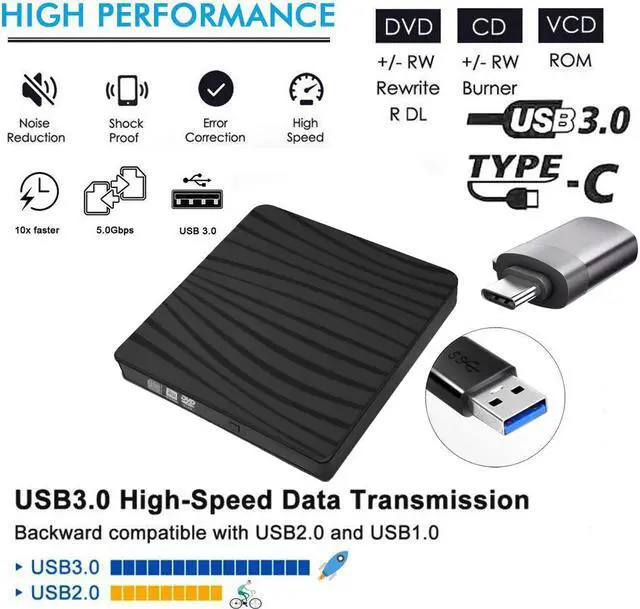
High Speed: With a max write speed of 8X ( 10.8MB /sec) DVD+R / DVD-R, maximum data read speed is 24X( 3.6MB /sec) on CD-R / CD-RW USB 3.0 & Type-C high speed interface to provide you with faster and more efficient data transmission. With stable performance and strong fault tolerance it backwards compatible with USB 2.0 1.0.
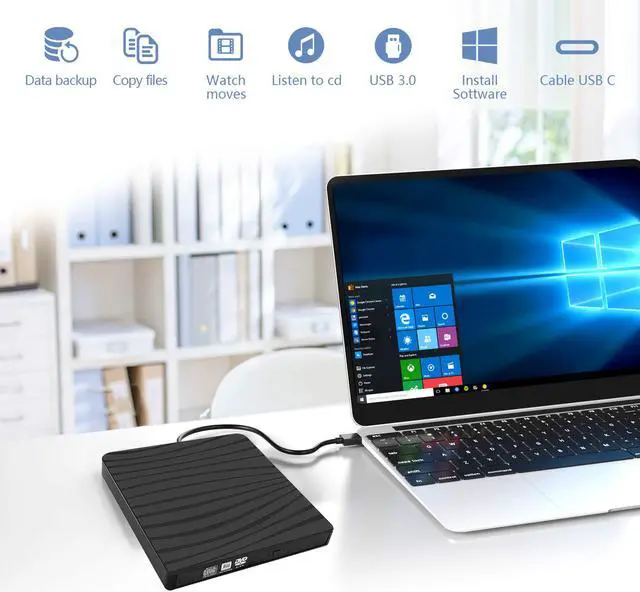
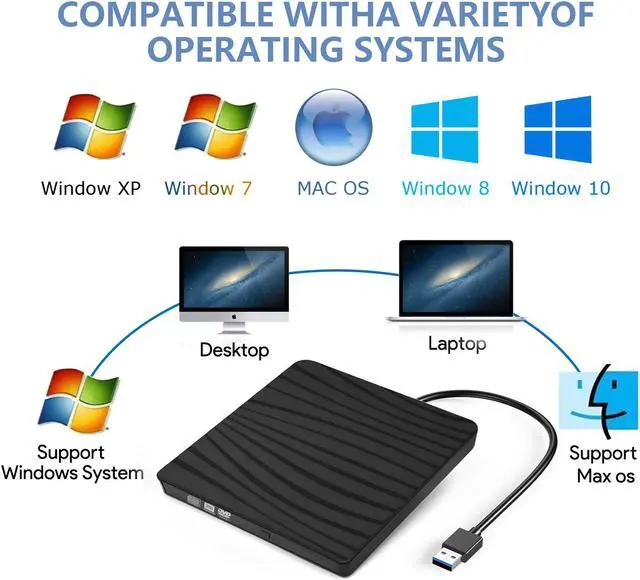
External DVD Drive with Wide Compatibility: External cd/dvd drive for laptop PC Desktop Linux OS Apple Mac Macbook Pro. CD burner compatible with Windows XP/Vista/7/8.1/10, Linux, all versions of MAC OS. For the desktops, this usb cd drive must be connected to usb port on motherboard.
DVD Burner -Plug & Play: CD drive external usb, no need for external driver and power supply. Just plug it into your USB port, then our Amicool DVD driver will be detected and your happy journey begins.
High Speed USB DVD Drive 3.0: Amicool cd rom drive adopted advanced burning technology, supported DVD+R, DVD-R, CD-ROM, DVD-ROM, CD-R, CD-RW. Max DVD read speed 8X; Max CD read speed 24X and max CD burn speed 8X. Our dvd drive external is compatible with USB3.0 and backwards compatible with USB2.0 USB1.0, bringing you faster data transmission speed (max 5Gbps), plays music and movies with no lag or distortion.
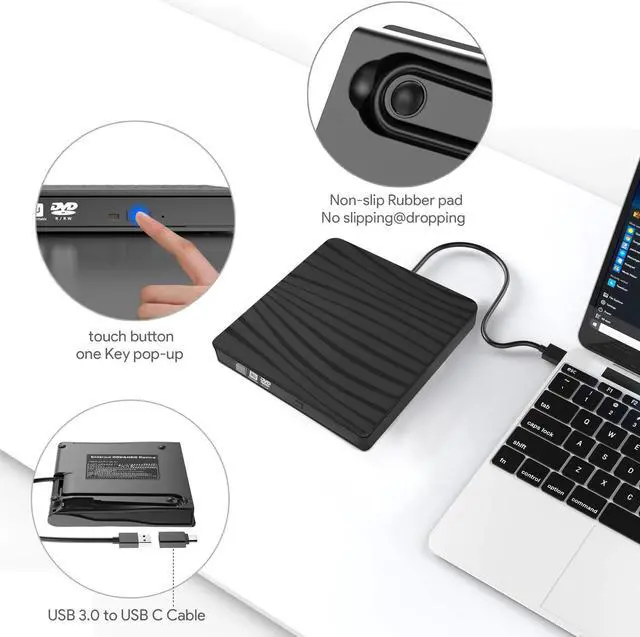
Portable External CD Drive: Slim & Compact: Embedded cable design with slim lightweight body, this cd external drive can be slipped in your travel bag, and hooked up at any time, which makes it a companion for computers without the internal drive, take it with you to anywhere and anytime.
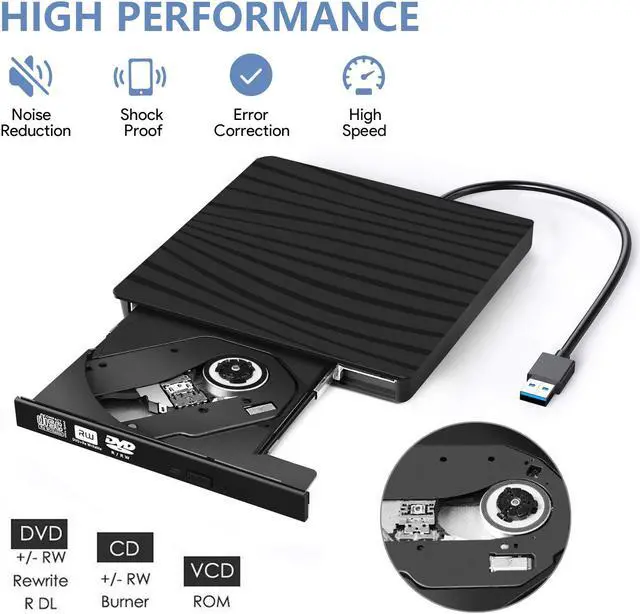
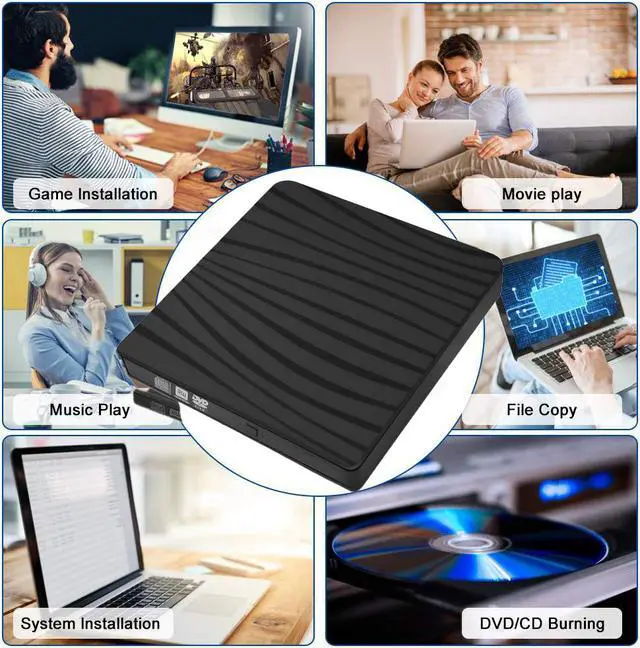
Multifunctional Optical Drive: Adopted intelligent burning technology, you can read/write/burn your disc or interrupt recording at your ease. Pop-up button and disc tray design makes it convenient to read or write discs.
Specifications:
Type: External DVD-RW
Loading: Tray Type
Material: ABS brushed plastic environmental protection material
Ultra-thin size: 140x146x18MM/5.51"x5.74"x0.70"
Interface Type: USB 3.0+TYPE-C
CD loading method: tray type
Read the disc format: ALL
Supportable disc standards: 8cm,12cm
Recording format: DVD-RW
Cache capacity: 2MB
Reading speed: DVD-ROM 8x ;CD-ROM 24x
Writing speed: DVD-R,DVD+R 8X;DVD-RW 4X;CD-R 24x
Support Format: DVD-ROM, DVD-R, DVD+R, DVD-RW, DVD-R DL,CDA, CD-ROM, CD-R, VCD, SVCD, CD-RW
Compatible: Windows 98 SE, ME, 2000, XP, Vista, Win 7, Win 8, Win 10, Windows Server 2003, 2003 R2, 2008, 2008 R2, 2012, 2012 R2, Mac OS 8.6, Mac10 OS, 2015 27" retina iMac, Macbook Pro with OS 10.10.5, macbook air version 10.9.5, imac with el capitan - os x 10.11, Surface Pro
Tips:
This is a universal CD/DVD drive burner, not a Blu-ray drive, can not play Blu ray discs.
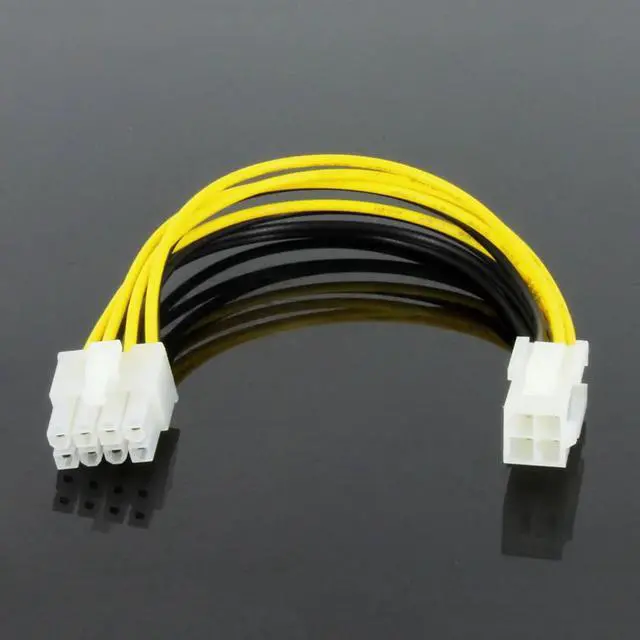
Please connect the laptop external power supply when you use this external optical drive.
Because of the limitations of the Chrome OS, this external optical drive can not work with Chrome OS and Chromebook.
This protable CD/DVD drive can not work with TV, car, smartphone.
Before you using the External CD/DVD Drive, please m



 All Categories