Tips
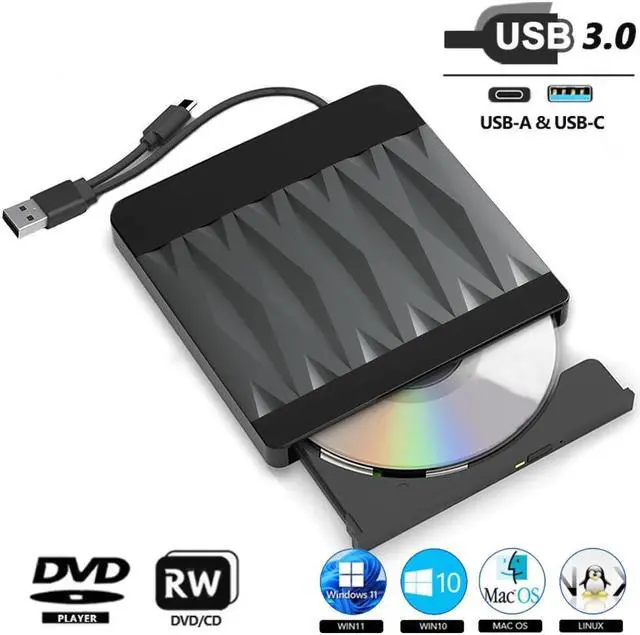
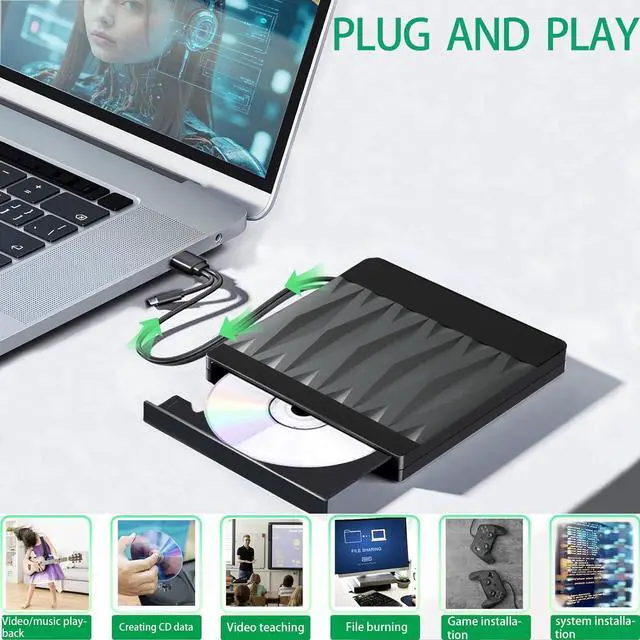
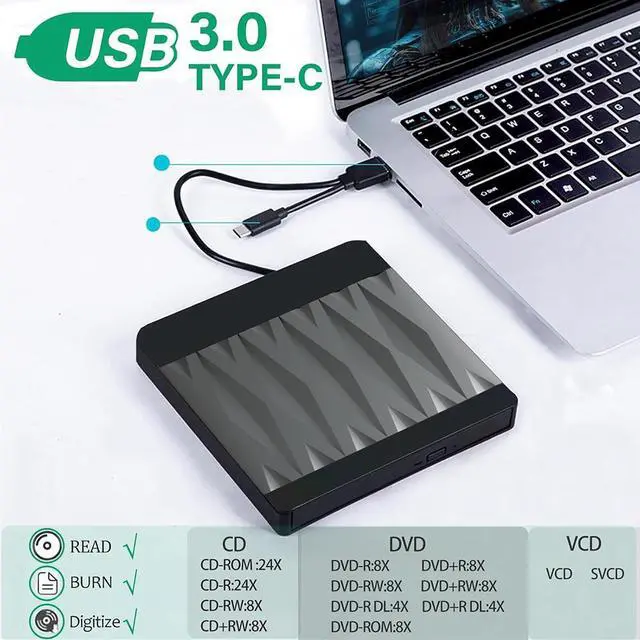
1. Connect either end of the USB C connector or Type-C connector to the computer, the computer monitor should oppear in the lower-right corner of the icon. Click "My Computer" on the desktop should be displayed in the removable storage devices. (To avoid the problem of insufficient power supply to the computer, which may cause the DVD drive to fail to recognize, the computer should be connected to a power cord when using the DVD drive. )
2. Due to DVD region management limitations, the disc can only be played when the region code of this CD/DVD player matches the region code of the disc. Therefore, users should ensure that the two match when using it.
How to change region code:
Windows: This PC dvd drive- Properties Hardware Tab Properties button Choose Region (US is 1) -Apply.
Mac: Menu-System Preference-Language & Region - Region - Select Country - Apply
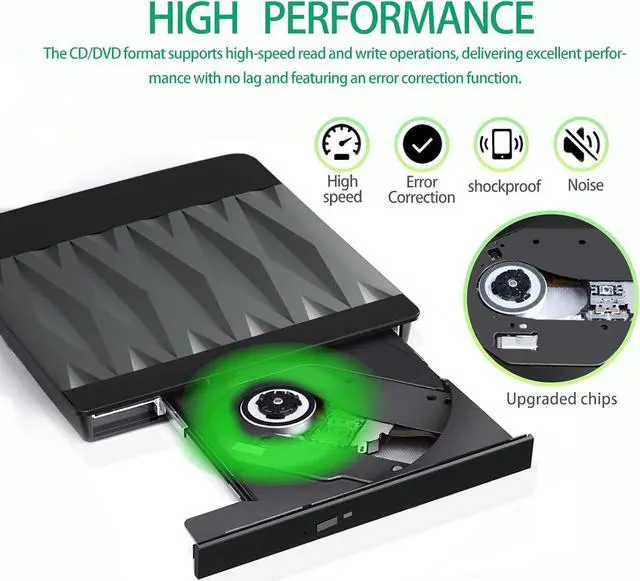
3. This product is not suitable for Blu ray discs. When using a CD/DVD disc, the side with the text on it should face upwards (as shown in Figure 6). After getting stuck in the tray, rotate the disc once and smoothly without any abnormal noise, then close the compartment door.
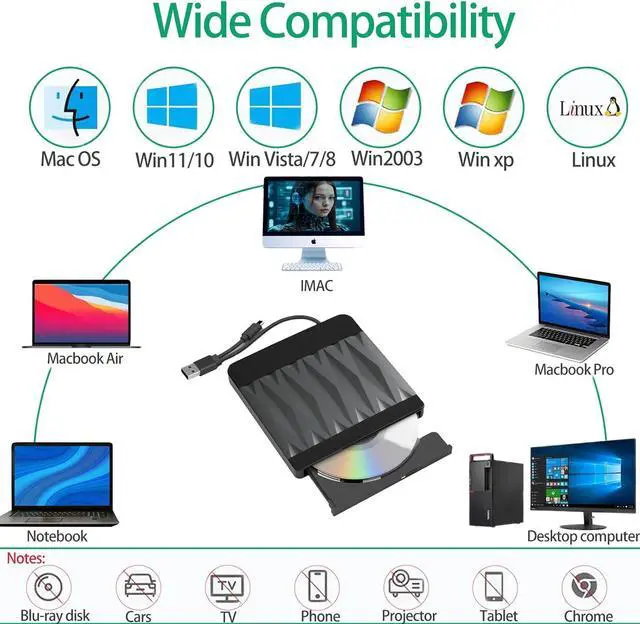
4. When using CD/DVD discs, make sure your computer has a media player. If not, please install a media player first, otherwise it will not be able to play successfully. (Tip: This product does not support Blu ray discs)



 All Categories