• $28.99
  • Free 30-day Returns
  • Ships from China.
    Sold by fadaoe

    Shipped by fadaoe

    Meet Your Seller

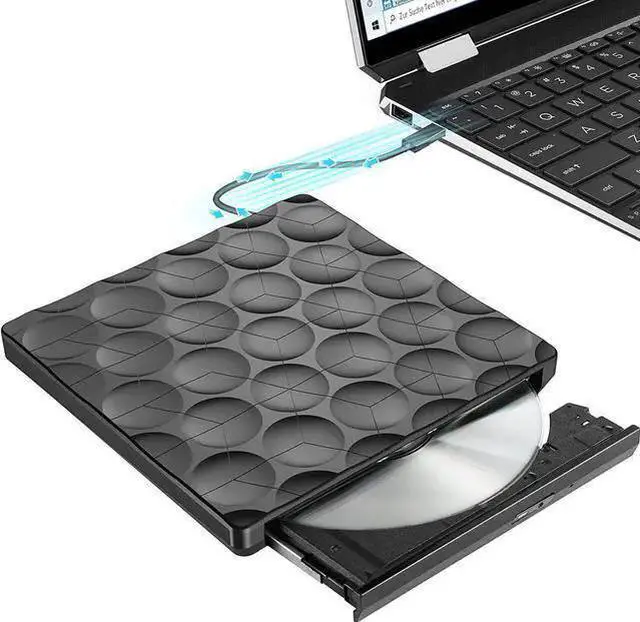
    External DVD/CD Drive USB 3.0 with USB C Adapter, Portable DVD/CD Burner External DVD Drive, Super USB 3.0 Plug and Play, External CD DVD Drive for Laptop, Desktop, Mac OS, Windows 11/10/8/7/XP/Linux

    • Item #: 9SIVTT5M1W5830
    • Mfr. Part #: Z3#Q1905_B
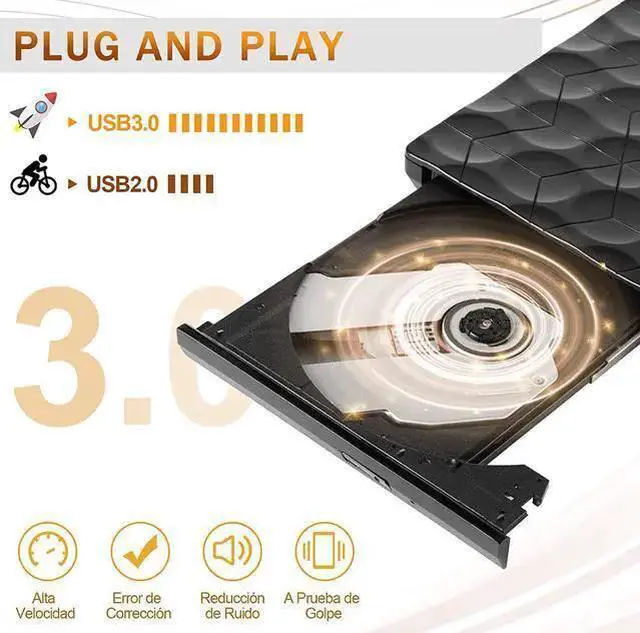
    • [Advanced USB 3.0 Technology] Plug Play, powered entirely by USB ports. Equipped with a high-speed USB 3.0 interface, which accelerates data transfer, provides speed (up to a maximum of 5Gbps) and stable performance with strong error tolerance.
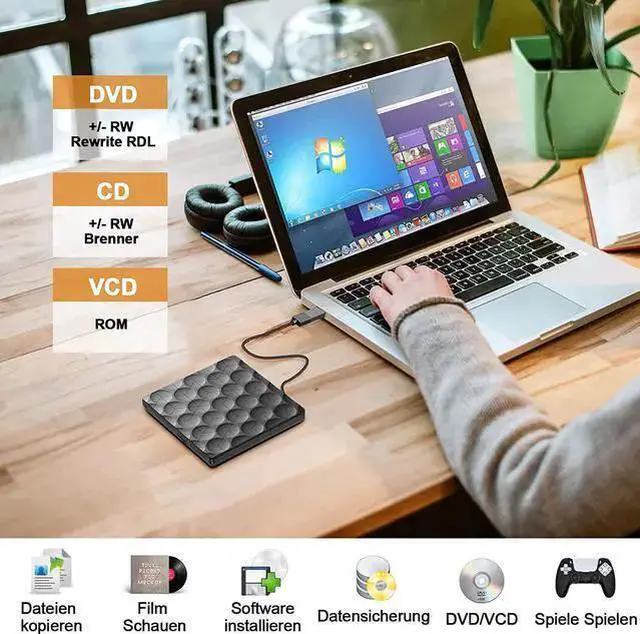
    • [Multiple Support] Support DVD+R, DVD-R, CD-ROM, DVD-ROM, CD-R, CD-RW. The highest DVD reading speed is 8 times, the maximum CD reading speed is 24 times, and the maximum CD writing speed is 8 times. Strong error correction, shock and noise reduction technology, low power consumption.
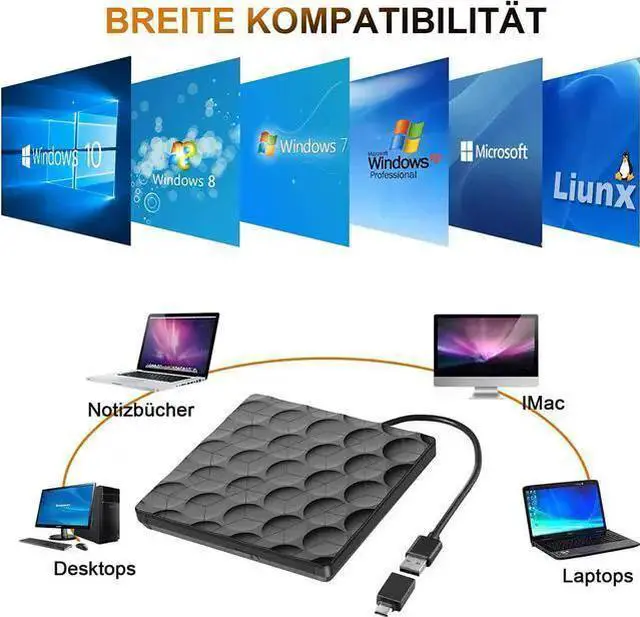
    • [Easy to Use] No drivers required, plug and play for all laptops/desktops, PC for Windows 7/8/10 Linux and M-a-c OS.
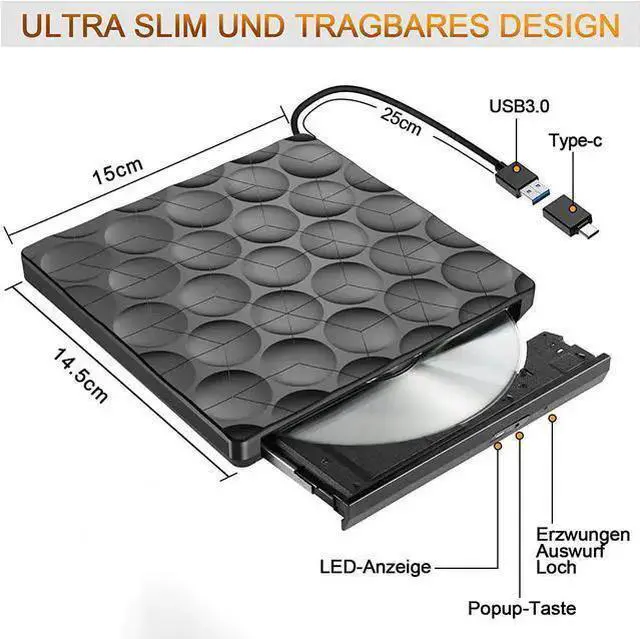
    • [Fashionable and Portable Design] It has slim, light and shockproof design, stylish enough. You can put this external CD drive/DVD burner/player in your travel bag or on your desk.
    • [Warranty service] We provide 100% guarantee service, we strive to provide our customers with a better shopping experience.
    +
    +
    Overview
    Specs
    Reviews
    Thanks to USB 3.0 technology, DVD burner has a fast data transfer speed and offers you stable performance at all times.

    Specification:
    Readable format: CD, VCD, DVD, DVD-R, DVD-RW, DVD-RW, DVD-RAM, DVD-ROM, CD-ROM
    Writable formats: CD, DVD
    Color: Black
    Interface type: USB 3.0 /c
    Read speed: cd-24x (maximum); DVD-8x (maximum)
    Recording speed: cd-24x (maximum); DVD-8x (maximum)
    Packing list: machine (including cable) * 1, manual 1
    Power supply: CC 5V
    Weight: 350g
    Product size: 14.7 * 14.5 * 1.9 cm

    Warm Tips:
    If The DVD drive does not respond when connected to the computer

    1. Reinsert the CD-ROM drive and the input combo device will reappear in Device Manager.

    2. Click on the small or top icon, and you will see a message named "Enter default driver" as shown below.

    3. Right-click Import Default Driver and click Disable to disable it.

    4. Then right click on it and click Properties.

    5. In the pop-up window, click the Controller tab.

    6. Click Uninstall and follow the prompts carefully to ensure the driver has been uninstalled (Note: you may need to click the checkbox to confirm you want to delete the driver).

    7. Disconnect the optical drive from the USB port.

    8. Shut down the computer (please make sure you shut down the computer completely and do not restart the computer)

    9. After turning off the computer, plug the optical drive into the USB port.

    10. Restart the computer, and then boot the optical drive.

    Warranty & Returns

    Warranty, Returns, And Additional Information

    Warranty

    • Please contact the Seller directly for warranty information. Warranty information may also be found on the Manufacturer's website.
    • CONTACT

    Return Policies

    • Return for refund within: 30 days
    • Return for replacement within: 30 days
    • This item is covered by fadaoe Return Policy

    Manufacturer Contact Info

    LOADING...