• $34.99
  • Free 30-day Returns
  • Ships from China.

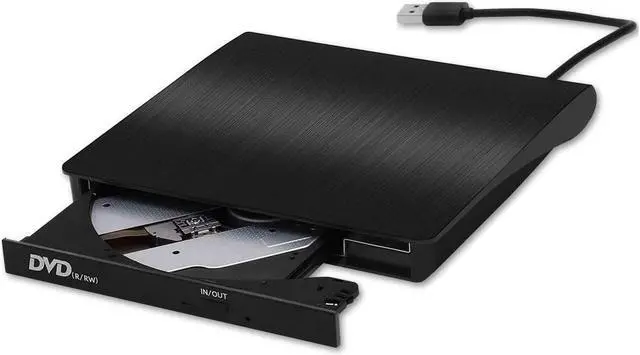
    External CD Drive, USB 3.0 Slim DVD Writer Rewriter Burner High Speed Data Transfer for Desktop/Laptop/Linux/Mac OS/Windows10/8/7 (2020 Upgrade, Black)

    • Item #: 9SIV36AKE32240
    • Mfr. Part #: ID-SWR008-1
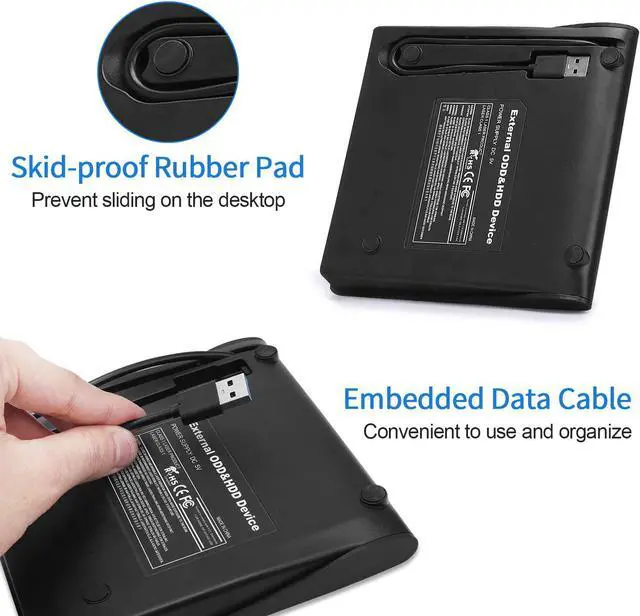
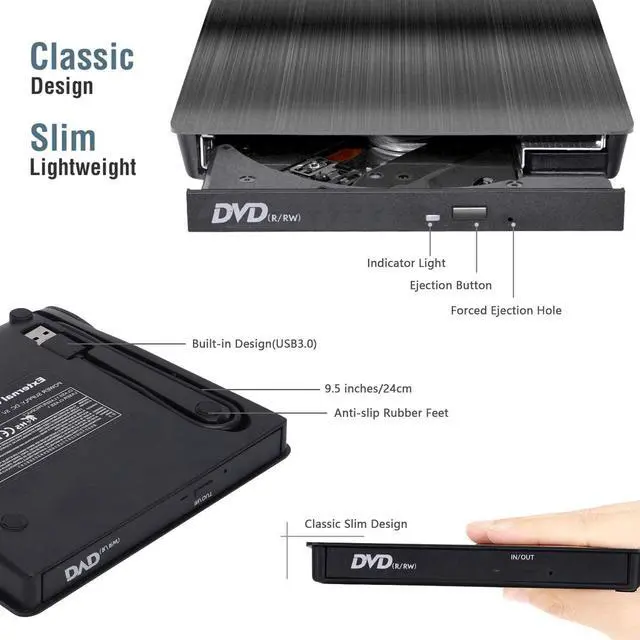
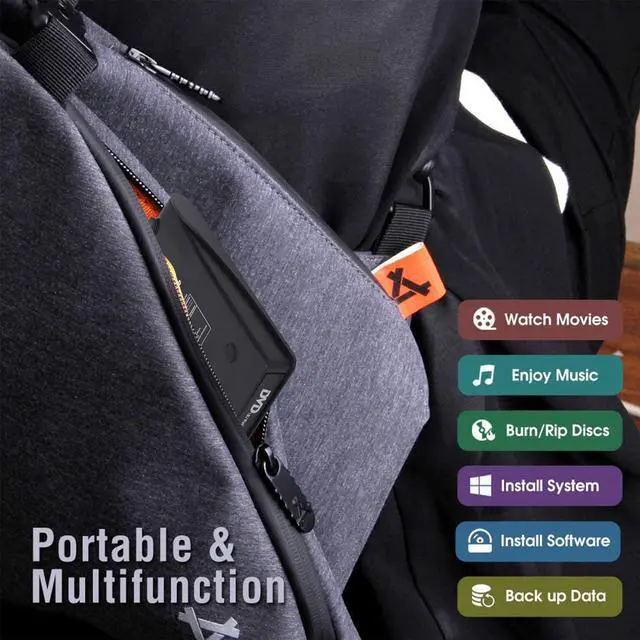
    • (ADVANCED USB3.0 CD DRIVE)- 2020 Upgrade External CD Drive comes with standard USB3.0 high speed interface, provide more faster and stable data transfer speed. Embedded cable design made it easy for storage, you can take it anywhere with slim, lightweight, compact, portable size. It's also compatible with USB 2.0
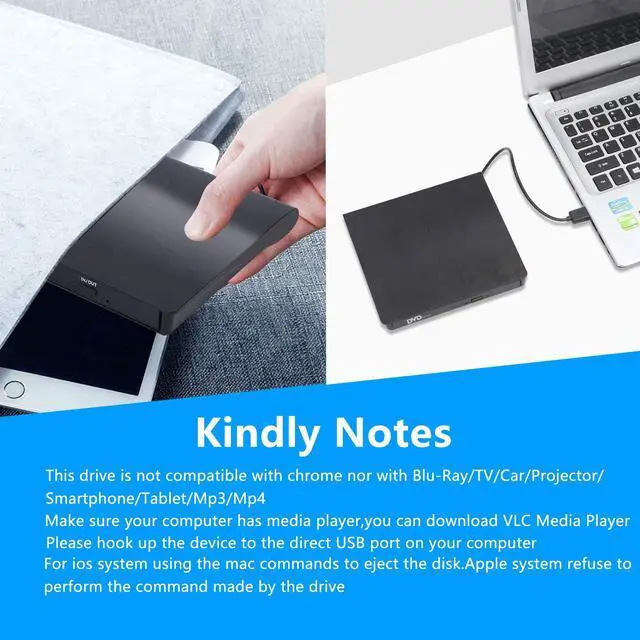
    • (PLUG & PLAY) - External CD/DVD drive is unnecessary, Data can be easily transferred just by inserting the USB cable. Power can be provided with the USB port of the personal computer. Even those who are not familiar with PC can easily use it. It is indispensable for a PC without a CD-ROM drive
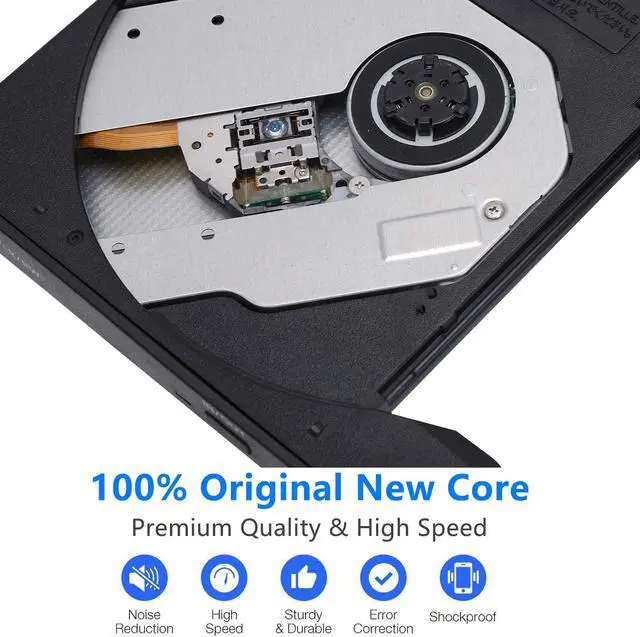
    • (MULTI-PURPOSE MACHINE)- These external DVD drives are equipped with a branded laser head movement, supporting CD, CD-R, CD-RW, DVD-RW, DVD± R, DVD±R DL, DVD±RW, DVD-RAM and DVD. The error correction capability is very powerful, quiet and noiseless, low power consumption, and impact resistant
    +
    +
    Overview
    Specs
    Reviews
    With this 2020 upgrade external drive you can record cd’s, watch DVD movies, create backup discs, burn files to a dvd and cd disc (dvd burning software not included).


    Specifications:

    ·Interface: USB3.0, 2.0

    ·Support CD specifications: 4.72inch

    ·Product dimensions: 6.00*5.55*0.80inch

    ·Read: DVD-ROM: 8x, CD-ROM: 24x

    ·Burn: DVD-R,DVD+R 8X;DVD-RW 4X;CD-R 24x

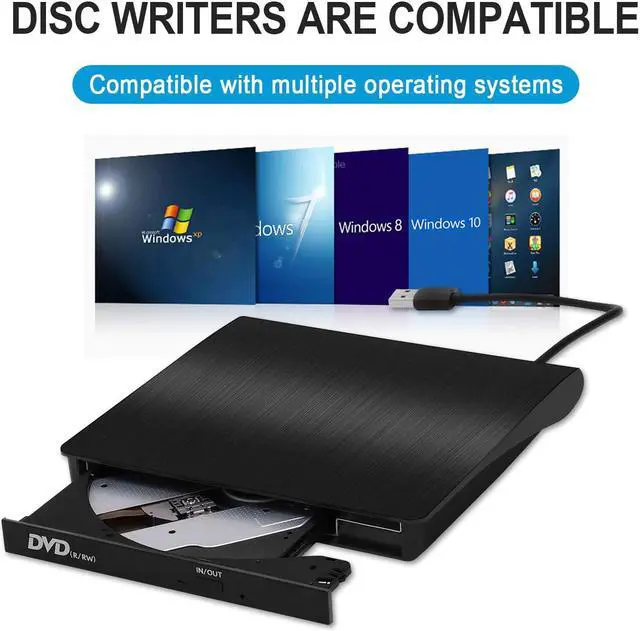
    ·Support Systems: Windows 98/SE/ME/2000/XP/Vista/Win 7/Win 8/Mac OS System


    Writing Speed:

    ·CD-R:Max.24X

    ·CD-RW:16X

    ·DVD-R:Max.8X

    ·DVD-RDL:Max.4X

    ·DVD-RW:Max.6X

    ·DVD + R:Max.8X

    ·DVD +R DL:Max.4X

    ·DVD +RW:Max.8X

    ·DVD-RAM:3X-5XPCAV(8GB)


    Instructions for use:

    1. This product is a data line interface properly to USB port of the computer, the computer display lower corner should opera device icon.

    2. Click on the desktop, open the "my computer", in "the mobile storage device should display the drive icon".

    3. Click on this icon button, select the "pop" in the tray into the appropriate disk read. 4. Do not place the drive close to any magnetic object.

    4. To ensure normal running, please place the drive on flat desktop, do not place the drive under any pressure.


    Package Includes:

    ·1 x External DVD/CD drive

    ·1 x User Manual

    Warranty & Returns

    Warranty, Returns, And Additional Information

    Warranty

    • Please contact the Seller directly for warranty information. Warranty information may also be found on the Manufacturer's website.
    • CONTACT

    Return Policies

    Manufacturer Contact Info

    LOADING...