Wide Compatibility
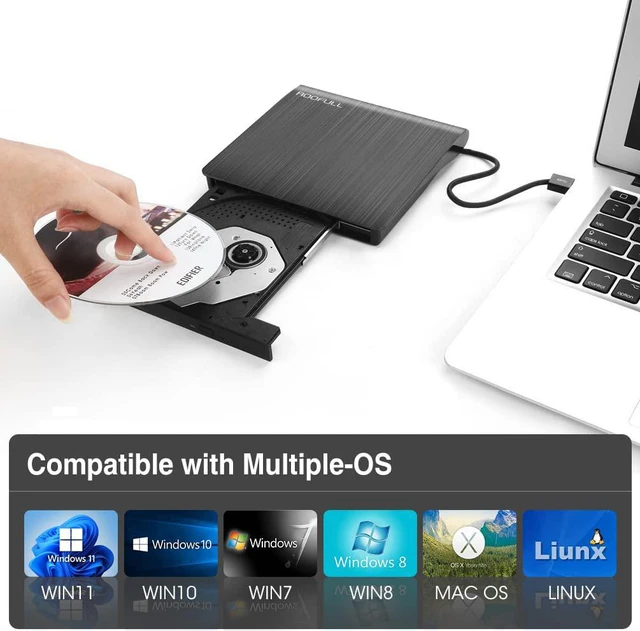
Compatible with most laptops and desktops running Windows 11 / 10 / 8 / 7 / Vista, Linux and all versions of MAC OS. Ideal for Apple MacBook Air / MacBook Pro / iMac / Dell / HP / Lenovo / Sony / Samsung / Asus / Acer and more computers.
Multifunction
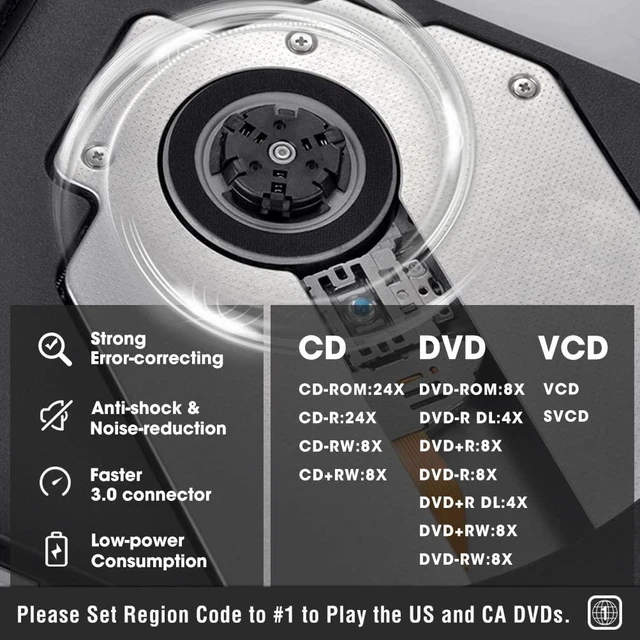
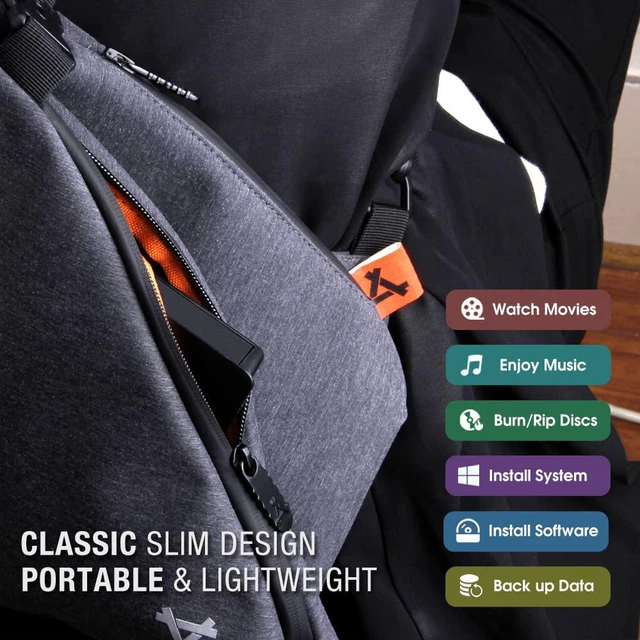
This external CD/DVD RW Drive allows us to play movies DVDs, music CDs, burn and rip discs, copy photos, install software/games/system, backup data and more.
* Please make sure your computer has available media software or burning software.
* Please set this device to the right region code to play DVDs.
Faster USB 3.0
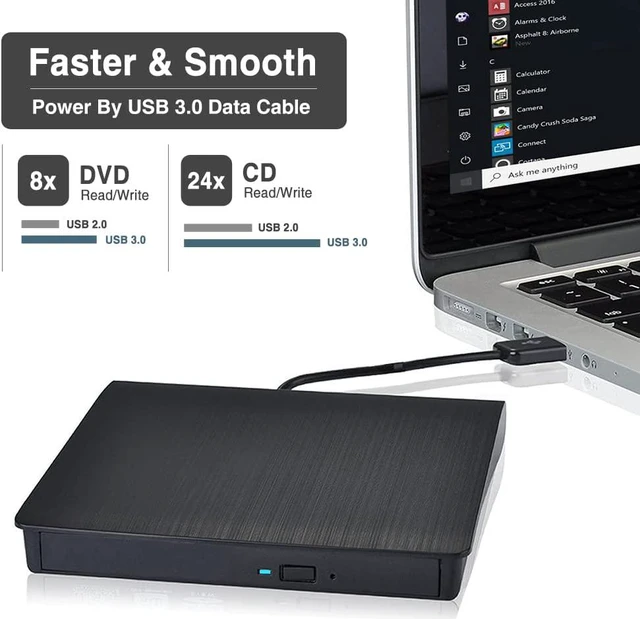
Use low-power technology, this external optical drive is powered and data transmission by USB 3.0 cable, this optical drive doesn't need extra power supply cable and will bring you faster and more smooth experience.
* Please plug it into USB 3.0 or 3.1 interface to ensure the fastest speed.
* Backward compatible with USB 2.0, 1.0.
Plug and Play
No extra driver program is required, just plug it into USB 3.0 or 2.0 port, it will be installed automatically, then you can see this external device and use it to read and write disc through the corresponding software.
* If your laptop cannot recognize this device, which is just a driver installation error, please reinstall it or ask us for help.
Warm Tips
The external DVD/CD drive doesn't support Blu-ray Discs / TV / Car / Truck / Android Phone & Tablet / Chromebook / iPhone / iPad / Ubuntu OS.
Please make sure your computer has an available media player (such as VideoLAN VLC player), burning, or ripping software before using it.
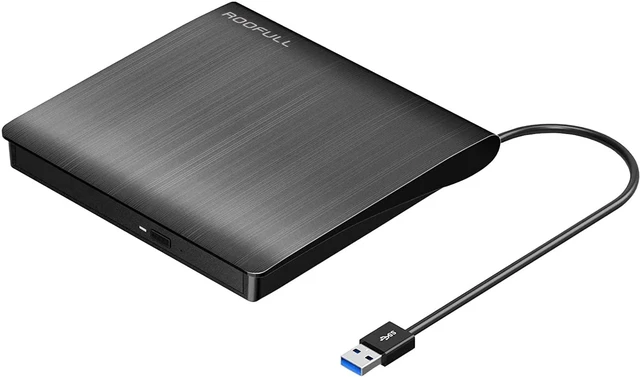
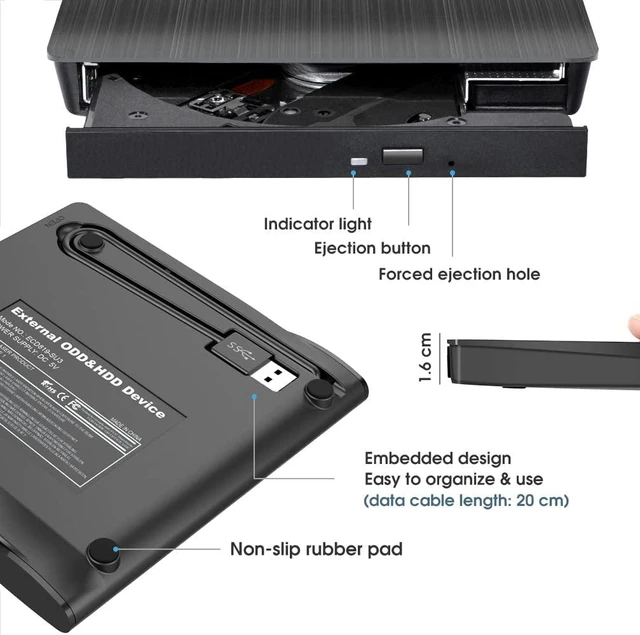
The data cable is on the back of the CD/DVD drive.
For the desktop, recommend using the USB port on the motherboard of the computer.
If the USB power supply is not strong enough, please use the extra data cable to connect an external power supply.
Internal laser light source may be harmful to the eyes of the face, please do not look directly.
Do not have the machine on a strong magnetic object nearby.
Data transfer speed is also affected by the computer and system environments.
If the data cable is too short for you, you can try a <3ft USB 3.0 male to the female extension cord.
Please keep your CD/DVD drive flat and ensure that your disc is securely fixed on the tray.



 All Categories