Troubleshooting Methods:
Q: Driver cannot be recognized by computer(Windows10) or it cannot play DVD well
A: 1,The dvd drive should be connected with USB port on laptop rather than connect with USB HUB. In addition, please connect the item with USB port behind of computer host if you use a desktop. If you use a laptop, please make sure the laptop is adequate power supplied.
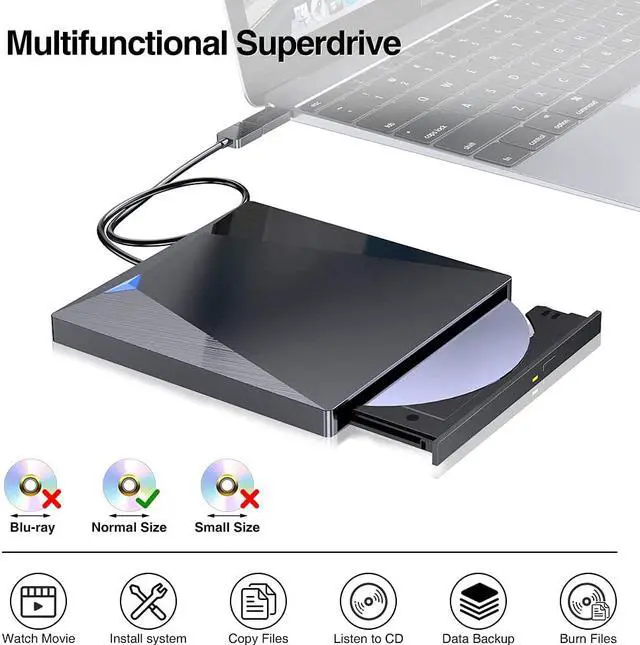
2. Ensure DVD is placed well and not scratched. NOT compatible with Blue-ray Discs.
3. Ensure there is a build-in practical driver software, if no, please download it. Or try it with other computers.
4. Setting area code according to different regions. Please reset area code according to different regions as the steps: Right-click to choose "attribute"; Click the DVD Drive that you are using from "hardware"; Choose related regions from "DVD region"; save and finish.
Q: CD was stuck
A: 1. As insufficient power supply, the dvd drive should be connected with USB port on laptop rather than connect with USB HUB. In addition, please connect the item with USB port behind of computer host if you use a desktop.
2.Check the cd is unwounded and not out of shape.
3.Eject cd by clicking eject button on computer.
Q: Making Noisy
A: Some of DVDs is thicker than common discs, it is normal phenomenon with a bit noisy. But please ensure cd is placed well and not scratched.
Q: Trouble in burning.
A: Blank cd is unformatted, please download a software-NERO, to finish the setting and add something that you want to burn. Usually, it works well with cd that in format: WAV, MP3, MP4, etc.
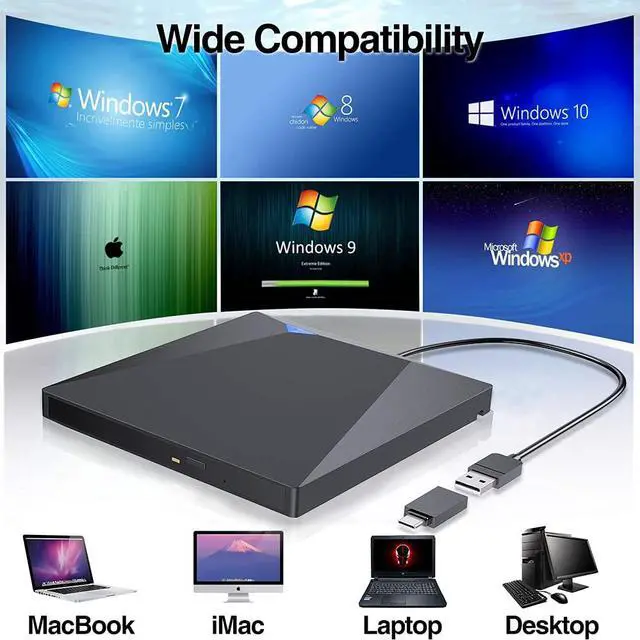
NOTE: The external DVD drive is NOT compatible for Chromebook, Surface, Tablets, iPad, iPhone, Cellphone, Projector, Car, TV, etc. Please let us know if you are not sure about the work compatibility.
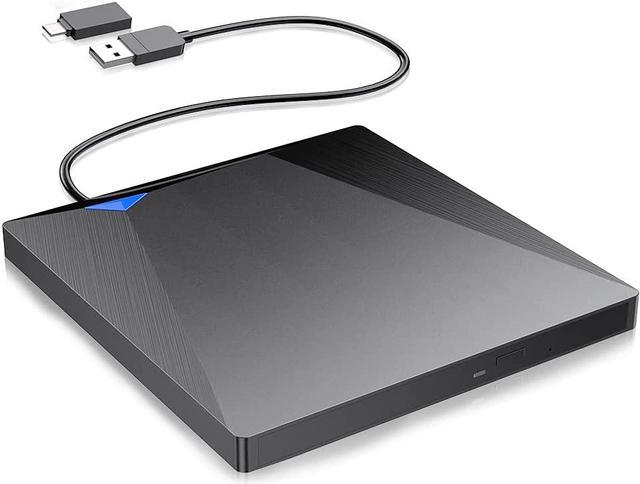
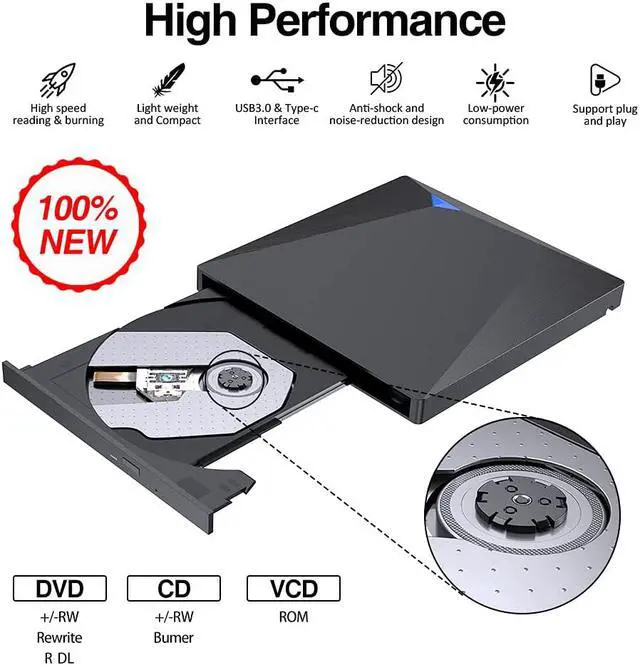
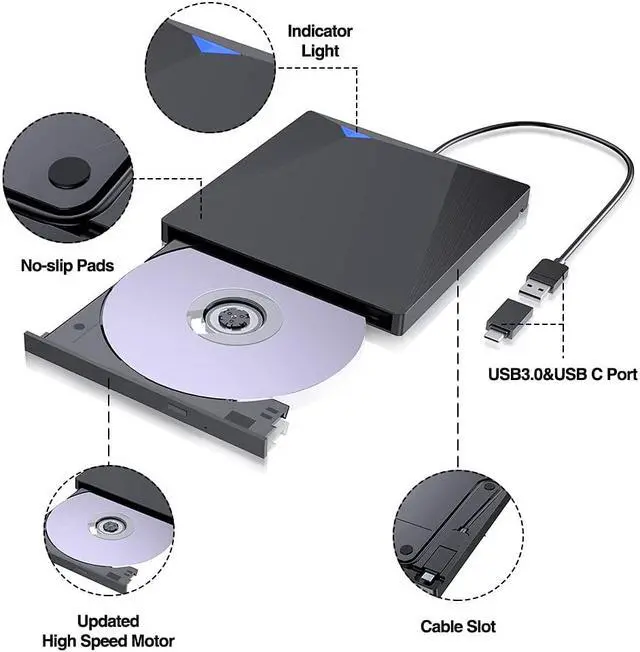
Updated New Version USB 3.0& Type C External CD DVD Drive with High Speed Data Transmission
Technical Specifications:
Loading Type: Tray
Buffery Memory: 2MB
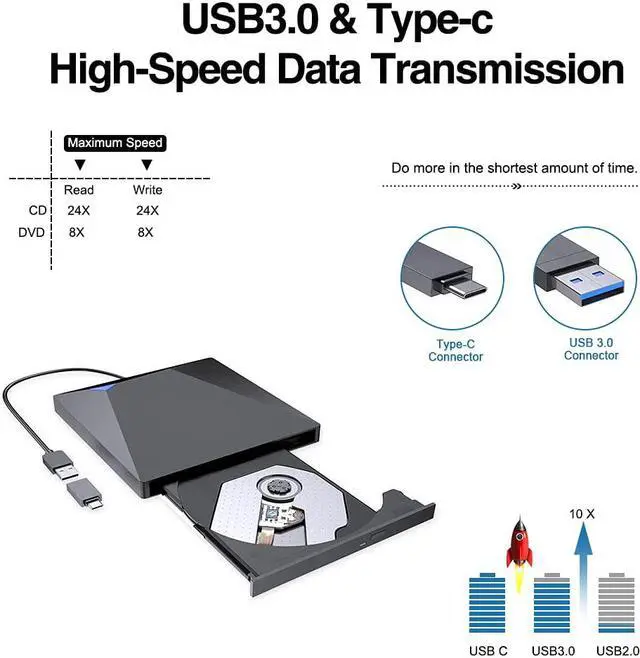
Interface: USB3.0& USB-C(2.0 Compatible)
Drive Height: Ultra Slim 15mm
Power Consumption: 3~5W
Applicable Standard: ODP95 SATA ODD
Compatibility: WindowsXP/2003/Win8/Vista/7, Linux, Mac 10 OS system
Write Speed:
DVD+R=8X(10.8MB/sec); DVD-R=8X(10.8MB/sec); DVD+RW=8X(10.8MB/sec);
DVD-RW=6X(8.1MB/sec); DVD+RDL=6X(8.1MB/sec); DVD-R DL=6X(8.1MB/sec);
DVD-RAM=5X(6.75MB/sec); CD-R=24X(3.6MB/sec); CD-RW=24X(3.6MB/sec) ;
Read Speed:
DVD+R=8X(10.8MB/sec); DVD-R=8X(10.8MB/sec);
DVD+RW=8X(10.8MB/sec); DVD-RW=8X(10.8MB/sec); DVD+R DL=8X(10.8MB/sec);
DVD-R DL=8X(10.8MB/sec); DVD-RAM=5X(6.75MB/sec); CD-R=24X(3.6MB/sec); CD-RW=24X(3.6MB/sec)
Notes:
1. Internal laser light source may be harmful to the eyes of the face, please do not look directly.
2. Do not have the machine on a strong magnetic object nearby.
3. Keep the machines steady on the desktop, do not put it unstable items.
4. Do not put the machines on the vulnerable to squeeze place, to ensure normal machine use.
5. Date transfer speed is also affected by computer and system environment.
6. NOTE: The external DVD drive is NOT compatible for Chromebook, Surface, Tablets, iPad, iPhone, Cellphone, Projector, Car, TV, etc. Please let us know if you are not sure about the work compatibility.
What's included:
1X External Optical Drives
1X User Manual
1X USB Cable



 All Categories