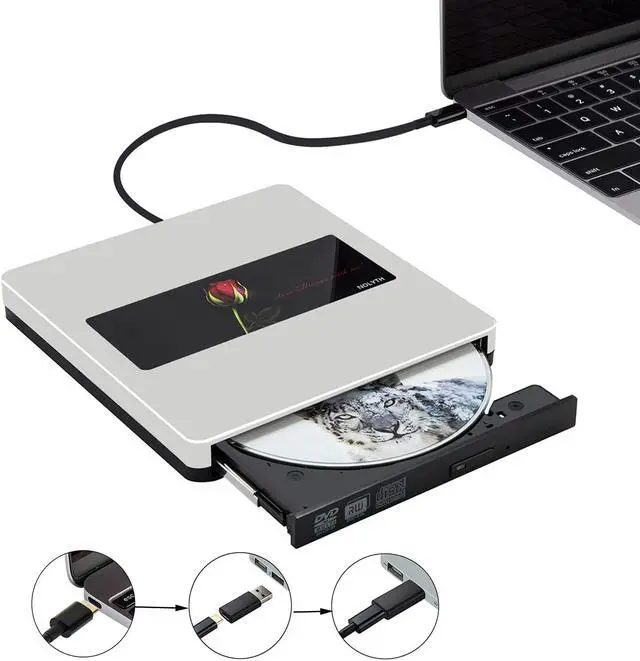
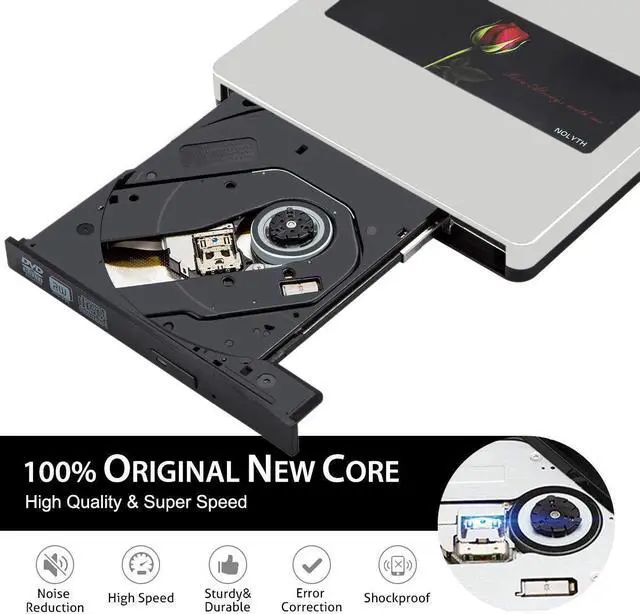
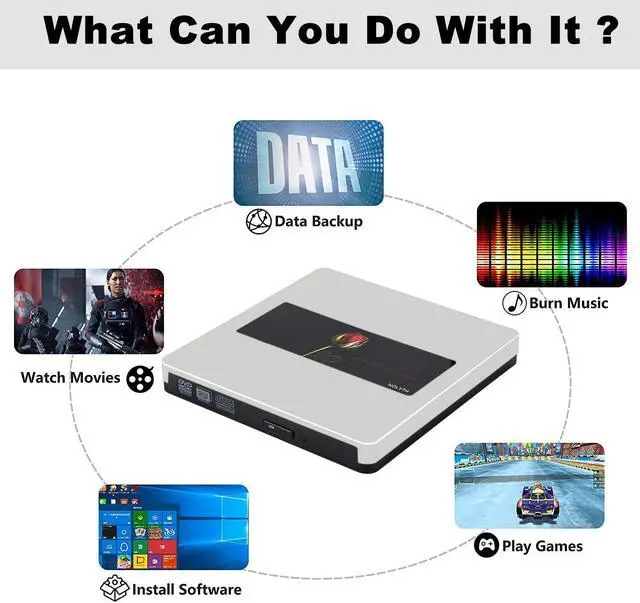
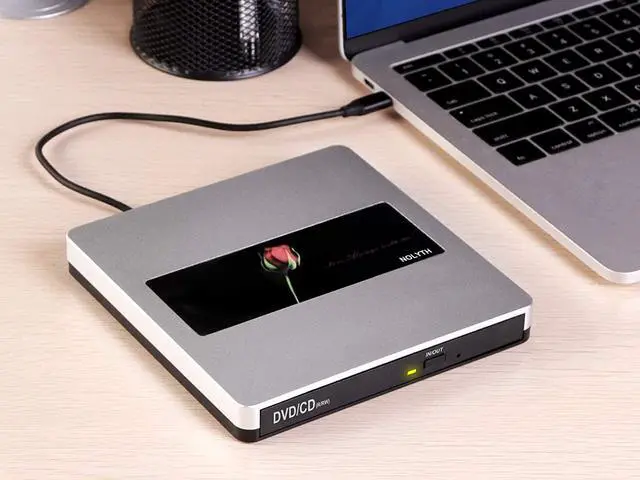
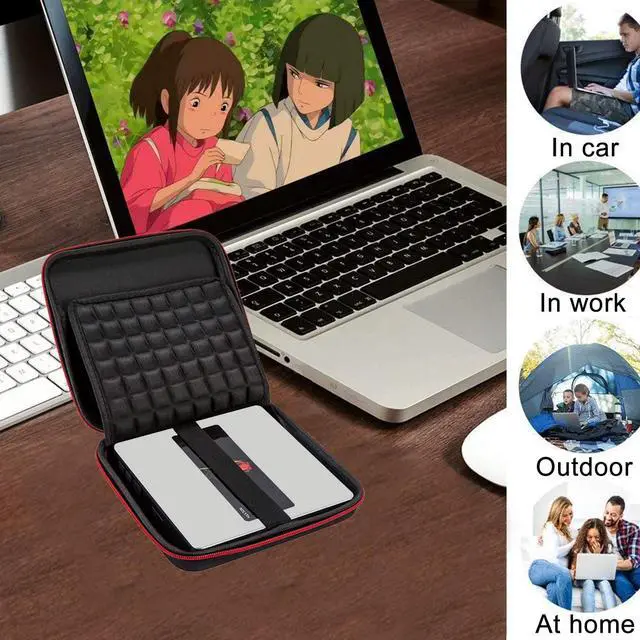
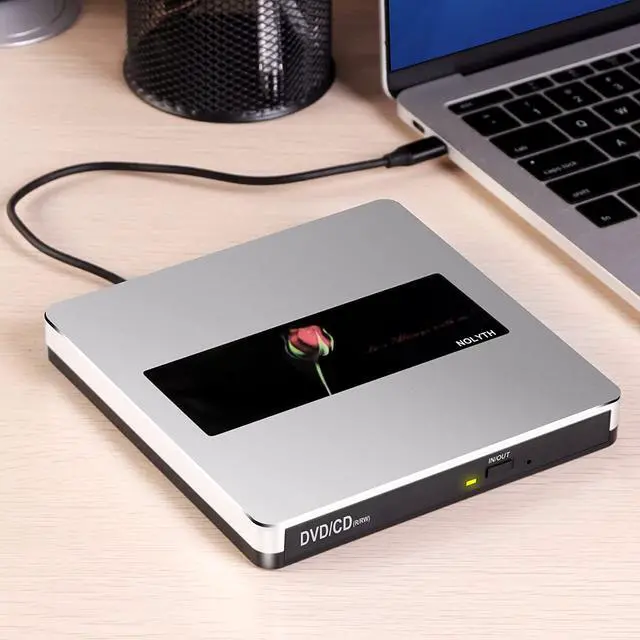
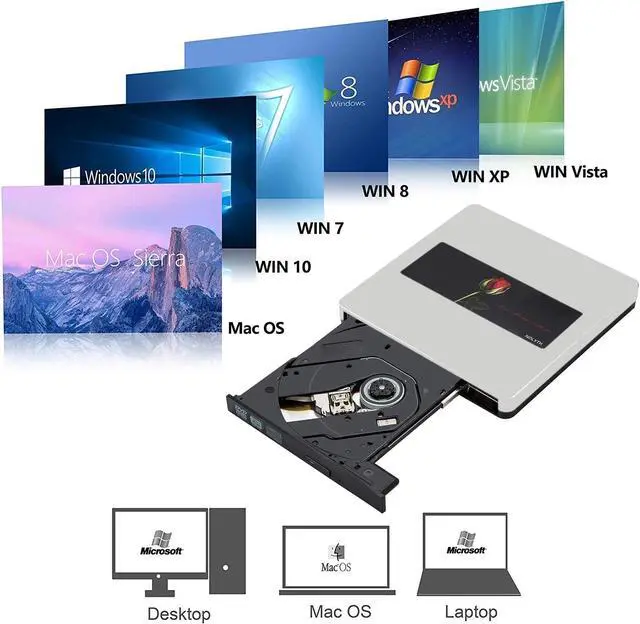
Features:
Support: DVD±RW / DVD±RDL / CD±RW / DVD-Rom / CD-Rom / CD±R / DVD-RW / DVD±R / DVD-RAM
Reading Speed: DVD 8X ; CD 24X
Writing Speed: DVD±R DL 4X DVD±R 8X DVD±RW 6X CD-R 24X CD-RW 6X
NOTES:
1. This DVD drive can't work for iPad / Tablet / Projector / TV / Chrome OS / Car / Smart Phone .Can't support Blu-ray play.
2. This external DVD drive could NOT be used in the tablets,like Surface Series (Due to low voltage condition in some tablets).
3. The internal laser beam could be hazardous to your eyes,please dont stare directly to the beam.
4. Please make sure the laptop is with sufficient power supply,a low capacity may cause the cd player cant be recognized.
5. Please dont attempt to disassemble the machine when it is not working,damage caused by unauthorized repairs are not included within the period and they are subject to be charged.
6. Don't connect this CD drive into a USB hub or extension cords,it cant be recognized. Please plug the CD drive directly into your laptop or plug into the USB port behind of the computer host with the USB adapter when you use a desktop.
7. Keep this DVD burner steady on the desktop,dont put it unstable items or on the vulnerable to squeeze place,to ensure normal machine use.Do not have the machine on a strong magnetic object nearby.
8. Date transfer speed is also affected by computer and system environment.
9. When this CD burner works on Windows 10 or Catalina,please note: It is important you have a media player such as the VLC media player installed BEFORE you connect the DVD player. This is not a fault of the DVD player - it's because Windows 10 / Catalina doesn't have a default player installed.Otherwise this CD drive cant work well for us.
Troubleshooting Methods:
1). Q. After connecting this external DVD drive into my computer, why it can't show on the desktop ?
A .1. Please make sure there is a correct connecting from the drive to your laptop. For desktop,please plug into the USB port behind of the computer host.
2. Please ensure there is enough power for this DVD drive.
3. Please ensure there is a drive driver in your computer.
4. When this DVD drive works on Mac OS,when connected to Mac,there is no icon showing on the desktop,after we put a disk inside the drive,it will show a disk icon on the desktop.
5. Please ensure plug the correct data cable into your computer,not the power cable.
2)Q. Why can't eject the disk out ?
A . 1. Please make sure there is enough power for this external CD drive.
2. Don't plug the CD drive into the USB HUB.
3. Please ensure the disk is perfect, Make sure the disc is not deformed before use.
4. Make use the USB adapter is plugged into the USB port behind of the computer host.



 All Categories