• $29.99
  • Free 30-day Returns
  • Ships from United States.
    Sold by Direct from manufacturerReolink
    Hot Seller

    Shipped by Direct from manufacturerReolink

    Meet Your Seller

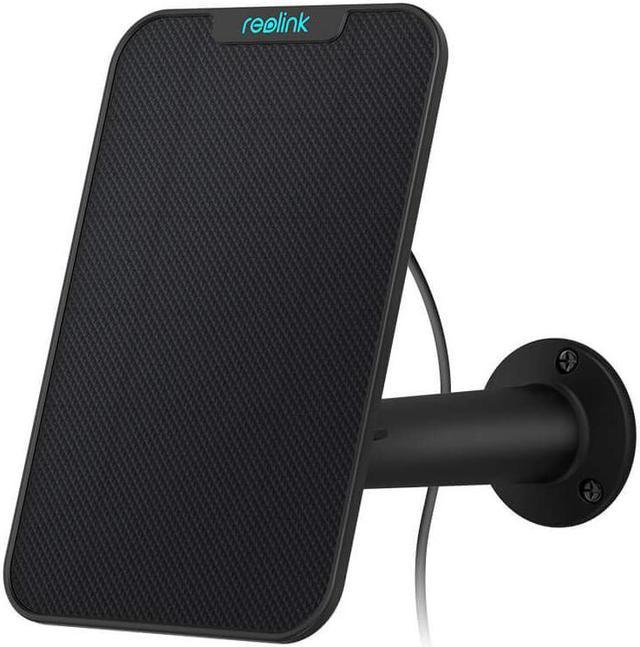
    Reolink Solar Panel for Argus 2, Argus Eco, Argus Pro, Argus PT, Reolink Go, Reolink Go PT only Solar Panel - Black

    • With 4m cable
    • Can extend to 13m (+2pcs 4.5m extension cable)
    • Only for Reolink battery cameras
    +
    +
    Overview
    Specs
    Reviews
    image for this item

    Weather Resistant Reolink Solar Panel, Get Non-Stop Solar Power, Continuous Charging for Your Reolink Argus 2, Argus Pro, Argus Eco, Argus PT, Reolink Go, Reolink Go PT

    Keep your wireless Reolink Argus 2, Argus Pro, Argus Eco, Argus PT, Reolink Go, Reolink Go PT camera continuously charged and powered with this Reolink Solar Panel. This weather-resistant solar panel comes with mounting accessories and a power cable for complete installation.Go green with Reolink Solar Panel. The 360° wall mount allows you to easily position the weather-resistant solar panel and ensure that it's perfectly positioned to maximize sunlight exposure.

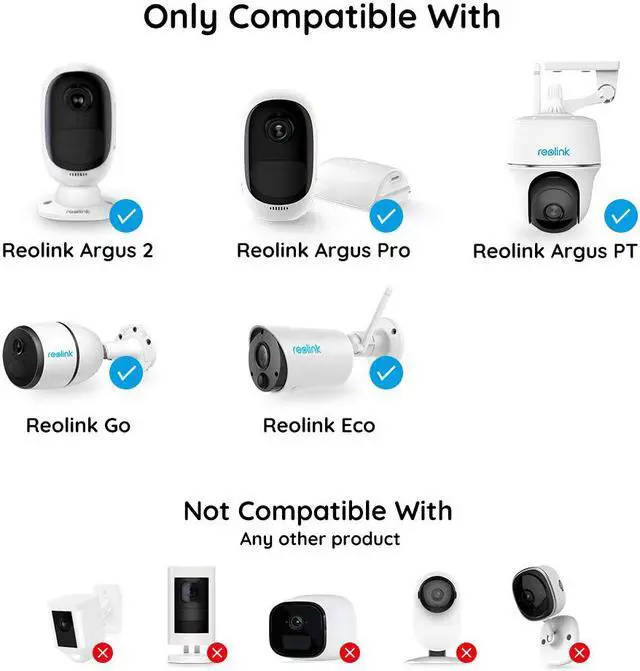
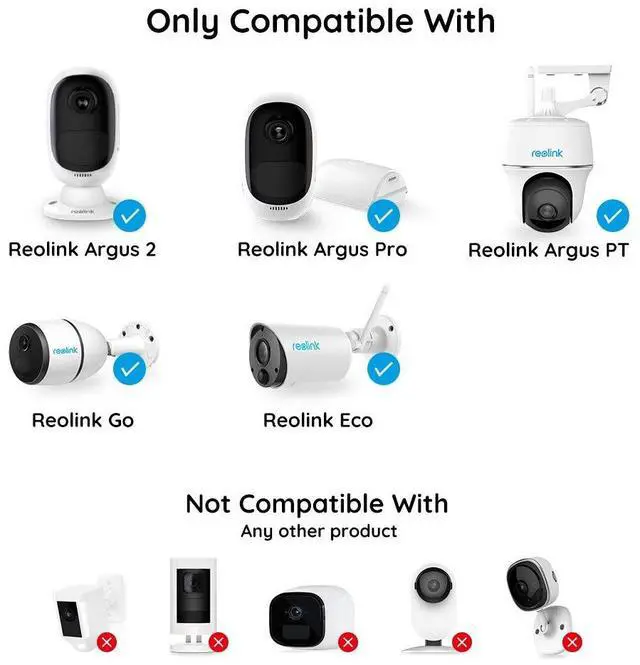
    Designed for Reolink Argus 2, Argus Pro, Argus Eco, Argus PT, Argus 2E, Argus 3, Argus 3 Pro, Reolink Go, Reolink Go PT, ONLY

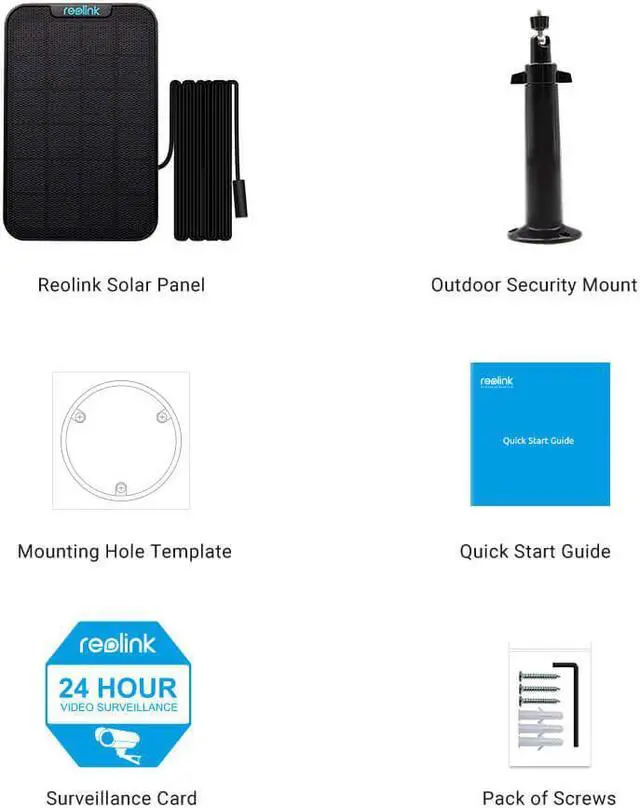
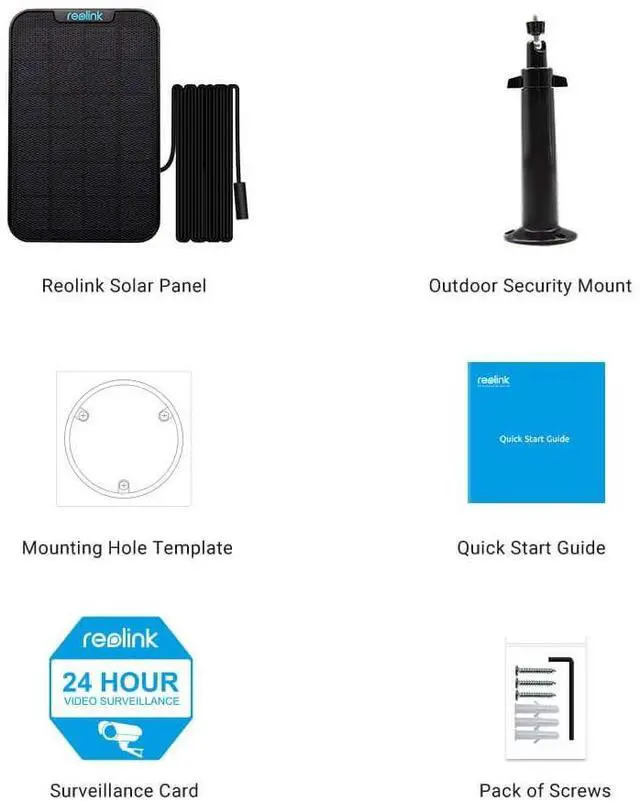
    What's included: 1 x solar panel, other installation accessories

    image for this item
    Compatible with Reolink Argus 2, Argus Pro, Argus Eco, Argus PT, Reolink Go, Reolink Go PT

    Designed specifically for Reolink Argus 2, Argus Pro, Argus Eco, Argus PT, Argus 2E, Argus 3, Argus 3 Pro, Reolink Go, Reolink Go PT wireless rechargeable battery-powered camera, it keeps charging your wireless battery-powered camera continuously and provides non-stop power supply.

    image for this item
    Non-Stop Power Supply, Save Troubles

    Reolink Solar Panel harvests power from the sun and with a few hours of direct sunlight, it keeps your Reolink Argus 2, Argus Pro, Argus Eco, Argus PT, Reolink Go, etc rechargeable battery camera powered and charged continuously so that you don't have to take down the battery to recharge it or worry about camera power-off.

    image for this item
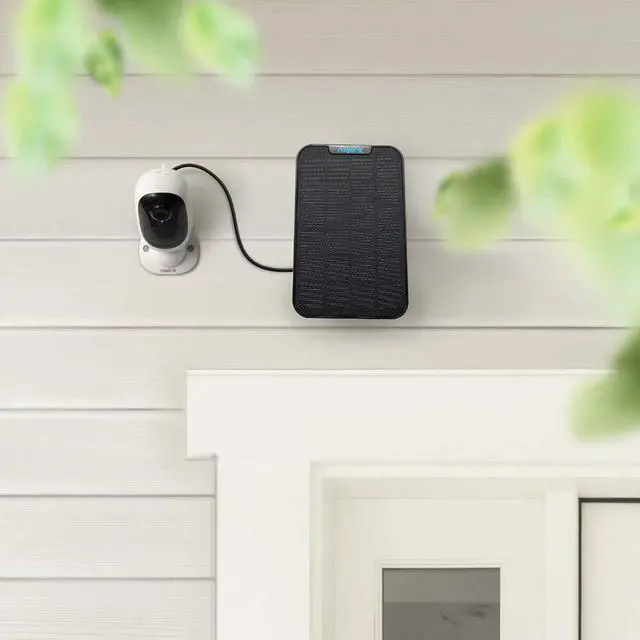
    Easy to Setup, Maintenance-Free

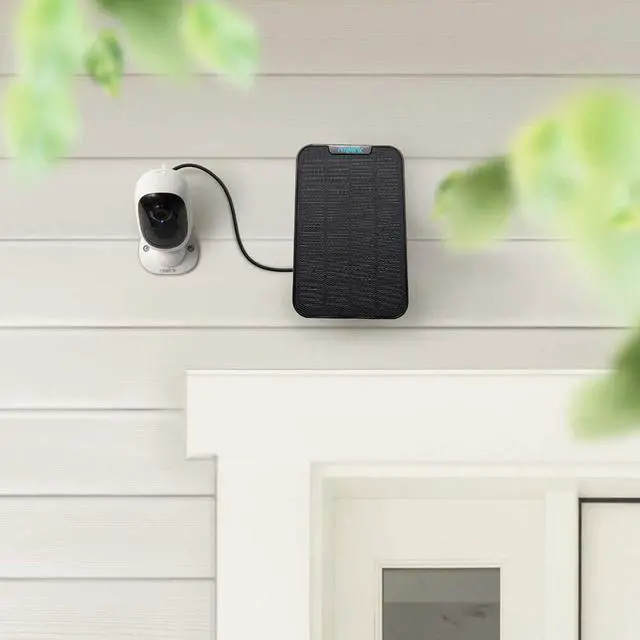
    It connects Reolink Argus 2, Argus Pro, Argus Eco, Argus PT, Reolink Go, Reolink Go PT rechargeable battery camera via long and weatherproof Micro USB cable, Set up in minutes, portable, low maintenance.

    image for this item
    Adjustable Mounts for Optimal Positioning

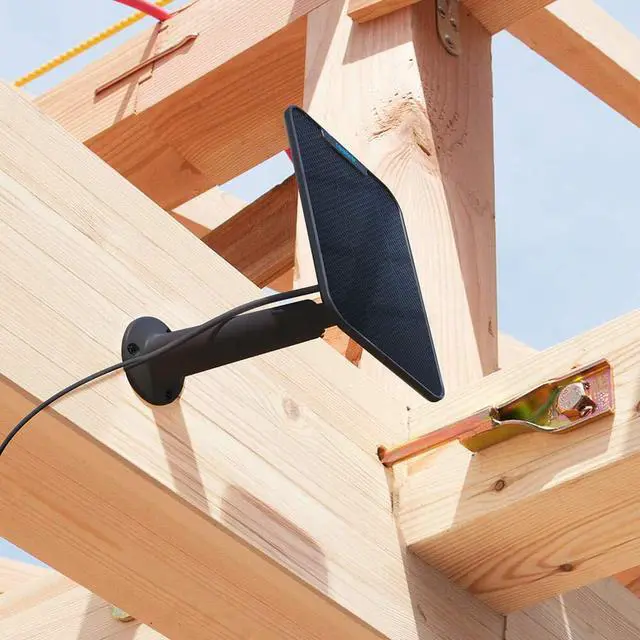
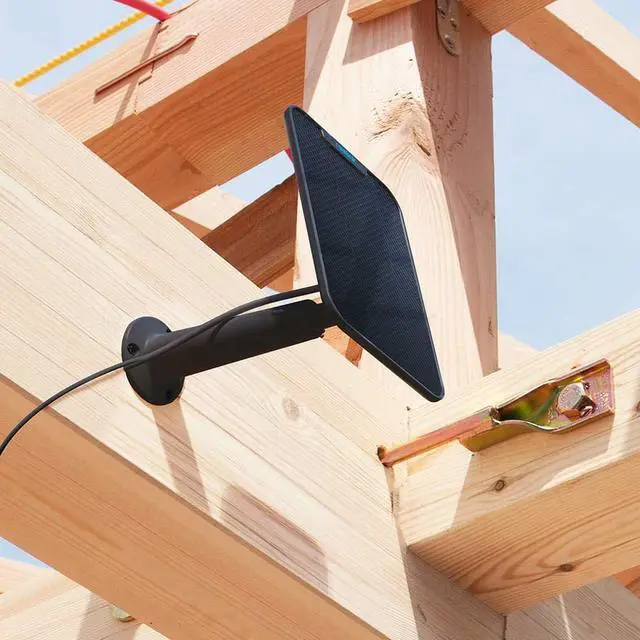
    Reolink Solar Panel kit comes with adjustable mounting bracket to enable you easily position or tilt it and ensure maximal sun light exposure.

    image for this item
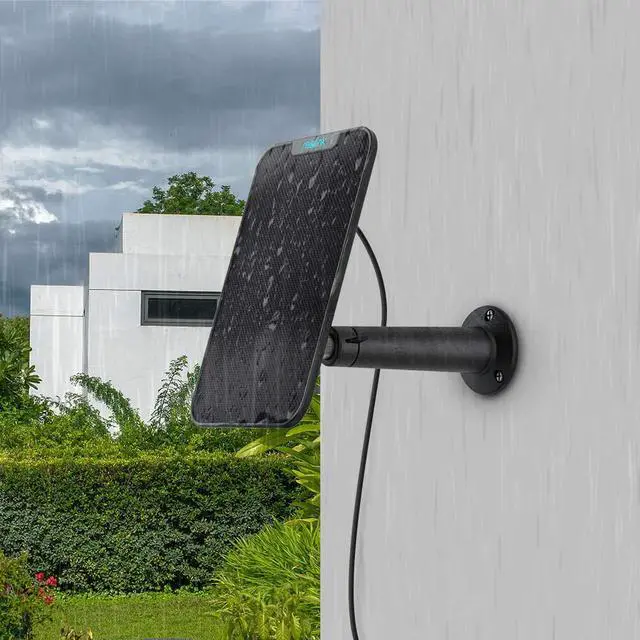
    Weather-Resistant, More Long-Lasting

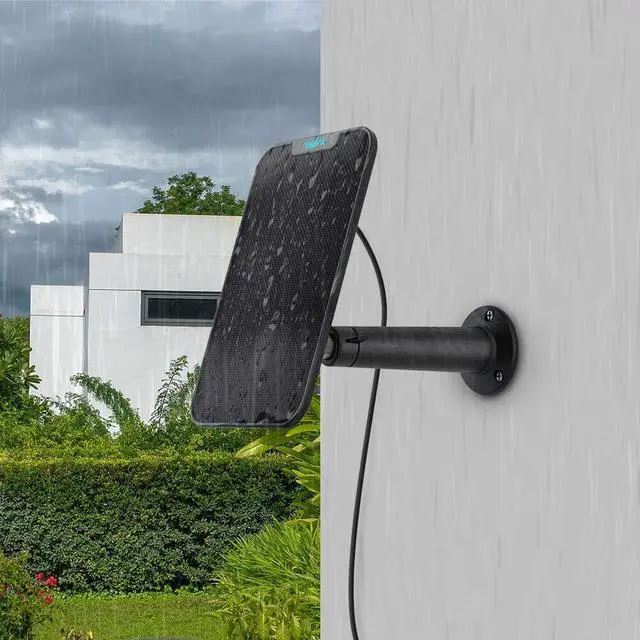
    Weather-resistant design to be mounted outdoors and withstand rough outdoor weather conditions; more durable, long-lasting, and cost-effective.


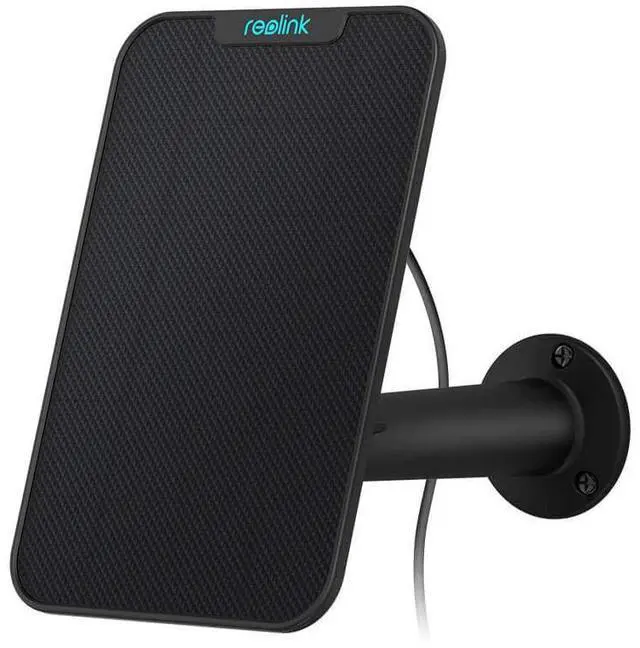
    Reolink Solar Panel - Black Model
    Connect your Reolink Argus 2/Argus Pro/Argus Eco/Reolink Go to this solar panel and it will get non-stop power. The 360° wall mount allows you to easily position the weather-resistant solar panel and ensure that it's perfectly positioned to maximize sunlight exposure. Huge savings.
    ONLY Designed for: Reolink Argus 2, Reolink Argus Pro, Reolink Argus Eco, Reolink Go
    What's included: solar panel x1, other installation accessories
    Product Dimensions: 132 x 197 x 13 mm ;
    Boxed-product Weight: 280 g
    *NOT Compatible with Arlo items


    Note: The solar panel also has white version, you can buy it on our store if you need.


    Q&As for Solar Panel
    What may affect the efficiency of Reolink Solar Panel?
    Your Reolink Solar panel may not be able to keep your camera fully charged on days that are snowy, cloudy, gloomy, or rainy or during periods of extensive use (frequent access or constant triggers).
    External factors, such as shade, temperature, weather, and amount of dust or debris on its surface, may also affect the effective of Reolink Solar Panel in generating electricity.
    How to optimize the efficiency of Reolink Solar Panel?
    The amount of energy produced by the Reolink Solar Panel depends on several factors: average sun exposure, weather conditions, tilt angle, and dust or debris.
    To optimize the effectiveness of your Reolink Solar panel, you may:
    * Mount your Reolink solar panel in well-lit places and avoid locations like the shadow of trees, buildings, or other obstacles to ensure sufficient sunlight.
    * Adjust the direction of your Reolink solar panel to face the true south (in the northern hemisphere) or the true north (in the southern hemisphere) and tilt it to the appropriate angle according to your latitude to ensure maximum sun exposure.
    * Wipe the surface of the Reolink solar panel with wet tissue or cloth regularly to remove the dust and deris on the panel's surface.
    Reolink Solar Panel working in low temperature
    The lowest operating temperature for Reolink Argus 2 is 14°F (-10°C). Low temperature will significantly slow down the chemical reaction of the camera's batteries and will therefore make the cameras to indicate low battery level.
    For the safety of your camera and the solor panel, please charge the batteries in temperature between 0°C and 45°C (32-113°F) and do not use the camera if the temperature drops below 14°F (-10°C).

    Warranty & Returns

    Warranty, Returns, And Additional Information

    Warranty

    • Please contact the Seller directly for warranty information. Warranty information may also be found on the Manufacturer's website.
    • CONTACT

    Return Policies

    • Return for refund within: 30 days
    • Return for replacement within: 30 days
    • This item is covered by Reolink Return Policy

    Manufacturer Contact Info

    LOADING...