All Categories
Built for How Business Buys.
All Categories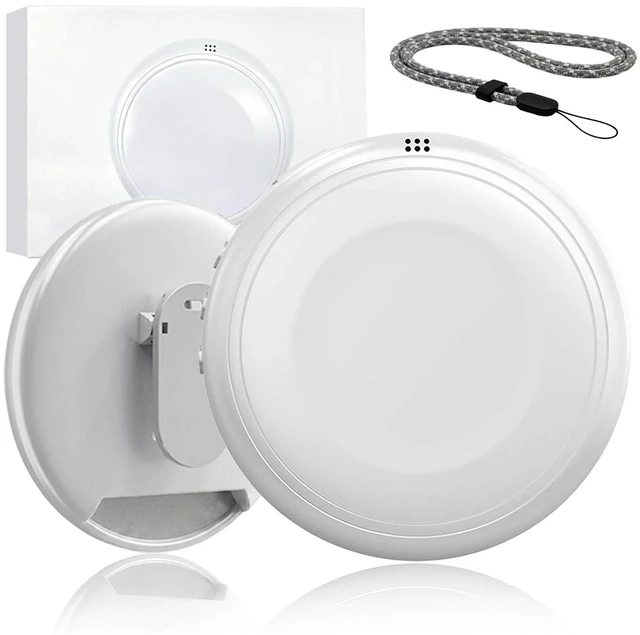
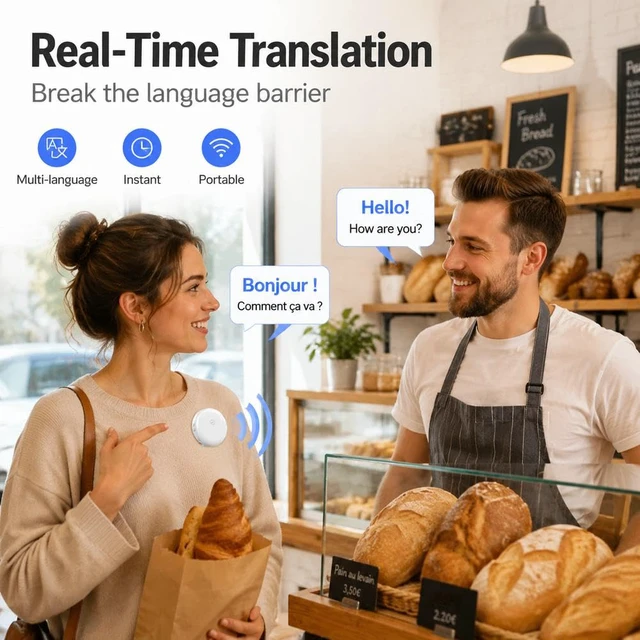
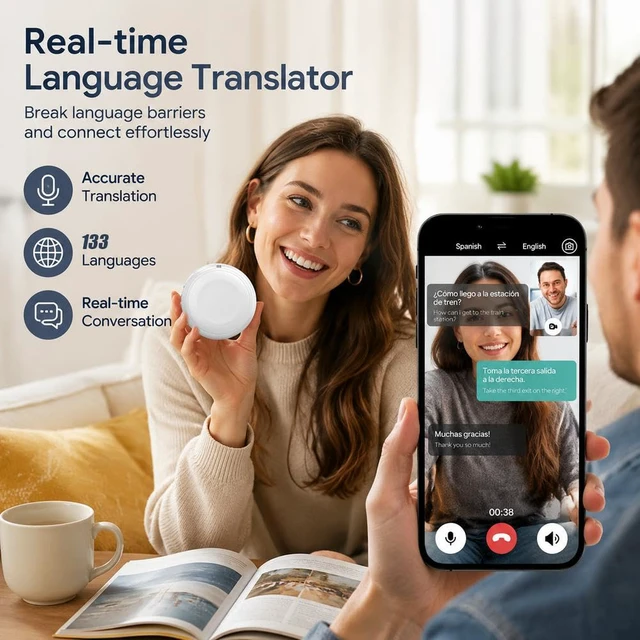
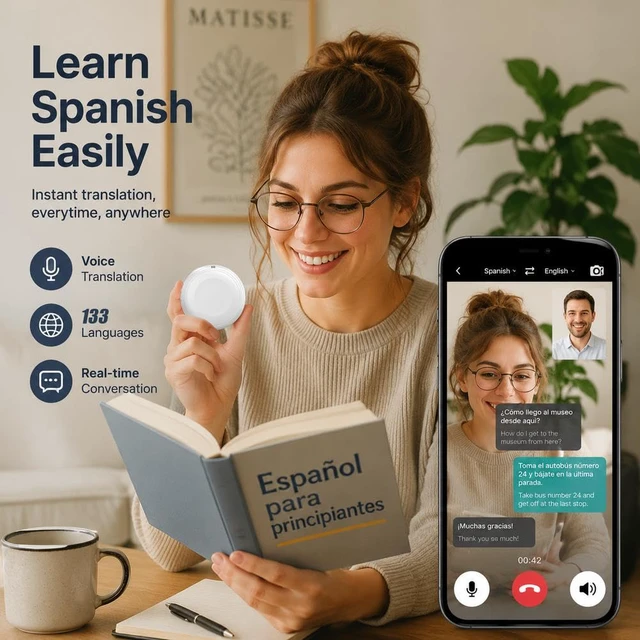


Product Information
Battery Size: 600mAh
Connection Method: USB, Bluetooth
Input: 5V-1A
Frequency Response: F0-20KHz
Impedance: 4R
Operation Instructions
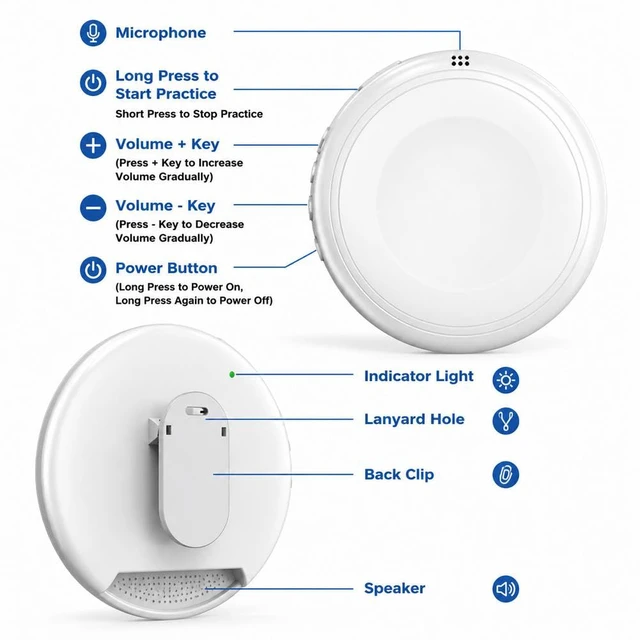
Step 1> Press and hold the power button to turn on the device. The indicator light on the back of the device will flash blue.
Step 2> Bluetooth Pairing: Turn on your mobile phone/tablet, go to Bluetooth settings, find "TS1XXXX" (the numerical part is different for each device) and pair. After successful pairing, a voice prompt "Bluetooth connected" will sound, and the indicator light will remain solid blue. (Note: The Bluetooth name cannot be changed)
Step 3> Download and install the APP:
Method 1: Scan the QR code on the back of the packaging box/the front of the instruction manual to install the APP.
Method 2: Search for "Shengxing" in the app store to download and install. Note: Allow the necessary permissions during installation (microphone permission, Bluetooth permission, location permission).
Step 4> Usage: After successfully downloading and installing the APP, open the APP. It will show that the Bluetooth device is connected. Then, click the green call icon on the interface to start real-time bilingual tutoring. Simply speak into the device; no button operation is required on the device.