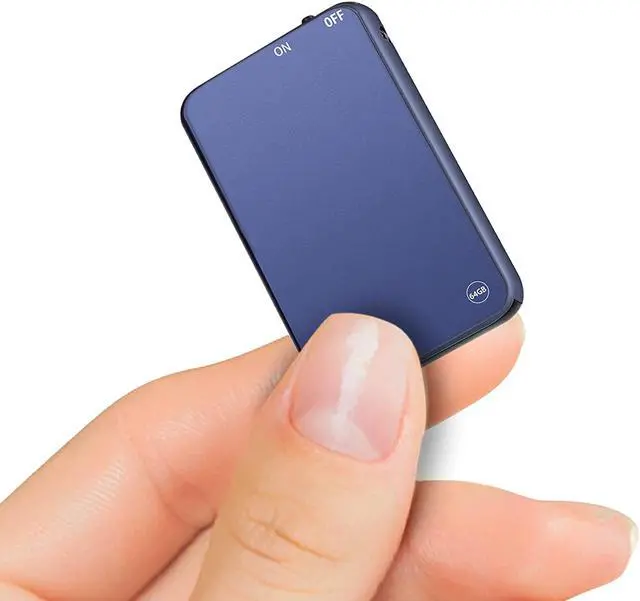
64GB Large Capacity Lucky Blue Mini Voice Recorder/ USB Drive/ Keychain/ MP3 Player
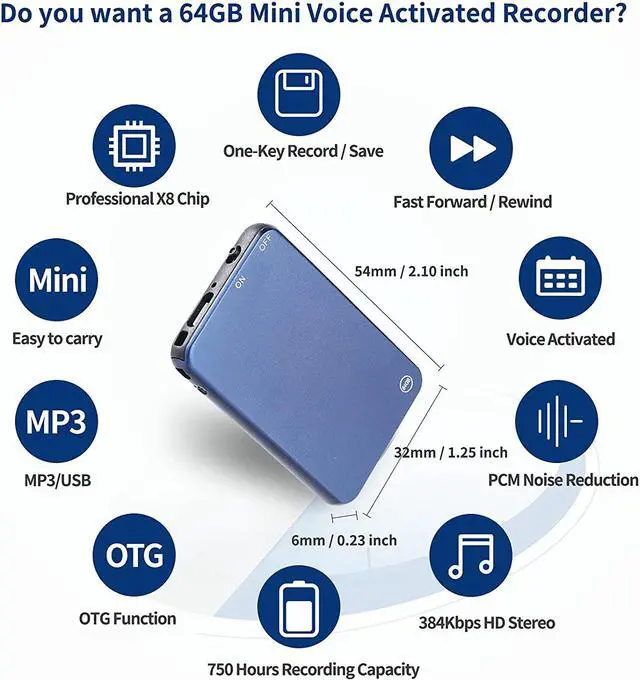
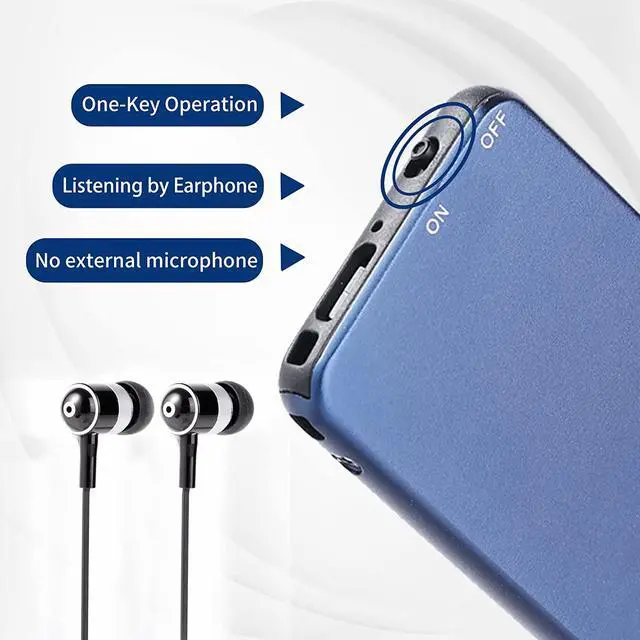
1. Voice recorder with classic metallic blue luster, easy to recording with only one key. PCM ten-core digital intelligent noise reduction, filter noise automatically to get clearer sound.Bringing you an auditory feast while also giving an extraordinary visual feast
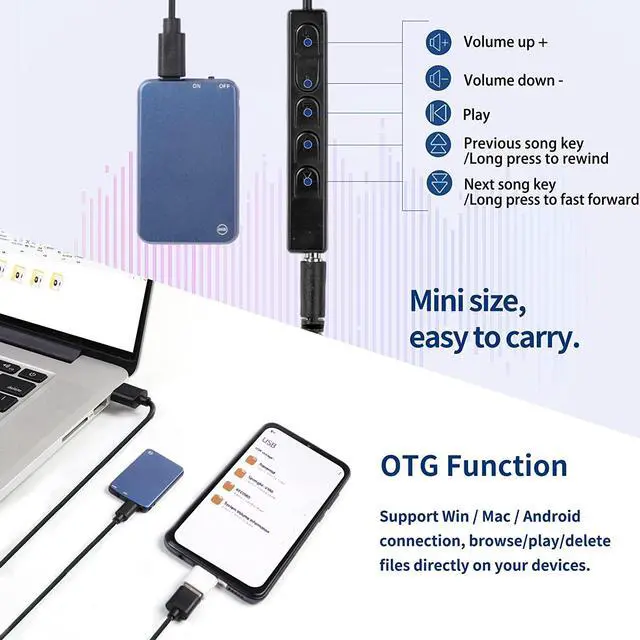
2. Can also be a USB memory stick, put Vormooi Voice Recorder into key ring and carry it around. 64GB large capacity, easily meet your storage needs
3. Insert the accompanying headphones. Not only can you listen to the recording anytime and anywhere, more able to listen to music, is a voice recorder, is also an MP3 player
TIPS:
Can view/delete/playback recording files on the Android / Mac / Windows (!! Not iPhone)
Try to avoid noise, please do not touch or rub the clothes while recording, and keep it in a stable position
Mini recorder factory default best settings, we suggest you don't need to modify the RECSET.TXT file. You only need one key to record
"Settime.exe" code files Support: ONLY Windows (!! Not Support MAC / iOS / Android) (Please Google search to know: "Mac cannot modify USB DISK file")
Rrecording distance of the mini voice recorder depends on the size of the sound we record. You can also record when the recording distance is large and the sound quality is good
Voice Activated Function: Factory defaults to close it ( VOR = 0) . Purpose: To protect important recording without missing/ Prevent from not activating because the sound is too small (Note:There is no voice activation by factory default!!)
MAC users can not directly modify [RECSET.TXT] in the USB DISK, please copy the file to the computer desktop for modification, and then delete the original file in the USB DISK, and finally copy the modified file to the USB DISK to complete the modification
Playback WAV Recording: [USB DISK] - [RECORD] - [WAV] - [Open with] - [Windows Media Player / QuickTimePlayer / Music / Audacity] (Note: Win10 Groove Music doesn't support playing WAV format recording, please use "Windows Media Player" or other music player)
The Thinnest Recorder & Astonishing!
Mini size (0.23*1.25*2.10 inch), so Light as a feather (Only 21g!) / Material: High-Quality Zinc Alloy
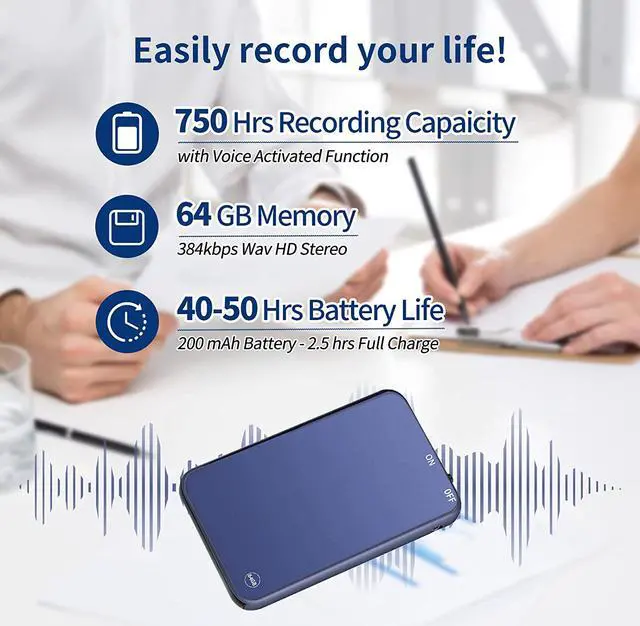
Applicable To: Lawyer Reporter Professor Student ect / Applicable Scene: For Class Meeting Interview Lecture ect
Ultra-Mini size (6*32*54 mm / 0.23*1.25*2.10 inch), easy to carry / You can easily put it in your wallet, backpack,pocket or on the keychain, use it anywhere and anytime in daily life
Correct charging method:
Please turn off the mini voice recorder before charging
Please connect the plug charging instead of connecting the computer charging
If there is still no light using the correct charging method, please replace the charging cable or charger
Note:
There will be no indicator light when charging and recording
The red light flashes during charging, and the blue light is on for a long time when fully charged
Charging recording is only connected to the plug charging, any connection to the computer charging will not record
If the recorder is on before charging, and then use the charger to charge, the recording will be automatically saved and will not continue to record
If the recorder is off before charging, and use the charger to charge, and turn on the recorder during charging, the recorder will enter the state of charging and recording



 All Categories