• $49.99
  • Free 30-day Returns
  • Ships from China.

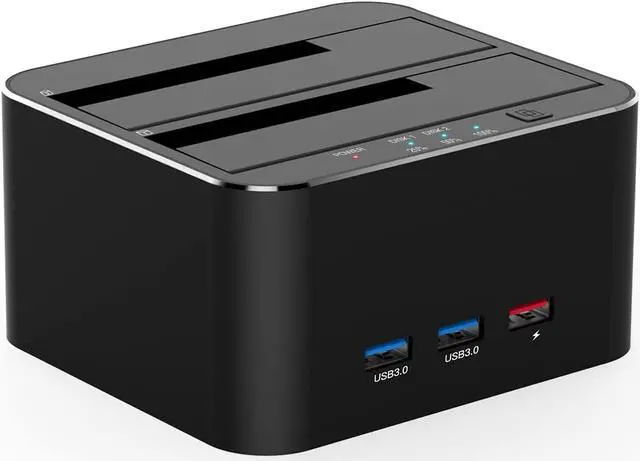
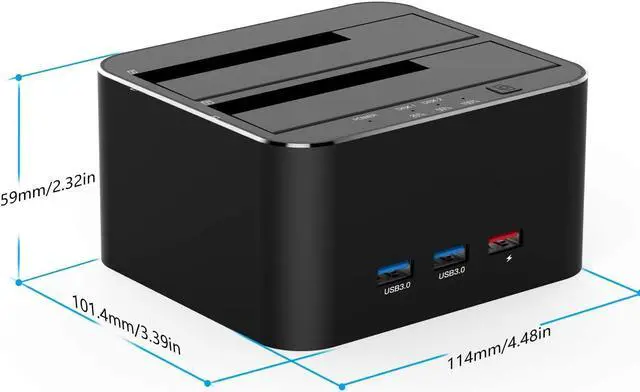
    USB 3.0 to SATA Dual Bay External Hard Drive Docking Station for 2.5/3.5 Inch HDD SSD with Hard Drive Duplicator/Offline Clone Function/2 USB 3.0 Ports/1 USB Fast Charge Port, Support 16TB

    • Item #: 9SIV36AKE30947
    • Mfr. Part #: KE-XXAW41
    • UNSPSC: 43201557
    • Dual bay 4 in 1 hdd docking station offers an easy access with two 2.5/3.5 inches HDD SSD SATA I/II drives, which is a perfect solution for backup & processing IT data, batch processing data, formatting, Offline Cloning and file transfers etc
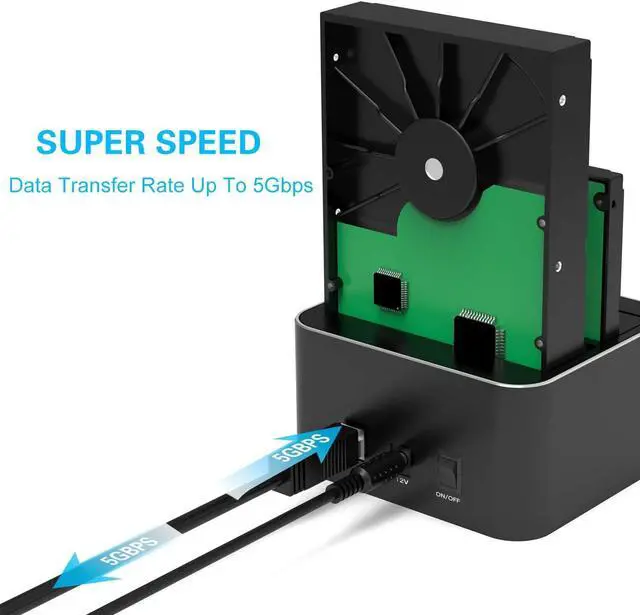
    • Support 16TB: Please note the target disk must be larger than the source disk. FIDECO hdd dock own 2 USB 3.0 ports and 1 USB 3.0 fast charge port, ensuring quick syncing and file sharing,make a superior data-storing versatility. USB 3.0 Transfer Speeds Up to 5Gbps, backwards compatible with USB2.0 and 1.1
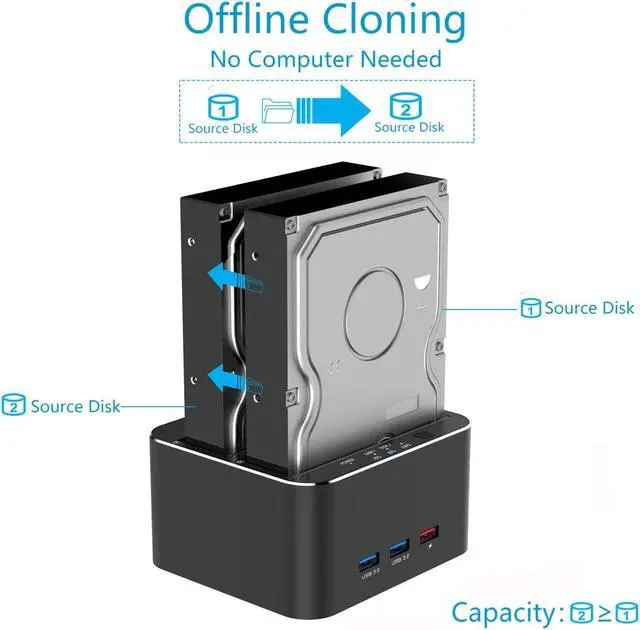
    • Support Offline Cloning: The hdd docking bay can be used to clone an existing hard drive without connecting to a computer, or simply as external storage to transfer data between a hard drive and your computer. Please note the target disk must be larger than the source disk.
    • Plug and Play:No software, drivers or complicated installation required.Ultra-light aluminum-alloy body offers excellent heat dissipation.
    +
    +
    Overview
    Specs
    Reviews
    Operation Tips:

    Please backup files in the target hard drive before cloning. Any files in target hard drive will be overwritten when offline cloning occurs.

    To avoid data transfer errors, overheating and damage to the device please make sure that there are no faulty driver cells.

    To avoid data loss, do not remove or insert drives when one drive is working in the docking station. Please power off the docking station before removing.

    After finishing the clone, you could go to the disk management and connect the target hdd to laptop and partition the remainder of the target hdd.


    How to Operate Offline Clone Function

    Insert Source Disk into hard drive bay 1, insert Target Disk into hard drive bay 2.

    Make sure the USB cable is disconnected from computer.

    Connect power supply and switch on power.

    Hold down the CLONE button, release when you see Blue LED.

    Then press the CLONE Button quickly.

    Blue LED will flash on 25%,which means the cloning process has begun.

    The cloning process is complete when all the lights turn solid Blue (25%-100%).

    Finally press the power switch to the off position and eject drives.


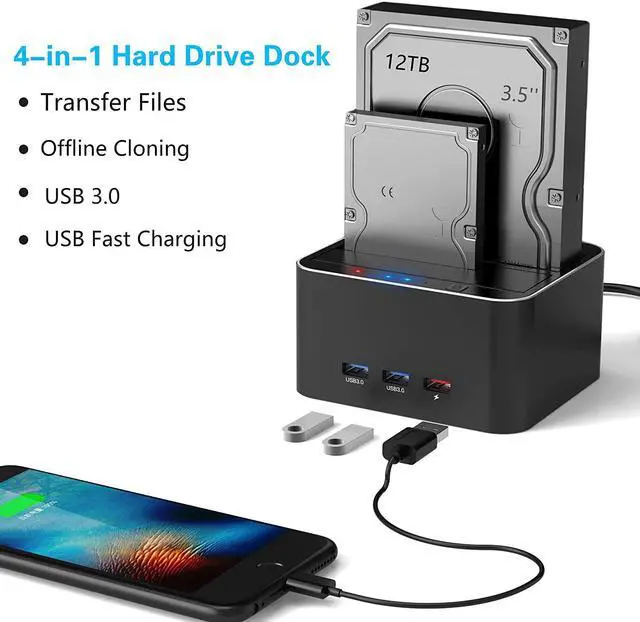
    4-in-1 Multifunction HDD Dock

    Data/file transfers

    Offline Cloning

    Double USB 3.0 ports + One PD charging port


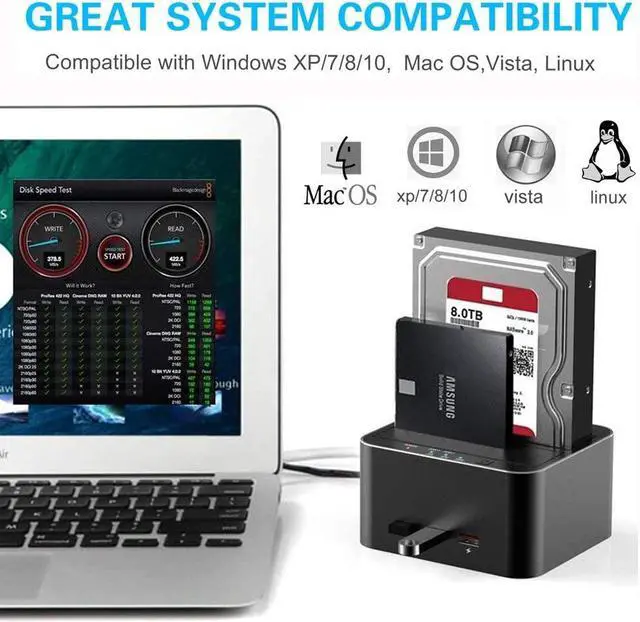
    Compatibility

    FIDECO hard drive dock is compatible with Windows XP / Vista / Windows 7 / Windows 8 / Windows 8.1 / Windows 10/ Linux and Mac IOS 10.4 to 10.11.


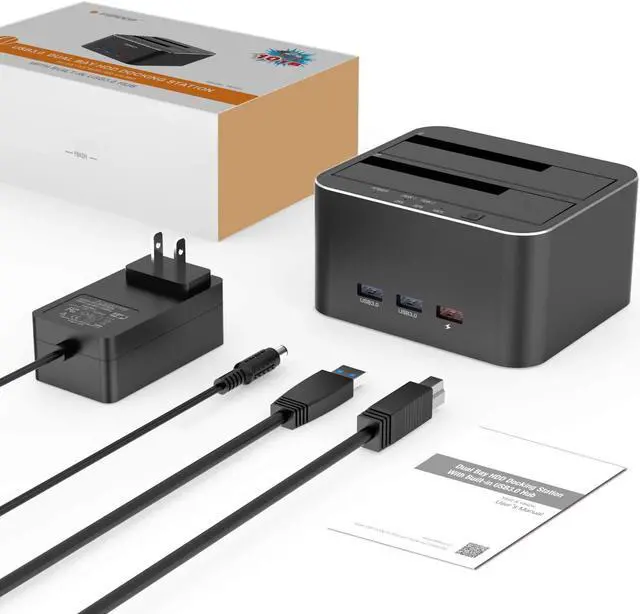
    Package Includes

    1 x Hard Drive Docking Station

    1 x 12V/2A US Power Adapter

    1 x USB 3.0 Cable

    1 x User Manual

    Warranty & Returns

    Warranty, Returns, And Additional Information

    Warranty

    • Please contact the Seller directly for warranty information. Warranty information may also be found on the Manufacturer's website.
    • CONTACT

    Return Policies

    Manufacturer Contact Info

    LOADING...