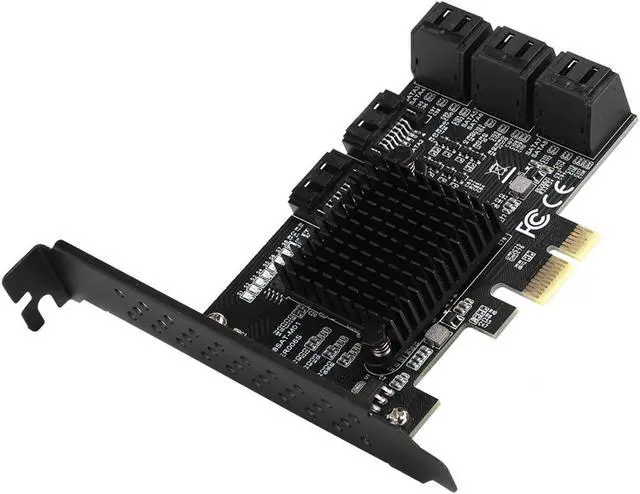
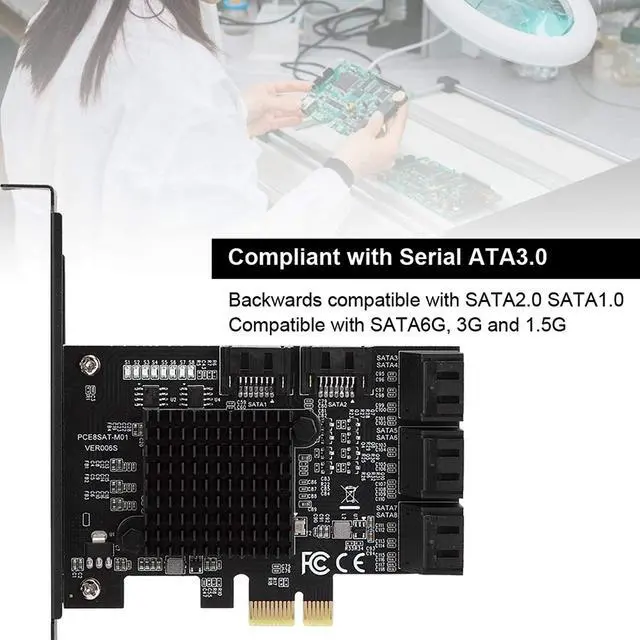
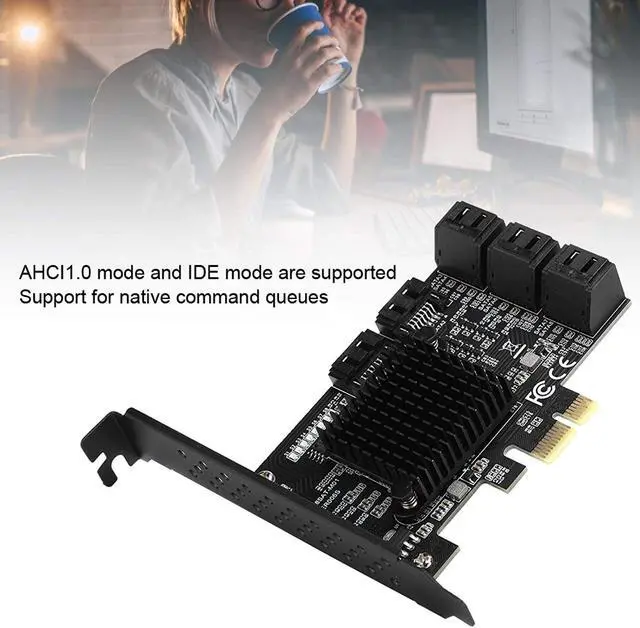
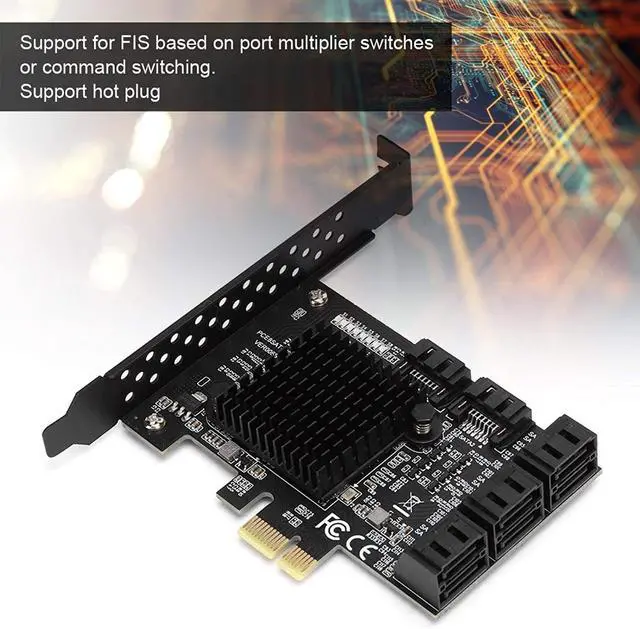
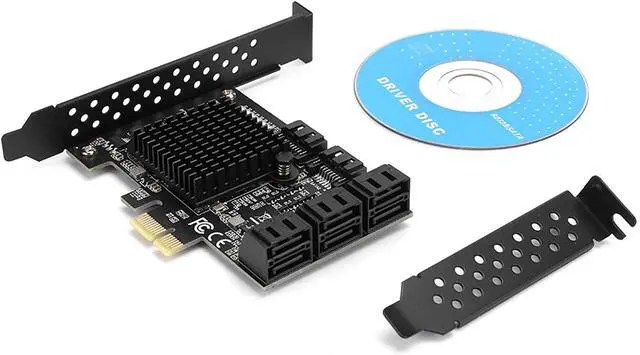
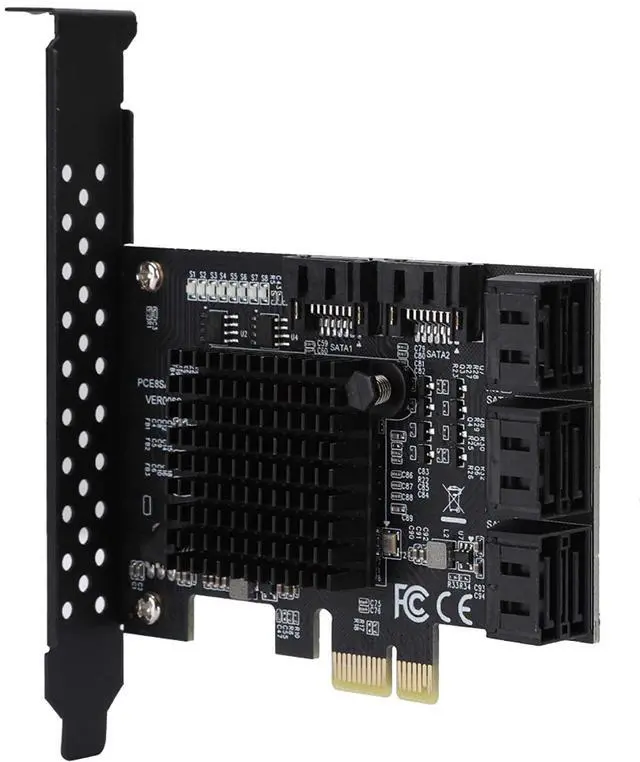
ProductDescriptionItemType: PCI-E to
SATA3.0CardModel:
PCE8SAT-M01Master: Fit for
Marvell88SE92xx+JMB5XXInterface: PCI-E 1X 2X 4X 8X 16XSupport
System: Fit For Windows 7/8/XP/10
FitForUbuntuExpansionInterface: 8 x SATA 3.0 Interfaces About
SpeedDescription: PCI-E must have a slot of V 2.0 or more, and the speed of V 1.0 will not exceed 250m, and PCI-E does not at which X1 or X16 can be a V 2.0 version, there is a free X16 slot directly inserted X16 trough, Main board
BOISsetting: SATA mode to change to AHCI, although some motherboard PCIe is a 2.0 version, but Bois default does not turn on high-speed transmission mode (Gen2 High Speed?? Mode) Need to be opened in PCI-E 1.0 is only 200- 250m, 2.0 below 350-400M If you do not accept the motherboard. Sata port will slow down at the same time, not suitable for users who pursue speeds, only for extended hard disk interfaces. PCIe Transfer SATA 3.0 Transfer Card Usage First, system disk and PCIE turn SATA 3.0 adapter card connection condition and solution:
1. The SATA interface mode of the PCIE to SATA 3.0 is an AHCI mode. If you want to plug in the system disk on our card, the premise is that your system disk must be installed in the AHCI mode when installing the system on the motherboard, otherwise it is not possible Our card transfer card startup system.
2. If it is determined that the SATA interface installation system on the motherboard is in the motherboard is an AHCI mode, you can directly insert the hard disk on our card, then enter the motherboard BIOS to set the system disk to the first startup. 3, the above two conditions have, if it is still not started, or repeatedly restarted, it may be that the hard disk interface of the motherboard is conflict with our transfer card. The solution is to enter the motherboard BIOS, and set the motherboard's hard disk interface option. Disabled, save the restart side energy start system Second, common tray and PCIe turn SATA 3.0 connection conditions and solutions:
1. When the system disk is inserted on the motherboard, the ordinary disk is inserted on the PCIe to the SATA 3.0 card, then it is only necessary to start the transfer card information and the ordinary disk model. 2, such as 1 condition is established, or unable to start the system, then enter the motherboard BIOS, set the system disk to the first startup. Third, the system disk and the normal disk and PCIE turn
SATA3.0connectionandsolution:
1. Prerequisitation, if the system is equipped with the original main board installed, it can be implemented using the following measures. If it is an IDE mode installed system, then it can only be reinstalled by PCIe to SATA 3.0..
2. After the first condition is established, it cannot be started to enter the motherboard BIOS and set the system disk as the first start. 3, the first two conditions are satisfied, still can't start, maybe it is possible to integrate SATA interface conflicts, please enter the motherboard BIOS to set SATA to disabled
ReadmoreNote: BOIS
settingofthemotherboard: SATA mode should be changed to AHCI, although some motherboard PCIE is version 2.0, but BOIS does not enable high-speed transmission mode by default (gen2 high speed mode) needs to be manually turned on. In PCI-E 1.0 mode, only 200- 250M, 2.0 mode is below 350-400M. If you don't accept it, change the motherboard. When the SATA port is used at the same time, it will slow down. It is not suitable for users who are pursuing speed. It is only used for the extended hard disk interface.
PackageList: 1 x Expansion Card 1 x Semi-High Baffle 1 x Driver Disc