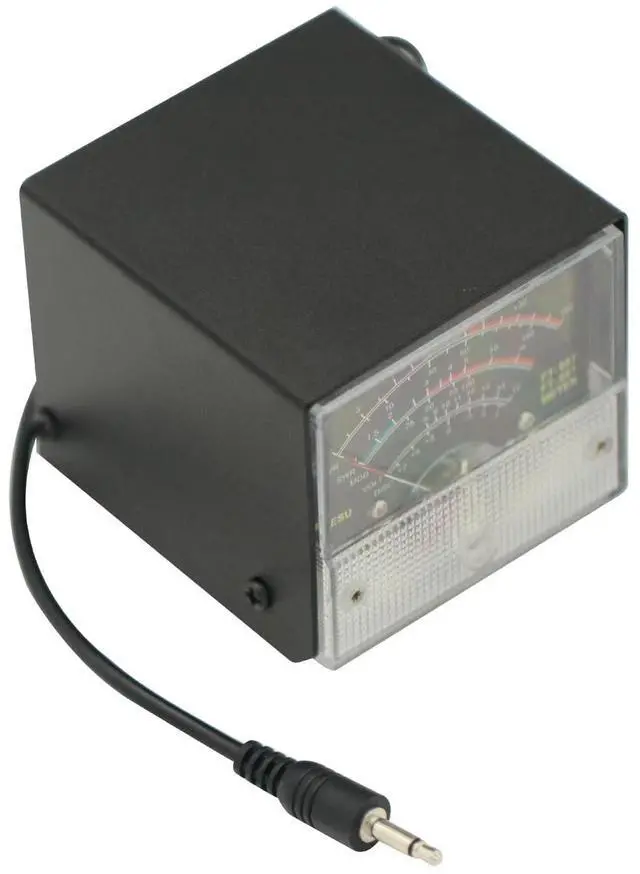
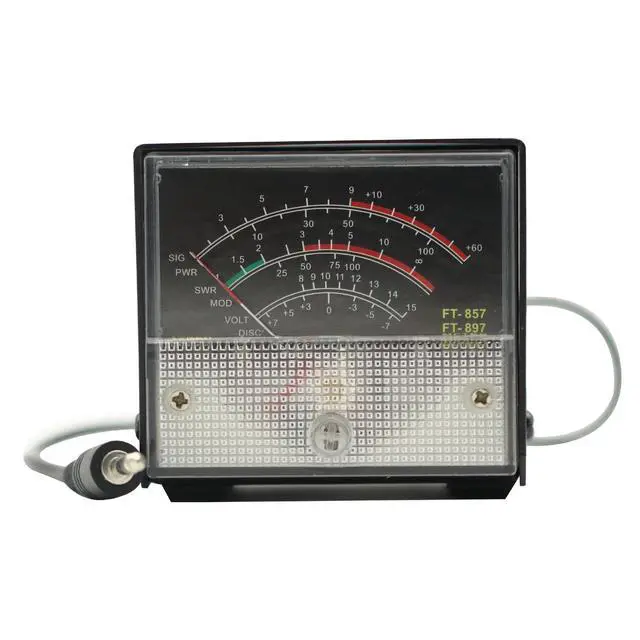
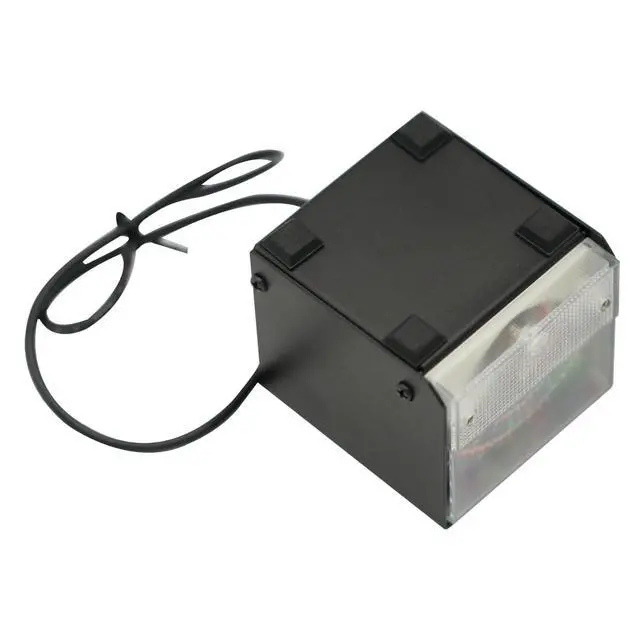
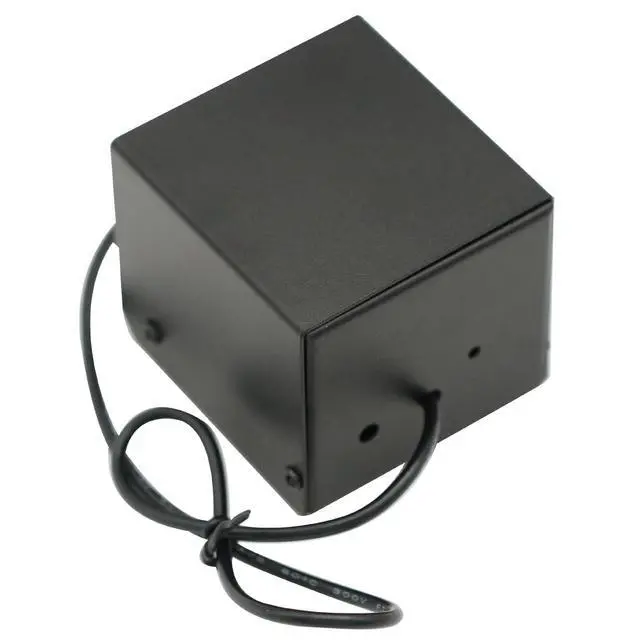
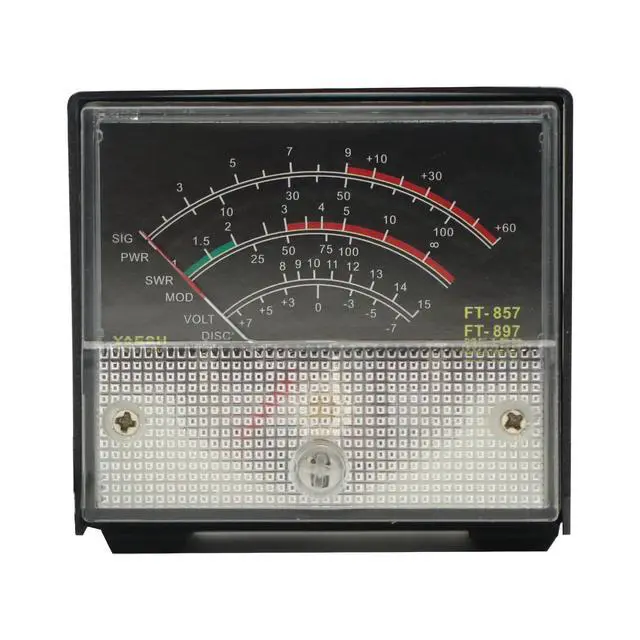
The meter has been calibrated at the time of shipment (if calibration is required), the calibration method is as follows 1, Long press [FUNC] key to enter the setup menu and enable the extended menu. 2Rotate [SELECT] to call up the setup menu item No-060 [MTR ARX SEL]. 3, Rotate [DIAL] to select FS. 4Adjust the calibration adjustment hole at the rear with a small one screwdriver to make the meter head pointer point to full scale. 5Calibration is complete! If you can't find menu 60 and 61, it's the radio hiding these 2 menus.
Long press the F key to open the menu settings, set the No. 1 menu to ON, press the F key to exit and save! *Receive display setting 1Long press [FUNC] key to enter the setting menu, enable the extended menu. 2Rotate [SELECT] to call up the setting menu item No-060 [MTR ARX SEL]. 3Rotate [DIAL] to select the external meter display content:
-SIG: Display
input signal strength -CTR: Discriminator
Center Meter -VLT: Display battery voltage.
-N/A: blank
-FS: Calibrate the external meter by outputting a standard signal of 1mA full scale at the meter socket.
-OFF: Turn off the meter. 4. Long press [FUNC] key to save the setting and exit the setting menu. *Transmit display setting* 1Long press [FUNC] key to enter the setting menu and enable the extended menu. 2Rotate [SELECT] to call up the setup menu item No-061 [MTR ATX SEL]. 3Rotate [DIAL] to select the external meter display content:
-PWR: Displays
transmit power -ALC: Display the automatic level control voltage.
-MOD: display
modulation level -SWR: Display VSWR.
-VLT: Display the power supply voltage.
-N/A: blank
-OFF: Turn off the meter.