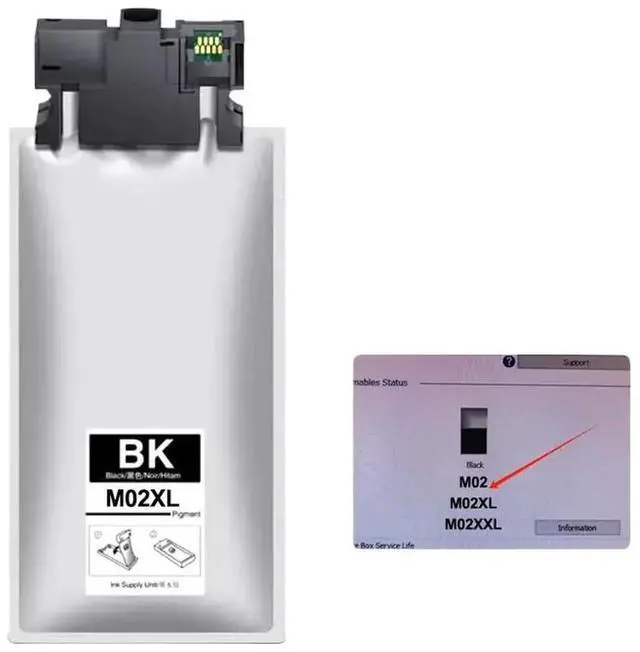
Cartridge pigment ink
Product model: M02, M02XL, M02XXL
Color: Black
Ink capacity: 100ML, 190ML, 780ML
Compatible models: PRO-M5299, PRO-M5799 DWF To check the ink cartridge model used by the printer:
1. Open the printer settings panel and click the wrench icon.
2. In the main menu, click the "Back Arrow" button to the right of "OK. "
3. Scroll down to find "Report" and press "OK. "
4. In the report interface, navigate to the "Consumable Status Page" and press "OK. "
5. The printer will print a "Consumable Status" document showing details such as pages printed, remaining ink level, and estimated pages left.
Compatibility Disclaimer: This is an aftermarket replacement part. Any brand names or model designations mentioned are used solely for the purpose of demonstrating compatibility.