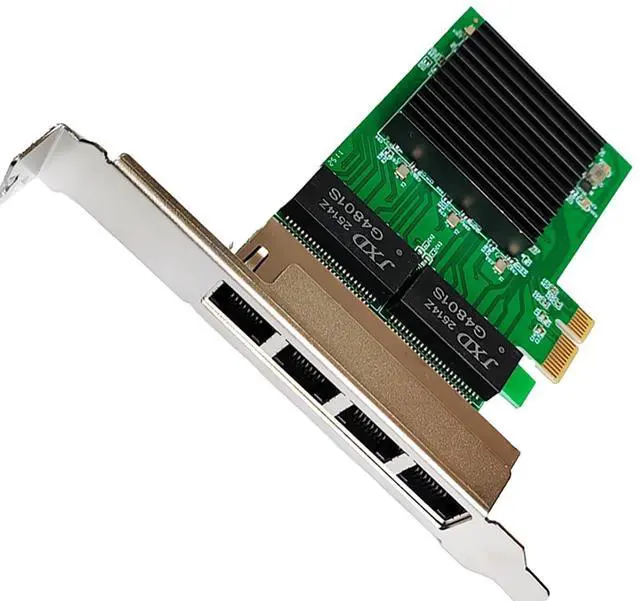
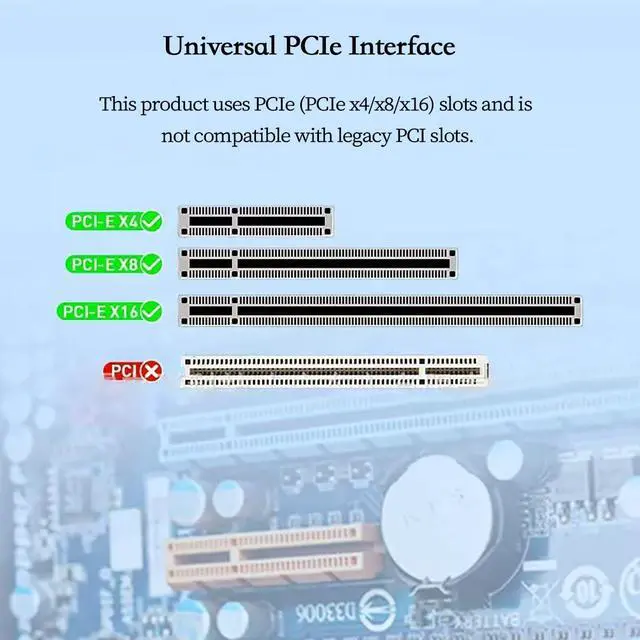
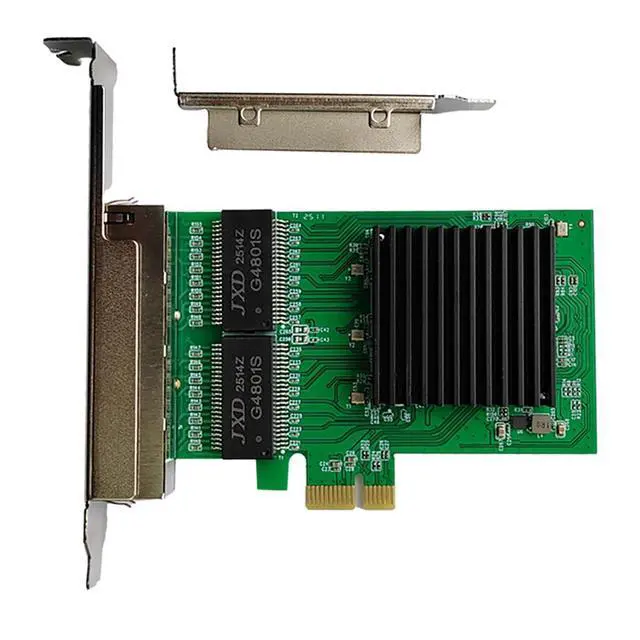
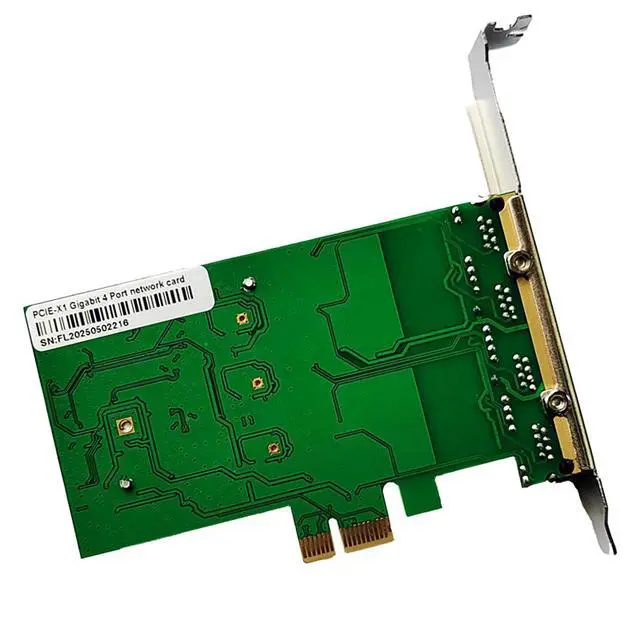
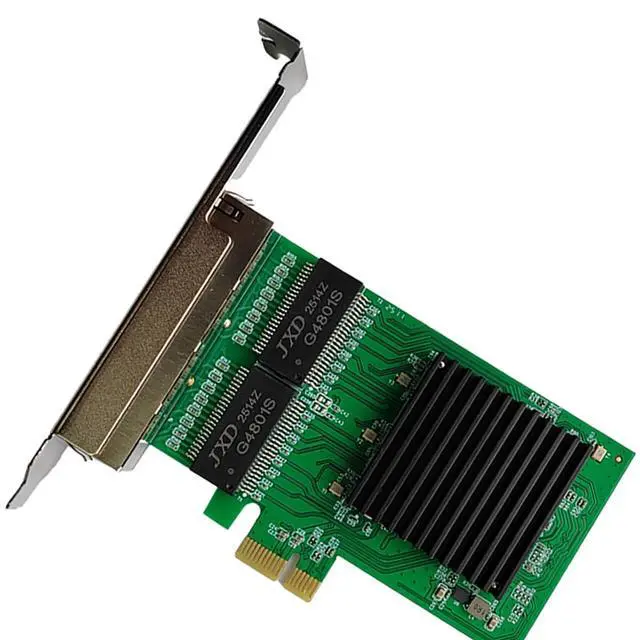
AoQhir PCIe 1x to 4 Port RJ45 Gigabit Ethernet Network Card Compatible with RTL8111H Chipset Multi Port RJ45 NIC for Desktop and Server Product Description The MVFUUES PCIe 1x to 4 Port Gigabit Ethernet Network Card is designed for users who need multiple wired network connections in a desktop PC or server. Powered by an RTL8111H compatible chipset it provides stable 10 100 1000 Mbps data transmission across four RJ45 Ethernet ports making it ideal for firewalls routers virtualization clusters network appliances and multi WAN configurations. The adapter uses the PCI Express 1.1 interface and supports installation in PCIe 1x 4x 8x and 16x slots ensuring broad compatibility with modern and legacy computer systems.
It supports CSMA CD full duplex flow control IEEE Ethernet standards and reliable performance in network intensive environments. With an operating range of 0 to 70 degrees Celsius and wide humidity tolerance this quad port gigabit NIC provides dependable long term stability for enterprise networks home labs commercial systems and custom router builds.
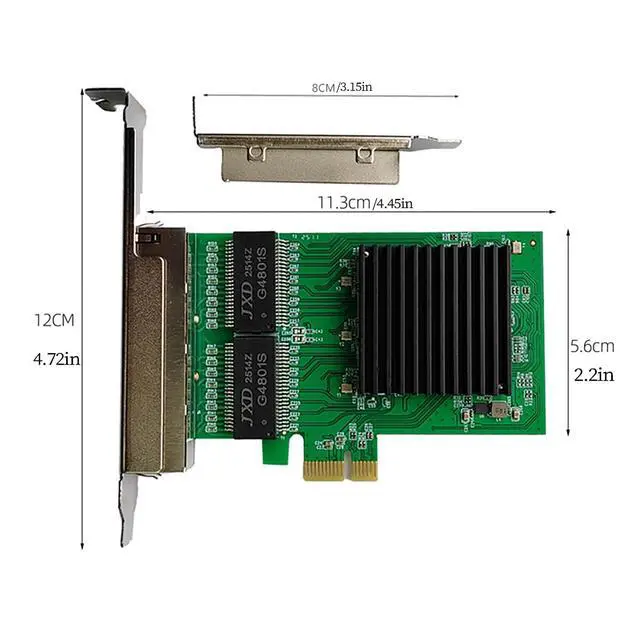
Product Size: 12 x 5.6 x 2 cm ( 4.72 x 2.20 x 0.79 in)
Product Attributes Model: FL8111H-T4 Applicable
Network Type: Ethernet
Chip: RTL8111H
Chip Bus Type: PCI Express 1.1
Supported Protocols and Standards: CSMA/CD
Interfaces: 4 RJ45
Ethernet Ports Full/Half Duplex: Full Duplex
Flow Control Network Standard: IEEE 802.3
Data Rate: 10/100/1000Mbps
Dimensions: 120*56*20mm
Additional Parameters: Operating
Temperature: 0°C-70°C
Relative Humidity: 10%-90% (non-condensing) (non-condensing)
Storage Temperature: -10°C to 80°C
Relative Humidity: 5% to 90% (non-condensing)
Compatible Operating Systems: Compatible with Windows 10 (32/64-bit), 8/ 8.1 (32/64-bit), 7 (32/64-bit), Vista (32/64-bit), XP (32/64-bit), 2000 Installation Steps
1. Shut down the computer and all connected devices, such as monitors, printers, and external components;
2. Disconnect the power cable;
3. Remove the chassis cover and locate an available PCI-E ( x4, x8, x16) bus expansion slot;
4. Remove the slot cover (if present) by unscrewing fasteners or releasing latches;
5. Grasp the top edge of the network card and firmly insert it into the slot;
6. Secure the card bracket using existing screws or latches;
7. Replace the chassis cover, reconnect cables, and power on the computer;
8. Connect fiber optic patch cords, optical modules, or Ethernet cables.



 All Categories